18 Best AI Image to Video Tools for Long Content
Pricing, free tiers, pros & cons, and exactly which tool fits your workflow.
No credit card required · Free tier available
Why Long-Form AI Video Tools Are Different
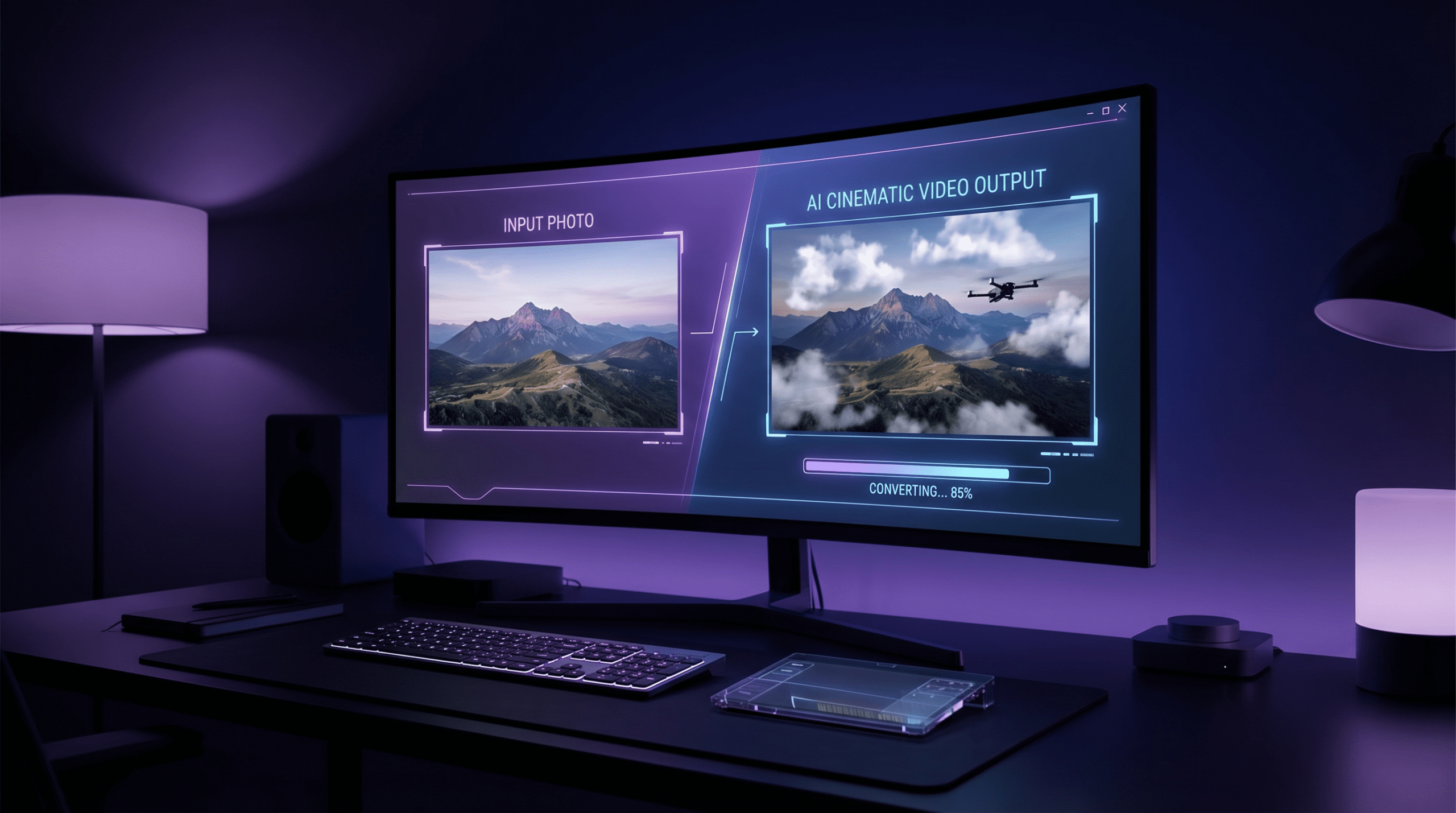
The best AI image to video generator tools in 2026 do far more than clip short videos — they handle long-form content with stable frame continuity, multi-image sequencing, voice sync, and timeline control. Most generic AI video generators are built for clips under 30 seconds. Long-form content — YouTube explainers, product demos, brand storytelling, training videos — needs something different that doesn’t fall apart after the first minute.
This guide covers the 18 best AI image to video generators that specifically handle longer content well. Each entry includes pricing, a free tier assessment, what it’s genuinely best for, and honest limitations — so you can choose without wasting trial credits.
Each tool was assessed on: maximum output duration, multi-image support, voice/audio sync quality, timeline editing capability, export resolution, and free tier generosity. Tools were tested with real long-form content prompts.
Quick Comparison Table
| Tool | Best For | Free Tier | Max Duration | Starting Price |
|---|---|---|---|---|
| VidAU Editor’s Pick | Storytelling, ads, YouTube | Limited free | 10+ min | Free / Paid plans |
| Runway ML | Realistic motion | 125 one-time credits | ~4 min/clip | $12/mo (Standard) |
| Pika Labs | Image animation | 80 credits/mo | ~10 sec/clip | $8/mo (Standard) |
| Kaiber | Music videos | Trial only | 5 min | ~$10/mo |
| HeyGen | Avatar sequences | 3 videos/mo free | Unlimited (paid) | $29/mo (Creator) |
| Sora 2 | Cinematic scenes | No free tier | 20 sec/clip | $20/mo (ChatGPT Plus) |
| D-ID | Talking heads | Free trial | Unlimited (paid) | $5.90/mo |
| Synthesia | Avatar presentations | No free tier | Unlimited | $18/mo (Starter) |
| CapCut AI | TikTok/Reels | Free tier | 15 min | $9.99/mo (Pro) |
| Filmora AI | Desktop editing | Watermarked | Unlimited | ~$49/yr |
| Higgsfield | Character-driven | Trial credits | 30 sec/clip | ~$12/mo |
| PixVerse | Realistic long scenes | 100 credits | 5 min | ~$8/mo |
| AnimateDiff | Research/custom motion | Open source | Unlimited | Free (self-host) |
| Genmo | Stylized animation | Limited free | 3 min | ~$10/mo |
| LeiaPix | 3D photo animation | Free basic | 2 min | ~$10/mo |
| DeepMotion | Body motion capture | Trial only | 5 min | ~$12/mo |
| Vyond | Business animation | No free tier | Unlimited | ~$25/mo |
| Lifelike Labs | Emotional character sync | Trial credits | 10 min | ~$15/mo |
| Movio | Product videos | 1 free video | Unlimited | ~$30/mo |
All 18 Tools: Full Breakdown
Best for: AI storytelling, YouTube, TikTok, and product ads
VidAU is the strongest all-rounder on this list for long-form content. It converts images, scripts, and voice inputs into full-length videos with automatic lip-sync, facial motion, and scene transitions. Built-in templates are optimised per platform — vertical for TikTok, landscape for YouTube — so you’re not adjusting aspect ratios manually. Its real strength is consistency: character faces and backgrounds stay stable across scenes, which is where most image-to-video tools break down on longer content.
Best for: Realistic motion and cinematic video quality
Runway ML’s Gen-4 and Gen-4.5 models produce some of the most photorealistic motion from still images available in 2026. Frame interpolation keeps video smooth even in longer sequences. The free tier gives 125 one-time credits (not monthly) — enough to test the tool before committing. See Runway ML’s official pricing page — Standard at $12/month (625 credits/month), Pro at $28/month (2,250 credits/month), and Unlimited at $76/month. Note: individual clips cap at around 16 seconds on Gen-4, so true long-form content requires stitching multiple exports in an editor. Best for filmmakers and high-production-value content who prioritise visual quality over clip duration.
Best for: Animating still images with prompt-driven motion
Pika 2.5 lets you describe movement in plain language and applies it convincingly to still images. Its Pikaframes feature — uploading a start and end frame for the AI to animate between — is particularly useful for controlled scene transitions. The free tier now includes 80 credits per month (down from earlier allocations), with the Standard plan at $8/month (700 credits) and Pro at $28/month (2,300 credits). A 10-second 1080p clip costs around 80 credits, meaning the Standard plan supports only a handful of finished videos monthly. Better suited to short-form social content and experimentation than sustained long-form YouTube production.
Best for: Music videos and audio-reactive visuals
Kaiber specialises in syncing visual motion to audio — making it the go-to tool for music video creators and artists. Upload a track and an image and Kaiber generates movement that pulses and transitions with the beat. It supports up to 5-minute exports. Less suited to dialogue-heavy or narration-led content, but unbeatable for atmospheric, music-driven visual storytelling.
Best for: Long avatar sequences with timeline drag-and-drop
HeyGen is the strongest option for avatar-led long-form content in 2026. Its timeline editor lets you arrange scenes, switch avatars, and sync dialogue across unlimited video length on paid plans. The free plan allows up to 3 videos per month — useful for evaluation but not production. See HeyGen’s pricing plans — Creator starts at $29/month ($24/month billed annually) with unlimited avatar video generation. Note: the legacy Team plan was deprecated in January 2026; the current Business plan starts at $149/month for team collaboration and 4K exports. Advanced features like Avatar IV consume separate Premium Credits (200/month on Creator). Multilingual support covers 175+ languages.
Best for: Cinematic scene planning and detailed visual direction
OpenAI’s Sora 2 produces visually stunning clips from image prompts with exceptional scene coherence. Access requires a ChatGPT Plus subscription at $20/month (1,000 credits) or ChatGPT Pro at $200/month (10,000 credits). Individual clips max at around 20 seconds, making it unsuitable as a standalone long-form tool — the real use case is generating premium individual scenes that you stitch together in an editor like Filmora or CapCut. Best for creators who prioritise visual quality and are comfortable with a multi-tool workflow.
Best for: Real-time talking head video with lip sync
D-ID animates portrait photos into realistic talking heads. Upload any face image, add a script or audio file, and D-ID generates a lip-synced video in minutes. Multilingual support covers 100+ languages, making it strong for global content. The free tier is genuinely useful at 5 minutes. Paid plans start from around $5.90/month — the most affordable entry point on this list for avatar video.
Best for: Corporate training and avatar-led presentations
Synthesia is the enterprise standard for avatar video in 2026, with 140+ stock avatars and 120+ languages. Its Starter plan is now $18/month — lower than previously — though it caps video output at 10 minutes per month, which is a meaningful constraint for heavy users. The Creator plan at $64/month removes that cap. One known limitation: Synthesia’s content moderation is stricter than competitors and has caused issues for users in healthcare, biotech, and some marketing verticals. Best for polished corporate training, HR compliance, and L&D content where avatar consistency matters more than creative flexibility.
Best for: TikTok and Reels content with mobile editing
CapCut remains the most accessible tool on this list — the free tier handles 90% of basic social media editing needs including auto-captions, templates, and 1080p export. However, pricing has changed in 2026: the Pro plan is now $9.99/month (web) or up to $19.99/month if purchased through iOS App Store. AI generation features (avatar video, AI clip generation) run on a separate credit system within Pro that can feel restrictive for heavy users. One important note for 2026: CapCut is owned by ByteDance and has faced ongoing regulatory scrutiny in some markets — verify availability in your region before committing to a paid plan.
Best for: Desktop users who want AI-assisted timeline editing
Filmora AI brings traditional video editing power together with AI scene suggestions, auto-reframe, and background removal. Unlike cloud-only tools, it runs on your desktop (Windows/Mac), making it suitable for creators who work offline or prefer local project files. The free version adds a watermark; the annual plan at ~$49/year is among the most cost-effective options for unlimited long-form exports.
Best for: Character-driven cinematic storytelling
Higgsfield focuses on emotional expression and character continuity across scenes — making it strong for narrative-driven content. It maintains consistent face and body movement in ways that most tools struggle with over longer sequences. Individual clips max at around 30 seconds, but the quality per clip justifies using it as a scene generator within a larger editing workflow.
Best for: Realistic long scenes with stable frame generation
PixVerse maintains visual consistency better than most across multi-scene outputs — backgrounds, lighting, and character placement stay stable between frames, which matters greatly for long-form content. Supports up to 5-minute exports and offers 100 free credits to start. A good middle-ground between Runway’s premium realism and more budget-friendly options.
Best for: Technical users who want full motion control
AnimateDiff is an open-source motion module built on Stable Diffusion, giving technically proficient creators complete control over animation parameters. Fully open source — find installation instructions and model weights on AnimateDiff on GitHub. Not suitable for beginners, but for researchers and advanced creators, it offers unmatched flexibility and no credit limits.
Best for: Stylized and animated visual storytelling
Genmo leans toward illustrated and stylized output rather than photorealism — making it ideal for animated explainers, branded content with a distinctive visual identity, or creative projects that want to look unlike standard AI video. Animated transitions between scenes are smoother than most competitors in the style-focused segment. Max export around 3 minutes.
Best for: Converting photos into 3D parallax animations
LeiaPix uses depth-mapping AI to convert flat photos into 3D parallax animations — giving still images a cinematic depth-of-field effect that looks impressive with minimal effort. Best used as a scene enhancement tool rather than a standalone video generator. The free tier covers basic exports; paid plans unlock higher resolution and longer clips up to 2 minutes.
Best for: Natural body motion capture and animation
DeepMotion specialises in AI-powered body motion capture from video or images, then applies that motion to 3D characters. It’s the right tool when you need natural, fluid human body movement — not just facial animation. Works well for fitness content, character-based storytelling, and product demos requiring human interaction. Up to 5-minute exports on standard paid plans.
Best for: Business animation with avatars and branded templates
Vyond is the long-established standard for animated business content — HR training, compliance videos, internal comms. Its library of customisable avatars, branded templates, and pre-built scenes makes it fast to produce polished corporate video without design skills. No free tier, but the $25/month Essential plan includes unlimited video length and exports. Better for presentation-style content than cinematic storytelling.
Best for: Emotionally expressive character-based content
Lifelike Labs brings faces to life with emotional expression sync — not just lip movement, but eyebrow raises, micro-expressions, and natural blinking that make characters feel genuinely alive. Best for brand storytelling content where emotional resonance matters. Supports up to 10-minute exports on paid plans. Trial credits give you enough to test a full short sequence before committing.
Best for: Product video creation with branded avatars
Movio focuses on product-focused video — e-commerce ads, product explainers, and brand content. Its branded avatar system lets you create a consistent spokesperson that matches your visual identity. The free tier is limited to a single video, but it’s enough to validate the tool. Paid plans from ~$30/month unlock unlimited exports and custom avatar creation.
How to Create Long-Form AI Videos Step by Step
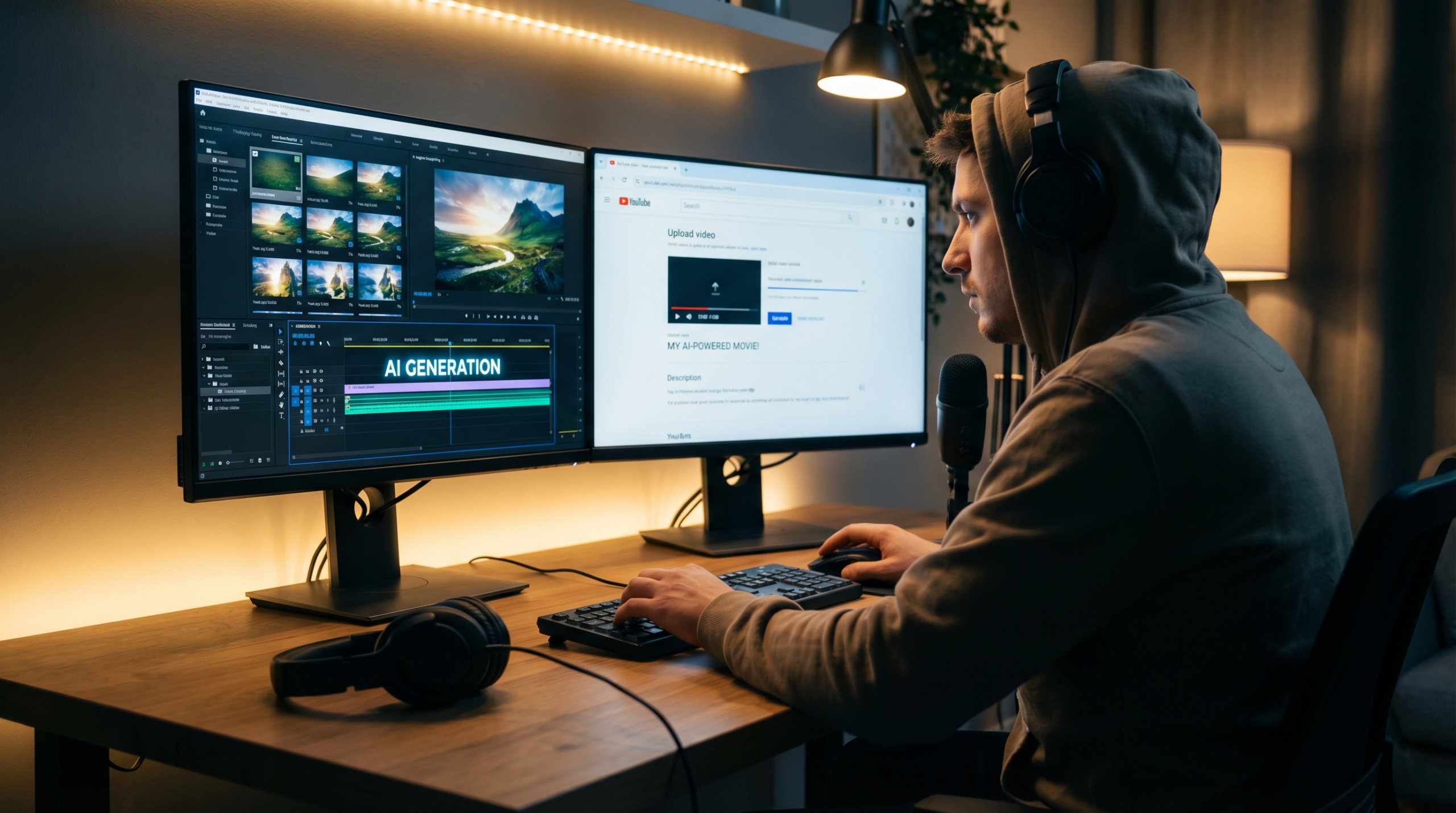
- 1Choose your platform based on output type
Use VidAU or HeyGen for avatar/narration-led content. Use Runway ML or Higgsfield for cinematic realism. Use CapCut AI for fast social media turnaround. Use AnimateDiff if you need full technical control at no cost.
- 2Prepare your images in scene order
Upload images in the sequence they’ll appear. Name files with numbered prefixes (01_, 02_) to avoid reordering issues. Higher resolution source images produce sharper output — aim for at least 1080px wide.
- 3Write a script or scene-by-scene voice notes
Even a rough script dramatically improves pacing. Tools like VidAU align animation timing to spoken cues — the more precise your script, the better the sync. Aim for roughly 130–150 words per minute of finished video.
- 4Set aspect ratio, style, and scene duration
9:16 vertical for TikTok and Reels. 16:9 landscape for YouTube. Set scene duration based on your script — most tools allow per-scene timing. Start with 5–8 seconds per scene and adjust after previewing.
- 5Preview, adjust transitions, then export
Always preview the full timeline before exporting. Check: transition smoothness between scenes, audio/lip sync accuracy, frame stability in motion-heavy sections. Export at the highest resolution your plan allows — downscaling later is easier than re-generating.
How to Pick the Right Tool for Your Use Case
| If you’re making… | Use this tool | Why |
|---|---|---|
| YouTube explainers / tutorials | VidAU or HeyGen | Long duration, voice sync, timeline control |
| TikTok / Instagram Reels | CapCut AI or VidAU | Platform templates, free tier, fast export |
| Music videos / atmospheric content | Kaiber or Runway ML | Audio-reactive motion, cinematic quality |
| Corporate training / HR videos | Synthesia or Vyond | Avatar library, multilingual, polished output |
| Product demos / e-commerce ads | VidAU or Movio | Branded avatars, ad-optimised templates |
| Talking head / presenter videos | D-ID or HeyGen | Lip sync, multilingual, cost-effective |
| Cinematic / film-quality scenes | Runway ML or Higgsfield | Photorealistic motion, character consistency |
| Budget = $0, technical skills = high | AnimateDiff | Free, unlimited, fully customisable |
5 Prompt Tips for Better Long-Form AI Video Output
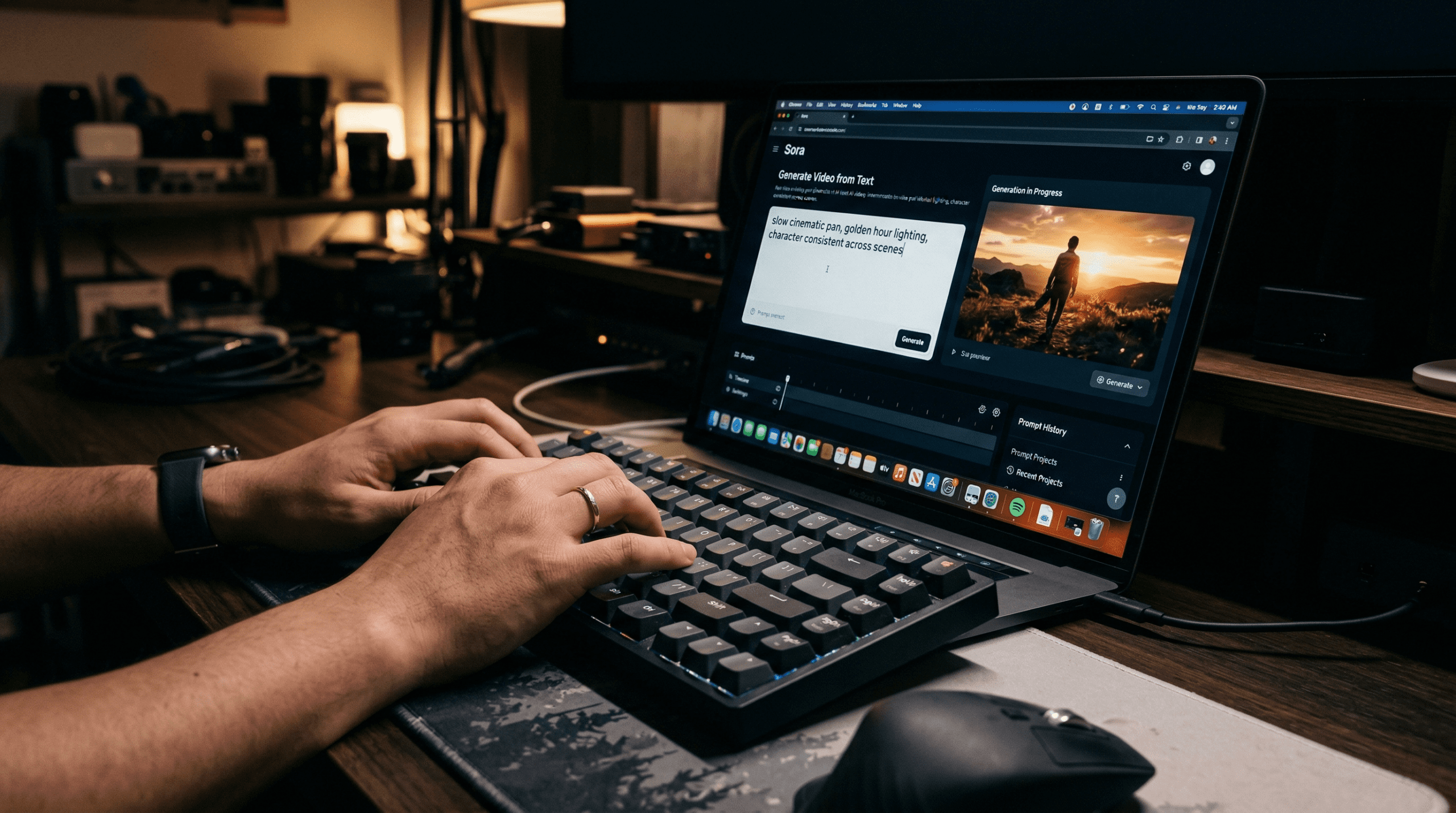
The quality of your output is directly proportional to the specificity of your prompt. These five habits improve results across all the tools listed above:
- Describe the camera, not just the subject. “Close-up portrait with shallow depth of field, soft morning light” tells the model far more than “person standing outside.”
- Specify pacing explicitly. “Slow pan left over 4 seconds, then hold” gives the motion engine a clear instruction. Vague prompts produce arbitrary motion.
- Name the mood and tone. “Calm, reassuring atmosphere — subtle smile, steady eye contact” guides emotional expression in avatar tools.
- Use transition language. Terms like “crossfade,” “zoom out to reveal,” and “cut to black” are understood by most modern AI video tools and produce cleaner scene changes.
- State your intent. Whether the video is for teaching, selling, or entertaining, including the purpose helps tools prioritise the right visual elements in their generation logic.
Frequently Asked Questions
What is the best AI image to video generator for YouTube?
VidAU and HeyGen are the strongest choices for YouTube-length content. Both support 10+ minute exports, voice sync, and timeline editing. VidAU is better for image-driven storytelling; HeyGen is better for avatar-led presentations.
Can I animate multiple images in one AI video?
Yes. VidAU, HeyGen, PixVerse, and Sora 2 all support multi-image upload and sequencing. You upload images in order and the tool generates motion and transitions between them.
Which tools are completely free to use?
CapCut AI is fully free with a generous feature set. AnimateDiff is free but requires self-hosting and a capable GPU. Most other tools on this list offer free trials or limited credit tiers.
How do I keep long AI videos looking realistic?
Choose tools with frame stability across multi-scene sequences — Higgsfield, PixVerse, and Runway ML are strongest here. Use high-resolution source images and keep your prompts specific about lighting and camera angle consistency.
Which AI generator is best for social media video ads?
VidAU and CapCut AI are both optimised for social platform formats. VidAU includes ad-specific templates for TikTok, Instagram, and YouTube. CapCut AI is fully free and handles Reels and TikTok formatting automatically.
Can AI image to video tools make YouTube-length videos (10+ minutes)?
Yes — VidAU, HeyGen, Synthesia, Vyond, Filmora AI, and Lifelike Labs all support 10+ minute or unlimited duration exports on their paid plans. For tools with shorter per-clip limits (like Sora 2 or Higgsfield), you generate individual scenes and stitch them in an editor.
What is the best free AI image to video generator?
AnimateDiff is completely free with no credit limits — but requires self-hosting and a GPU. For cloud-based free tiers, CapCut AI (free with 1080p export), Pika Labs (80 credits/month), and PixVerse (100 credits) are the strongest no-cost starting points. VidAU also offers a free tier to test before upgrading.
How does an AI image to video generator work?
AI image to video generators use machine learning models trained on large video datasets to predict and generate motion from a still image. You upload an image (or multiple images), write a prompt describing the motion or scene, and the AI generates a video clip with realistic movement, transitions, and sometimes audio sync. Different tools use different model architectures — diffusion models, transformer-based models, or motion capture AI — which is why output quality varies significantly between platforms.
Which AI image to video generator has no watermark?
Most tools remove watermarks on paid plans. AnimateDiff (self-hosted) and CapCut AI (free tier, core edits) are watermark-free at no cost. Runway ML, Pika Labs, HeyGen, VidAU, and PixVerse all offer watermark-free exports on their entry-level paid plans, typically starting at $8–$12/month.
Conclusion
The AI image to video market has matured rapidly. There’s now a credible tool for every use case — from free open-source options to enterprise-grade avatar platforms. The key is matching the tool to your specific output: platform, duration, style, and budget.
For most creators who need reliable long-form output across YouTube, TikTok, and product content, VidAU remains the strongest all-in-one option. For enterprise avatar video, HeyGen or Synthesia. For pure cinematic quality, Runway ML. And for zero budget with technical skills, AnimateDiff.
Use the comparison table at the top of this page to shortlist two or three tools, test them with free tiers, and pick the one that fits your workflow — not just the one with the most features.