Free AI Cartoon Video Course: Build a Viral Faceless YouTube Channel with Runway, Sora, Kling & ComfyUI
Full course: Start a viral AI cartoon channel with no experience
This is a zero-to-hero technical training designed to solve one problem: complete education on launching a viral AI cartoon channel from scratch, even if you’ve never edited a video, animated a character, or shown your face on camera.
The modern AI cartoon channel is not about drawing skills. It’s about systems: niche engineering, latent-consistent visuals, reproducible workflows, and monetization logic. Using tools like Runway, Sora, Kling, and ComfyUI, you can build a faceless YouTube brand that scales content like software.
Pillar 1: Profitable Niche Selection for AI Cartoon Channels
Most new creators fail before they render their first frame because they choose niches emotionally instead of algorithmically. AI cartoon channels succeed when three vectors overlap:
1. Evergreen curiosity (people click repeatedly)
2. Visual abstraction tolerance (AI animation doesn’t need realism)
3. Narrative repeatability (stories that scale)
High-Performance AI Cartoon Niches
1. Micro-Storytime Cartoons
Short narrative arcs (30–120 seconds) optimized for Shorts and TikTok. Examples:
– “What if animals had human jobs?”
– “A day in the life of emotions”
These work because AI models excel at stylized characters, and viewers forgive minor inconsistencies if the story payoff is fast.
2. Educational Cartoons (Explainers)
Topics like psychology, history, finance basics, or science concepts, but simplified into animated metaphors.
Why this works technically:
– You can reuse character seeds (Seed Parity) across episodes
– Latent Consistency matters more than realism
3. Meme-Driven Cartoon Commentary
Reacting to trends using animated avatars. This is ideal for faceless creators and benefits from fast generation with tools like Runway Gen-3 or Kling.
Niche Validation Using AI
Before producing content:
– Use ChatGPT to generate 50 video ideas in your niche
– Check YouTube search autocomplete + Shorts feed
– Validate if titles work without visuals
If a title can earn curiosity alone, AI cartoons will amplify it.
Pillar 2: Zero-to-Hero Production Workflow (Idea to Upload)
This is where most “AI courses” fail. We’re not just listing tools — we’re building a reproducible pipeline.
Step 1: Script Engineering for AI Animation
AI cartoons need visual-first scripts.
Bad script:
> “A cat explains capitalism.”
Good script:
> Scene 1: Wide shot, cartoon orange cat in a suit, standing in front of a whiteboard labeled “Money”.
Use structured prompts:
– Scene count
– Camera framing
– Character descriptions
– Emotion tags
This allows better control when moving into video generation.
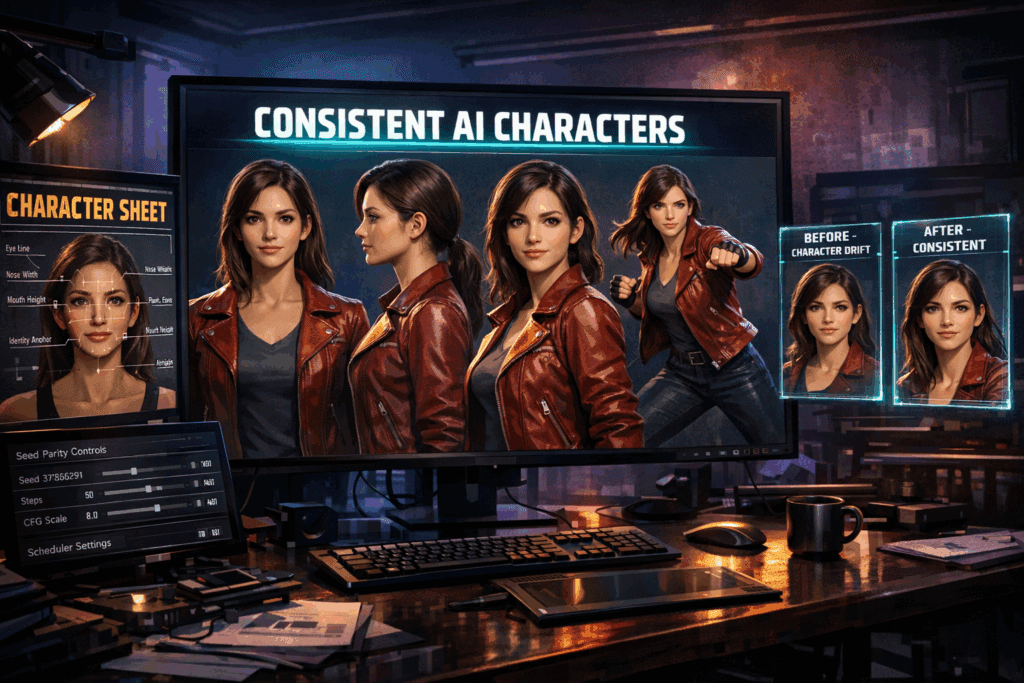
Step 2: Character Consistency (The Hard Problem)
Consistency is where channels die or scale.
Key Concepts:
– Seed Parity: Reusing the same seed value in ComfyUI or Runway to keep character identity stable
– Latent Consistency: Maintaining similar embeddings across scenes
#### ComfyUI Setup (Advanced but Powerful)
In ComfyUI:
– Use a fixed seed for your main character
– Lock facial embeddings with reference images
– Use Euler a schedulers for stylized cartoons (better line stability)
This gives you episode-to-episode consistency, which YouTube rewards psychologically.
Step 3: Video Generation with Runway, Sora, and Kling
Each tool has a role:
Runway Gen-3
– Best for fast iteration
– Great for Shorts
– Strong motion coherence
Use Runway when:
– You need speed
– You’re testing formats
Sora (when available)
– Cinematic storytelling
– Long-form narrative cartoons
Sora excels at spatial continuity but requires tighter prompts.
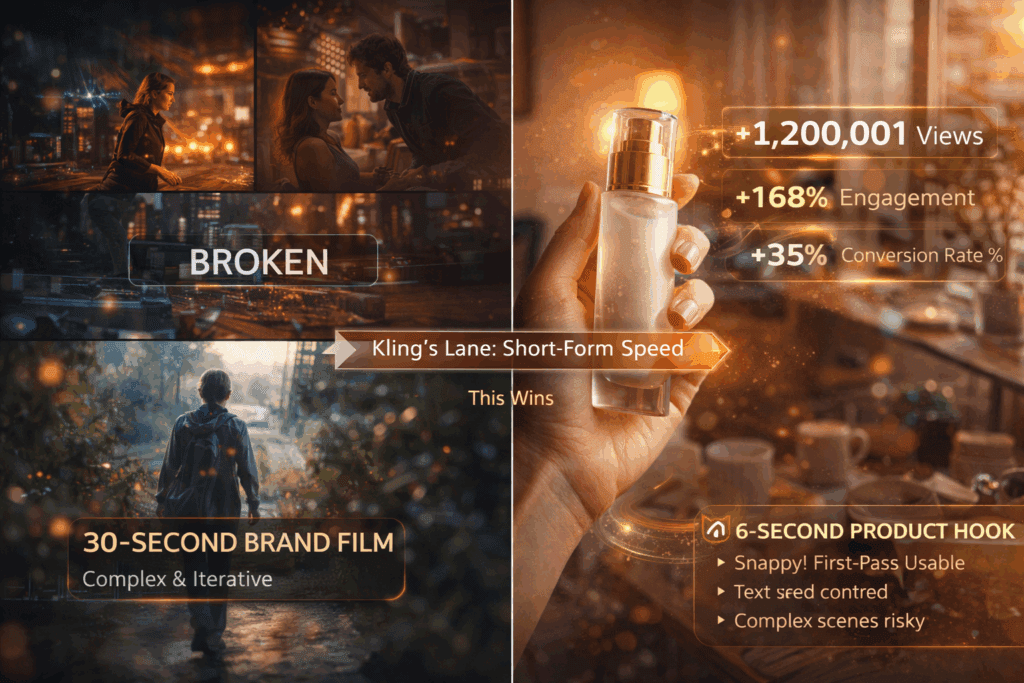
Kling AI
– Excellent character motion
– Stylized animation
Kling performs well with exaggerated cartoon physics.
Step 4: Scene Stitching & Editing
Do not over-edit.
Algorithm favors:
– Fast pacing
– Clear visual changes every 1–2 seconds
Recommended stack:
– CapCut or DaVinci Resolve
– Hard cuts over transitions
– Subtitle overlays (burned-in)
Step 5: Voice, Sound, and Silence
Faceless channels still need voice.
Options:
– AI voice (ElevenLabs)
– Text-to-speech for Shorts
Important:
– Leave micro-silences
– Don’t oversaturate music
AI cartoons feel more human with breathing room.
Step 6: Upload Engineering
Your upload is a technical artifact.
Titles: Curiosity > Clarity
Descriptions: Keyword-stuffed but human
Tags: Minimal impact, but helpful
For Shorts:
– First 1.5 seconds = hook visual
– Loop ending back to the start
Pillar 3: Monetization Systems for Scalable Cartoon Content
Monetization is not an afterthought. It’s architecture.
Phase 1: Ad Revenue (Baseline)
Cartoon channels monetize well because:
– High retention
– Repeat viewing
Target:
– 30–60 second Shorts for growth
– 4–8 minute videos for RPM
Phase 2: Affiliate Logic
Best affiliates for AI cartoon audiences:
– AI tools
– Educational platforms
– Digital products
Use in-video storytelling:
> “This character learned faster using…”
Phase 3: IP-Based Monetization
Your characters are assets.
Options:
– Print-on-demand merch
– Digital comics
– Story packs
Because you control the generation pipeline, scaling IP costs nothing.
Phase 4: Automation & Scaling
Once validated:
– Batch scripts weekly
– Reuse character seeds
– Template thumbnails
This turns your channel into a content machine.
Final System Blueprint
This course teaches you to think like a generative studio, not a hobbyist.
You are not making “videos.”
You are deploying:
– Prompt systems
– Latent control
– Narrative loops
With the right niche, a locked workflow, and scalable monetization, an AI cartoon channel becomes one of the highest leverage faceless businesses on YouTube today.
Zero experience required — only system thinking.
Frequently Asked Questions
Q: Do I need drawing or animation experience to start an AI cartoon channel?
A: No. Modern AI tools like Runway, Kling, and ComfyUI handle animation and character generation. The key skill is prompt engineering and workflow design, not drawing.
Q: Which AI tool is best for beginners?
A: Runway Gen-3 is the most beginner-friendly due to its UI and fast iteration. As you scale, ComfyUI offers deeper control for consistency.
Q: How do I keep my cartoon characters consistent across videos?
A: Use Seed Parity and reference images. In ComfyUI, lock seeds and embeddings, and use stable schedulers like Euler a to maintain visual identity.
Q: How long does it take to monetize an AI cartoon channel?
A: With consistent uploads and Shorts distribution, many channels see traction within 30–60 days. Monetization accelerates once retention stabilizes.
Q: Is this strategy safe for long-term YouTube growth?
A: Yes. Narrative-driven cartoon content is evergreen, and as AI tools improve, your production quality increases without raising costs.