How to Create Viral AI Character Videos
Introduction: The Rise of Viral AI Character Videos
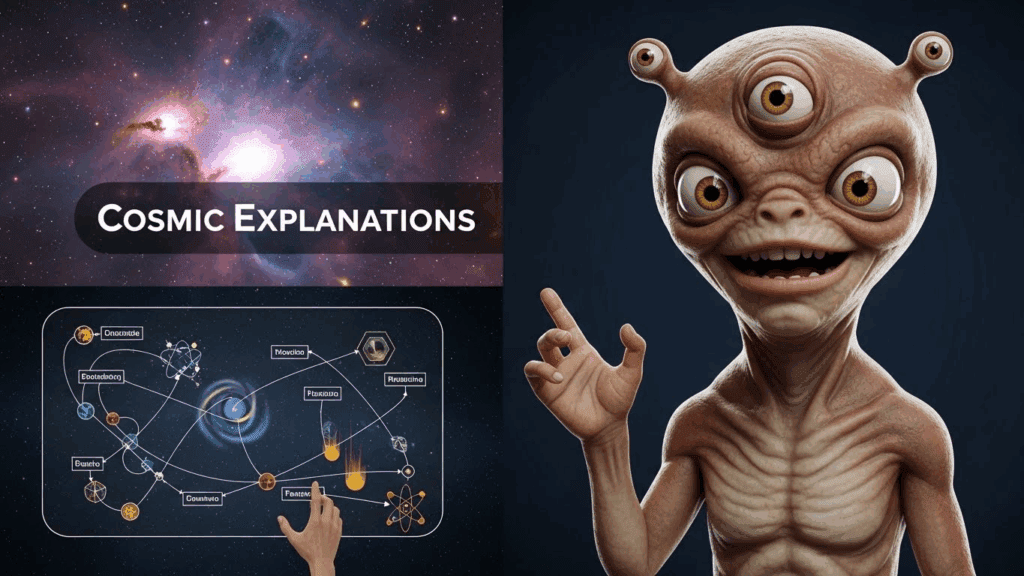
AI character videos are dominating YouTube, TikTok, and Shorts. Characters like the Hulk, Iron Man, anime heroes, or original avatars now rack up 150K+ views with short, story-driven clips. The reason is simple: AI removes production barriers. You no longer need actors, studios, or advanced animation skills. You need the right workflow.
This tutorial breaks down the exact process behind viral AI character videos. You will learn the tools, the structure, and the creative decisions that turn simple AI outputs into high-performing content.
The Problem Creators Face
Most creators want to jump into AI video but feel stuck. They ask the same questions:
– Which tools actually work together?
– How do you make AI characters talk naturally?
– How do you plan scenes that keep viewers watching?
Without a clear system, creators waste time testing random tools and posting videos that fail to perform.
The Winning Angle: A Repeatable AI Video Workflow
The key to viral AI character content is not one tool. It is a repeatable workflow. Viral creators follow a predictable sequence:
1. Plan a short, emotional story.
2. Generate a consistent AI character.
3. Create a natural AI voice.
4. Sync voice and character movement.
5. Edit for pacing and retention.
This guide walks through each step in detail so you can reuse the process for any character or niche.
Who This Tutorial Is For
This guide is designed for:
– YouTube content creators
– Short-form video creators
– Aspiring AI video makers
– Creators testing faceless or character-based content
If you want to build scalable content without filming yourself, this workflow fits your goals.
Tools and Software You Need
Before starting, gather the following tools. You do not need all paid software, but quality improves with better tools.
AI Character Generation
– Midjourney or Leonardo AI: Create high-quality character images.
– DALL·E: Useful for simpler or stylized characters.
Focus on consistency. Save your prompt and reuse it for every scene.
AI Video and Animation
– Pika Labs* or *Runway: Turn images into short animated clips.
– Kaiber: Add motion and cinematic effects.
These tools generate short video segments that you later stitch together.
Voice Generation
– ElevenLabs: High-quality, emotional AI voices.
– Play.ht: Good alternative with voice variety.
Choose one voice per character and stick to it.
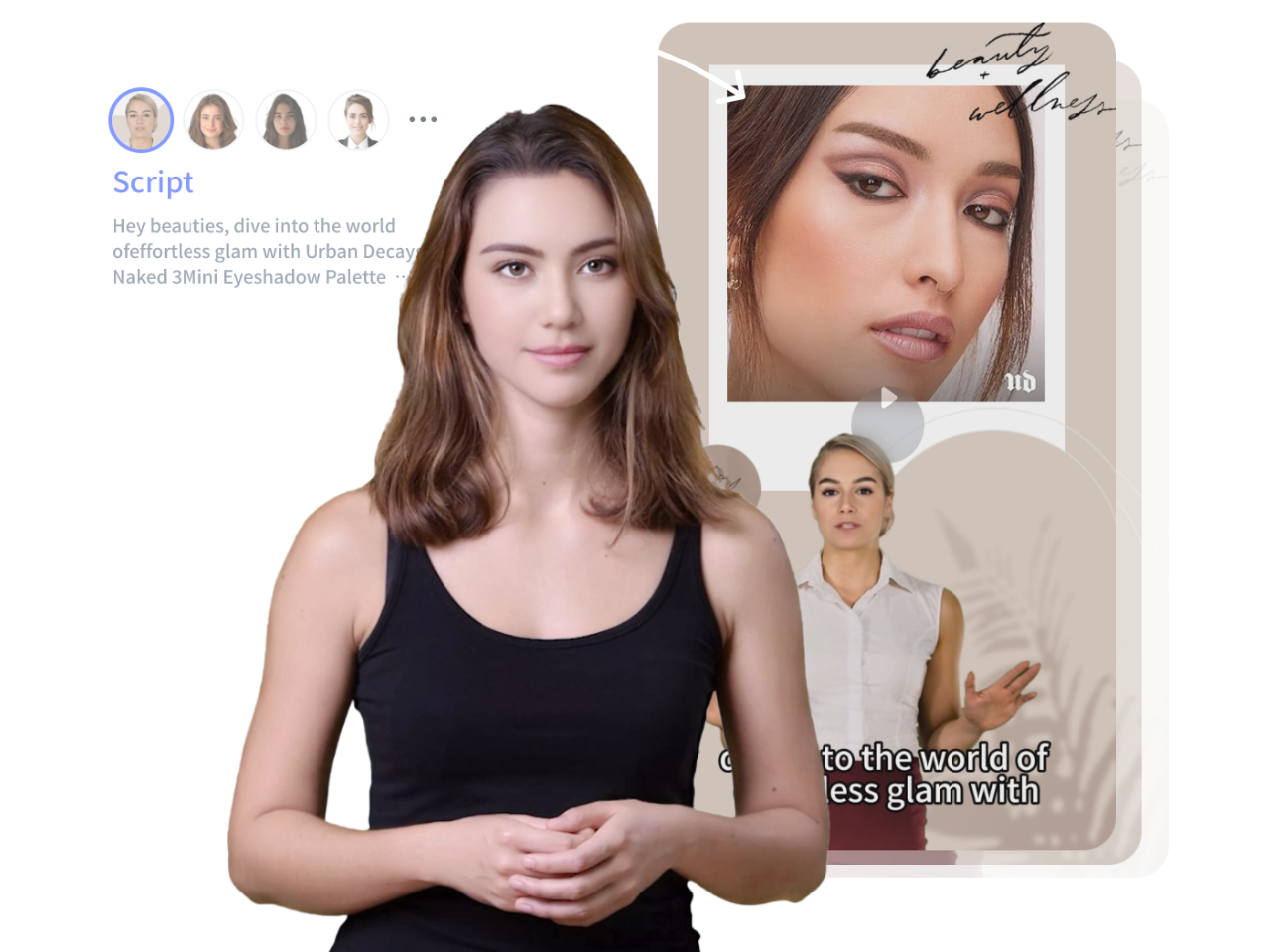
Lip-Sync and Face Animation
– D-ID: Fast and reliable lip-sync for talking characters.
– HeyGen: Useful for expressive facial movement.
Video Editing
– CapCut* or *Premiere Pro: Final assembly and pacing.
– After Effects (optional): Advanced effects and transitions.
Step-by-Step Workflow for Creating AI Character Videos
Step 1: Define the Core Idea
Every viral AI video starts with one clear idea. Ask:
– What emotion will this trigger?
– Is it funny, shocking, or inspiring?
Example ideas:
– The Hulk giving life advice
– An AI villain explaining a secret plan
– A superhero reacting to modern life
Write the idea in one sentence before moving forward.
Step 2: Write a Short Script
Keep scripts tight. For Shorts, aim for 30 to 60 seconds. For longer videos, structure in beats.
Script structure:
– Hook in the first 3 seconds
– One clear conflict or message
– Strong ending or twist
Example hook:
“Everyone thinks Hulk only smashes. But today, Hulk tells you the truth.”
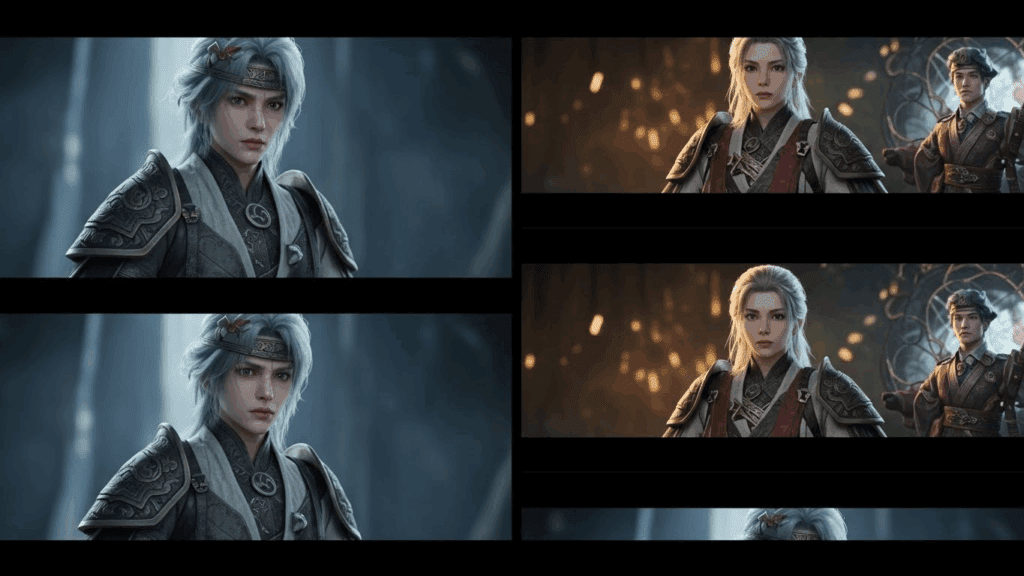
Step 3: Generate the AI Character
Use your image generator with a detailed prompt. Include:
– Character appearance
– Facial expression
– Lighting style
– Camera angle
Save this prompt. Consistency builds trust and recognition.
Step 4: Animate the Character
Upload the image into your AI video tool. Generate short clips instead of long ones.
Best practice:
– 3 to 5 second clips
– Subtle motion
– Avoid extreme camera movement
This keeps the character realistic and easier to edit.
Step 5: Generate the Voice
Paste your script into your voice tool. Adjust:
– Tone
– Speed
– Emotion
Export clean audio. Listen for mispronunciations and fix them before moving on.
Step 6: Lip-Sync the Character
Upload your video clip and audio into your lip-sync tool. Choose natural mouth movement over exaggerated animation.
Check:
– Timing accuracy
– Facial alignment
– Eye movement
Redo the sync if it looks unnatural.
Step 7: Edit for Retention
Combine all clips in your editor. Add:
– Captions for silent viewers
– Sound effects sparingly
– Zooms or cuts every 2 to 3 seconds
End with a strong final frame or call to action.
Voice Generation and Lip-Sync Techniques
Natural voice makes or breaks AI character videos. Avoid robotic delivery by:
– Adding pauses in the script
– Using emotional emphasis
– Testing multiple voice models
For lip-sync, shorter sentences work better. Long monologues increase sync errors. Break dialogue into chunks and sync each part separately.
Story Scripting and Scene Planning for Engagement
Viral AI videos follow simple story rules:
– One main character
– One idea per video
– Visual change every few seconds
Scene planning example:
– 1: Character close-up with hook
– 2: Mid-shot during explanation
-3: Dramatic close-up for ending
This structure keeps viewers watching longer.
Practical Examples of Viral AI Character Videos
Example 1: AI Hulk Motivation Video
– Hook: Hulk speaks calmly instead of shouting
– Twist: Emotional life advice
– Result: High watch time and shares
Example 2: AI Villain Monologue
– Hook: Villain breaks the fourth wall
– Structure: Short, intense sentences
– Result: Strong comments and engagement
Both examples succeed because they surprise the viewer.
Common Mistakes to Avoid
– Overloading scenes with effects
– Using inconsistent character faces
– Writing long, slow intros
– Ignoring captions
– Posting without testing retention
Simplicity and clarity outperform complex visuals.
Final Checklist for Publishing
Before uploading, confirm:
– Hook appears in first 3 seconds
– Character looks consistent
– Voice sounds natural
– Captions are readable
– Video length matches platform
If all boxes are checked, publish and track performance.
AI character videos reward iteration. Improve one element per upload and scale what works.
Frequently Asked Questions
Q: Do I need paid tools to create AI character videos?
A: No. You can start with free tiers of AI image, voice, and video tools. Paid tools improve quality and speed but are not required initially.
Q: How long should AI character videos be?
A: For Shorts, 30 to 60 seconds performs best. For YouTube long-form, structure videos with clear story beats and strong pacing.
Q: Can I monetize AI character videos?
A: Yes. Many creators monetize through ad revenue, affiliate links, and brand deals. Always follow platform and copyright guidelines.
Q: How do I keep characters consistent across videos?
A: Reuse the same image prompt, voice model, and visual style. Save presets for faster production.
Q: Why do some AI videos fail to go viral?
A: Most failures come from weak hooks, slow pacing, or unnatural voice delivery. Focus on retention and emotional impact.