AI Cover Songs: Complete Production Guide
Introduction: Why AI Cover Songs Are Exploding
AI cover songs have become one of the fastest-growing content formats in music and AI video platforms. Musicians and creators are using voice AI to recreate songs in entirely new vocal styles, often paired with eye-catching AI-generated video. The result is highly shareable content with strong viral potential, often exceeding 155K views when executed professionally.
This guide is designed for music creators and AI enthusiasts who want an end-to-end, practical tutorial. You will learn how to move from raw audio to polished AI vocals and finally to a complete AI video production. No advanced coding skills are required, but attention to detail is essential.
Understanding the AI Cover Song Workflow
Before starting, it is important to understand the full production pipeline. AI cover songs are not created in a single click. A professional result requires multiple controlled steps.
The standard workflow looks like this:
1. Select and prepare the source song
2. Isolate or recreate vocal and instrumental stems
3. Choose or train a voice AI model
4. Generate the AI vocal performance
5. Mix and master the final audio
6. Create AI video content that matches the music
7. Sync and export for publishing
Each step builds on the previous one. Skipping steps often results in unnatural vocals or low-quality AI video output.
Step 1: Preparing the Source Audio
Start with a clean version of the song you want to cover. High-quality audio input directly affects the realism of the AI voice output.
Best practices include:
– Use a lossless or high-bitrate audio file
– Avoid tracks with heavy distortion or compression
– Choose songs with clear vocal melodies
If you only have the full mix, use stem separation tools to isolate vocals and instrumentals. Popular AI-powered stem splitters can separate vocals, drums, bass, and other elements with minimal artifacts.
This preparation step ensures that the AI model receives clean melodic information.
Step 2: Voice AI Tools for Authentic Cover Vocals
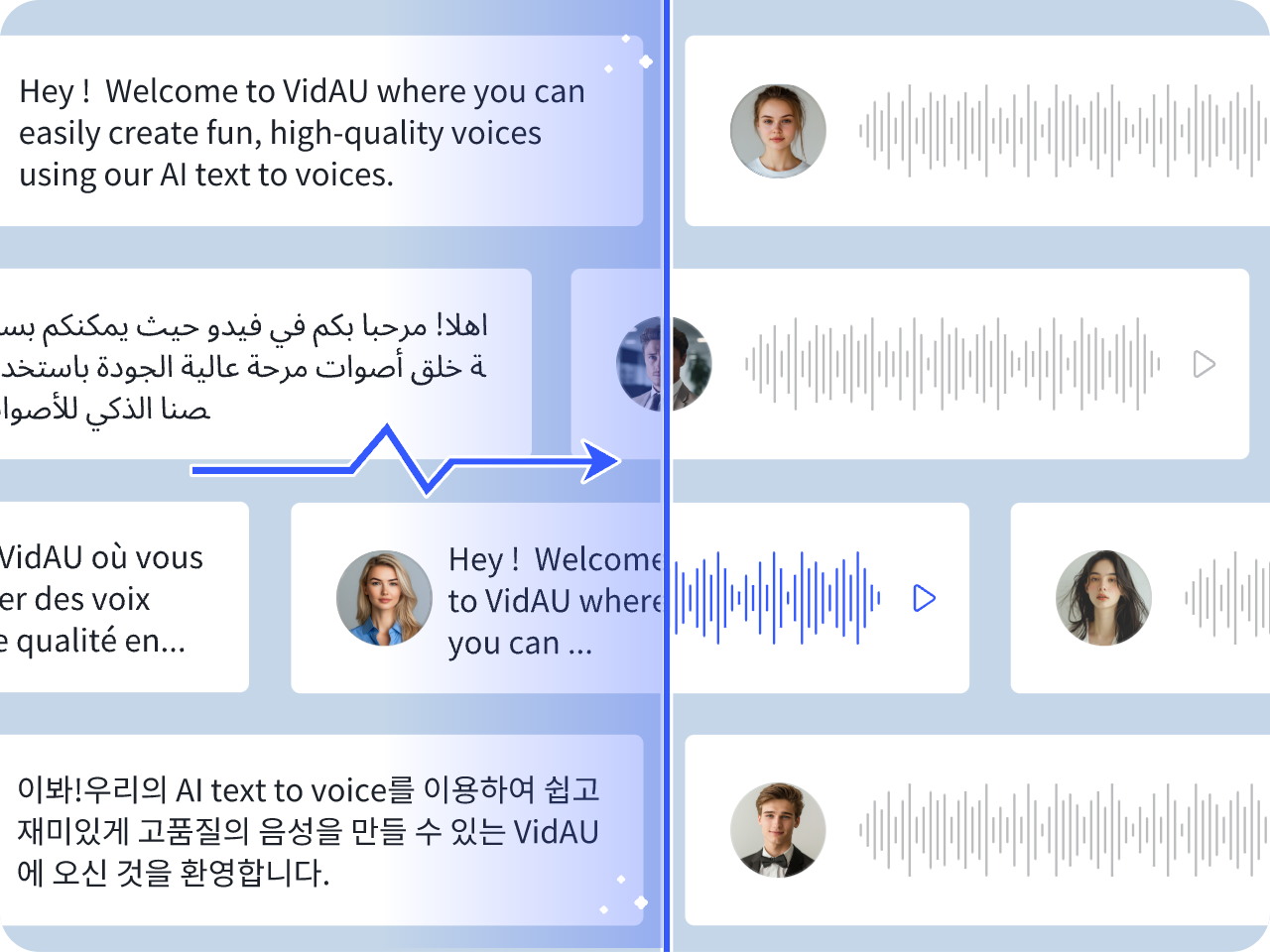
Voice AI tools are the core of AI cover song production. These tools analyze pitch, tone, and phrasing, then recreate them using a target voice.
When evaluating voice AI tools, focus on:
– Natural pitch transitions
– Emotional expression handling
– Support for multiple languages and styles
– Output audio quality
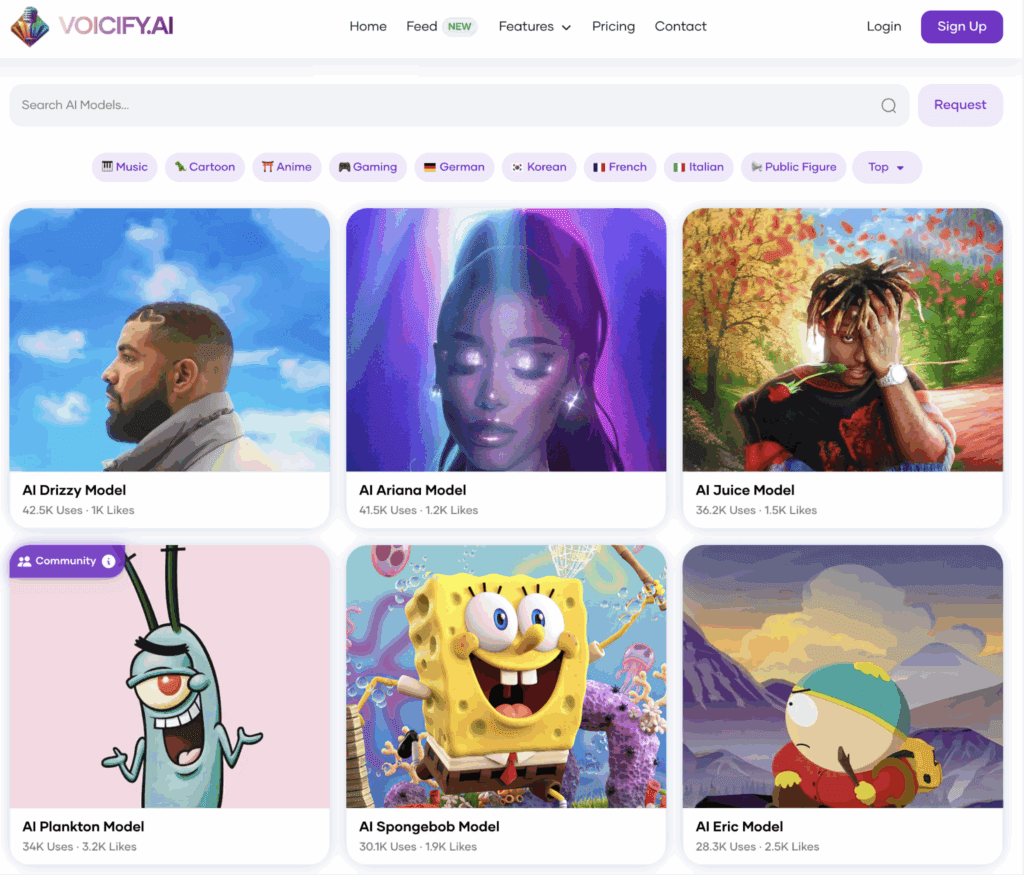
Some tools use pre-trained voices, while others allow custom voice cloning. For beginners, pre-trained voices offer faster results. Advanced users may prefer custom models for originality.
Always test short phrases before generating full songs. This saves time and helps you fine-tune settings early.
Step 3: Training or Selecting a Voice Model
If you choose custom voice cloning, model training is critical. A high-quality dataset produces a more realistic AI cover.
Follow these guidelines:
– Use 10–30 minutes of clean vocal recordings
– Avoid background music or heavy effects
– Maintain consistent microphone quality
Training usually takes several hours depending on the platform. Once complete, test the model with spoken and sung phrases. Adjust parameters such as pitch correction, breath control, and vibrato intensity.
If you select a pre-built model, spend time matching the song style to the voice’s natural range. A mismatch leads to robotic or strained vocals.
Step 4: Generating the AI Vocal Performance
With the model ready, generate the AI vocal track. This step requires careful tuning rather than default settings.
Key parameters to adjust include:
– Pitch offset for natural range alignment
– Timing correction to match the instrumental
– Expression strength for emotional delivery
Generate the song in sections if possible. Verse-by-verse generation allows you to fix issues without re-rendering the entire track.
After generation, listen critically. Minor artifacts are normal, but harsh glitches or unnatural phrasing indicate the need for parameter adjustment.
Step 5: Mixing and Mastering the AI Cover
AI vocals rarely sound professional without mixing. Treat them like real vocals.
Recommended mixing steps:
1. EQ to remove harsh frequencies
2. Compression for consistent loudness
3. De-essing to reduce sibilance
4. Reverb and delay for spatial depth
Balance the AI vocal against the instrumental so it sits naturally in the mix. Final mastering should ensure consistent loudness across platforms without clipping.
This step is often overlooked but makes the difference between amateur and professional AI cover songs.
Step 6: AI Video Generation to Match Music Content
The search query “AI Video” is critical to visibility. Pairing your AI cover with compelling visuals significantly increases engagement.
Common AI video approaches include:
– AI-generated characters lip-syncing to vocals
– Animated visualizers reacting to music
– Stylized lyric videos with motion graphics
Choose visuals that reinforce the song’s mood. Emotional ballads benefit from cinematic imagery, while upbeat tracks perform well with fast-paced animation.
Consistency between audio and visuals improves watch time and shareability.
Step 7: Syncing Audio and Video for Maximum Impact
Once audio and video assets are ready, synchronization is key.
Best practices:
– Align mouth movements or visual beats with vocals
– Cut scenes on musical transitions
– Avoid abrupt visual changes mid-phrase
Export in platform-optimized formats such as vertical video for short-form platforms or horizontal video for long-form content.
A well-synced AI video enhances perceived audio quality, even when vocals are AI-generated.
Copyright and Monetization Considerations
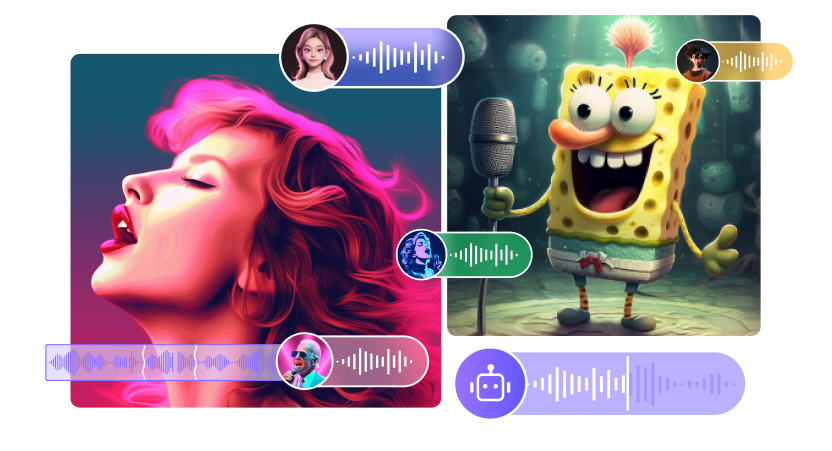
AI cover songs raise important copyright and monetization questions.
Key points to consider:
– Original song compositions are usually copyrighted
– Voice likeness rights may apply in some regions
– Monetization policies vary by platform
To reduce risk, consider:
– Using royalty-free compositions
– Publishing as non-monetized content
– Adding clear disclaimers
Always review platform-specific rules before uploading.
Practical End-to-End Example
A typical AI cover workflow might look like this:
– Select a popular song with strong search demand
– Separate vocals and instrumental
– Choose a compatible AI voice model
– Generate vocals verse by verse
– Mix and master the final track
– Create an AI character video synced to vocals
– Export and publish with optimized metadata
This structured approach minimizes errors and maximizes output quality.
Common Mistakes to Avoid
Many creators struggle due to avoidable errors.
Common mistakes include:
– Using low-quality source audio
– Overcorrecting pitch and timing
– Ignoring mixing and mastering
– Mismatching visuals with song mood
– Publishing without understanding platform rules
Avoiding these issues dramatically improves success rates.
Final Checklist for Publishing AI Cover Songs
Before publishing, confirm the following:
– Audio is clean and professionally mixed
– AI vocals sound natural and expressive
– Video visuals match the music style
– Audio and video are perfectly synced
– Metadata targets AI video and music search terms
– Copyright and monetization risks are reviewed
Following this checklist ensures your AI cover songs are competitive, professional, and optimized for discovery.
Frequently Asked Questions
Do I need coding skills to create AI cover songs?
No. Most modern voice AI and AI video tools are no-code or low-code and designed for creators.
How long does it take to make one AI cover song?
A polished AI cover song typically takes several hours to a full day, depending on voice training and video complexity.
Can AI cover songs be monetized?
Monetization depends on platform rules, song copyrights, and voice usage rights. Always check policies before publishing.
What makes an AI cover song go viral?
High-quality vocals, strong song choice, engaging AI video visuals, and proper optimization for search and platform trends.