AI Video Ad Creation Revolution for 2026
Introduction: Why AI video ads are changing in 2026
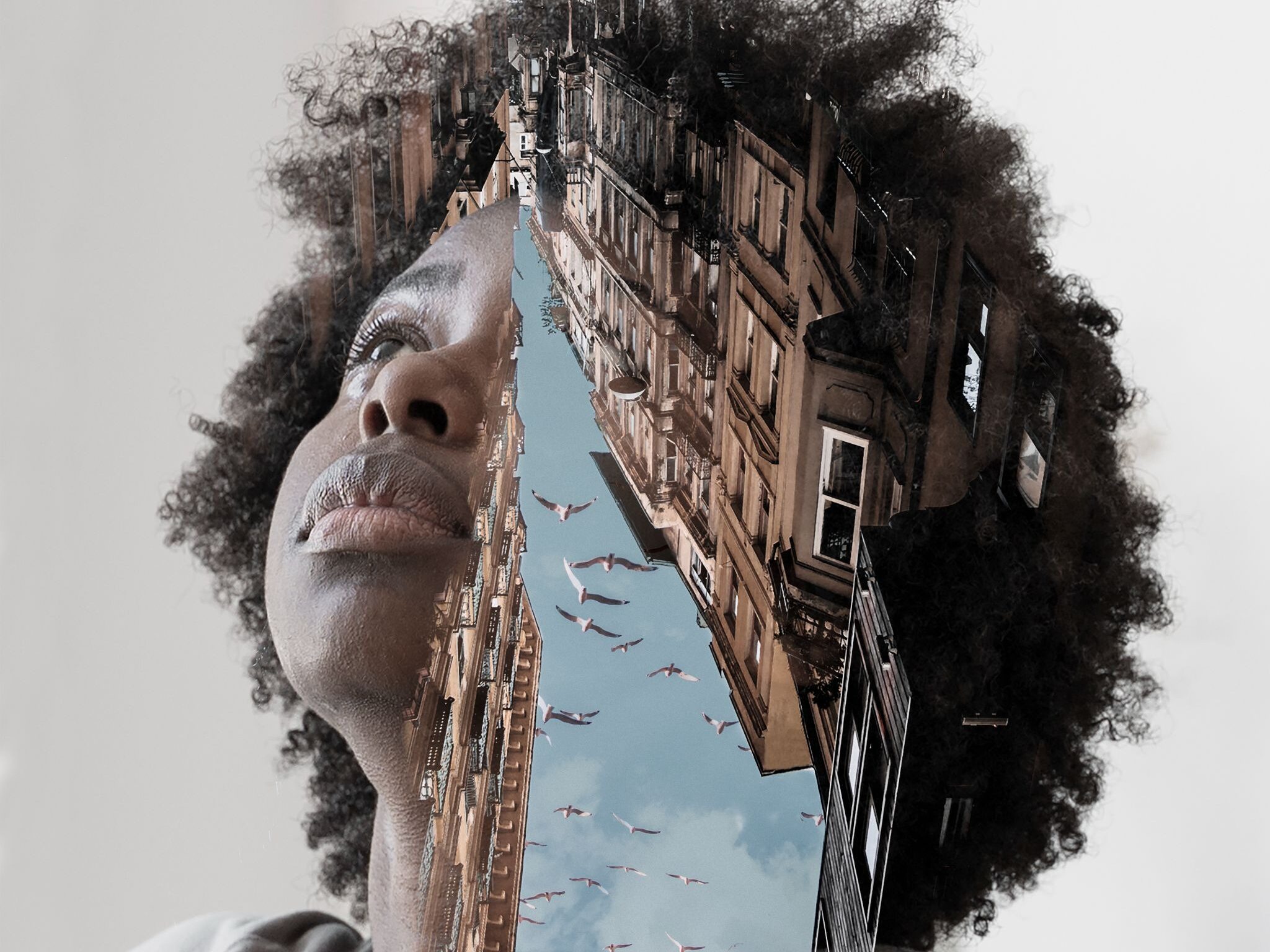
Stop wasting money on expensive video production, AI can now create ads indistinguishable from real footage. For years, video ads were locked behind high budgets, long timelines, and specialized crews. In 2026, that model is collapsing. AI video generation has reached a tipping point where realism, consistency, and control are finally good enough for brand use.
This article shows how modern AI tools, especially ImagineArt 1.5, are reshaping video ads. You will learn a ranked, practical workflow for producing realistic ads, avoiding common AI artifacts, and cutting production costs without sacrificing brand credibility.
The core problem with traditional video ad production
Traditional video ads suffer from three structural problems:
- High costs: Camera crews, actors, locations, lighting, editing, and revisions push even short ads into five-figure budgets.
- Slow turnaround: From scripting to final delivery, production can take weeks or months.
- Limited flexibility: Once footage is shot, changes are expensive or impossible.
For brand managers and small businesses, this often means fewer experiments, fewer variations, and slower campaign optimization. Video ads become risky investments instead of scalable assets.
The New Angle: AI-generated video without the fake look
Early AI video tools promised speed but delivered obvious flaws: rubbery skin, melting eyes, flickering faces, and inconsistent characters between scenes. These issues made AI video unusable for serious advertising.
The 2026 generation of tools changes that. ImagineArt 1.5 focuses on identity consistency, facial realism, and temporal stability. Instead of generating random-looking frames, it maintains a coherent subject across the entire video.
The result is a new category of video ads:
- Visually realistic
- Brand-safe
- Fast to produce
- Easy to iterate
Who this guide is for:
This guide is written for:
- Brand managers who need scalable ad creatives across multiple campaigns
- Digital marketers running paid video ads on social and search platforms
- Small business owners who want professional video ads without agency costs
If you care about performance, realism, and speed, this workflow is designed for you.
Ranking: The modern AI Video ad creation workflow
Below is a ranked list of the most effective steps for creating AI video ads that actually convert:
- Define a clear ad outcome and audience
- Lock a consistent visual identity
- Generate source video using ImagineArt 1.5
- Control facial realism and motion
- Add product and brand elements
- Edit pacing and message clarity
- Test multiple variations quickly
Each step builds on the previous one. Skipping steps is the fastest way to end up with an ad that looks artificial or off-brand.
Step-by-step: ImagineArt 1.5 workflow for realistic AI Video ads
Step 1: Define the ad goal before generating anything
Start with one clear objective:
- Clicks
- Conversions
- Brand awareness
- Retargeting
Write a one-sentence ad promise. This keeps your visuals aligned with the message and prevents random-looking scenes.
Step 2: Lock a consistent visual identity
Before generation, define:
- Age, gender, and appearance of the on-screen person
- Camera distance and framing
- Lighting style
- Background environment
ImagineArt 1.5 allows you to reuse identity seeds, which is critical for preventing inconsistent faces across scenes.
Step 3: Generate the source Video
Using a single high-quality source video improves realism. Generate a short base clip that focuses on:
- Natural head movement
- Subtle facial expressions
- Minimal camera motion
This source becomes the backbone for multiple ad variations.
Step 4: Control facial realism and motion
Avoid extreme expressions. Real ads rely on micro-movements. Keep prompts focused on:
- Neutral expressions
- Natural blinking
- Smooth transitions
This is where ImagineArt 1.5 excels compared to earlier tools.
Step 5: Add product and brand elements
Overlay:
- Product shots
- On-screen text
- Logos
- Call-to-action elements
Do this after the core video is stable to avoid visual conflicts.
Step 6: Edit pacing and clarity
Shorten pauses. Cut unnecessary motion. Video ads perform better when the message is delivered early and clearly.
Step 7: Generate variations
Change:
- Hooks
- Backgrounds
- Text overlays
Without reshooting anything, you can produce dozens of ad versions in a single day.
Practical examples: From concept to finished ad
Example: Fitness app video ad
- Goal: App installs
- Hook: “Train smarter in 20 minutes a day”
- Visual: Single trainer speaking to camera
Using ImagineArt 1.5, the brand generates one realistic talking-head video. From that source, they create:
- A 15-second version for social feeds
- A 6-second cutdown for pre-roll
- A testimonial-style variation
All versions maintain the same face, lighting, and tone.
Cost comparison: Traditional video vs AI Video ads
Traditional production:
- Crew and equipment: $5,000–$15,000
- Talent and location: $3,000–$10,000
- Editing and revisions: $2,000–$5,000
- Total: $10,000–$30,000 per ad
AI video production:
- AI tool subscription: $30–$100 per month
- Editing time: In-house
- Total: Under $500 for multiple ads
The cost difference allows brands to test more, iterate faster, and reduce risk.
Common AI Video Ad mistakes to avoid
- Melting eyes and warped face
Caused by overly aggressive prompts or long generation times. - Inconsistent faces between scenes
Happens when identity locking is not used. - Overly dramatic motion
Real ads rely on subtlety, not cinematic exaggeration. - Ignoring brand guidelines
AI should follow your brand, not redefine it. - Trying to fix bad inputs
Garbage in still leads to garbage out, even with advanced AI.
Final Checklist for producing high-performing AI Video Ads
- ✅ Clear ad goal defined
- ✅ Visual identity locked
- ✅ Single high-quality source video
- ✅ Natural facial motion
- ✅ Early hook in the first 3 seconds
- ✅ Brand elements added after stabilization
- ✅ Multiple variations tested
Follow this checklist and AI video ads become a reliable growth channel instead of an experiment.
The Future of AI Video ads
By 2026, the question will no longer be whether AI can replace traditional video production. The real question will be how fast brands adapt. Those who adopt realistic AI workflows now will out-test, out-iterate, and out-perform competitors still relying on slow, expensive production models.
AI video ads are no longer a shortcut. They are the new standard.
Frequently Asked Questions
Q: Are AI video ads acceptable for major ad platforms?
A: Yes. As long as the content follows platform policies and does not mislead users, AI-generated video ads are treated the same as traditionally produced videos.
Q: Can AI video ads fully replace human actors?
A: For many use cases such as explainer ads, testimonials, and product demos, yes. High-end cinematic storytelling may still benefit from human actors.
Q: How realistic are AI video ads in 2026?
A: With tools like ImagineArt 1.5, realism is high enough that most viewers cannot distinguish AI-generated footage from real video.
Q: What is the biggest risk when using AI video for ads?
A: The biggest risk is poor setup. Without clear identity control and realistic motion settings, AI artifacts can still appear.
Q: How many ads can be created from one source video?
A: Dozens. One well-generated source video can be repurposed into multiple formats, hooks, and lengths without reshooting.