AI-Generated Cinematic Content: Music Video Style
Introduction: Cinematic Video Creation Without a Crew
Creating a cinematic video has traditionally required expensive cameras, lighting setups, skilled crews, and extensive post-production. Cinematic video creation no longer depends on large crews or expensive production setups. For independent musicians and producers, that barrier often means settling for static visuals or low-budget alternatives that fail to match the emotional weight of their music. Today, AI-generated cinematic content changes that equation.
With the right approach, you can create cinematic music video experiences that feel intentional, polished, and emotionally aligned with your track—without hiring a full production crew. This article explains how to use AI tools to generate cinematic visuals, synchronize them with music, and refine them using traditional editing techniques. The goal is not to replace creative direction, but to give artists direct control over cinematic video creation.
Understanding Cinematic Video Aesthetics for Music
Before generating visuals, it is essential to understand what makes a video feel cinematic. Cinematic video is not defined by resolution alone. It is defined by mood, pacing, composition, and consistency.
Key cinematic characteristics include controlled color palettes, intentional lighting, depth of field, camera motion, and narrative progression. In music videos, these elements serve the song rather than dominate it. AI tools can generate impressive imagery, but without direction they often feel random. Your role as the artist is to guide the AI toward a consistent cinematic language that matches your track.
Start by identifying the emotional core of your music. Is it melancholic, aggressive, euphoric, or atmospheric? Define a visual tone using references such as film genres, lighting styles, or symbolic imagery. This preparation ensures that AI-generated visuals support the music instead of distracting from it.
Step-by-Step: Creating an AI-Generated Cinematic Music Video
Step 1: Break the Track Into Visual Sections
Listen to your music and mark key structural points: intro, verse, chorus, bridge, and outro. Each section should have a clear visual intention. AI performs better when prompts are aligned with specific moments rather than the entire track at once.
Step 2: Define Visual Prompts Per Section
For each section, write concise prompts describing setting, motion, lighting, and mood. For example, a slow intro might call for wide, atmospheric shots, while a chorus may benefit from dynamic camera movement and higher contrast lighting. Keep video prompt consistent in style and vocabulary to maintain cohesion.
Step 3: Generate Short Cinematic Clips
Instead of generating one long video, create multiple short clips. This approach gives you more control and reduces visual drift. Generate variations for each section and select the strongest results that align with your vision.
Step 4: Assemble and Edit
Import AI-generated clips into a traditional video editor. Arrange them according to the song structure and refine timing, transitions, and pacing. This step transforms raw AI output into a deliberate cinematic video.
Syncing AI Visuals With Music Tempo and Mood
Synchronization is critical in cinematic music videos. Even visually stunning footage feels disconnected if it ignores rhythm and phrasing.
Begin by matching visual cuts to the tempo. Strong beats often benefit from visual changes such as angle shifts, lighting changes, or motion emphasis. For slower sections, allow shots to breathe and extend beyond individual beats.
Mood synchronization is equally important. If the music builds tension, visuals should gradually intensify through color saturation, motion speed, or framing. AI prompts should reflect these changes. For example, increasing motion blur or adding dynamic lighting cues can mirror rising energy.
When editing, use markers in your timeline to align visual transitions with musical events. This deliberate alignment elevates AI-generated footage into a cohesive cinematic video experience.
Maintaining Visual Coherence in Long-Form Music Videos
One of the biggest challenges with AI-generated content is maintaining consistency across longer videos. Characters, environments, and color grading can shift unexpectedly.
To maintain coherence, reuse core video prompt elements such as character descriptions, camera styles, and color themes. Avoid introducing too many new concepts mid-video unless the narrative demands it.
In post-production, apply consistent color grading and film grain across all clips. This step helps unify visuals created at different times or with slightly different AI outputs. Subtle overlays such as light leaks or texture can further smooth transitions and reinforce a cinematic feel.
Combining AI Generation With Traditional Editing
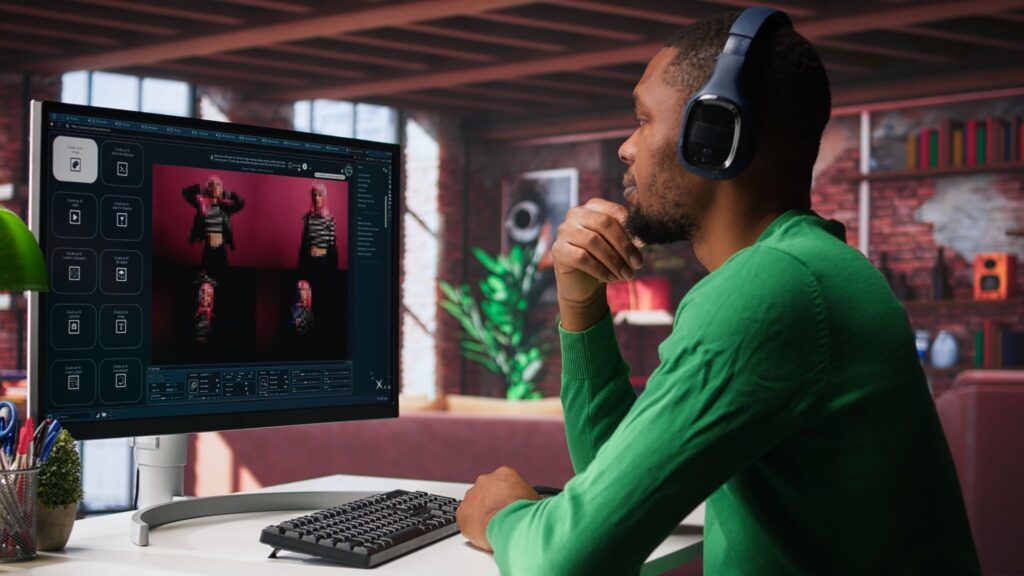
AI is most effective when combined with traditional editing techniques. Use AI for what it does best, generating striking visuals—and rely on editing software for precision and polish.
Traditional tools allow you to stabilize footage, adjust exposure, and fine-tune timing. You can also layer practical elements such as typography, minimal motion graphics, or subtle effects to reinforce branding without overpowering the visuals.
Sound design can also enhance cinematic impact. Ambient textures, risers, or subtle transitions layered beneath the music can make visuals feel more immersive, even when the source footage is AI-generated.
Practical Examples for Independent Musicians
An electronic music producer might use AI to generate futuristic cityscapes that pulse with the beat, editing short clips to align with drops and breakdowns. A singer-songwriter could create atmospheric landscapes that evolve slowly, matching acoustic dynamics and lyrical themes.
Visual artists collaborating with musicians can use AI to prototype concepts quickly, testing multiple cinematic directions before committing to a final edit. This flexibility allows for experimentation without the cost of reshoots or location rentals.
In each case, success comes from intentional direction, not automation. AI accelerates production, but creative decisions remain central.
Common Mistakes to Avoid
One common mistake is overloading the video with visual changes. Too many cuts or styles can overwhelm the viewer and distract from the music.
Another mistake is relying entirely on raw AI output. Without editing, even high-quality visuals feel unfinished. Skipping color grading and pacing adjustments undermines the cinematic goal.
Finally, avoid vague prompts. Ambiguous instructions produce inconsistent results. Clear, specific video prompt aligned to musical structure lead to stronger cinematic videos.
Final Checklist for AI Cinematic Music Videos
– Define the emotional and visual tone before generating content
– Break the music into sections and plan visuals accordingly
– Use consistent prompts to maintain visual coherence
– Sync visual changes with tempo and musical structure
– Edit AI-generated clips using traditional tools
– Apply unified color grading and finishing effects
– Review the full video for pacing, clarity, and emotional impact
AI-generated cinematic content empowers musicians and artists to create compelling music videos without traditional production constraints. With thoughtful planning and careful editing, AI becomes a powerful tool for cinematic video storytelling that enhances the music rather than competing with it.
Frequently Asked Questions
Q: Can AI-generated cinematic videos replace traditional music video production?
A: AI-generated cinematic videos do not fully replace traditional production, but they offer a practical alternative for independent artists. They reduce costs and production time while still allowing for cinematic storytelling when combined with proper editing.
Q: How do I keep AI visuals consistent throughout a full music track?
A: Consistency comes from reusing core prompt elements, limiting style changes, and applying unified color grading and finishing effects during editing.
Q: Do I need advanced editing skills to create cinematic AI music videos?
A: Basic editing skills are sufficient. Understanding timing, transitions, and color correction will significantly improve the final cinematic quality.
Q: What genres benefit most from AI-generated cinematic videos?
A: Electronic, ambient, pop, and experimental genres benefit strongly, but any genre can use AI cinematic visuals if the visuals are aligned with the music’s mood and pacing.