DomoAI Image-to-Video Explained: How to Animate Photos with Realistic Motion
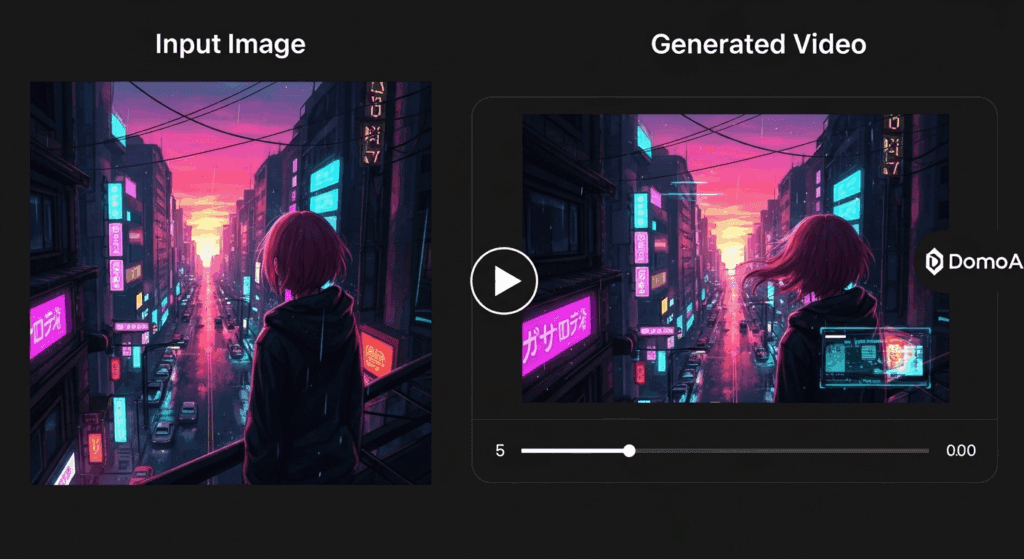
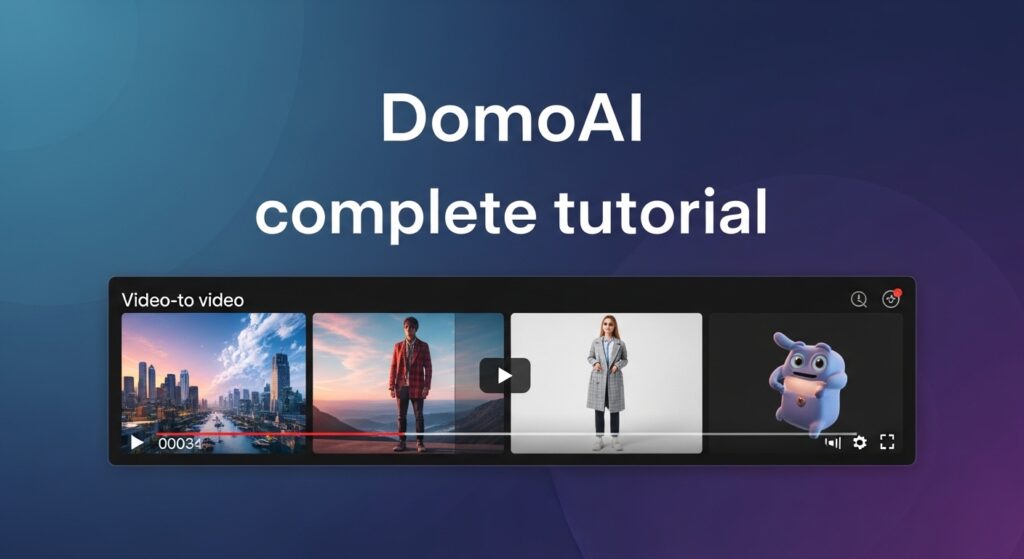
Your photos can move now – here’s how. The DomoAI Image-to-Video feature turns static images into dynamic video clips without requiring traditional animation or video production skills. For photographers, graphic designers, and social media managers, this solves a long-standing problem: how to add motion, depth, and storytelling to still visuals using AI-driven video synthesis.
Uploading Images and Selecting the Right Motion Style in DomoAI
The process begins with image ingestion. DomoAI supports high-resolution image uploads and internally converts them into a latent representation that preserves structure, color, and semantic detail. This latent space is where motion is introduced.
When you upload an image, DomoAI prompts you to select a motion or animation style. These styles act as high-level motion priors, influencing how the diffusion model applies temporal changes. Examples include subtle cinematic motion, character-driven animation, or environmental movement like wind, water, or parallax camera shifts.
Under the hood, DomoAI uses latent consistency techniques to ensure that motion does not break object integrity between frames. Instead of re-sampling each frame independently, the system applies temporally-aware diffusion steps that maintain shape coherence. For creators, this means fewer artifacts like melting faces or jittering edges.
Advanced users should pay attention to seed parity. By reusing the same random seed across multiple generations, you can test different motion styles while preserving the core visual identity of the image. This is especially useful when creating multiple variants for A/B testing on social platforms.
Evaluating Motion Quality, Realism, and Temporal Consistency
Motion quality is not just about movement, it’s about believable movement. DomoAI evaluates motion using temporal smoothness and frame-to-frame consistency rather than aggressive transformations.
The platform relies on diffusion schedulers similar to Euler A schedulers, which balance speed and stability during frame generation. Euler-based schedulers are effective for short-form video because they converge quickly while preserving detail. This results in motion that feels intentional rather than chaotic.
To evaluate realism, look for three key indicators:
1. Temporal Consistency: Objects should retain their form across frames. Watch for hands, facial features, or text that warps unnaturally.
2. Micro-Motion: High-quality outputs include subtle secondary motion, such as breathing, fabric shifts, or light changes, driven by noise-aware diffusion steps.
3. Camera Logic: Even simulated camera moves should obey real-world physics. Parallax should scale correctly with depth cues in the original image.
If motion feels too aggressive, reduce motion strength or select a style with lower temporal variance. DomoAI’s strength lies in controlled motion, not extreme transformations.
Best Practices for Source Images That Animate Well
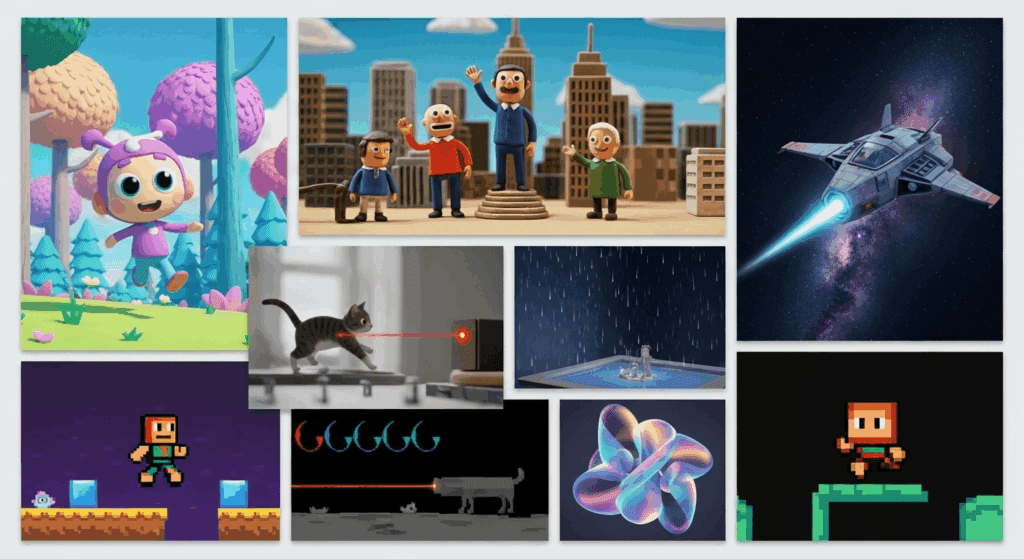
Not all images animate equally. Choosing the right source image dramatically improves results.
First, prioritize images with clear subject separation. Strong foreground-background contrast allows the model to infer depth, enabling parallax and camera drift effects. Flat images with uniform textures often produce limited or noisy motion.
Second, lighting matters. Images with directional lighting give the diffusion model more cues for realistic light movement and shadow consistency. Avoid overly compressed or low-dynamic-range images, as they limit latent detail.
Third, resolution and framing are critical. Upload images at the highest resolution available, ideally with space around the subject. Tight crops restrict motion pathways and increase the risk of edge artifacts.
Finally, avoid images with complex text or logos unless subtle motion is the goal. While DomoAI handles structure well, text can still suffer from temporal distortion when pushed too hard.
By combining strong source images with controlled motion styles and consistent seeds, DomoAI becomes a powerful visual engine for transforming stills into engaging short-form video content without touching a traditional timeline or keyframe editor.
Frequently Asked Questions
Q: What makes DomoAI different from other image-to-video tools?
A: DomoAI focuses on latent consistency and controlled motion, reducing common issues like frame jitter and object distortion seen in less temporally-aware diffusion models.
Q: How long should image-to-video clips be for best results?
A: Short clips between 3–6 seconds work best, as diffusion-based motion remains more stable over shorter temporal windows.
Q: Can I create multiple variations from the same image?
A: Yes. Reusing the same seed while changing motion styles allows you to generate consistent variations for testing or creative exploration.
Q: Do I need animation or video editing experience?
A: No. DomoAI abstracts complex video generation concepts into simple controls, making it accessible to non-technical creators.