100% free Text to Video ai generators in 2026 (Over 18 tools)
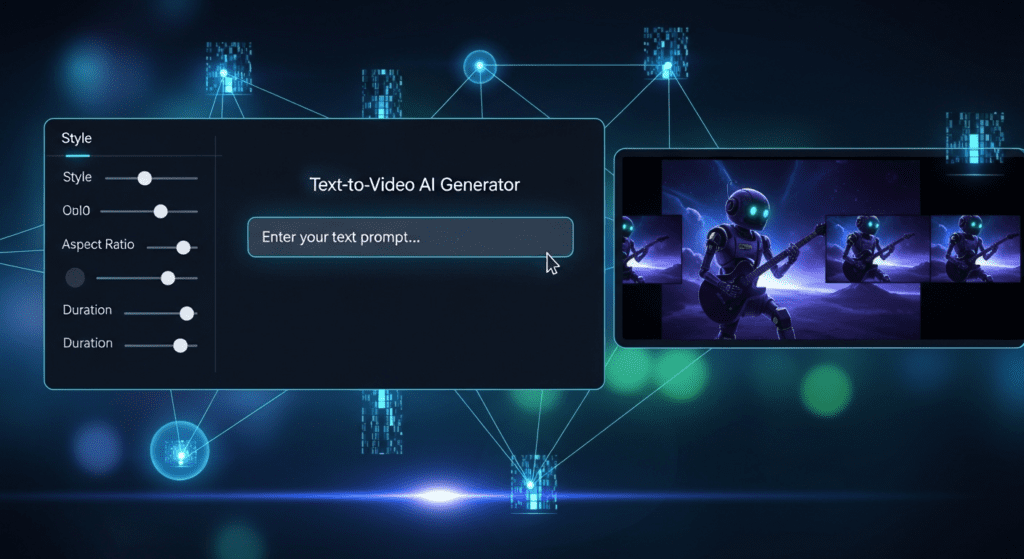
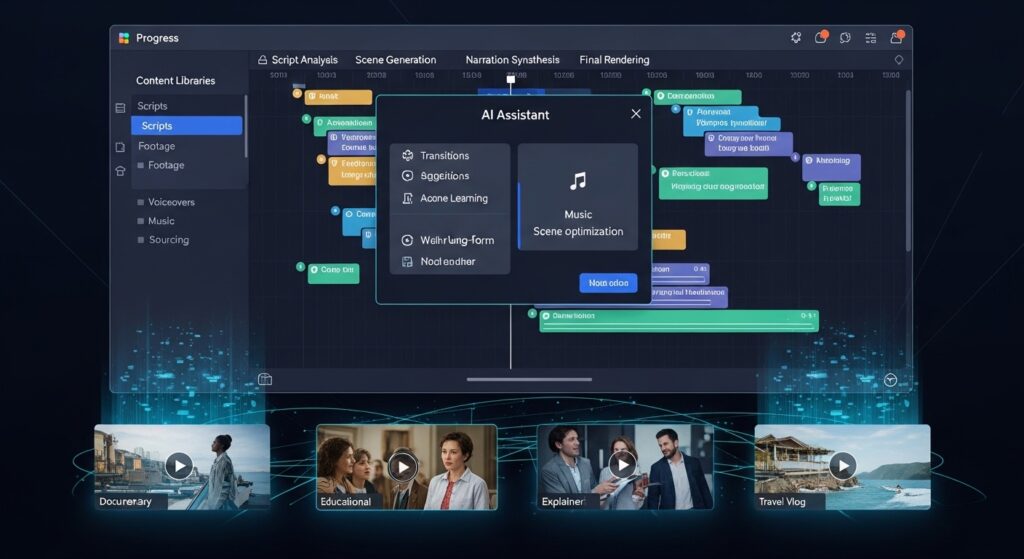
You open TikTok, Instagram, or YouTube, and one thing stands out. The people getting views post more often, stay consistent, and keep their visuals clean. That shift explains why text to video ai keeps growing in 2026. You type a simple script, and within minutes, you get a full video ready for publishing. No camera, no editing stress, no waiting.
At the same time, tools like VidAU help you move faster. You convert product descriptions, ideas, or short scripts into videos that match current trends and platform formats.
This guide breaks down how text to video ai works, which free tools give real value, and how you can use them to stay consistent without burning out.
Free text to video ai tools worth using in 2026
A simple list of tools will not help you choose the right one. You need to understand how each tool works, what results you get from it, and how it fits into your content workflow. Below is a clear breakdown of over 18 text to video ai tools with deeper insight into their strengths, limitations, and pricing.
1. VidAU
VidAU focuses on speed, structure, and consistency. It turns scripts, product descriptions, and short ideas into clean, ready-to-publish videos.
How it works: You input a script or product text. The system breaks it into scenes, assigns visuals, adds motion, and renders a complete video.
Benefits:
- Clean video structure without manual editing
- Strong consistency across multiple videos
- Works well for ads, UGC, and social content
- Fast rendering speed
Limitations:
- Advanced cinematic control is limited compared to film-focused tools
Pricing:
- Free plan available
- Paid plans unlock higher volume and longer videos
- Runway Gen-3
Runway Gen-3 focuses on cinematic video generation with better scene control and motion realism.
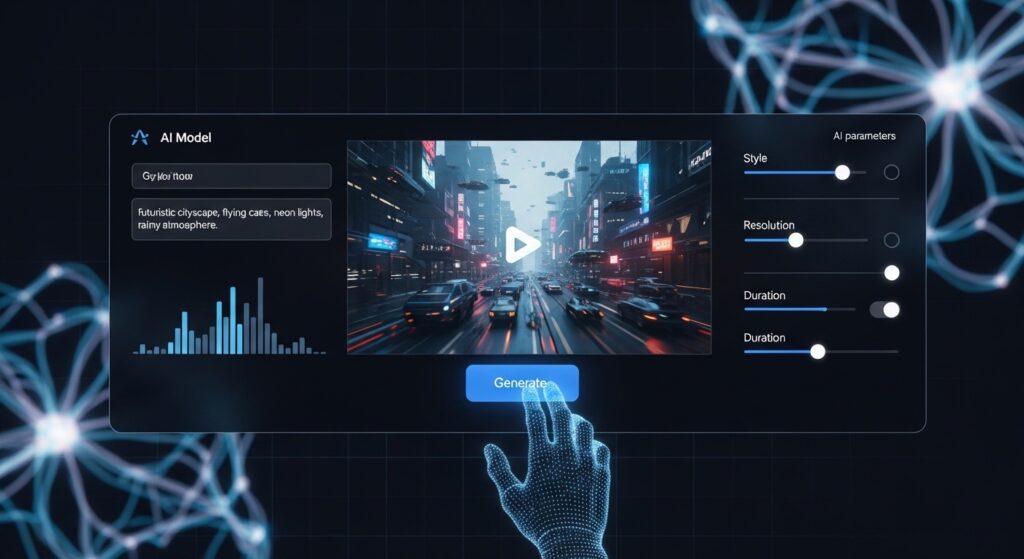
How it works: You input detailed prompts, and the system generates realistic scenes with camera movement and transitions.
Benefits:
- High visual quality
- Better control over camera angles and motion
- Suitable for storytelling and creative projects
Limitations:
- Requires strong prompts for best results
- Free plan has limited credits
Pricing:
- Free credits available
- Paid plans for extended use
- Pika Labs
Pika Labs generates short-form videos quickly. It works best for social media clips.
How it works: You enter a short prompt, and it generates animated or stylized clips within seconds.
Benefits:
- Very fast generation
- Great for viral content
- Simple interface
Limitations:
- Limited control over detailed scenes
- Output length is short
Pricing:
- Free plan available
4. Sora
Sora generates detailed, realistic scenes from text prompts.
How it works: You describe a scene in detail, and it builds a full visual sequence with motion and depth.
Benefits:
- Strong realism
- Better scene understanding
Limitations:
- Limited access
- High compute usage
Pricing:
- Limited free access
- Kling
Kling focuses on motion-heavy content and dynamic actions.
How it works: You input prompts, and it generates sequences with smooth motion and transitions.
Benefits:
- Smooth animation
- Strong motion handling
Limitations:
- Prompt tuning needed for best output
Pricing:
- Free access with limits
- InVideo AI
InVideo AI converts scripts into structured marketing videos.
How it works: You input text, and it builds scenes, adds stock footage, and includes voiceover.
Benefits:
- Easy for beginners
- Good for marketing content
Limitations:
- Uses stock-style visuals
- Watermark on free plan
Pricing:
- Free plan available
7. Luma AI
Luma AI focuses on realistic 3D scene generation.
How it works: It builds scenes with depth and spatial awareness from text prompts.
Benefits:
- Strong depth and realism
Limitations:
- Not optimized for short social videos
Pricing:
- Free access available
- DomoAI
DomoAI converts images and text into animated visuals.
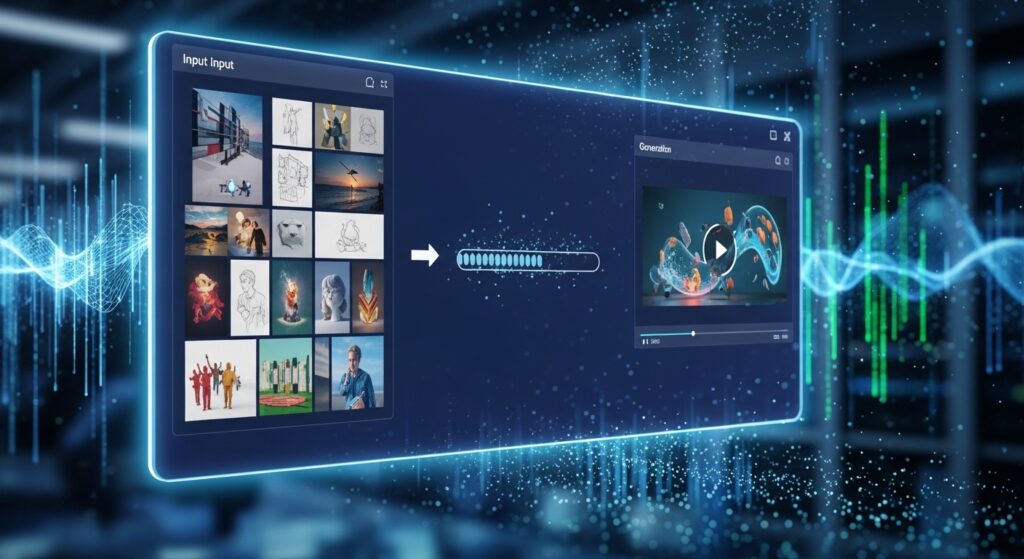
How it works: You upload images or text, and it animates them into video.
Benefits:
- Good for avatar and animation content
Limitations:
- Less control over complex scenes
Pricing:
- Free plan available
- Synthesia
Synthesia focuses on avatar-based videos for presentations.
How it works: You input a script, and an AI presenter delivers it on screen.
Benefits:
- Ideal for training and business videos
Limitations:
- Limited creative visuals
Pricing:
- Free demo available
10. HeyGen
HeyGen generates realistic avatar videos with voice sync.
How it works: You type a script, select an avatar, and generate a talking video.
Benefits:
- Realistic voice and lip sync
Limitations:
- Focused on avatar content only
Pricing:
- Free trial available
- Veed AI
Veed AI combines text to video generation with editing tools.
How it works: You generate a video and edit it inside the same platform.
Benefits:
- Built-in editing features
Limitations:
- Watermark on free plan
Pricing:
- Free plan available
- FlexClip
FlexClip creates simple videos from text inputs.
How it works: It converts text into slides with visuals and transitions.
Benefits:
- Beginner-friendly
Limitations:
- Basic visuals
Pricing:
- Free version available
- Designs AI
Designs AI generates videos quickly from short prompts.
How it works: You input a short idea, and it creates a structured video.
Benefits:
- Fast output
Limitations:
- Limited customization
Pricing:
- Free trial
14. DeepBrain AI
DeepBrain AI focuses on AI presenters and training content.
How it works: It generates presenter-led videos from scripts.
Benefits:
- Good for corporate content
Limitations:
- Not suited for social media content
Pricing:
- Limited free plan
- Colossyan
Colossyan creates structured training videos with avatars.
How it works: You input scripts, and it generates presenter-style videos.
Benefits:
- Clean and professional output
Limitations:
- Limited creative flexibility
Pricing:
- Free trial
- Elai.io
Elai.io converts scripts into presenter videos.
How it works: It uses avatars to deliver your script in video format.
Benefits:
- Multiple avatar options
Limitations:
- Less creative scene control
Pricing:
- Free demo
17. Kapwing AI
Kapwing AI combines video generation with collaboration tools.
How it works: You generate videos and edit them with a team.
Benefits:
- Collaboration features
Limitations:
- Limited advanced generation
Pricing:
- Free plan available
- Canva Video AI
Canva integrates text to video ai features into design workflows.
Benefits:
- Easy drag-and-drop editing
Pricing:
- Free plan available
- Steve AI
Steve AI converts scripts into animated or live-action style videos.
How it works: You input text, and it builds scenes using stock visuals or animations.
Benefits:
- Supports multiple video styles
- Good for explainer content
Limitations:
- Visuals depend on stock assets
Pricing:
- Free plan available
20. Animoto AI
Animoto AI focuses on quick marketing video creation from text.
How it works: You input text and media, and it generates structured video slides.
Benefits:
- Fast setup
- Good for promo content
Limitations:
- Limited creative control
Pricing:
- Free plan available
- Wisecut AI
Wisecut AI edits and generates videos from scripts and voice.
How it works: It converts text or speech into edited video with cuts and subtitles.
Benefits:
- Auto editing and subtitles
- Saves time on post-production
Limitations:
- Less control over visual scenes
Pricing:
- Free plan available
100% free text to video ai tools in 2026 Compared
Before choosing a tool, you need a quick overview. This table shows what each text to video ai generator offers.
| Tool | Free Plan | Best Use Case | Output Quality | Watermark |
| VidAU | Yes | Ads, UGC videos | High | No |
| Runway Gen-3 | Yes | Cinematic clips | High | Yes |
| Pika Labs | Yes | Short viral videos | Medium | Yes |
| Sora | Limited | Story scenes | High | Yes |
| Kling | Yes | Motion-heavy videos | High | Yes |
| InVideo AI | Yes | Marketing videos | Medium | Yes |
| Luma AI | Yes | 3D scenes | High | Yes |
How does VidAU improve text to video ai results for creators?
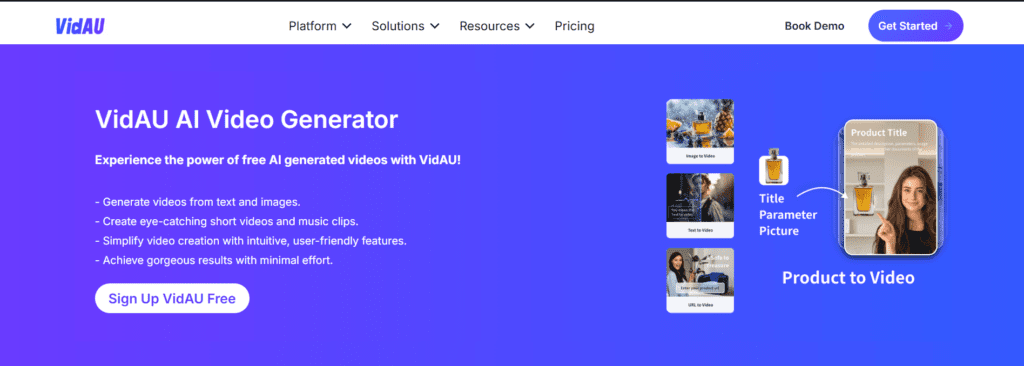
VidAU improves output by keeping video structure clean and consistent from start to finish. It reduces the need for manual editing.
It helps you:
- Turn product descriptions into ad videos
- Create UGC-style content at scale
- Maintain consistent visuals across campaigns
- Generate videos faster than traditional tools
Because of this, many creators now use VidAU as their main content engine.
How to choose the best text to video ai for your content goals
Choosing the right tool depends on your content type. Each text to video ai tool focuses on a specific use case.
Use this guide to decide:
- Ads and product videos → VidAU
- Cinematic scenes → Runway or Sora
- Viral short clips → Pika Labs
- Avatar videos → Synthesia or HeyGen
So, instead of testing everything blindly, match your goal to the tool.
Conclusion
Text to video ai has changed how creators produce videos. It reduces effort, increases output, and keeps quality consistent.
If you want to grow faster, you need a system that works daily. That is why many creators now depend on tools like VidAU to produce content at scale.
FAQs about text to video ai
- What is text to video ai and how does it work in real use?
Text to video ai turns written prompts into full video scenes using trained visual and motion systems. You input a script, and the tool generates visuals, transitions, voice, and timing automatically.
- Are 100% free text to video ai tools enough for professional content?
Free text to video ai tools work well for testing ideas, creating short videos, and learning workflows. Many include watermarks or limits on duration and exports.
- Which text to video ai generator gives the best results in 2026?
The best tool depends on your goal. VidAU performs better for ads and UGC content because it keeps structure clean and output consistent.
- How long does it take to create videos using text to video ai?
Most text to video ai tools generate videos in 1 to 5 minutes depending on length and complexity.
- Can beginners use text to video ai without editing skills?
Beginners use text to video ai without any editing knowledge.