Google Gemini AI Ecosystem Complete Guide: How Veo 3 Fits Into the Full Toolkit
Introduction: Why Veo 3 Matters in the Gemini Ecosystem
Gemini AI is not just a chat interface. It is a growing AI ecosystem designed to handle research, reasoning, writing, and now high-quality video generation. Veo 3 often gets discussed as a standalone video model, but that view misses its real value. Veo 3 becomes powerful when you understand how it connects with Gemini’s other tools, especially Deep Research, multimodal prompting, and long-context reasoning.
If you searched for “veo 3,” you are likely trying to understand where it fits and when to use it. This guide explains the full Gemini AI toolkit, shows how Veo 3 integrates into real workflows, and gives you advanced combinations that AI power users can use to move faster without sacrificing quality.
Understanding the Gemini AI Ecosystem
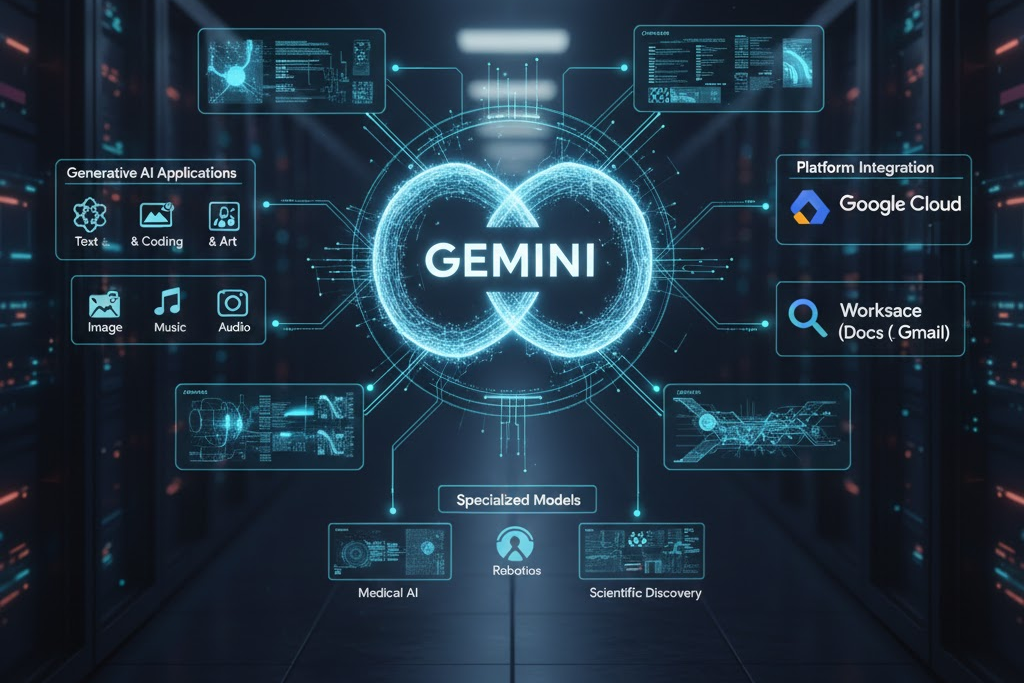
The Gemini ecosystem is built around a core idea: one model family that works across text, code, images, audio, and video. Instead of juggling disconnected tools, Gemini aims to let you move from idea to output in a single environment.
At a high level, the ecosystem includes:
- Gemini Chat and Reasoning Models for ideation, planning, and problem solving
- Deep Research for structured web-scale analysis and synthesis
- Multimodal Understanding for working with text, images, and media together
- Veo 3 for high-quality video generation
- Workspace and API Integrations for production workflows
Veo 3 is not an isolated product. It sits at the output-heavy end of the pipeline, turning well-researched and well-structured ideas into visual stories.
What Veo 3 Is and What It Is Not
Veo 3 is Google’s advanced video generation model designed to create cinematic, coherent video from detailed prompts. It excels at:
- Scene consistency
- Realistic motion
- Camera-aware composition
- Narrative continuity across shots
However, Veo 3 is not designed to replace thinking, research, or strategy. It does not decide what* story to tell or *why it matters. That work happens earlier in the Gemini workflow.
Think of Veo 3 as the execution engine. Gemini’s other tools define the blueprint.
How Veo 3 Integrates With Gemini Core Features
Veo 3 and Deep Research
Deep Research is where Veo 3 workflows should begin for serious projects. Deep Research allows Gemini to:
- Explore a topic across multiple sources
- Identify patterns, gaps, and key insights
- Produce structured summaries and outlines
Once Deep Research produces a clear narrative or argument, that output becomes the input for Veo 3. Instead of prompting Veo 3 with vague ideas, you feed it researched scene descriptions, tone guidance, and factual context.
This integration reduces hallucinations and improves narrative accuracy.
Veo 3 and Long-Context Reasoning
Gemini’s long-context capabilities allow you to maintain story logic across long prompts. You can define:
- Character descriptions
- Visual rules
- Brand constraints
- Story arcs
Veo 3 benefits directly from this. Consistent inputs produce consistent video outputs, especially in multi-scene sequences.
Veo 3 and Multimodal Inputs
You can pair Veo 3 with images, sketches, or reference frames generated or analyzed by Gemini. This helps guide composition, lighting, and style, reducing trial-and-error cycles.
Step-by-Step: Using Veo 3 in a Modern Content Workflow
Step 1: Define the Objective
Start in Gemini Chat. Clarify the purpose of the video:
- Marketing explainer
- Product demo
- Educational short
- Brand story
A clear objective shapes every downstream decision.
Step 2: Run Deep Research
Use Deep Research to:
- Validate facts
- Identify audience pain points
- Extract key messages
Ask for a structured brief with sections, not a paragraph summary.
Step 3: Build a Scene Outline
Convert the research into a scene-by-scene outline:
- Scene goal
- Visual description
- Camera style
- Duration
This outline becomes your Veo 3 prompt framework.
Step 4: Generate Supporting Assets
Use Gemini to:
- Write narration
- Create shot lists
- Generate style references
This step ensures Veo 3 receives precise instructions.
Step 5: Generate Video With Veo 3
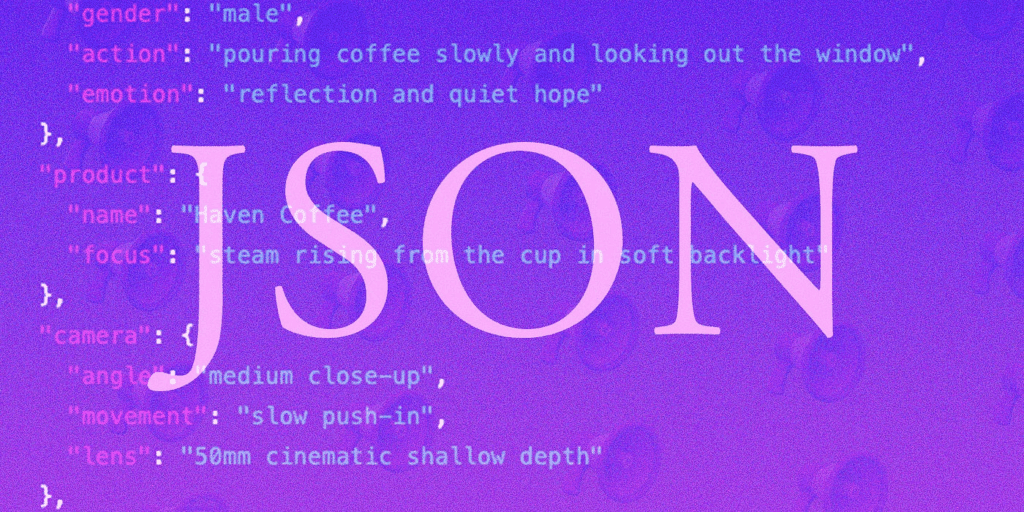
Now prompt Veo 3 using your structured input. Treat it like directing a film, not chatting with a bot. Specificity improves output quality.
Step 6: Iterate With Context
If revisions are needed, reuse the same context. Avoid restarting from scratch. Consistent context preserves visual and narrative coherence.
When to Use Each Gemini Tool
Understanding tool boundaries is key for power users.
- Gemini Chat: Brainstorming, planning, quick drafts
- Deep Research: Factual depth, comparisons, market analysis
- Multimodal Analysis: Reviewing images, frames, or references
- Veo 3: Final video generation and visual storytelling
Do not use Veo 3 for ideation. Do not use chat alone for final production. Each tool has a specific role.
Advanced Veo 3 Combinations for Maximum Productivity
- Research-to-Video Pipelines
Advanced users chain Deep Research outputs directly into Veo 3 prompts. This creates videos grounded in real data, ideal for explainers and thought leadership.
- Brand-Locked Prompting
Store brand rules, color palettes, and camera styles in a reusable Gemini context. Apply that context every time you use Veo 3 to maintain visual consistency across campaigns.
- Modular Scene Reuse
Generate scenes as modular assets. Reuse them across different videos by changing narration or sequencing, saving time and compute.
- Parallel Ideation and Production
While Veo 3 renders, use Gemini to prepare captions, transcripts, and distribution copy. This parallel workflow significantly reduces turnaround time.
Practical Use Cases for Power Users
- Content marketers create research-backed video explainers
- Product teams generate realistic demos before development
- Educators produce visual lessons grounded in verified sources
- Agencies scale branded video output without sacrificing quality
In each case, Veo 3 succeeds because it sits inside a structured Gemini workflow.
Common Mistakes to Avoid
1. Prompting Veo 3 too early without research or structure
2. Overloading prompts with vague or conflicting instructions
3. Ignoring context reuse, leading to inconsistent visuals
4. Using Veo 3 as a brainstorming tool instead of an execution tool
5. Skipping iteration, assuming first output is final
Avoiding these mistakes dramatically improves results.
Final Checklist for Using Veo 3 Effectively
- Define a clear video objective
- Run Deep Research first
- Create a structured scene outline
- Lock style and brand constraints
- Use Veo 3 for execution, not ideation
- Iterate using the same context
- Pair video output with supporting Gemini-generated assets
Conclusion
Veo 3 is not just a video generator. It is the visual execution layer of the Gemini AI ecosystem. When you combine it with Deep Research, long-context reasoning, and multimodal inputs, you unlock workflows that are faster, more accurate, and more scalable than using any single tool alone.
For AI power users, the advantage is not knowing what Veo 3 can do. The advantage is knowing when and how to use it inside the full Gemini toolkit.
Frequently Asked Questions
Q: What is Veo 3 used for in the Gemini ecosystem?
A: Veo 3 is used for high-quality video generation and visual storytelling. It works best as the execution layer after research, planning, and structuring are completed with other Gemini tools.
Q: Should I use Deep Research before Veo 3?
A: Yes. Deep Research provides factual grounding and structured insights that significantly improve the quality and accuracy of Veo 3 video outputs.
Q: Can Veo 3 replace video editing software?
A: Veo 3 can generate video content, but many workflows still pair it with editing tools for final polishing, distribution formatting, and compliance needs.
Q: Is Veo 3 good for short-form or long-form video?
A: Veo 3 can support both, but it performs best when scenes are clearly defined and structured, regardless of final video length.
Q: How do power users get the best results from Veo 3?
A: Power users focus on preparation: research first, structured prompts, locked context, and iterative refinement using Gemini’s long-context capabilities.