How To Create Perfect Hulk AI Videos FREE
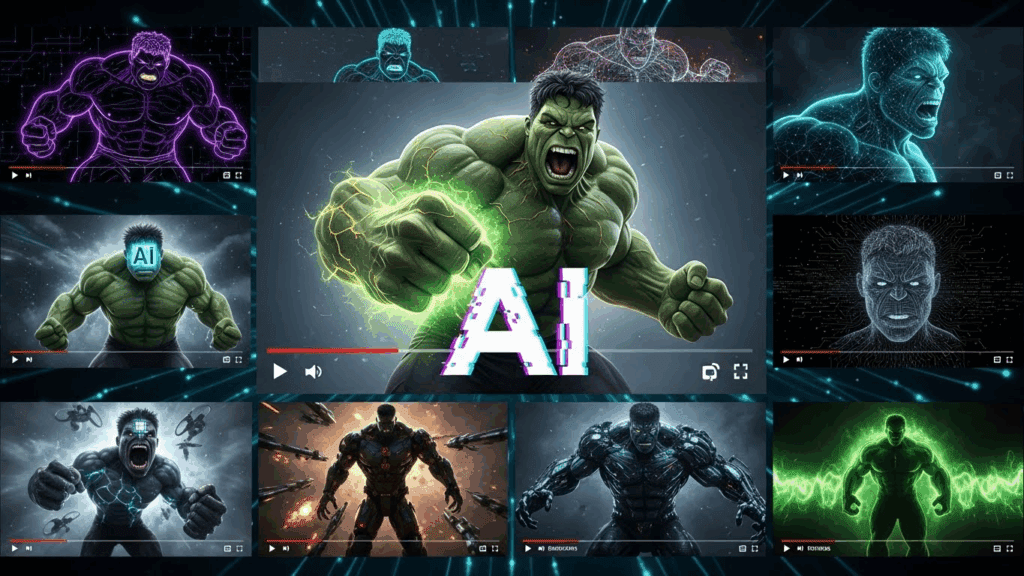
Creating Hulk AI videos has quickly become one of the most engaging trends online, especially for content creators who want viral, satisfying visuals with strong viewer retention. These animated videos, featuring the Hulk character performing exaggerated actions like transformations or smashing scenes, are now dominating YouTube Shorts, TikTok, and Instagram Reels. With VidAU, anyone can start creating these Hulk AI videos in minutes using just a photo, a short script, or a transformation prompt.
VidAU allows creators to generate Hulk-themed content without editing skills, long production cycles, or expensive equipment. This article breaks down every step you need to take to make your own Hulk AI video using simple workflows.
How Do You Create Perfect Hulk AI Videos in 2026?
Creating perfect Hulk AI videos in 2026 starts with knowing the right structure. You need a strong prompt, a transformation-style script, and a video generation platform that delivers consistent output. VidAU gives you all of this.
Step-by-Step Breakdown Before You Begin
Before jumping into creation, make sure you have these basics ready:
- A clear photo of the subject (can be your face or a character)
- A short idea that involves transformation or anger-triggered change
- Hulk-style prompts that suggest power, rage, or glow effects
- An idea for where the scene will take place
Once that’s prepared, follow this full process:
- Upload Your Image: Start by uploading a frontal photo of your character. VidAU detects the face and aligns it for accurate animation.
- Write a Clear Prompt: Type a short, visual instruction like “An office worker turns into Hulk after smashing his keyboard.” Keep it under 20 words for clarity.
- Choose a Background: Pick a setting that suits the transformation. For Hulk AI videos, gyms, labs, city streets, or rooftops work well. VidAU supports background layering that fits these ideas.
- Add Sound Effects: Select audio that matches the mood. Roaring sounds, heavy footsteps, or suspenseful build-up music work great. This builds tension before the transformation drop.
- Use Glow or Smash Elements: Inside VidAU, you can add glow effects to the eyes or hands. Choose green overlays or body expansion animations to make the transition obvious.
- Preview the Output: Once generated, play back your video and look for sync between sound and action. Adjust your prompt if the change feels too slow or unclear.
- Export in 9:16 Format: Export the final result in vertical mode, ready for TikTok, Reels, or Shorts. VidAU allows direct download in HD for mobile platforms.
- Post with Caption: Use strong titles like “Before and After Hulk Mode” or “Office Rage Gone Wrong.” Thumbnails should highlight the moment of transformation.
This full process helps beginners create standout Hulk AI videos with no editing background.
Best Hulk Prompts Creators Are Using Now
Prompts that trigger strong visual effects and story progression usually perform better. People love watching sudden transformations, glow effects, or epic fight sequences.Use these prompt examples as inspiration:
- “Young boy turning into Hulk after drinking strange green liquid”
- “Man goes to gym, lifts weights, then transforms into Hulk”
- “A scientist injects himself and becomes Hulk with glowing eyes”
- “Calm office worker loses temper and turns into Hulk at desk”
- “Girl walking through the city suddenly transforms into Hulk version”
Keep your prompt short, visual, and event-driven. Use no more than 20 words.
What Makes a Hulk AI Video Go Viral in 2026?
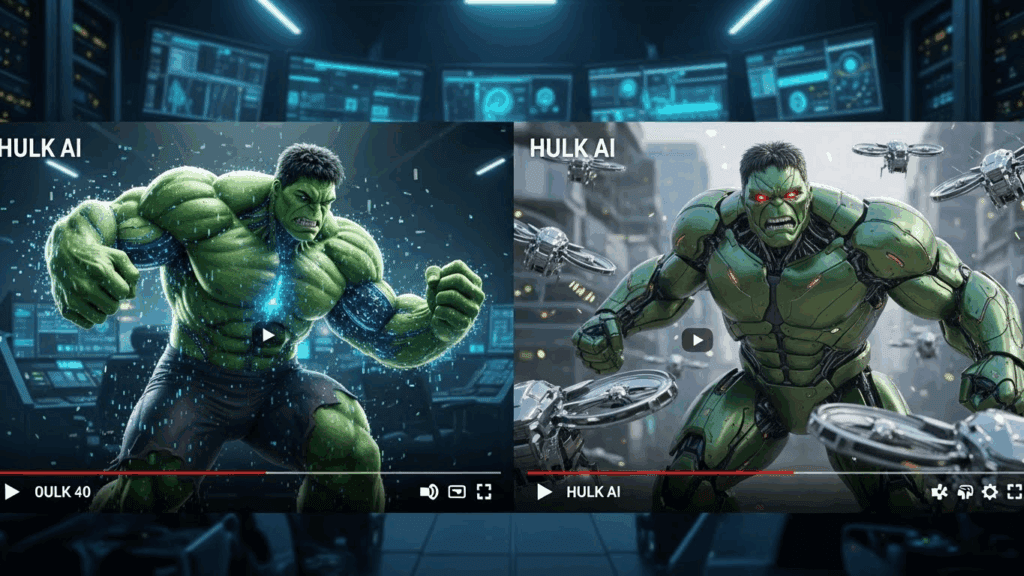
A Hulk AI video goes viral when it instantly hooks the viewer and delivers a powerful visual payoff. In 2026, platforms like TikTok and YouTube Shorts prioritize short-form videos that capture attention within the first two seconds.
Creators who consistently get high views usually follow a simple but effective structure. They use visuals that clearly show change, dramatic audio that triggers emotion, and tight editing that leads to a satisfying end. The goal is to get viewers to watch the full video or better yet, replay it.
Key Ingredients of Viral Hulk Videos
- Use dramatic audio cues with a build-up and drop
- Include visible changes like eye color, body size, and skin tone
- Keep video under 30 seconds for better completion rate
- Add subtitles or labels like “Before / After” or “1 sec later”
- Start with a normal scene and end with destruction or chaos
Creators who follow this formula see higher shares and replays.
Viral Hulk AI Video Checklist
| Element | Purpose | Effect |
| Prompt | Sets up the story | Helps AI define visual flow |
| Audio | Builds emotion | Syncs with transformation point |
| Visual Effects | Adds shock & clarity | Highlights change to Hulk form |
| Short Duration | Holds attention | Improves full watch rate |
| Thumbnail/Title | Boosts CTR | Invites curiosity to click |
Why Hulk AI Content Gets More Views Than Regular Videos
Hulk AI videos attract more engagement because they mix recognizable characters, visual shock, and quick storytelling. Viewers are drawn to the green transformation and the power fantasy behind it.
Key Reasons Hulk Videos Perform Well
- High replay value: The transformation scene is satisfying to watch multiple times
- Strong clickbait thumbnails: Green glow or muscle effect grabs attention
- Emotion-packed moments: Viewers relate to losing control or gaining strength
Combined, these factors keep people watching, sharing, and commenting.
Can You Turn Your Hulk AI Videos into a Niche Channel?
Yes, many creators now build full faceless YouTube Shorts or TikTok channels based on Hulk-style content. The key is consistency and variety.
Steps to Start Your Hulk AI Niche Channel
- Pick a core storyline (Hulk in the city, Hulk in love, Hulk at school)
- Use VidAU to generate 5–10 videos per week
- Post consistently in short vertical format
- Reuse winning prompts with new variations
- Monitor your best-performing thumbnails and titles
This gives you a content pipeline and makes you visible in niche searches like “Hulk AI story” or “Hulk transformation shorts.”
Conclusion
Hulk AI videos combine storytelling, fantasy, and familiar characters to deliver high-retention content. They are easy to create with the right prompt, format, and generator. VidAU simplifies this entire process with fast rendering, built-in FX, and seamless vertical video export. Whether you’re building a niche channel or just experimenting with trends, Hulk AI videos are one of the fastest ways to grow your audience in 2026.
FAQs
1. What is Hulk AI and how does it work?
Hulk AI refers to character-based short videos showing a Hulk-style transformation. It works by combining image prompts with scripts inside platforms like VidAU to generate short visual clips.
2. Can I use my own face in a Hulk AI video?
Yes. You can upload your own photo and generate a transformation scene using VidAU’s face-detection feature.
3. How do I make my Hulk AI videos look better?
Use strong lighting, vivid background prompts, and dramatic sound. Keep the prompt clear and under 20 words.
4. What platforms support Hulk AI videos?
YouTube Shorts, TikTok, Instagram Reels, and Facebook all support vertical short videos made with Hulk AI themes.
5. Where can I start creating Hulk AI videos?
Start on VidAU. Upload your photo, add your prompt, and generate a short Hulk video instantly.