Image-to-Video AI Stress Test: What Actually Works, What Breaks, and Where the Limits Are
I tested what happens when you feed Image-to-Video AI video generators the hardest possible images.
Not the clean, studio-lit portraits you see in demos. Not the cinematic landscapes with shallow depth of field. I’m talking about edge cases: asymmetric faces, reflections inside reflections, surreal composites, extreme perspective distortion, dense text, non-Euclidean geometry, and scenes that violate learned visual priors. The kind of images that show up in real client work instantly expose whether an image-to-video model is production-ready or just demo-friendly.
The goal was simple: understand the practical limits of image-to-video AI before committing it to paid projects. Using real stress tests across Runway, Sora-style diffusion pipelines, Kling, and ComfyUI-based workflows, this article breaks down where modern models excel, where they quietly fail, and what that means for video producers making client-facing decisions.
Consistency Under Pressure: When a Single Image Becomes a Timeline
The first and most important question for image-to-video is consistency. Can the model maintain identity, structure, lighting, and spatial logic from a single still image across multiple frames?
Latent Consistency vs. Visual Consistency
Most modern systems, Runway Gen-3, Kling, and Sora-like internal models, operate on latent diffusion video models. The image is encoded into a latent space, then expanded temporally. This is where things start to break.
Latent consistency means the internal representation remains stable across frames. Visual consistency is what the viewer sees. You can have one without the other.
In stress tests:
– Simple subjects (single human, centered, neutral background) maintained strong identity across 3–5 seconds.
– Complex subjects (multiple people, props intersecting bodies, reflections) showed identity drift by frame 12–20.
Faces were the first casualty. Even when seed parity was enforced (same seed, same prompt, same scheduler), micro-features like eye spacing, nostril shape, or scars would subtly morph. In client work, these “almost the same” faces are worse than total failure.
Seed Parity Is Not a Silver Bullet
Many producers assume locking seeds guarantees stability. In image-to-video, seed parity only ensures the initial noise pattern is consistent. Once temporal attention layers kick in, the model optimizes for motion plausibility, not identity fidelity.
In ComfyUI pipelines using AnimateDiff or Stable Video Diffusion variants:
– Euler a schedulers preserved texture detail better
– DPM++ schedulers produced smoother motion but increased identity drift
The takeaway: scheduler choice is a creative decision, not a technical footnote.
What Actually Works
– Mid-shot framing (waist-up humans) outperformed close-ups and wide shots
– Soft lighting reduced flicker and texture popping
– Minimal occlusion (no hands crossing faces, no hair covering eyes)
If your input image already looks like a video frame from a live-action shoot, models behave. If it looks like high-concept concept art, expect degradation.
Camera Motion vs. Latent Reality: Moves That Hold Up and Moves That Collapse
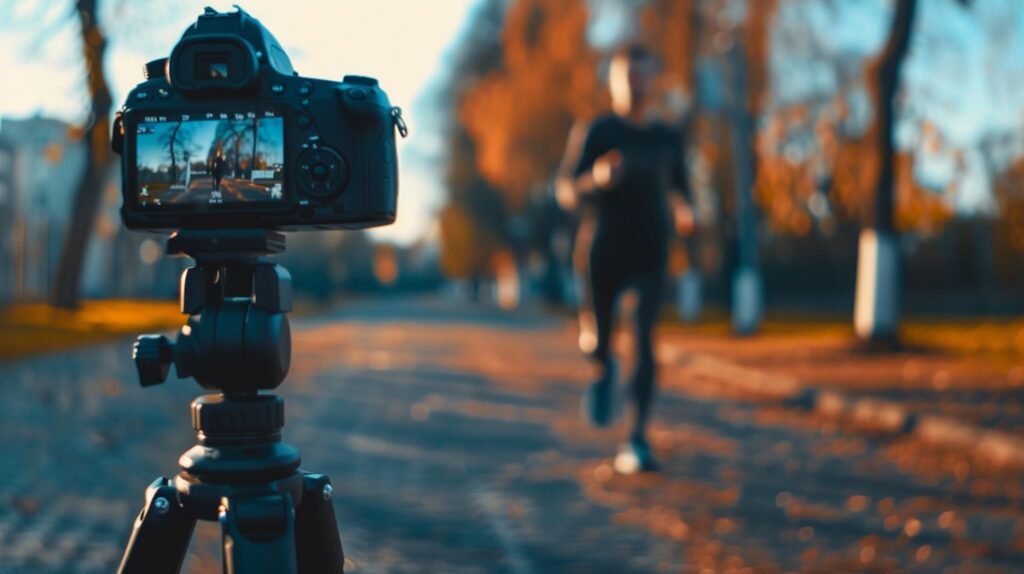
The second stress test focused on camera movement—where image-to-video models are marketed most aggressively and fail most often.
The Illusion of Camera Motion
Most image-to-video systems do not truly animate a camera in 3D space. They’re performing 2.5D reprojection combined with generative inpainting.
This distinction matters.
When you request:
– “Slow push-in”
– “Subtle handheld drift”
– “Gentle parallax”
The model interpolates depth cues convincingly. When you ask for:
– “360-degree orbit”
– “Fast dolly zoom”
– “Crane up revealing background”
The latent geometry collapses.
Moves That Consistently Work
Across Runway, Kling, and ComfyUI pipelines, these camera moves were reliable:
– Slow push-ins (5–10% scale over 4 seconds)
– Micro parallax (foreground/background separation)
– Very slow lateral pans when the image already implies depth
These moves align with how diffusion models hallucinate depth layers. They don’t require the model to invent unseen geometry.
Moves That Produce Artifacts
The following moves consistently caused tearing, warping, or object duplication:
– Aggressive rotations (yaw or roll beyond ~5 degrees)
– Fast zooms combined with subject motion
– Perspective shifts that expose hidden surfaces
In one test, a city street image with reflective glass windows turned into a recursive nightmare when prompted with “orbit left.” Reflections began reflecting reflections that never existed in the source image.
Why This Matters for Client Work
Clients don’t care that the model “almost” nailed the move. They see the one frame where the logo bends or the subject’s arm duplicates.
The production-safe mindset is:
– Treat camera motion as augmentation, not transformation
– If the move reveals new information, expect hallucination
Novelty, Chaos, and Edge Cases: How Image-to-Video Models Handle the Unexpected
The final stress test involved novel elements, things models weren’t trained on heavily or that violate common visual patterns.
Text, Symbols, and UI Elements
Text inside images remains fragile.
– Static text sometimes survives
– Animated text almost never does
As motion begins, characters melt, swap places, or turn into abstract glyphs. Even models that perform well on text-to-image fail at text-to-video because temporal coherence of symbols is not strongly reinforced during training.
If your client image includes:
– Product labels
– UI screens
– Signage
Expect to mask, replace, or composite in post.
Surreal and Non-Physical Objects
Unexpected result: surreal objects often performed better than realistic ones.
Floating geometry, abstract creatures, or impossible architecture gave the model more freedom. Because there’s no “correct” motion, the output feels intentional rather than broken.
This is why image-to-video shines in:
– Music videos
– Fashion films
– Experimental brand work
And struggles in:
– Product demos
– Medical visualization
– Architectural walkthroughs
Novel Motion Patterns
Asking an image to animate with unfamiliar motion (e.g., “a statue breathing,” “a building blinking”) produced mixed results.
When motion aligned with organic priors (breathing, swaying), results were convincing. When motion contradicted structure (rigid objects bending), artifacts spiked.
The model isn’t reasoning about physics. It’s pattern-matching learned correlations.
Practical Guidelines for Video Producers
After dozens of stress tests, a few production rules emerged:
1. Design the image for motion before generating video
If the image can’t plausibly exist in a film frame, don’t expect the video to save it.
2. Limit motion amplitude
Small moves scale. Big moves break.
3. Choose schedulers intentionally
Euler a for detail, DPM++ for smoothness—test both.
4. Assume post-production is required
Image-to-video is not final output. It’s a plate.
5. Use AI video where ambiguity is acceptable
Emotion, atmosphere, and suggestion outperform precision.
The Real Limit
Image-to-video AI doesn’t fail randomly. It fails predictably—at the boundaries between what an image implies and what motion demands.
For client work, the question isn’t “Can this model animate my image?” It’s:
Can it animate this image in a way that survives scrutiny, revision, and brand risk?
Right now, image-to-video is a powerful but narrow tool. Used intentionally, it can replace days of motion design. Used blindly, it creates cleanup work that outweighs the gains.
Understanding where it breaks is what turns it from a toy into a production asset.
Frequently Asked Questions
Q: Which image-to-video AI is most consistent for client work?
A: Currently, Runway Gen-3 and carefully tuned ComfyUI pipelines offer the most controllable consistency, especially when you manage scheduler choice and limit motion amplitude.
Q: Does locking the seed guarantee identity consistency?
A: No. Seed parity stabilizes initial noise but does not prevent identity drift once temporal attention layers prioritize motion over feature fidelity.
Q: What camera moves are safest for image-to-video?
A: Slow push-ins, subtle parallax, and minimal lateral pans work best. Any move that reveals unseen geometry risks artifacts.
Q: Is image-to-video ready for product or logo animation?
A: Not without post-production. Text, logos, and UI elements degrade quickly once motion is introduced.
Q: When should producers avoid image-to-video entirely?
A: Avoid it when exact geometry, readable text, or regulatory accuracy is required—such as medical, architectural, or technical explainer content.