Invideo AI: How to Create LONG AI Videos in One Prompt (Invideo AI + VEO 3.1)
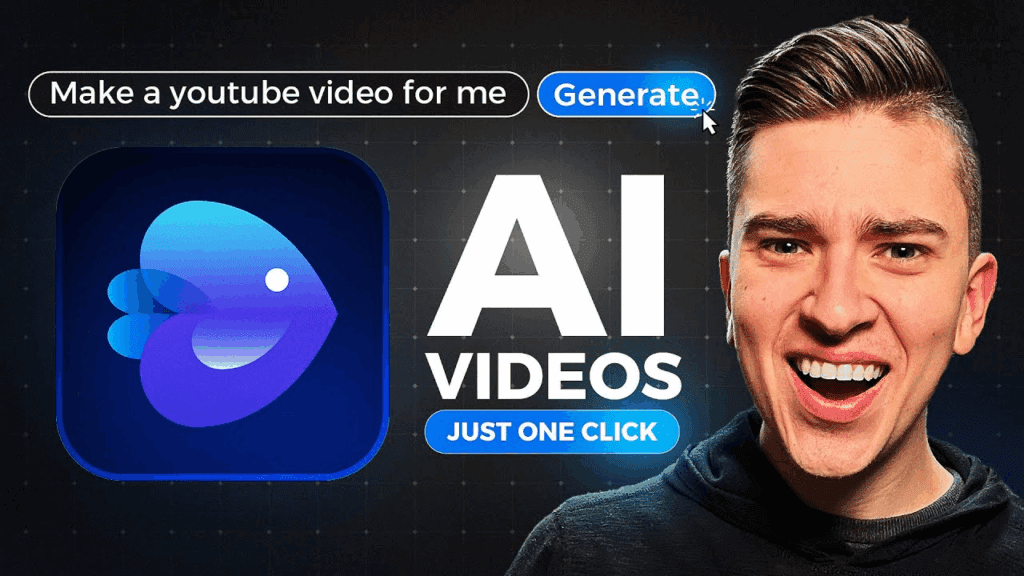
The rise of AI video generator tools has changed content creation forever, but most platforms still require heavy editing, scene trimming, and timeline work. Invideo AI changes that completely. With a single well-structured prompt, you can now create long AI videos, fully narrated, visually rich, and platform-ready, without manual editing. Invideo AI is widely regarded as the best AI video generator 2025 and how to use it step by step to create long, high-quality videos by leveraging concepts inspired by SORA 2, VEO 3.1 & Google Nano Banana.
Rather than requiring three separate tools, Invideo AI intelligently merges these advanced AI philosophies into one seamless AI video generator workflow, and next-gen generative workflows, creators can produce professional text to video AI content for YouTube, faceless channels, education, and video marketing in minutes.
Create Long AI Faceless Videos with One Prompt (No Editing) – Step by step tutorial
Step 1: Access the Invideo AI Video Generator
Start by opening Invideo AI, the all-in-one AI video generator designed for long-form and short-form content. Choose the text to video AI workflow instead of templates to unlock full automation.
Step 2: Write One Master Prompt (The Secret)
Instead of scene-by-scene prompts, structure one long prompt that includes:
- Topic
- Tone
- Video length (e.g., 12–15 minutes)
- Audience
- Visual pacing
- Voice style
Example Prompt Structure:
“Create a 15-minute faceless educational video explaining [topic], using cinematic stock visuals, smooth transitions, AI voice cloning, and chapter-based storytelling optimized for YouTube.”
This is where VEO 3.1 enhances scene continuity and realism.
Step 3: Let Invideo AI Auto-Generate Scenes
Invideo AI automatically:
- Breaks the script into logical scenes
- Selects visuals using generative AI videos
- Adds AI avatars video logic (optional)
- Applies background music and transitions
No timeline editing required.
Step 4: Enable AI Voice & Subtitles
Use built-in AI voice cloning to create natural narration. Subtitles are auto-generated, improving accessibility and watch time.
Step 5: Export and Publish
Choose formats optimized for:
- YouTube long-form
- Social media AI video
- Video marketing AI generator workflows
Best AI Video Generator 2025 combines SORA 2, VEO 3.1 & Google Nano Banana (InVideo AI tutorial)
Invideo AI stands out because it integrates ideas inspired by:
- SORA 2 for scene coherence
- VEO 3.1 for cinematic generation
- Google Nano Banana-style prompt intelligence
Why This Combination Matters
Most AI video generator platforms fail at long videos because scenes feel disconnected. Invideo AI fixes this by:
- Maintaining narrative flow
- Applying consistent visual styles
- Matching voice pacing with visuals
This is why it dominates generative AI videos for long-form content.
Why Invideo AI Is Compared to SORA 2, VEO 3.1 & Google Nano Banana
Invideo AI does not directly replace these technologies, but it combines their strongest capabilities into a single, creator-friendly platform.
SORA 2 – Story Continuity & Scene Logic
SORA 2 is known for:
- Narrative consistency
- Scene-to-scene realism
- Logical visual progression
Invideo AI mirrors this by automatically maintaining story flow in long AI videos, preventing the random scene jumps common in weaker text to video AI tools.
VEO 3.1 – Cinematic Visual Generation
VEO 3.1 excels at:
- Cinematic framing
- Realistic motion
- Visual cohesion
Invideo AI applies these principles when generating generative AI videos, ensuring visuals feel intentional, polished, and professional.
Google Nano Banana – Prompt Intelligence
Google Nano Banana-style systems emphasize:
- Structured prompt interpretation
- Context awareness
- Instruction hierarchy
Invideo AI’s prompt engine understands long, complex prompts, making it ideal for creators who want one-prompt video generation without editing.
Step-by-Step: How to Use Invideo AI as the Best AI Video Generator 2025
Below is a practical, repeatable workflow to fully leverage Invideo AI’s SORA–VEO–Nano Banana-inspired system.
Step 1: Choose Text to Video AI Mode in Invideo AI
Log into Invideo AI and select the text to video AI option instead of templates.
Why this matters:
- Templates limit creativity
- Text-based workflows unlock full AI automation
- Best for long-form and faceless content
This mode activates Invideo AI’s advanced AI video generator logic.
Step 2: Write a Structured Long-Form Prompt (Critical Step)
This is where Google Nano Banana-style prompt intelligence shines.
Your prompt should include:
- Total video length
- Tone and pacing
- Visual style
- Audience intent
- Platform (YouTube, education, marketing)
Example Prompt Framework:
“Create a 15-minute faceless educational video explaining [topic]. Use cinematic visuals, documentary pacing, smooth transitions, AI voice narration, and chapter-based storytelling optimized for YouTube.”
This single prompt enables:
- SORA 2-like narrative flow
- VEO 3.1-inspired cinematic visuals
- Nano Banana-level instruction clarity
Step 3: Let Invideo AI Auto-Build the Entire Video
Once submitted, Invideo AI automatically:
- Writes or refines the script
- Breaks content into chapters
- Assigns visuals per scene
- Applies background music
- Syncs narration and visuals
This is what makes it the best AI video generator 2025 for no-editing workflows.
Step 4: Activate AI Voice Cloning & Subtitles
To increase retention and professionalism:
- Enable AI voice cloning for natural narration
- Turn on auto-subtitles for accessibility and SEO
This step is crucial for:
- YouTube watch time
- Social media AI video performance
- Video marketing AI generator use cases
Step 5: Review Story Flow (Optional, No Editing Required)
Instead of editing timelines, simply:
- Preview scene flow
- Adjust pacing via text instructions if needed
Invideo AI’s SORA-inspired logic ensures:
- Visual continuity
- Consistent tone
- Smooth transitions
Step 6: Export in High-Quality Formats
Export options include:
- YouTube long-form
- Vertical social media AI video
- Presentation-ready formats
This makes Invideo AI suitable for:
- Faceless YouTube channels
- Courses
- Brand storytelling
- Professional AI video creator workflows
Invideo AI – Full Tutorial 2026: The AI Video Generator that does it All
Invideo AI is no longer just an editor, it’s a professional AI video creator built for scale.
What Makes Invideo AI Different in 2026?
- Full text to video AI automation
- Long-form generative video creation
- AI avatars video + faceless modes
- AI video editor powered by OpenAI models
- Commercial-ready exports
Core Features Breakdown
AI Script to Video Engine
Invideo AI converts scripts into polished visuals without scene micromanagement.
Generative AI Videos Library
Powered by VEO 3.1, visuals feel coherent and cinematic.
Multi-Platform Optimization
Automatically formats videos for YouTube, TikTok, Instagram, and ads.
The Only AI Video Generator You Need in 2026 (No Editing) Invideo AI
Creators, agencies, and marketers no longer need multiple tools.
Why Invideo AI Replaces Traditional Editors
- No timeline dragging
- There’s no stock footage searching
- No voice recording
Everything is generated inside one AI system.
Who Should Use Invideo AI?
- Faceless YouTube creators
- Course creators
- Video marketing teams
- Social media managers
- Educators and coaches
If you’re searching for the best AI video tools, Invideo AI sits at the top.
InVideo AI Tutorial For Beginners (2025) – Step By Step
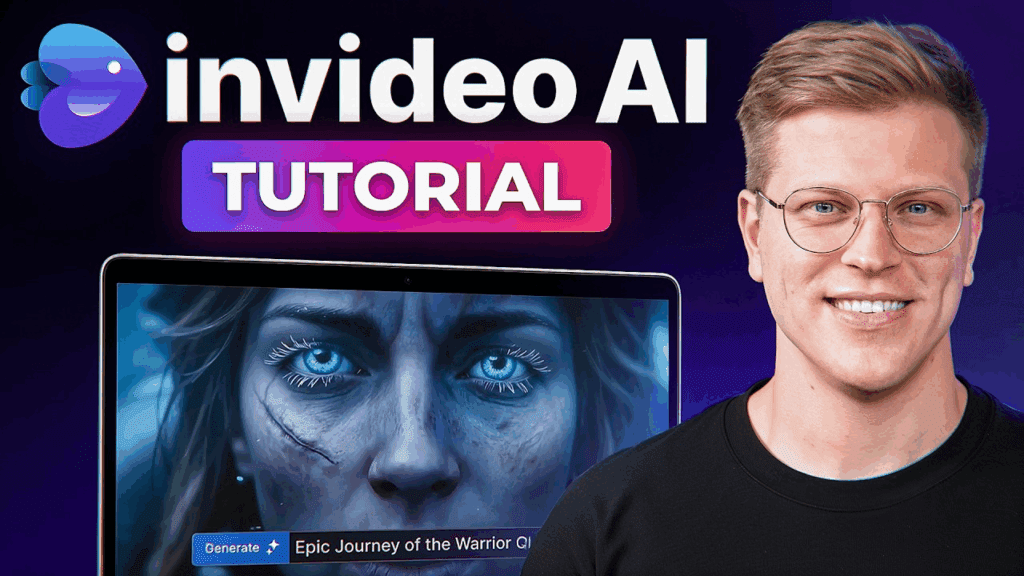
Beginner Workflow Overview
- Choose “Text to Video AI”
- Paste a structured long prompt
- Select voice and style
- Generate
- Export
Beginner Tips for Better Results
Use Clear Sections in Prompts
Tell Invideo AI to divide content into chapters.
Specify Visual Tone
Words like “cinematic,” “minimal,” or “documentary” guide the AI.
Let AI Handle Editing
Avoid manual overrides, the system performs best fully automated.
VidAU And InVideo AI – A Stunning Duo For AI Videos
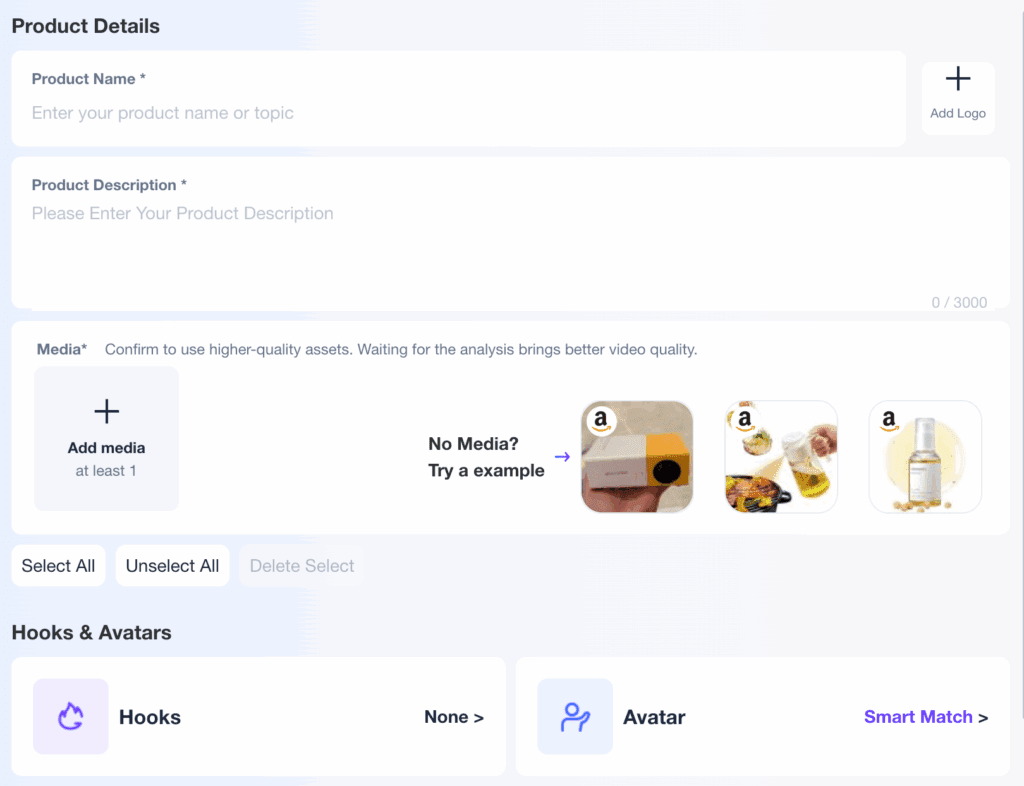
While Invideo AI handles long AI video creation, VidAU excels at:
- AI ads
- Short-form promotional clips
- UGC-style videos
How Creators Use Them Together
- Create long-form videos in Invideo AI
- Repurpose highlights into ads using VidAU
- Scale content across platforms
This combo powers modern video marketing AI generator strategies.
Why Invideo AI Is Perfect for Long AI Videos
Scalability Without Burnout
You can generate multiple long videos daily.
Monetization Ready
Perfect for YouTube AdSense, affiliate content, and courses.
SEO-Friendly Video Creation
Long-form content improves discoverability and authority.
Frequently Asked Questions
Is Invideo AI free to use?
Invideo AI offers free and paid plans depending on export quality and length.
Can Invideo AI really create long videos in one prompt?
Yes, with proper prompt structure, Invideo AI generates long AI videos automatically.
Does Invideo AI support AI voice cloning?
Yes, it includes advanced AI voice cloning and narration options.
Is Invideo AI better than other AI video generators?
For long-form, faceless, no-editing workflows, Invideo AI outperforms most competitors.
Can I use Invideo AI for YouTube automation?
Absolutely. It’s one of the best tools for YouTube automation and faceless channels.