Kling 2.6: How to Use Your Own Voice for AI Voice Swap
AI-generated video is no longer just about visuals. With Kling 2.6, you now get native lip-synced voiceovers that sound natural, emotional, and perfectly aligned. This update makes content creation faster and more flexible for creators using VidAU. Instead of syncing your video manually or relying on dull, robotic narrations, Kling 2.6 handles speech, tone, and facial movement in one click.
This guide will show you how Kling 2.6 works, what makes it stand out, and how it helps you achieve smooth AI voice swap with native audio sync.
How to Upload and Use Your Own Voice in Kling 2.6 for AI Voice Swap
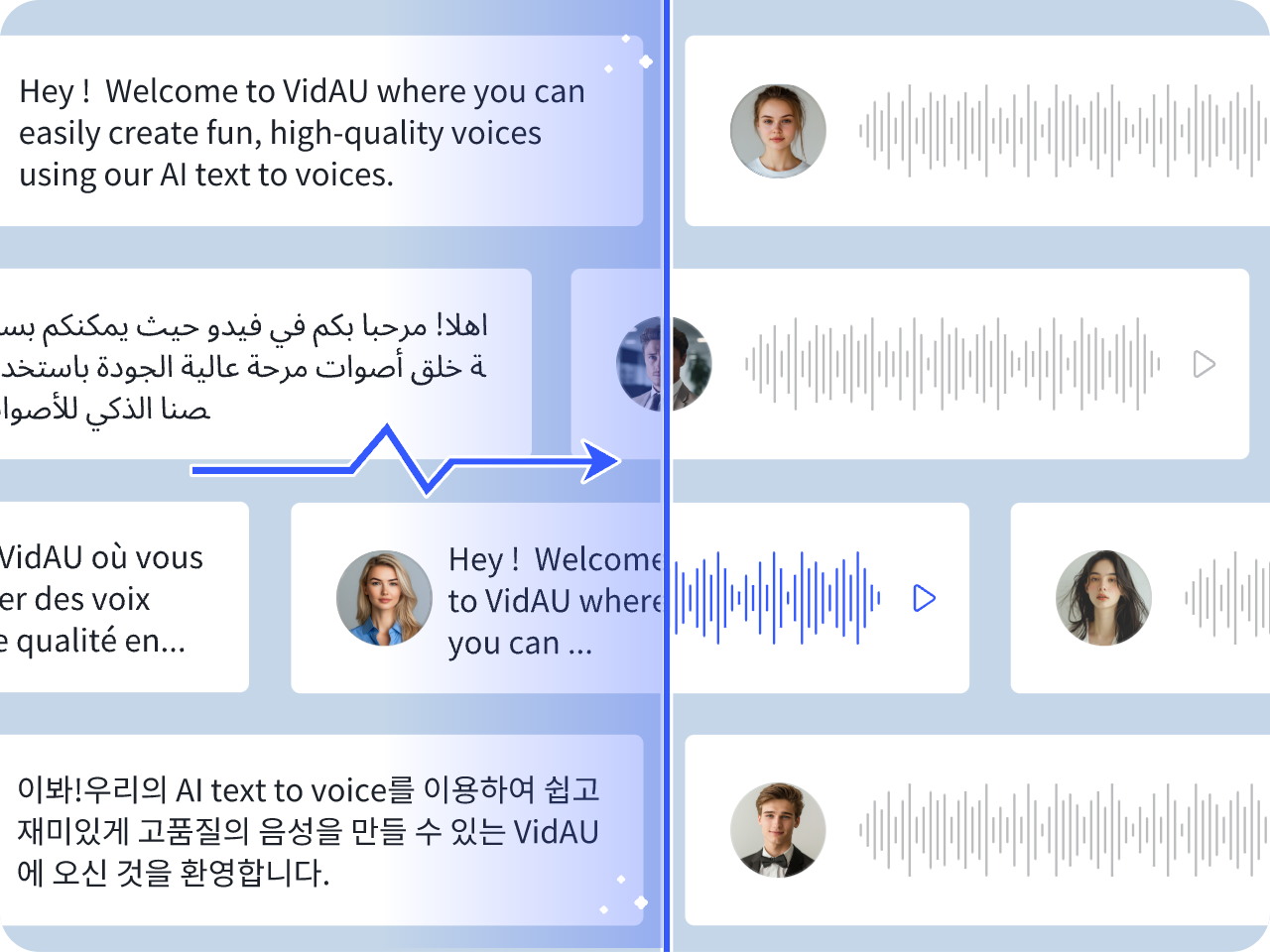
Kling 2.6 now allows you to generate AI voice swap videos using your own voice. You can either upload a clean recording of yourself speaking or choose from preset voice styles that reflect your tone and rhythm. The platform then syncs your voice to facial expressions in real-time.
You can now generate realistic voice swap videos with Kling 2.6 by uploading your clip and choosing the target voice style. The results are surprisingly accurate. Kling 2.6 recognizes facial expressions and syncs speech movement down to jaw tension and emotional cues.
Key steps to use Kling 2.6 for Accurate Voice Swaps
To use Kling 2.6 effectively, you need to follow a few key steps that prepare both your visuals and your voice settings. This workflow helps ensure your final video looks natural, sounds emotional, and matches your unique style.
- Upload a clean video clip or image
Start by uploading a short video or high-quality image of yourself or your subject. Ensure the face is clear and well-lit, with no obstructions. Kling uses facial landmarks like lips, eyes, and jawline to animate mouth movement. The better the input, the smoother the sync. - Choose the speaker voice style
You can either upload a custom voice sample (your own voice) or choose from available presets that match your accent, pitch, or delivery style. While full voice cloning isn’t offered yet, Kling 2.6 lets you simulate your voice closely by matching tone and speech rhythm. - Select audio language, pitch, and tone style
Next, pick the language you want the voice to speak in. You can also customize the pitch, speaking speed, and emotional tone (calm, energetic, serious, etc.). These options help reflect your personality or brand voice in the final output. - Let Kling 2.6 render the full scene with synced mouth movement
Once all settings are applied, Kling will begin processing. It automatically maps your chosen voice to facial expressions, syncing lip motion to every word, blink, or pause. This usually takes less than 30 seconds, even for full-length clips. - Download or export your voice-swapped video
After rendering, you’ll receive a video file that includes your visual content, your selected voice style, and full mouth sync. You can download this output directly or send it to VidAU for further editing, captioning, or ad formatting.
These steps make it easy to create high-quality AI voice swap videos using your own voice perfect for TikToks, brand explainers, short stories, or talking head content.
What Makes Kling 2.6 Better Than Older AI Voice Tools?
Kling 2.6 improves on previous models by offering smoother syncing, realistic voice energy, and better emotional depth. Older tools often mismatch mouth movement and emotion. Kling 2.6 closes this gap by using advanced facial motion mapping.
The model now tracks 3D muscle structures, giving each expression more life. When the AI speaks, it looks and feels human. That’s why creators prefer Kling 2.6 over generic text-to-speech apps.
Common Traditional Voice Tools Used Before Kling 2.6
Before Kling 2.6 entered the scene, many creators relied on older voice generation platforms. These tools offered basic text-to-speech conversion but lacked emotional realism and accurate facial sync. They served basic needs but often fell short in delivering natural communication in visual content.
Here’s a list of traditional AI voice tools many users have tried:
- Google Cloud Text-to-Speech – Converts text to voice with basic customization.
- Amazon Polly – Offers lifelike speech synthesis but limited sync features.
- Descript Overdub – Allows voice cloning but doesn’t auto-sync visuals.
- Resemble AI – Offers custom voice creation with emotion control, not visual sync.
- Play.ht – Focused on podcast-style voice, not on-screen performance.
These tools work for voice-only needs. But when it comes to full lip-sync and expressive video content, they lag behind Kling 2.6.
Feature comparison: Kling 2.6 vs Traditional Voice Swap Tools
This table breaks down key differences:
| Feature | Kling 2.6 | Older Voice Swap Tools |
| Lip-sync Accuracy | High | Low to Medium |
| Emotional Range | Wide (smile, frown, blink) | Narrow |
| Voice Tone Customization | High (pitch, speed, language) | Limited |
| Processing Time | Fast (30 seconds or less) | Slower |
| Realistic Expression Mapping | Yes | No |
How Kling 2.6 Enhances Native Audio Sync in Your AI Videos
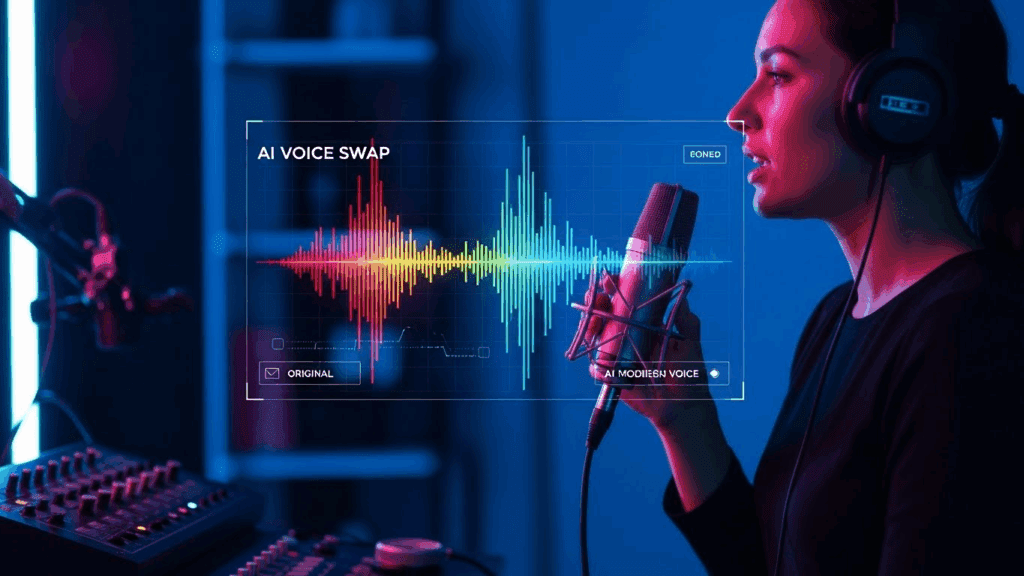
Kling 2.6 helps you sync video and audio without editing tools. This is crucial for content creators who want fast results with emotional realism. The AI matches pronunciation with mouth shapes and syncs voice to lip flutters, creating a native-level result.
Instead of recording audio first and matching it later, Kling 2.6 does it together. The clip and audio feel like they were recorded in one take.
Benefits of Kling 2.6 for native audio sync
Before you use Kling 2.6 for syncing, understand why this feature matters:
- Cuts down production time by 80%
- Improves the viewer experience
- Makes story narration and talking head videos feel real
- Works across multiple languages without loss of sync
This makes Kling 2.6 useful for creators, educators, and marketers.
How to Use Kling 2.6 With VidAU to Make Talking Videos Fast
VidAU now integrates Kling 2.6 as part of its video generation pipeline. You upload your visuals and voice script or target voice, and VidAU processes the full video with native sync.
The combination works well for short-form content like ads, tutorials, or brand explainers. Kling 2.6 handles the speaking part while VidAU refines the video output with background visuals, captions, and filters.
Real use cases using VidAU
These common use cases show how well VidAU c:
- Product explainers with synced voiceover and branded visuals
- Influencer talking videos in multiple languages
- Story clips for TikTok, Instagram Reels, and YouTube Shorts
- Face-to-camera ads using auto-synced voice narration
With VidAU, one creator can build full campaigns in a few hours.
Can Kling 2.6 Handle Accent, Emotion, and Voice Diversity?
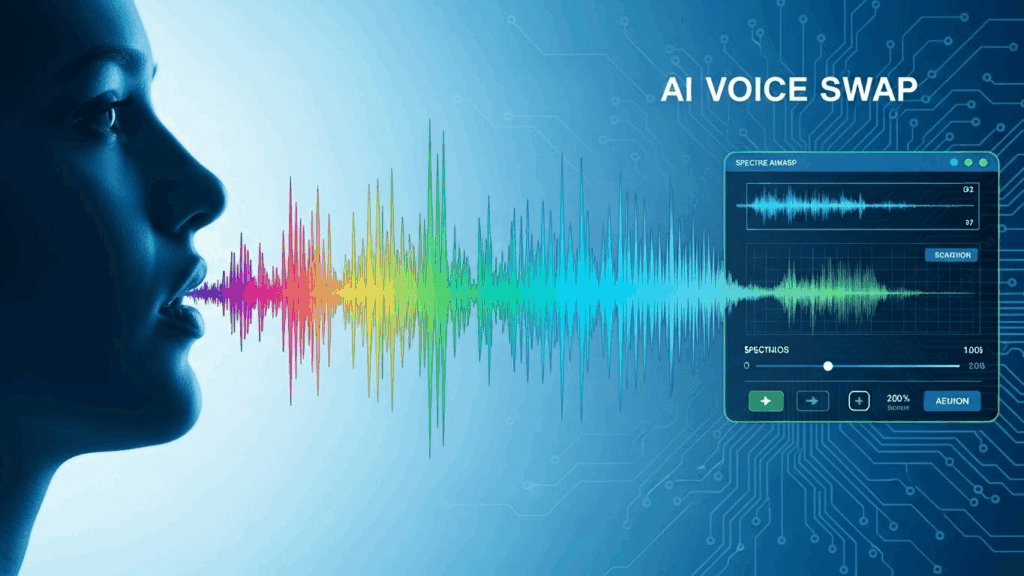
Yes. Kling 2.6 includes a wide range of voices, accents, and emotions. You get options to adjust speed, tone, stress, language, and emotional intensity.
This helps creators target diverse audiences. The model also supports emotional layering, meaning you can mix calm tone with urgency or joy with sarcasm. That makes Kling 2.6 one of the most flexible voice swap models.
Examples of supported voice variations in Kling 2.6
Here are a few output examples:
- Calm British male voice with slow delivery
- Cheerful Nigerian accent with fast pace
- Female narration with low-pitch storytelling mode
- Dramatic voice for skits or trailers
These variations all match lip movements and facial tone.
Conclusion
Kling 2.6 changes how you produce talking videos by joining visuals and sound in one step. The model generates video, voice, ambient sound, and effects together from text or images, with mouth movement that matches dialogue automatically, removing separate audio editing and syncing work.
This makes your content feel more natural and believable compared to older voice tools that add audio later and often mismatch motion and tone. Kling 2.6’s native audio helps videos feel complete, emotional, and ready to share, which matters in fast‑moving feeds where viewers judge content in seconds.
FAQs
1. How do I start using Kling 2.6 for voice swap?
Upload your clip to Kling 2.6, select your voice style and settings, and let it process. You can export or send directly to VidAU for full video output.
2. Can Kling 2.6 work with any video format?
Yes. It supports MP4, MOV, and even image inputs. The model adapts well to various frame rates and face positions.
3. How accurate is Kling 2.6 in syncing lip movement?
Kling 2.6 uses advanced motion mapping to sync down to blink speed, smile tension, and jaw alignment. Syncing is highly accurate.
4. Does Kling 2.6 support local languages or accents?
Yes. It handles multiple languages including Yoruba, Hindi, Spanish, and Mandarin, and supports region-specific accents.
5. Can I use Kling 2.6 and VidAU together for video projects?
Absolutely. VidAU processes Kling 2.6 output smoothly, letting you build ads, stories, or teaching clips with full sync and voice realism.