Minimax Speech-02: A Review of the Latest Minimax 2.6

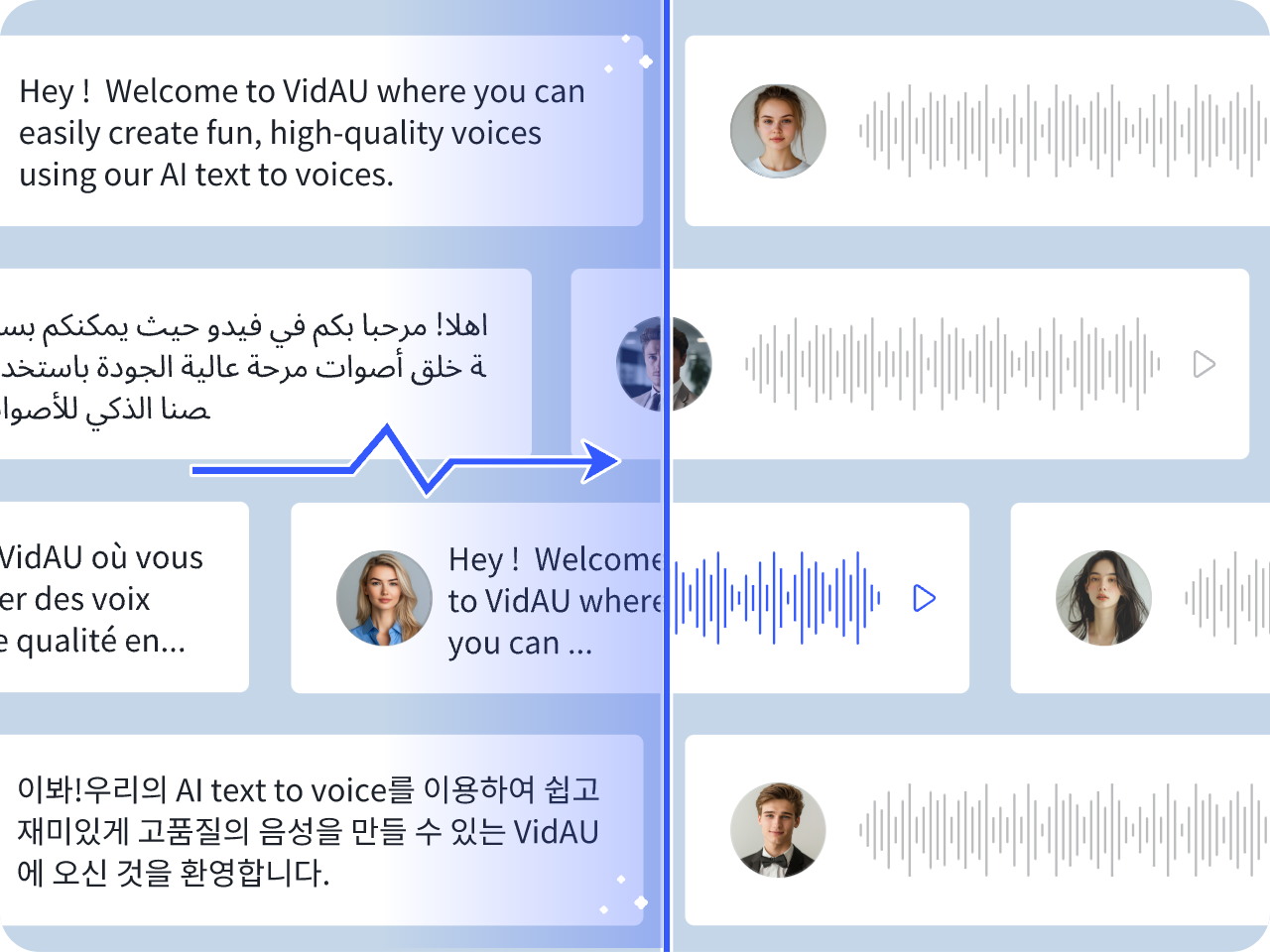
AI voice tools change fast. Brands and creators want voices that sound real, stable, and flexible. Minimax Speech-02 and the newer Minimax 2.6 update push the standard for realistic AI audio. The model gives smooth tones, better control, and supports voice cloning. It also fits well into video workflows, product demos, and marketing content.
This review explains what Minimax 2.6 offers, how it compares to older Minimax engines, and how you can use it to create strong marketing video demos.
What Is Minimax Speech-02 and How Does It Work?
Minimax Speech-02 is a text-to-speech model built for clear and natural voice output. It turns text into smooth audio with better timing and tone.
Core Engine Behind Speech-02
Speech-02 uses an autoregressive transformer and a speaker encoder. This allows better sound accuracy and fast speech generation. It keeps the voice stable even in long sentences.
Key Uses for Creators and Marketers
You can use Minimax Speech-02 for:
- Product demos
- Social media videos
- Explainers
- Tutorials
- Multilingual ads
It works well for creators who want clean audio without recording their own voice.
What’s New in Minimax 2.6?
Minimax 2.6 improves sound quality, speed, and voice control.
Better Realism and Clarity
The new version gives smoother tones and fewer distortions. Words flow better, and pauses feel more natural.
Low Latency for Live Use
The turbo mode cuts the delay. You get near real-time response for agents, chatbots, or live demos.
Expanded Language and Emotion Controls
The model supports more languages and emotions. You can choose a calm tone, a lively tone, or a more formal style.
Zero-Shot Voice Clone Upgrades
Voice cloning is stronger. You can upload a short voice sample and generate new speech in that voice. The match is more accurate than older versions.
Minimax 2.6 vs Hailuo 2.3 vs Speech 2.5 HD
The table below shows the main differences.
Comparison Table
| Model | Strength | Best Use Case |
| Hailuo 2.3 | Fast output | Simple scripts |
| Speech 2.5 HD | High clarity | Long videos, narration |
| Minimax 2.6 | Best realism + low latency | Marketing videos, product demos, cloned voices |
Feature Overview
Minimax 2.6 gives the best balance of clarity, speed, and tone control.
Strengths and Limits
Strengths: strong realism, better voice clone, good for ads.
Limits: long scripts may need splitting.
How Realistic Is Minimax 2.6 for Marketing Videos?

Minimax 2.6 works well for marketing demos because the voice has more warmth and flow.
Voice Warmth and Natural Pace
The speech model controls stress, pitch, and pace. This creates a more human feel.
Performance for Ads and Product Demos
The voice stays clear even with technical terms or feature callouts. This is useful for product videos.
Handling Complex Scripts and Numbers
It reads prices, dates, and URLs correctly. This matters for ads, tutorials, and onboarding videos.
How to Make a Video Demo Using Minimax 2.6
You can use Minimax 2.6 to create a clean voice track, then edit visuals in VidAU.
Step 1 – Write a Clean Script
Short lines work best. Focus on product benefits and key features.
Step 2 – Generate Voice with Minimax
Choose a tone or clone a voice. Export as a WAV or MP3 file.
Step 3 – Build Visuals or Product Shots
Record the screen or use AI visuals. Keep the clips short and clear.
Step 4 – Edit and Sync on VidAU
Use VidAU to add captions, align timing, and adjust audio levels.
Step 5 – Export and Publish
Export for TikTok, YouTube, or Instagram.
Best Alternatives and When to Use Them
Minimax is strong, but some tools fit specific needs.
Budget Pixel
A cheaper voice tool for simple scripts or short videos.
Other AI Voice Generators
These are useful if you need rare accents or unique voice styles.
When Minimax Performs Best
Use Minimax for ads, product demos, training clips, and any content that needs a human-like voice.
Conclusion
Minimax Speech-02 and Minimax 2.6 offer one of the best voice engines for content creators, brands, and marketers. The new update gives cleaner tones, better cloning, and stronger control for ads and product demos. When paired with VidAU for editing and captions, you get a smooth and fast way to build high-quality marketing videos.
FAQs
1. Is Minimax 2.6 free to use?
Minimax offers a free tier, but the best quality voices and faster speeds are in the paid plans. Most creators start with the free tier and upgrade as their projects grow.
2. How accurate is the voice clone in Minimax 2.6?
The clone is strong when you use a clean 20–30 second sample. The tone and pacing match well. You may still need to adjust emotion or speed for better results.
3. Can Minimax handle long scripts?
Yes. But you may need to split long text into smaller parts to keep timing smooth. The audio still joins well in editing tools like VidAU.
4. Is Minimax better for ads or tutorials?
It works for both, but it shines in ads because of its warm tone and strong clarity. Product demos also sound more professional.
5. How does Minimax compare with Hailuo?
Hailuo is faster but less natural. Minimax 2.6 gives better realism and is the preferred choice for marketing videos.