Master N8N AI Agent in Minutes and N8N V2 Updates
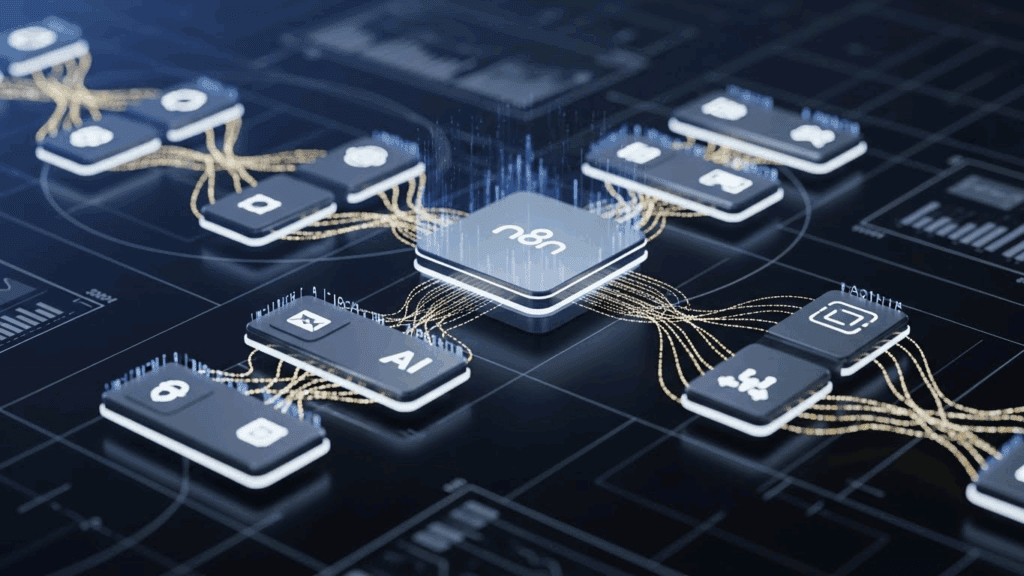
If you’re tired of repeating tasks, clicking the same buttons, or copying the same files across platforms, there’s a better way to work. N8N AI Agent is changing how creators and small teams handle automation. It gives you an intuitive canvas to build workflows fast, while N8N V2 packs stronger performance and support for complex automations. Add VidAU to the process and you can go from text to video in minutes without lifting a finger. This guide will help you understand what N8N AI Agent is, how to build your first flow, and how to link it with video automation tools like VidAU.
What is N8N AI Agent?
N8N AI Agent is a no-code automation builder that simplifies how you connect apps and automate your daily processes. It works like a visual puzzle where each piece is a task: send a message, format a file, generate a video.
N8N AI Agent helps users create smart, automated flows by connecting apps and data in a drag-and-drop interface. It allows creators, marketers, and solopreneurs to automate tasks and link different tools together in seconds. With the launch of N8N V2, you now get a smoother experience with better performance, reduced errors, and improved integration for building videos or managing large content pipelines.
You don’t need any background in programming. You simply tell the N8N AI Agent what task to build, and it designs the steps for you using natural commands and logic.
How Do You Build an N8N AI Agent from Scratch?
Building your own N8N AI Agent is easy once you understand how nodes link together. Each node does one thing, and you control the flow of tasks by connecting them in a logical order. You start by choosing your trigger (email, webhook, form), then add tasks like HTTP requests, data formatting, video generation or social media publishing.
Before going into the steps, understand that each node in your workflow represents an action or decision. You start from an entry point and end at a result.
Steps to Build Your First N8N AI Agent
Before you begin, sign up on n8n.io and launch the editor. Follow this process to build a workflow even if you’ve never tried automation before:
- Step 1: Pick a trigger node. This could be a webhook, RSS feed, or form submission.
- Step 2: Add action nodes like HTTP Request, Set, or Merge.
- Step 3: Use the Function node to format data or add simple logic.
- Step 4: Test the workflow with sample data and validate the flow.
- Step 5: Publish or schedule the automation.
Your agent will now process tasks automatically as soon as the trigger condition is met.
What Types of Creators Should Use N8N AI Agent?
N8N AI Agent fits anyone running content, marketing, or automation-heavy workflows. It’s most useful for:
- Content marketers scheduling blog-to-video workflows
- UGC creators who batch-edit submissions into Shorts or Reels
- Social media managers publishing clips automatically
- Startup teams managing multiple platforms on a lean budget
The flexibility and speed makes it perfect for small creative teams.
What Are the Drawbacks of N8N AI Agent?
While N8N AI Agent is flexible, there are a few limitations to note:
- It requires some time to learn basic node logic
- Hosted version has limits unless upgraded
- Debugging can be hard in nested workflows
Still, for creators who want full control, the upsides far outweigh these downsides.
N8N V2 Updates – What You Need to Know
The new version of N8N (V2) brings massive improvements in workflow design, system speed, and error handling. If you’ve used the older version, you’ll notice instantly how much smoother the experience feels.
N8N V2 brings major upgrades that improve speed, simplify complex flows, and reduce downtime. The most noticeable changes include cleaner UI, reusable workflows, and native integrations with modern tools. Many teams now use N8N to automate video generation by combining it with VidAU.
Here are the top 5 N8N V2 updates you should know about right away:
- Faster Workflow Execution: N8N V2 now runs up to 50% faster. You get faster test results, quicker automation feedback, and more efficient production.
- Reusable Modular Workflows: You can now build smaller flows and plug them into larger ones using the new workflow templates system.
- Clean New Interface: The new UI supports dark mode, clearer navigation, and better spacing for complex workflows.
- Real-Time Error Logs: Debugging is easier with visual traces, real-time log outputs, and quick access to failed nodes.
- More Integrations: N8N V2 now supports over 350 apps and services, making it easier to connect with modern tools like VidAU, Airtable, Notion, and more.
Understanding the difference between V1 and V2 helps you appreciate what’s changed and how it impacts your builds.
Comparison of N8N V1 vs V2
Here is a breakdown of what improved in V2 compared to V1:
| Feature | N8N V1 | N8N V2 |
| UI Design | Basic editor | Enhanced UX with dark mode |
| Performance | Slower load times | 50% faster execution |
| Error Logs | Limited debugging | Real-time logs with tracebacks |
| Workflow Reuse | Manual duplication | Modular workflows & templates |
| App Integrations | Limited choices | 350+ supported apps |
What Makes N8N AI Agent Perfect for Video Automation Workflows?
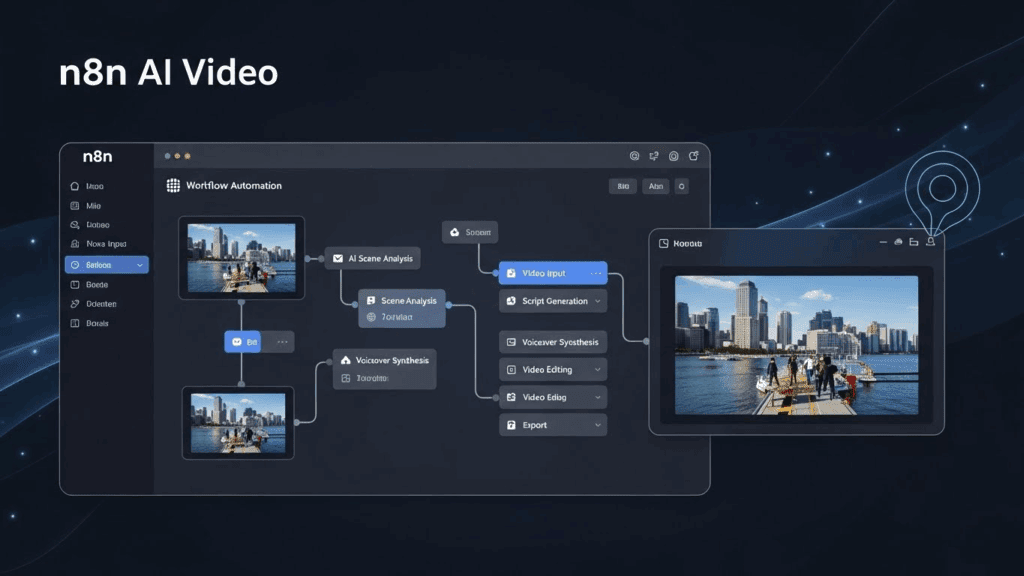
N8N AI Agent is a solid option for content workflows because it keeps everything consistent. Once your flow is live, it does the same thing every time from fetching blog text to formatting it into a video prompt and sending it to VidAU.
If you’re managing video content or daily social posts, you need a workflow that won’t break. N8N provides that stability while VidAU handles the creative output. It handles repetitive tasks like pulling data, formatting scripts, triggering video generation with VidAU, and uploading finished videos. This saves hours every week and keeps your workflows running even when you’re offline.
Use Cases That Work Well With N8N AI Agent
Before setting up your first automation, here are practical ways creators use N8N AI Agent:
- Auto-generate YouTube Shorts from blog headlines
- Pull data from Google Sheets and send it to VidAU for video creation
- Format UGC submissions and trigger branded content generation
- Schedule auto-posts on Instagram with AI-generated videos
- Trigger a video generation flow with VidAU when a new blog post goes live.
- Store UGC entries from Google Forms, generate branded videos, and send them to review via email
How to Use VidAU With N8N AI Agent for Fast Video Creation
You can sync N8N AI Agent with VidAU by using Webhooks and API calls. Once a trigger event happens (like a new entry in Google Sheets), the AI Agent sends data to VidAU to generate a new video from templates or text scripts.
VidAU takes that prompt and creates high-quality video in seconds. This workflow helps creators automate short-form content, tutorials, and ads without editing manually.
Step-by-Step Integration of N8N and VidAU
Before you set up the flow, make sure you have:
- A VidAU account with video templates or scripts ready
- API keys from VidAU dashboard
- Access to N8N cloud editor
Then:
- Add Webhook node to N8N and capture incoming data
- Use HTTP Request node to send that data to VidAU
- Format responses (video URL, ID, etc.) using the Function node
- Send results to Telegram, email, or Airtable for review
Final Thoughts: Should You Start Using N8N AI Agent Now?
Yes. If you want faster video production, automated pipelines, and fewer repetitive tasks, start building with N8N AI Agent. With N8N V2, performance and integrations are smoother. And when you connect it with VidAU, you complete your creative loop from input to video file.
Creators using VidAU with N8N have launched thousands of automated videos using this setup. You don’t need to build the whole thing today. Start small, build one automation, and grow it from there.
FAQs
- What is the fastest way to build a simple N8N AI Agent?
Use the Webhook trigger and connect it to a Set and HTTP node. This basic flow can do wonders for automating short tasks. - How does N8N V2 improve creator workflows?
It reduces delays, adds reusable workflows, and gives better error messages, which helps creators move faster. - Can I use N8N AI Agent without coding skills?
Yes. N8N’s visual interface is designed for non-coders. You can create workflows using drag-and-drop logic. - Are there free options for N8N AI Agent?
Yes. N8N has a free tier with essential features. You can upgrade for hosted access, faster execution, or team collaboration. - Where do I start with VidAU integration?
Create a VidAU account, design your first template or script, then use N8N’s HTTP Request node to send data and automate video creation. - Do I need to pay to use N8N and VidAU together?
N8N has a free tier. VidAU also offers free credits for new users. Advanced usage might require paid access.