How to Build a Fully Automated Video Workflow Using Trending n8n Templates
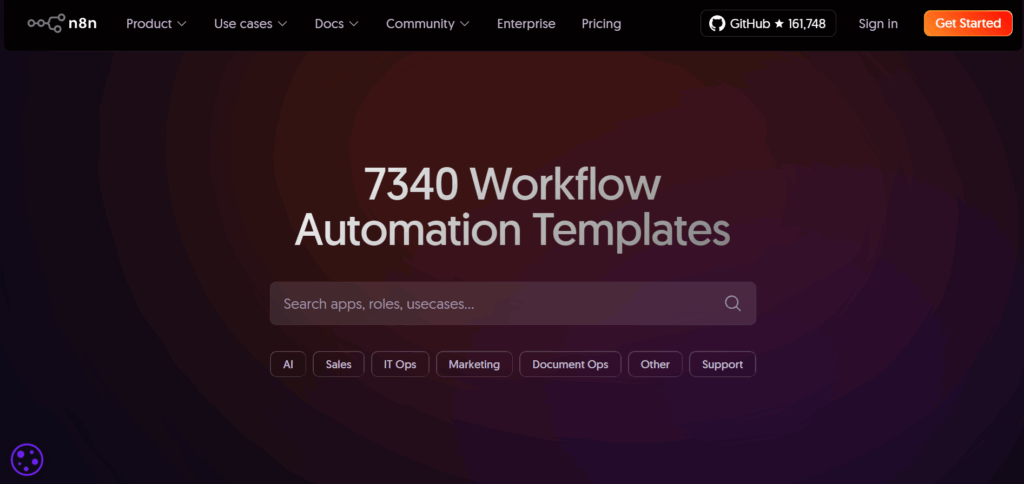
Video production is changing fast. Creators now automate idea research, scriptwriting, editing, and posting. n8n templates make this easy. They remove manual steps and link AI tools into one smooth workflow. If you want a system that produces videos daily with little effort, these templates help you get there fast.
What Are n8n Templates and How Do They Work?
n8n templates are ready-made automations. You import them, connect your accounts, and run the workflow.
Why Templates Matter for Video Workflows
Templates save time. You do not build workflows from scratch. They help you remove manual editing, manual posting, and scriptwriting tasks.
How Templates Fit Into AI Video Production
Templates link AI tools, editors, cloud storage, and social platforms. You can connect VidAU for final edits or captions, then send the video to TikTok or YouTube without lifting a finger.
Why Use n8n Templates for Video Automation in 2025?
n8n templates cut production time and reduce costs.
Faster Content Creation
They auto-generate scripts, prompts, and drafts. They also trigger your AI video tool automatically.
Automatic Distribution Across Platforms
They publish videos across TikTok, YouTube, and Instagram without manual uploads.
Lower Cost than Traditional Tools
n8n is open source. You pay only for external APIs. It is cheaper than high-end automation suites.
Top Trending n8n Templates for Automated Video Workflows
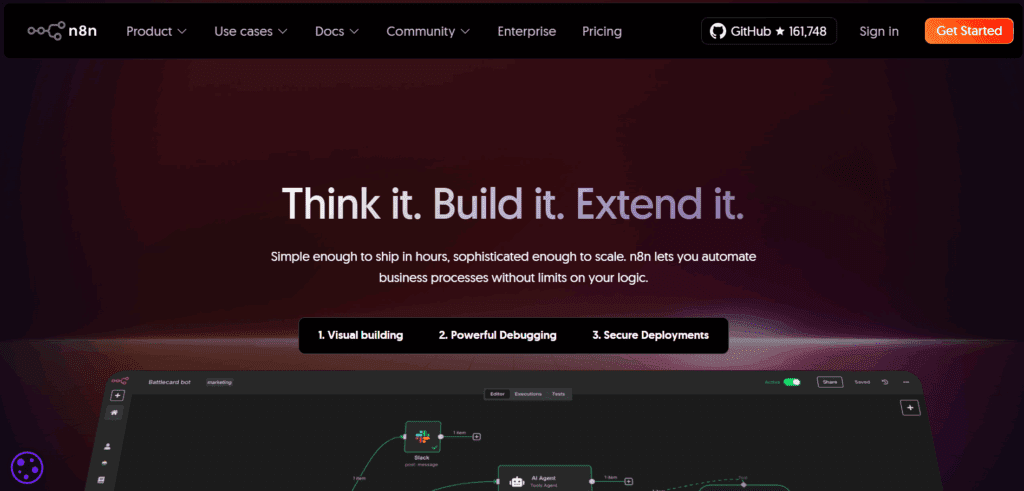
These templates help you automate each step of video creation.
Template 1 – Auto-Generate Video Ideas from Trending Topics
Pulls Google Trends or a news API. Creates topic lists based on keywords.
Template 2 – AI Script Generator + Scene Builder
Sends topics to an AI model. Returns scripts and scene prompts ready for video creation.
Template 3 – Convert Audio or Images into AI Videos
Connects to VidAU or similar AI tools. Generates motion clips from audio, text, or images.
Template 4 – Auto Add Subtitles and Captions
Extracts audio, generates captions, and adds them to the final video.
Template 5 – Auto Publish Videos to Social Platforms
Schedules uploads to YouTube, TikTok, and Instagram.
These templates help you produce videos even on busy days.
How to Combine n8n Templates Into One Full Video Pipeline
You can link multiple templates together to build a full video system.
Step 1 – Content Research Automation
Use a trends template to collect new topics every morning.
Step 2 – Script and Visual Prompt Generation
Feed these topics into an AI script template. The script becomes your scene guide.
Step 3 – AI Video Creation and Rendering
Send the script to VidAU or your chosen AI engine. The video renders automatically.
Step 4 – Caption, Resize, and Crop Automation
An editing template adds captions and resizes for each platform.
Step 5 – Auto Publishing and Scheduling
A posting template uploads your content to social platforms.
Your pipeline now runs from idea to upload with little manual work.
Example Fully Automated n8n Video Workflow (With Diagram)
A complete workflow can run like this:
Diagram of Workflow
Trending topics → AI script → AI video → captions → resize → auto-post.
Tools Connected in the Workflow
VidAU, n8n, Google Trends, a cloud folder, and posting APIs like YouTube or TikTok.
What This Workflow Can Produce Daily
A single setup can generate 10 or more videos per day. This depends on your AI credits and posting limits.
Best Practices for Building Reliable n8n Video Workflows
These steps help you avoid workflow errors.
Add Error Handling and Retries
Set retry limits for API calls. This keeps workflows stable.
Keep API Keys and Limits in Mind
Track usage. Avoid hitting daily limits when generating many videos.
Test Templates Before Scaling
Start with sample videos. Fix timing and formatting issues early.
Conclusion
n8n templates make video automation simple. They handle research, scripts, video creation, editing, and posting. With a single setup, you build a system that works even when you are offline. This helps creators, agencies, and brands stay active every day without extra work.
FAQs
1. Are n8n templates free?
Yes. Many templates are free, especially in the public library. You only pay for connected services such as AI models or storage platforms.
2. What video tools work best with n8n?
AI video generators like VidAU work well because they support API calls. You can send scripts, images, or audio directly from n8n.
3. Can beginners use these workflows?
Yes. Templates make the setup simple. You do not need coding skills. You only link accounts and adjust a few fields.
4. How many videos can n8n automate daily?
Output depends on your AI credits and workflow speed. Some pipelines produce 5 to 20 videos per day without breaking.
5. Does n8n support AI tools like VidAU?
Yes. n8n works with any tool that offers API access. You can connect VidAU for generation, captions, and editing tasks.