How to Create Consistent AI Characters on Nano-Banana Model and Sora 2 for Long Videos
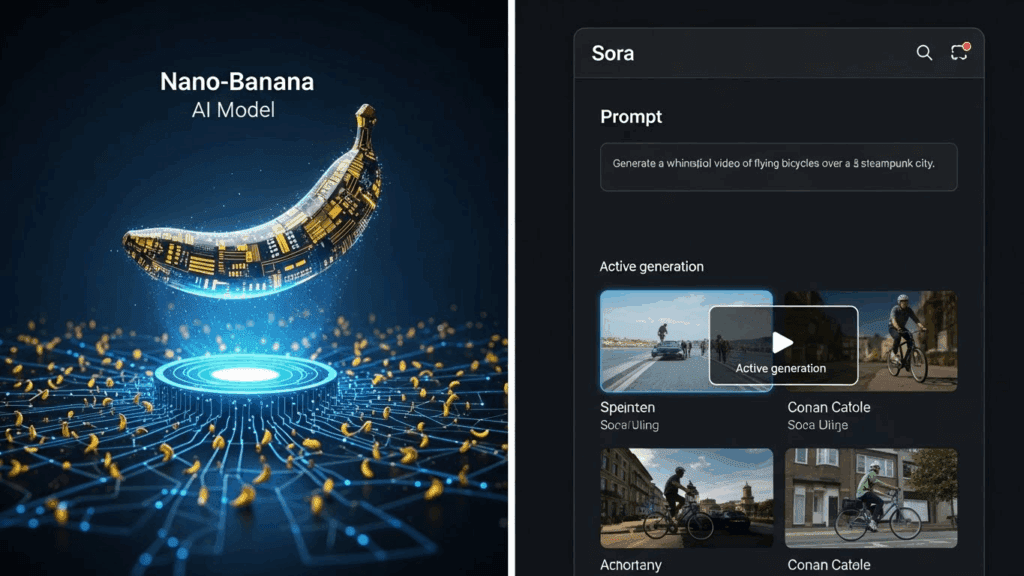
Viewers don’t remember one-off faces. They remember characters built with the nano-banana model. If you’re building story-driven videos, product demos, UGC ads, or short films, you need consistent AI characters made with the nano-banana model and Sora 2.
Creating consistent AI characters is the difference between a forgettable video and one that builds loyalty. These tools let you design characters that stay the same in look, behavior, and energy across long-form videos. When combined with VidAU’s video assembly tools, you save hours and keep full control over every frame.
What Is the Nano-Banana Model and How Does It Help With Consistent AI Characters?
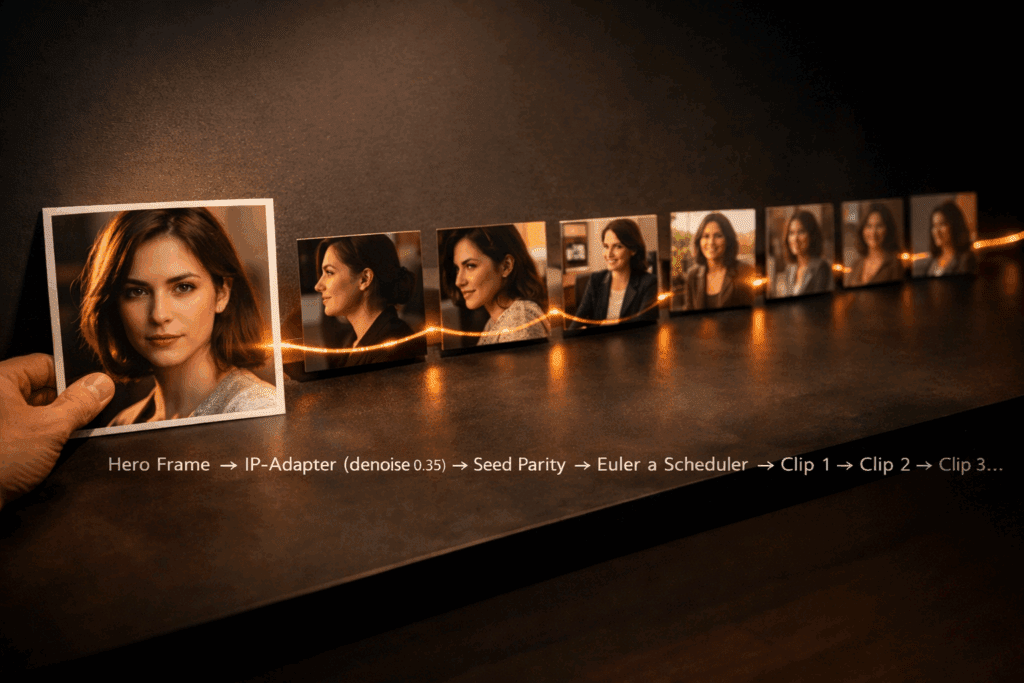
The nano-banana model is a specialized generator that locks visual identity across prompts. It helps creators build characters that repeat the same look, expression, and mood across different scenes and lighting setups. You define your character once, then use prompt templates and memory tokens to make sure they appear consistently in every generation.
The model supports identity persistence, so once you create a character’s visual identity, it becomes reusable.
Steps to Create Consistent AI Characters Using Nano-Banana Model
Here is how to generate a consistent AI character using the nano-banana model:
- Start with a full prompt: Describe gender, age, clothing, hairstyle, face shape, skin tone.
- Assign an identity tag: This can be a token like “user01_characterX” that stores the visual memory.
- Use fixed templates: Keep your prompt template the same across scenes. Only update scene details.
- Lock key traits: Add phrases like “same face, same hair, same shirt” to lock visuals.
- Test short clips: Run several prompt tests and review outputs for variations.
Common Mistakes When Using Nano-Banana Model and How to Fix Them
Many creators unknowingly make changes that affect character consistency. Here’s what to avoid:
- Changing the prompt style: Always stick to your original description structure.
- Skipping the identity tag: Without it, the model may generate a different face.
- Adding background changes mid-way: This affects lighting and mood.
To fix these issues, revert to your last consistent output and reuse it as your new base frame.
How to Generate Consistent AI Characters With Sora 2 Across Multiple Scenes
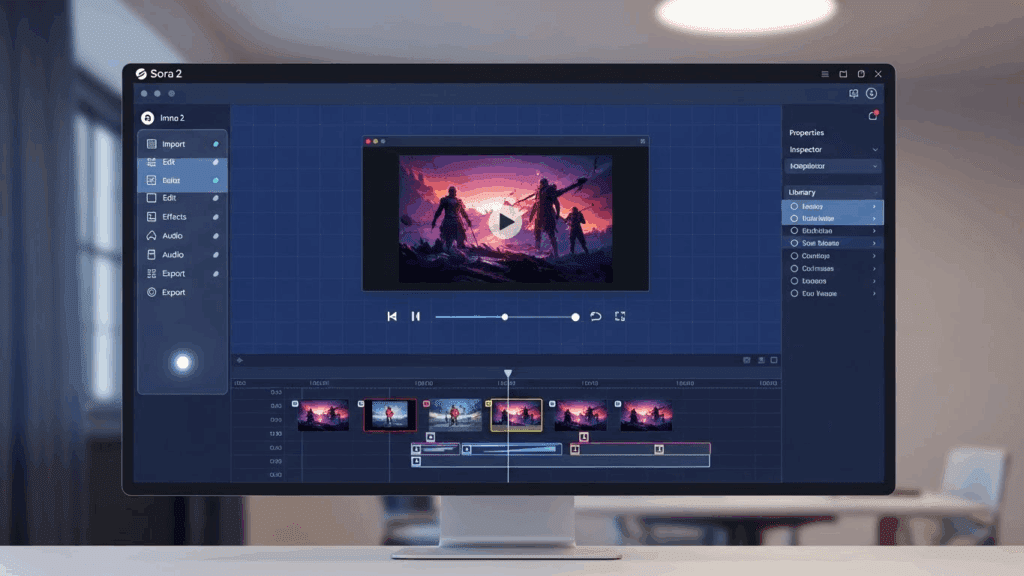
Sora 2 works differently. It takes your base image and animates it with consistent motion and emotional expression. You keep your character’s tone and behavior the same by using prompt stacks and facial lock features.
How to Maintain Consistency Using Sora 2 for AI Characters
Follow this setup when working with Sora 2:
- Upload base frame: Start with a nano-banana character frame.
- Describe the personality: Calm, confident, funny, etc.
- Use a fixed motion stack: Repeat prompts like “walks with calm steps” or “smiles while talking.”
- Apply facial lock: Prevents drift in appearance.
- Generate 2-3 clips at a time: Then merge based on narrative.
How to Create Long Videos With Consistent Characters Using These Tools
Creating long videos with AI tools requires detailed planning. Without consistency across character appearance and action, viewers get distracted. Using nano-banana and Sora 2, you can build a production pipeline that supports long-form storytelling.
Here’s how to create long videos with consistent characters using these tools:
- Define your full character profile in nano-banana: Include hair, facial features, clothing, tone, and environment.
- Assign a reusable identity tag: This ensures the character can be regenerated exactly as needed.
- Generate the first scene using nano-banana: Lock all traits visually and use fixed prompts.
- Export the output image as a reference frame: Use this as input for Sora 2.
- Animate the character using Sora 2: Maintain consistent emotion, gestures, and pacing.
- Repeat for each scene: Continue with the same identity and visual structure.
- Import all generated clips into VidAU: Use VidAU to stitch, align transitions, and sync audio.
- Preview and adjust timing: Review the full video for any drifts or inconsistencies.
How to Combine Nano-Banana Model and Sora 2 Without Losing Character Identity
You begin by generating a still image using the nano-banana model. This still frame defines how the character looks. Then, you animate the same frame using Sora 2.
Tips for Syncing Both Tools Smoothly
- Keep identity prompts consistent.
- Export frames from nano-banana in PNG or JPEG.
- Don’t change facial direction.
- Use background lock in Sora 2 if necessary.
- Review outputs frame-by-frame.
Comparison: Nano-Banana vs. Sora 2 for Character Consistency
When you’re aiming for consistent AI-generated characters, both Nano‑Banana and Sora 2 perform well but in different ways. Consistency means more than facial match; you also want repeated features like identical body posture, same outfit style, and stable background or lighting. While prompt control is key for both models, the way each tool handles repeated details can affect your final output.
Below is a quick comparison to help you decide which model fits your needs:
| Feature | Nano-Banana | Sora 2 |
| Consistency in Face & Body | Good, but may vary slightly if prompts change | Stronger face/body match across multiple generations |
| Clothing & Pose Stability | Works well with repeated prompts (e.g., same lingerie) | More stable even with minor prompt changes |
| Prompt Sensitivity | High – small changes in wording affect outcome | Lower – more forgiving to prompt variations |
| Scene Control | Basic scene retention with effort | Better at maintaining complex scenes and backgrounds |
| Best Use Case | Fast character testing, NSFW scenes with minor drift | High-end outputs, professional-grade NSFW consistency |
To get the best from either model, lock your prompts with repeated visual cues, then export before final editing in VidAU.
Can You Create Free or NSFW Consistent Characters With Nano-Banana Model or Sora 2?
Yes. Both Nano-Banana and Sora 2 allow free usage and support NSFW content generation. However, the results depend heavily on prompt control and clarity. To get consistent output, focus on using repeated structure and visual cues. For example, specify details like same body pose, same lingerie style or identical lighting and expression across prompts.
These models are often used to test adult scenes, generate character demos, or build privacy-controlled sequences. Export all image or video outputs before editing in VidAU to maintain quality and consistency during your final production phase.
How to Use VidAU to Finalize and Polish Long Video Projects

VidAU is the final step after using nano-banana to build consistent character visuals and Sora 2 to animate their behavior. It brings all your scenes together, regardless of which tool generated them, and makes sure the final video is smooth, structured, and ready for viewers.
Here are the steps to finalize and polish your video using VidAU:
- Upload all nano-banana and Sora 2 clips into VidAU
- Use the timeline to arrange clips in the right sequence
- Apply transition smoothing to avoid abrupt cuts between scenes
- Use auto-sync to align character voice with animation
- Match lighting and color tones using the tone adjust feature
- Preview the full video to check consistency in flow and motion
- Export the video in your desired resolution and format
VidAU closes the loop between visual creation and delivery. It’s the place where your character’s identity, motion, and dialogue come together as one unified output. Whether your clips came from nano-banana or Sora 2, VidAU ensures your viewer sees one smooth, consistent story from start to finish.
Conclusion
Anyone can generate a face or clip. But only pros use the nano-banana model and Sora 2 to craft characters that hold up over 60 seconds or more. The secret is locked identity prompts, controlled animation, and a clean export into VidAU. This gives you not just one great video, but a character that your audience will recognize every time.
If you’re serious about scaling video production with consistent characters, this workflow gives you the structure to do it right. Nano-banana sets the face and visual standard. Sora 2 moves the character naturally. VidAU assembles everything into a finished product without any loss in quality. It’s faster, more reliable, and easier to scale.
Creators using this system save time, reduce inconsistencies, and build videos that maintain visual and narrative quality across all scenes.
FAQs
1. How do I create a consistent AI character using the nano-banana model?
Use full identity prompts, lock key traits like face and clothing, and assign a reusable identity token.
2. How do I animate the same character across scenes with Sora 2?
Upload a base frame from nano-banana, then guide movement and tone with prompt stacks.
3. Can I make long videos using these tools?
Yes. Use nano-banana for visuals, Sora 2 for motion, and VidAU to combine scenes into a long, watchable format.
4. What should I do if the character changes during generation?
Regenerate from a consistent frame. Reapply locked traits and reanimate.
5. How does VidAU help with long-form character videos?
VidAU handles the merging, polishing, and syncing of all your clips, so the character feels consistent from start to finish. Use nano-banana to define. And Sora 2 to move. Use VidAU to publish. That’s how consistent characters go from concept to full video.