Pika Labs for Instagram Reels: AI-Optimized Workflow for Viral Short-Form Video
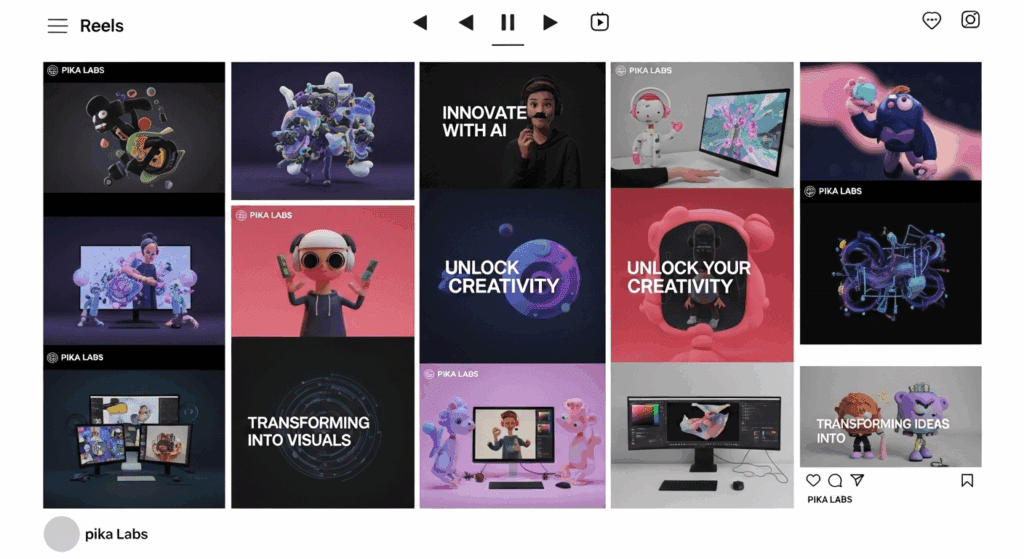
Generate viral Instagram Reels without filming anything. Instagram’s algorithm rewards retention, loopability, and native formatting. With Pika Labs as your visual engine, you can engineer Reels specifically for performance without touching a camera. This guide breaks down how to solve the core challenge: creating engaging Reels content using AI video generation, optimized for Instagram’s platform behavior.
1. Optimizing Pika Labs Output for Instagram Reels Format
Reels are built for 9:16 vertical video at 1080×1920 resolution. While Pika can generate in multiple aspect ratios, always prompt with explicit format instructions:
> “Vertical 9:16 cinematic composition, optimized for mobile viewing, high detail, centered subject.”
Duration Engineering
Instagram favors Reels between 7–15 seconds for loop-based virality. In Pika, generate 4–6 second clips and design them to loop seamlessly. Use prompts like:
> “Seamless looping animation, continuous motion, no hard cuts.”
This improves retention because Instagram auto-replays short content.
Motion Consistency and Latent Stability
When generating stylized motion scenes (cyberpunk cities, AI avatars, surreal transitions), stability matters. In diffusion-based generation, consistency can break across frames. To counter this:
– Use Seed Parity when regenerating variations to preserve composition.
– Favor smoother motion prompts over chaotic transitions.
– If available, choose stable sampling approaches (e.g., Euler a schedulers in diffusion pipelines) for balanced motion coherence.
The goal is minimizing visual jitter, which kills perceived quality on mobile screens.
2. Trending AI Reel Styles and Aesthetic Control in Pika
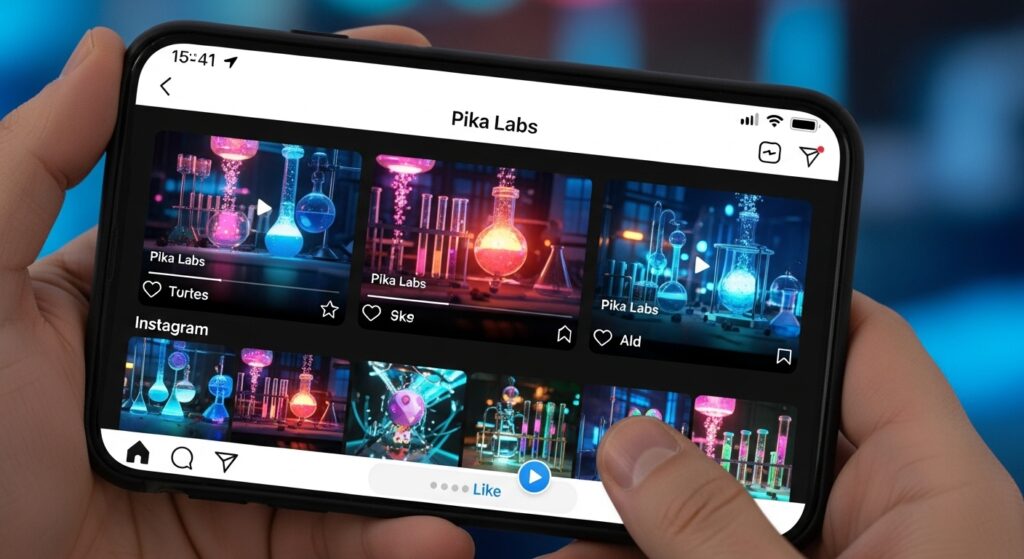
AI-generated Reels that perform well usually follow one of these aesthetic patterns:
A. Hyper-Real AI Influencer Shots
Prompt structure:
> “Ultra-realistic female lifestyle influencer, golden hour lighting, shallow depth of field, cinematic handheld movement, 9:16 vertical.”
Use lighting descriptors (rim light, volumetric light, soft diffusion) to mimic DSLR-style footage. This blends seamlessly with organic Instagram content.
B. Surreal Loop Animations
Short looping visuals perform exceptionally well:
– Floating objects in endless rotation
– Infinite zoom transitions
– Morphing environments
To enhance loop quality, specify:
> “Perfect loop, start and end frame identical, smooth continuous motion.”
This creates replay friction—viewers often rewatch unconsciously.
C. Transformation Hooks (High Retention Format)
Reels that begin ordinary and escalate visually hold attention. Example:
> “A normal bedroom transforms into a futuristic neon cyberpunk city, gradual transformation, dramatic lighting shift.”
This leverages curiosity-based retention.
Aesthetic Optimization for Mobile
Instagram compresses aggressively. To avoid artifacts:
– Avoid overly dark scenes (compression crushes shadows).
– Use midtone-heavy color grading.
– Add subtle motion rather than full-frame chaos.
Think contrast, clarity, and readable silhouettes.
3. Syncing Pika Video with Trending Instagram Audio
Instagram prioritizes Reels using trending audio. Pika generates visuals but distribution power comes from sound.
Workflow:
1. Generate your Pika clip (7–10 seconds).
2. Export in 1080×1920.
3. Upload inside Instagram.
4. Attach trending audio natively (never pre-bake it).
Why? Instagram detects native audio usage for trend indexing.
Beat Matching Strategy
Before generating, preview the trending sound. Identify:
– Beat drop timing
– Transition moment
– Visual climax point
Then design your Pika prompt around that beat.
Example:
If the beat drops at 3 seconds:
> “Calm minimal environment for first 3 seconds, dramatic explosion of color and motion at 3-second mark, synchronized energy shift.”
This creates audiovisual alignment, boosting watch time.
Loop-Beat Hybrid Strategy
If the audio loops cleanly, match your visual loop length to the beat cycle (e.g., 8-second loop). This maximizes replay potential.
Performance Optimization Checklist
- 9:16 vertical, 1080×1920
- 7–12 seconds for loop retention
- Seamless start/end frames
- Clear central subject for mobile
- Trending audio added inside Instagram
- Midtone-focused color grading
Pika Labs becomes powerful when treated not as a creative toy—but as a platform-optimized generative engine. Design for retention, engineer for loops, and synchronize with audio trends. That’s how you create viral Instagram Reels without filming anything.
Frequently Asked Questions
Q: What is the ideal length for AI-generated Instagram Reels?
A: 7–15 seconds performs best for loop-based retention. Shorter clips (under 10 seconds) often generate higher replay rates, especially when seamlessly looped.
Q: How do I prevent flickering or instability in AI-generated Reels?
A: Use consistent prompts, maintain seed parity when regenerating variations, avoid chaotic motion descriptions, and favor stable sampling methods like balanced Euler a schedulers when applicable.
Q: Should I add music inside Pika or inside Instagram?
A: Always add trending audio natively inside Instagram. This allows the platform to index your Reel under trending sounds, improving discoverability.
Q: What type of AI Reel style performs best?
A: Hyper-real influencer-style clips, seamless surreal loops, and transformation-based hooks tend to perform best due to strong retention and replay behavior.