How to Use a Prompt Generator to Make AI Story Animations Fast
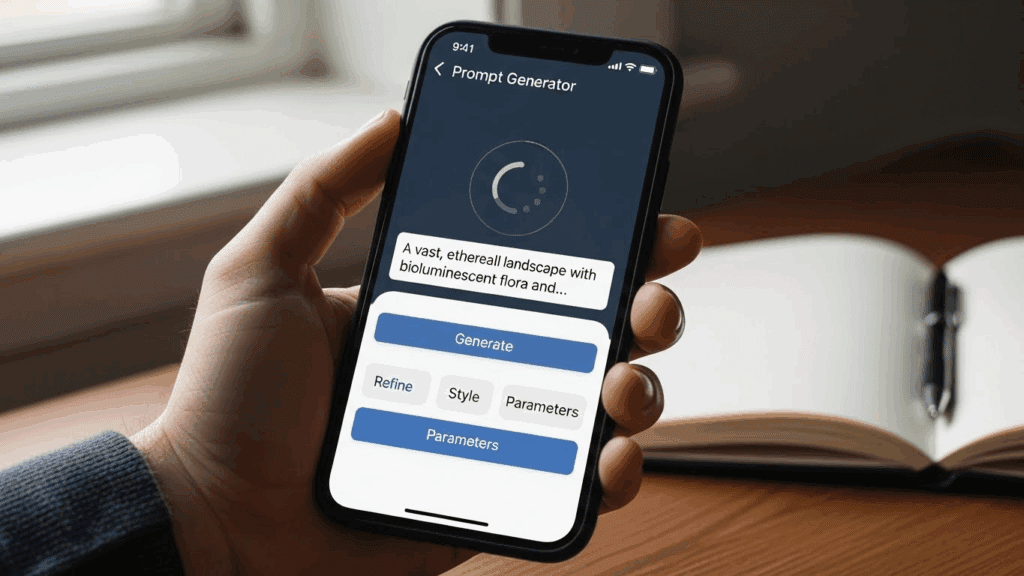
Most short animated stories you see today come from a prompt generator, not from cameras or drawing tablets. Creators now rely on a prompt generator to turn one clear idea into emotional, fast-moving story clips built for the feed.
Short-form animated stories are growing fast across Reels, TikTok, and YouTube Shorts because they hook viewers in seconds. Many of these clips look polished and intentional, yet no one filmed or edited them manually. A single prompt drives the entire story flow.
With VidAU, you take that finished prompt and turn it straight into a story animation in under five minutes. This guide shows you how to structure prompts correctly and use them to create story animations that feel smooth, clear, and ready to post.
How to Make AI Story Animations in Minutes Using a Prompt Generator
You don’t need to be a designer or filmmaker to make short animated videos anymore. Using a prompt generator allows you to describe a full storyline in one clear sentence. From that single prompt, the system generates characters, motion, settings, and transitions for you.
To make this process easier, here are the clear steps you should follow.
Step-by-Step Guide to Using One Prompt Generator for Animation
Before generating your animation, you need a detailed prompt that describes the story clearly. The more specific your prompt, the better the animation.
1. Start with a high-impact subject and action
Begin with the main character and what they’re doing. This creates movement in your scene. For example: “A teenage boy jumps from rooftop to rooftop in a neon-lit city.” You’ve already created motion and placed the viewer somewhere.
2. Add the setting and time of day
Specify where and when this action happens. The platform uses this to shape lighting, background, and environment. Extend the prompt: “A teenage boy jumps from rooftop to rooftop in a neon-lit city at night during rainfall.” Now the mood is cinematic.
3. Include emotion or tone
Define how the scene should feel. Is it tense, dreamy, fast-paced? Add that. The generator will adjust transitions, character motion, and pacing. Example: “…during rainfall, looking nervous as sirens echo in the distance. The tone is suspenseful.”
4. Mention camera style or visual structure
This tells the tool how to frame each shot. Say things like “tracked from behind,” “wide cinematic shot,” or “close-up of eyes.” This gives better control. Updated prompt: “…wide cinematic shot with rain droplets on lens.”
5. Paste your final prompt into VidAU
Once your prompt is complete, paste it into VidAU. The platform won’t help you write, it takes what you give it and turns that into a short animation. The quality depends on how strong your structure is.
6. Choose animation style and upload visuals if needed
Pick from options like cinematic, 2D cartoon, or futuristic. Upload a photo if you want to match branding or keep character consistency. If not, the system generates based on the prompt alone.
7. Generate and tweak
Run the animation. If something looks off like the pacing or color, adjust the tone or description in the prompt. Small word shifts like “fast cuts” or “bright lighting” change the final feel.
This step-by-step format helps you build prompts that lead to usable, smooth videos. VidAU doesn’t generate the ideas it brings to life. So spend more time writing and refining before you click generate. Once you get used to writing strong prompts, you’ll produce high-quality short videos daily.
Common Scenarios Where Story Animations Work Well
Before you pick a tool, check how others use AI story videos:
- Product stories: Turn your product features into short skits
- Explainers: Break down how a product works
- Children’s content: Use cartoons to tell safe, fun stories
- Marketing hooks: Grab attention with 15-second visual stories
- Brand intros: Animate your brand values or message
Each use case benefits from speed, style control, and output clarity.
What Makes a Good Prompt Generator for Story Animations?
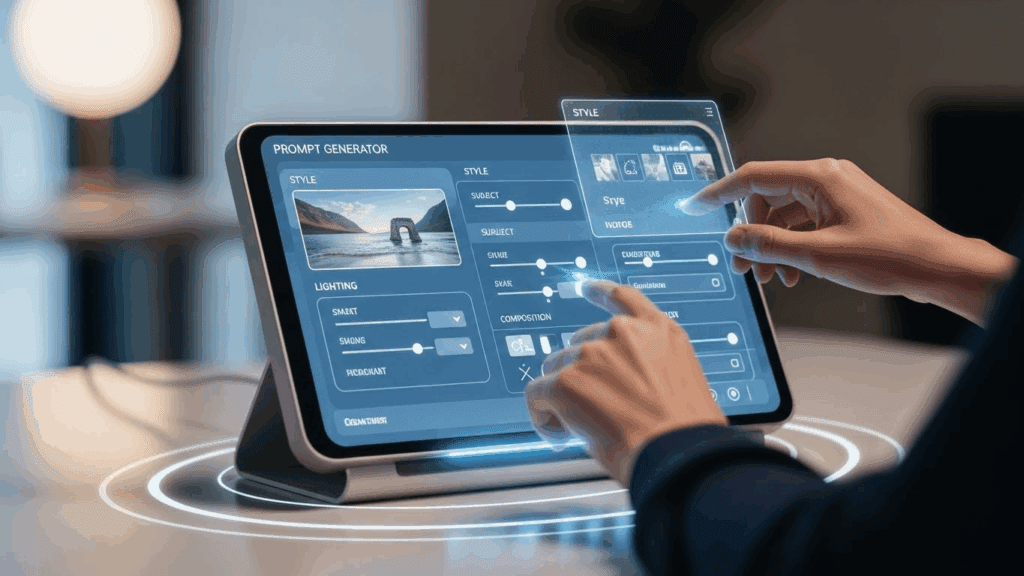
A weak prompt generator gives choppy visuals, random scenes, or slow pacing. A strong one gives you visuals that match tone, intent, and flow. It reduces output errors and helps you stay consistent across different videos.
What to Look for in a Prompt Generator
Before picking a prompt generator, check if it supports:
- Full-scene prompts with tone, action, and emotion
- Short-form output built for Reels, TikTok, and YouTube Shorts
- Customization options like reference image uploads
- Regeneration features to fix broken scenes
- Smooth transitions and character movement
These features ensure your story comes out clean, fast, and usable.
Best Prompt Format for Animation
A clear prompt format helps a prompt generator understand your story without confusion, making it easier to translate words into smooth, believable animation scenes.
| Element | Description | Example |
| Subject | Main character or focus | A teenage robot |
| Action | What happens in the story | Escapes a factory and learns to live among humans |
| Setting | Where it takes place | Abandoned tech city |
| Tone | Emotion or vibe of the scene | Hopeful and fast-paced |
This structure gives the generator everything it needs to animate your story.
Why Prompt Generators Help You Make AI Story Animations Faster
A Prompt generator make it easier to turn raw ideas into ready-to-post animations. They reduce editing, eliminate manual drawing, and automate pacing. Once your prompt is structured, the generator handles the rest.
You focus on creativity while the system turns it into a timeline, visual sequence, and story beat. This speeds up content testing, especially for UGC ads, reels, and product storytelling.
How VidAU Helps You Turn Prompts Into AI Story Animations

VidAU helps you generate animation stories using one clear prompt. It works by turning your text into clean visuals, complete with transitions, emotional flow, and timing. You write the prompt, and VidAU processes it into a short video you can use immediately.
Use this method to quickly test ideas, create content for TikTok ads, or publish emotional skits with no production budget. You control the entire animation using just words.
How to Use Prompt Generators for Short Story Ads and Brand Videos
Prompt generators don’t only work for skits. You can use them to make engaging brand stories or mobile ads. With a clear prompt, you describe your product, show the result, and add emotional context. VidAU then turns this into an ad-ready video.
This method works well for:
- TikTok product storytelling
- Instagram Reels ads
- UGC brand collaborations
- Mobile eCommerce pages
Write your prompt like a mini-story with a product outcome.
Conclusion
Prompt generators have reshaped how we create. What used to take hours now takes minutes. If you’re building a content strategy, trying to grow online, or telling daily brand stories, this method works.
Instead of spending time editing, focus on prompt writing. That’s the only skill you need. A single prompt becomes a full story. And if it doesn’t work the first time, you tweak and try again.
VidAU gives you the speed and structure to create content that feels made by a team. You write the idea, choose a style, and in minutes, you get a short-form video ready to post.
FAQs
1. How does a prompt generator turn text into animations?
It takes structured text with character, action, setting, and tone, then builds visuals and motion scenes based on that input.
2. What makes a good prompt for story animations?
A good prompt includes four parts: subject, action, setting, and emotion. This gives the system enough to build a video.
3. Can prompt generators be used for business content?
Yes. You can describe a product scenario and benefit, then turn it into a short-form branded video.
4. How do I improve my animation results with prompts?
Follow a clear structure. Avoid short phrases or vague ideas. Use full sentences that include scene flow and emotions.
5. Where can I start creating short AI story animations?
Start with VidAU. Write your prompt using the table format above and generate your first animation today.