How to Make a Cinematic AI Movie Trailer with Seedance 2.0: Complete Production Workflow for Independent Creators
I made a movie trailer that looks real using only AI, here’s the full process. This isn’t a montage of random AI clips stitched together. It’s a structured, cinematic trailer built with intention: narrative beats, continuous action shots, controlled camera movement, and professional sound design. In this deep dive, I’ll break down the full production pipeline using Seedance 2.0 as the core visual engine, combined with complementary AI tools to deliver a portfolio-ready result.
If you’re an independent filmmaker or content creator building proof-of-concept projects, this workflow is designed to help you move from idea to finished trailer without a traditional crew.
How to Use Seedance 2.0 to Create Cinematic AI Movie
You treat Seedance 2.0 like a real studio tool, not a clip generator. Your goal is a trailer with structure, stable characters, and clear emotion. The workflow below walks you from concept to finished cinematic AI movie trailer.
Before you touch Seedance 2.0, you shape the trailer spine. A strong trailer often follows this rhythm:
1. From Concept to Visual Blueprint: Designing an AI-First Trailer
Before opening Seedance 2.0, I structured the trailer like a real studio project.
Step 1: Define the Trailer Spine
Every strong trailer follows a rhythm:
1. Atmospheric Opening (0–20s) – tone, world-building
2. Character & Stakes (20–45s) – narrative hook
3. Escalation (45–75s) – conflict intensifies
4. Action Crescendo (75–100s) – kinetic showcase
5. Button + Title Card (final 10–15s) – memorable close
AI generation performs best when driven by structure. Instead of generating disconnected clips, I created a shot list with:
– Scene description
– Camera language (e.g., 35mm handheld, 85mm shallow depth)
– Lighting style
– Emotional tone
– Motion complexity level
This prevents visual drift and ensures continuity across generations.
Step 2: Prompt Engineering for Cinematic Consistency
In Seedance 2.0, visual stability depends heavily on prompt architecture.
I use a layered prompt structure:
Base Prompt Layer (Global Style Anchor)
– cinematic 35mm film look
– high dynamic range lighting
– natural skin tones
– subtle film grain
– realistic motion blur
This base layer remains consistent across scenes to preserve aesthetic cohesion.
Scene-Specific Layer
– Environment
– Action
– Camera direction
– Mood
Example:
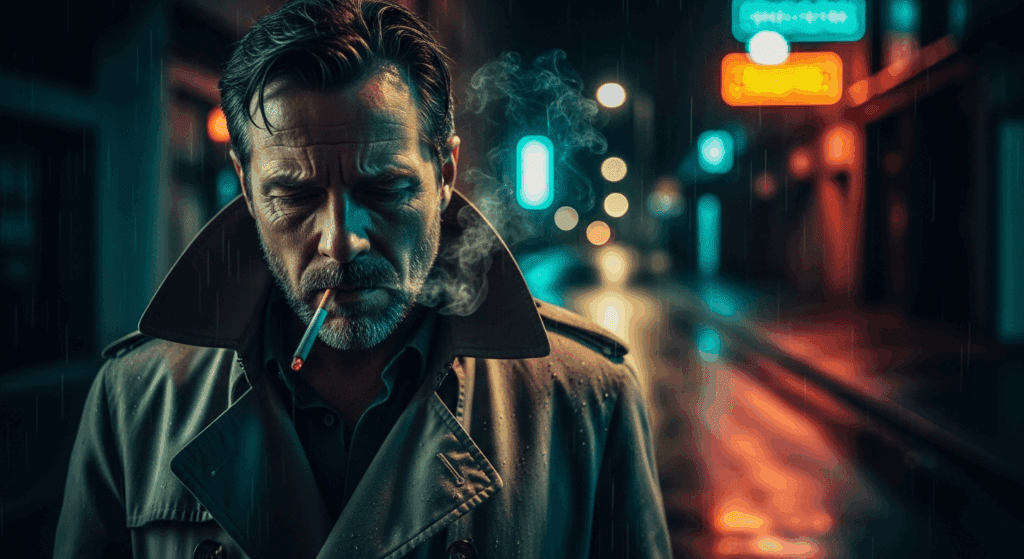
> A lone detective standing in a rain-soaked alley, neon reflections on wet asphalt, slow push-in camera, shallow depth of field, volumetric fog, tense atmosphere
Step 3: Seed Parity for Character Consistency
To maintain the same protagonist across multiple shots, I relied on Seed Parity.
Seedance 2.0 allows reuse of the same seed value to stabilize:
– Facial structure
– Costume
– Body proportions
Workflow:
1. Generate hero shot.
2. Lock the seed value.
3. Adjust scene context while maintaining seed.
If minor drift occurs, reduce prompt entropy (remove excess descriptive variation) and keep identity anchors consistent.
2. Generating Cinematic Sequences in Seedance 2.0
Now we move into production.
Latent Consistency for Motion Stability
When generating video, frame-to-frame coherence is critical.
Seedance 2.0 benefits from:
– Lower guidance variance
– Controlled motion amplitude
– Consistent lighting descriptors
By stabilizing the latent space across frames, you avoid:
– Character morphing
– Texture flickering
– Environmental instability
I prioritize latent consistency over visual complexity during base passes. Complexity is layered in later.
2A. Creating Continuous Action Sequences (No Cuts, No Transitions)
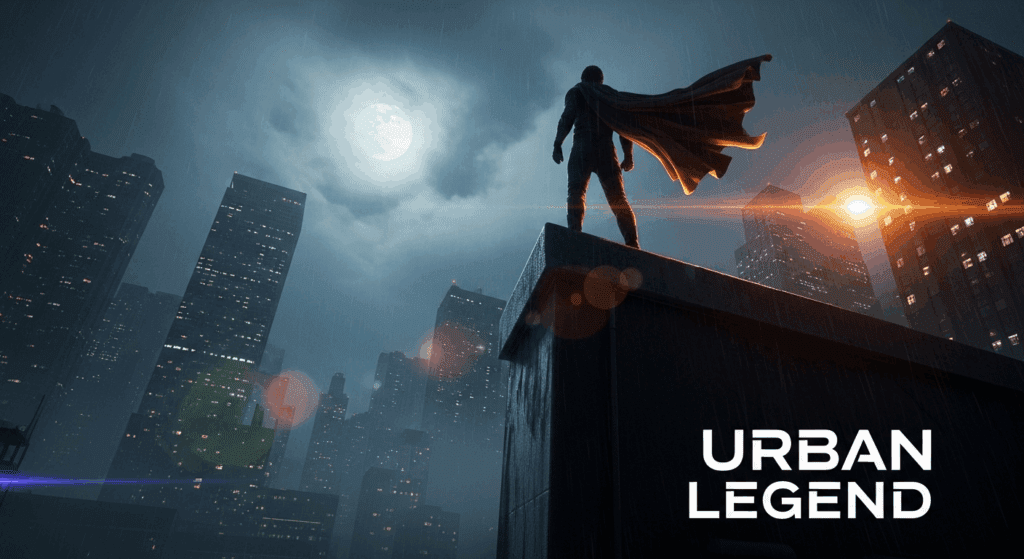
This is where most AI trailers fall apart.
Instead of cutting between separate generations, I created a single continuous 6–8 second action shot.
Action Prompt Structure
To achieve fluid action without jitter:
1. Keep one dominant subject.
2. Define clear motion trajectory.
3. Avoid competing motion vectors.
Example:
> The detective runs through a crowded market, camera tracking beside him at shoulder height, handheld kinetic movement, background motion blur, dynamic lighting shifts as he passes under hanging lamps
Key principles:
– Single camera instruction (avoid switching from dolly to drone mid-shot)
– Directional clarity (left to right, forward push, etc.)
– Moderate motion intensity
Scheduler Considerations (Euler a vs Others)
When refining sequences in hybrid workflows (e.g., exporting frames to ComfyUI for enhancement), scheduler choice matters.
– Euler a scheduler: Better for preserving dynamic detail in high-motion sequences.
– DPM++ variants: Often smoother but may soften micro-details.
For action shots, I favor Euler a during refinement passes to retain texture sharpness and lighting contrast.
Two-Pass Generation Strategy
To increase realism:
Pass 1: Structure Pass
– Lower stylization
– Emphasis on motion stability
Pass 2: Enhancement Pass
– Add atmospheric particles
– Increase contrast
– Refine lighting
If needed, I upscale key frames in ComfyUI using latent upscalers while preserving motion continuity.
2B. Integrating Complementary AI Tools
While Seedance 2.0 is the visual backbone, additional tools improve production value.
1. ComfyUI for Frame Refinement
Used for:
– Detail enhancement
– Noise reduction
– Controlled sharpening
– Color harmonization
By exporting key frames and running them through a latent consistency workflow, I ensure the entire sequence retains unified grading.
2. AI Voice + Dialogue Generation
Tools like ElevenLabs (or similar neural TTS systems) provide cinematic voiceover.
Trailer tip:
– Record multiple emotional intensities.
– Layer subtle room reverb in post.
Never rely on dry AI voice output.
3. AI Music Composition
For trailer pacing:
– Start with low-frequency drones.
– Introduce percussion at escalation.
– Add braaam-style impacts for transitions.
Export stems when possible (drums, strings, impacts separated) to control mix dynamically.
3. Professional Editing and Sound Design
This is where the project becomes “real.”
AI visuals alone do not create cinematic impact. Editing does.
Trailer Rhythm Construction
In your NLE (Premiere, Resolve, Final Cut):
1. Place music first.
2. Mark beat drops.
3. Align visual action peaks with sonic accents.
Use:
– 2–3 frame micro-cuts for intensity
– J-cuts for dialogue continuity
– Hard cuts during percussion hits
Avoid excessive crossfades—they weaken impact.
Sound Design Layers
Professional trailers use 5–8 sound layers simultaneously.
Typical stack:
– Ambience bed
– Foley movement
– Impact hits
– Risers
– Sub-bass pulses
– Dialogue
– Music
Even subtle footsteps dramatically increase perceived realism.
Color Grading for Cohesion
Even if Seedance outputs strong visuals, final grading unifies everything.
Steps:
1. Apply neutral LUT.
2. Balance exposure across shots.
3. Add slight teal/orange contrast (subtle, not extreme).
4. Introduce controlled film grain overlay.
Consistency is more important than dramatic grading.
Title Cards and Typography
AI visuals deserve clean typography.
Keep it minimal:
– Bold serif or cinematic sans-serif
– Strong kerning
– Slight glow or diffusion
Never let text compete with the image.
Final Delivery Settings
Export settings matter for perceived quality.
Recommended:
– 4K export (even if generated at 1080p)
– High bitrate (40–80 Mbps)
– Slight sharpening in export stage
Compression artifacts instantly reduce credibility.
Why This Workflow Works for Portfolio Builders
This pipeline solves the core challenge creators face: how to produce a complete cinematic project not just isolated AI clips.
By:
– Structuring like a real trailer
– Using Seedance 2.0 with seed control
– Prioritizing latent consistency
– Creating continuous action shots
– Layering professional sound design
You elevate your output from “AI experiment” to “proof-of-concept film.”
Studios care less about how you made it and more about whether it feels real.
If it holds emotional tension, visual continuity, and professional pacing—it works.
AI is no longer just a novelty tool. With disciplined workflow design, it becomes a production system.
And that’s how you build a cinematic AI movie trailer that looks like it came from a real studio without ever stepping onto a physical set.
Production Checklist (Quick Reference)
– Structured trailer outline
– Base prompt style anchor
– Seed Parity locked for characters
– Latent Consistency prioritized
– Continuous action shot generation
– Euler a refinement for motion detail
– Multi-layered sound design
– Professional grade and export
Follow this, and your next AI trailer won’t look like a tech demo.
It’ll look like a movie.
Frequently Asked Questions
Q: How do I keep characters consistent across multiple AI-generated shots?
A: Use Seed Parity by locking the same seed value for your character across generations. Maintain consistent identity descriptors in your prompt and reduce unnecessary variation. If drift occurs, simplify prompts and stabilize lighting and camera descriptors.
Q: What’s the best way to create continuous AI action shots without visible glitches?
A: Focus on a single motion trajectory, limit competing motion vectors, and prioritize latent consistency. Generate a structure pass first, then refine with an enhancement pass. Using an Euler a scheduler during refinement helps preserve detail in high-motion sequences.
Q: Do I really need sound design for an AI trailer?
A: Yes. Sound design is what transforms AI visuals into a cinematic experience. Layer ambience, impacts, risers, dialogue, and music. Even subtle foley significantly increases realism and perceived production value.
Q: Can this workflow work for short films, not just trailers?
A: Absolutely. The same principles—structured pre-production, seed control, latent consistency, controlled motion, and professional post-production scale directly into short-form narrative filmmaking using AI tools.