Text-to-Video vs Image-to-Video: How to Choose the Right Input for Higher-Quality AI Videos
Choosing the wrong input method is killing your AI video quality.
AI video models don’t fail randomly, they fail because creators use the wrong control primitive for the job. Text-to-video and image-to-video are not interchangeable. They operate on different constraints in latent space, and knowing when to use each is the difference between cinematic output and unusable generations.
When Text-to-Video Delivers Better Creative Results
Text-to-video excels when you need conceptual exploration* rather than visual continuity. Models like **Sora**, **Runway Gen-3**, and *Kling relies heavily on prompt-driven latent diffusion to invent motion, environments, and framing from scratch.
Use text-to-video when:
- You’re ideating scenes, styles, or storyboards
- Visual identity is flexible
- Motion design matters more than character fidelity
From a technical standpoint, text-only prompts allow the model to fully sample the latent space without being anchored to a reference frame. This increases creative entropy and often produces more dynamic camera motion and lighting.
Key advantages:
- Better global motion synthesis
- More cinematic camera paths
- Stronger style transfer
To improve results:
- Use temporal language (e.g., “slow dolly-in,” “handheld camera shake”)
- Lock motion behavior using scheduler choices (Euler A vs DPM++ in ComfyUI)
- Maintain seed parity across iterations to refine outputs instead of resetting creativity
Text-to-video breaks down when the model must remember what something looked like across frames. That’s not a prompting problem, it’s a consistency problem.
When Image-to-Video Is Essential for Consistency
If your video includes a recurring character, product, or environment, image-to-video is non-negotiable.
Image reference constrains the latent space using visual conditioning*, drastically improving **latent consistency** across frames. Tools like **Runway Image-to-Video**, **Kling Motion Brush**, and *ComfyUI with ControlNet or IP-Adapter excel here.
Use image-to-video when:
- Character identity must stay stable
- Brand visuals must remain on-model
- You need predictable framing or wardrobe
Technically, the reference image acts as a high-weight embedding that the model cannot easily drift away from. This reduces artifacts like face morphing, outfit changes, or geometry collapse.
Best practices:
- Use high-resolution, front-facing reference images
- Avoid over-descriptive prompts that conflict with the image
- In ComfyUI, tune conditioning strength* and *CFG scale to prevent overfitting
The tradeoff? You lose some creative freedom. Motion becomes more conservative because the model prioritizes identity preservation over exploration.
The Hybrid Workflow: Combining Text and Images for Maximum Control
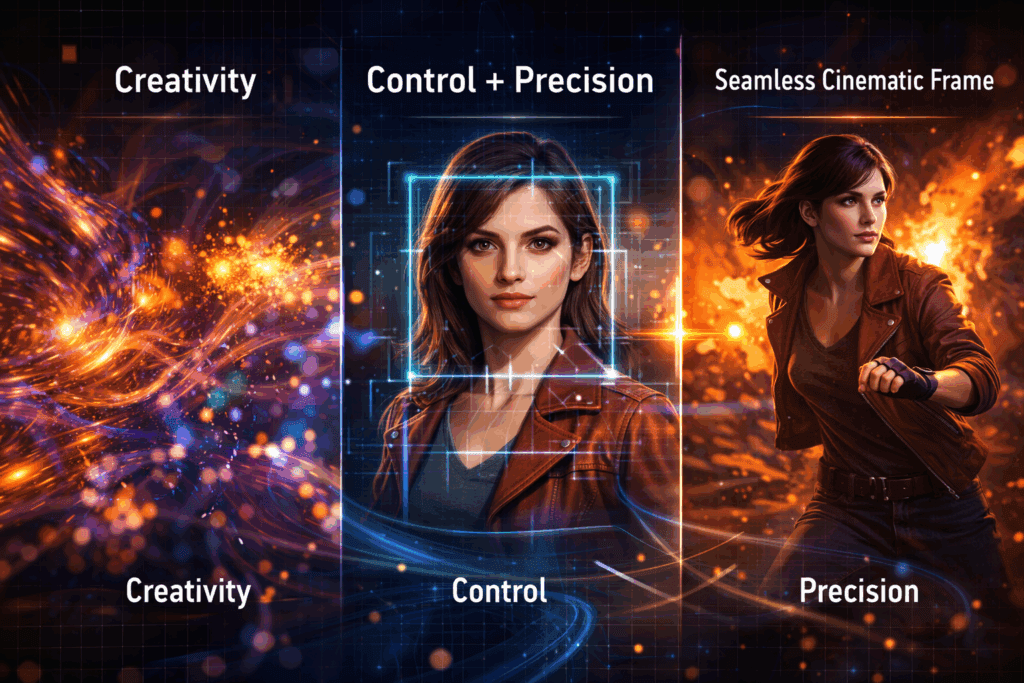
Advanced creators don’t choose between text or images, they stack them.
The hybrid approach combines:
- Image reference for identity and composition
- Text prompts for motion, mood, and narrative
This is the dominant workflow in ComfyUI pipelines and increasingly supported in tools like Runway and Kling.
Example hybrid pipeline:
1. Start with a clean character reference (or keyframe)
2. Apply motion via text (“cinematic walk cycle, shallow depth of field”)
3. Lock seeds for iterative refinement
4. Adjust schedulers to balance smoothness vs sharpness
This approach gives you:
- Stable characters
- Directed motion
- Repeatable results across scenes
If you’re producing multi-shot sequences, hybrid control is the only scalable solution. Text-only won’t stay consistent. Image-only won’t feel cinematic.
Final Rule of Thumb
- Text-to-video = imagination and exploration
- Image-to-video = consistency and control
- Hybrid = professional-grade output
Your model isn’t broken. Your input strategy is.
Frequently Asked Questions
Q: Can text-to-video ever achieve strong character consistency?
A: Not reliably. Without image conditioning or embeddings, most models will drift over time due to latent variance. Consistency requires visual anchors.
Q: Does image-to-video reduce creativity?
A: It reduces visual entropy but increases control. You can reintroduce creativity through motion prompts, scheduler selection, and CFG tuning.
Q: Which tools are best for hybrid workflows?
A: ComfyUI offers the most control with ControlNet and IP-Adapter. Runway and Kling provide simplified hybrid options for faster iteration.
Q: Why does seed parity matter in AI video?
A: Seed parity allows controlled iteration. Changing prompts while keeping the same seed helps refine outputs instead of restarting generation from scratch.