18 ai video generator from image for free short video content
A single image now turns into a full video in seconds. At the same time, content demand keeps rising across TikTok, Reels, and Shorts. As a result, you need speed, clarity, and repeatable output to stay visible. An ai video generator helps you convert still images into motion clips that hold attention and drive engagement. VidAU fits this workflow by turning images and scripts into ready clips with stable quality and fast turnaround.
Recent data shows short videos under 30 seconds drive higher completion rates and stronger replay. That means your ability to turn one image into a clean sequence gives you an edge. This guide shows how an ai video generator from image works, what features matter, and 18 options you can use for free short video content in 2026.
How does an ai video generator from image for free short video content work?
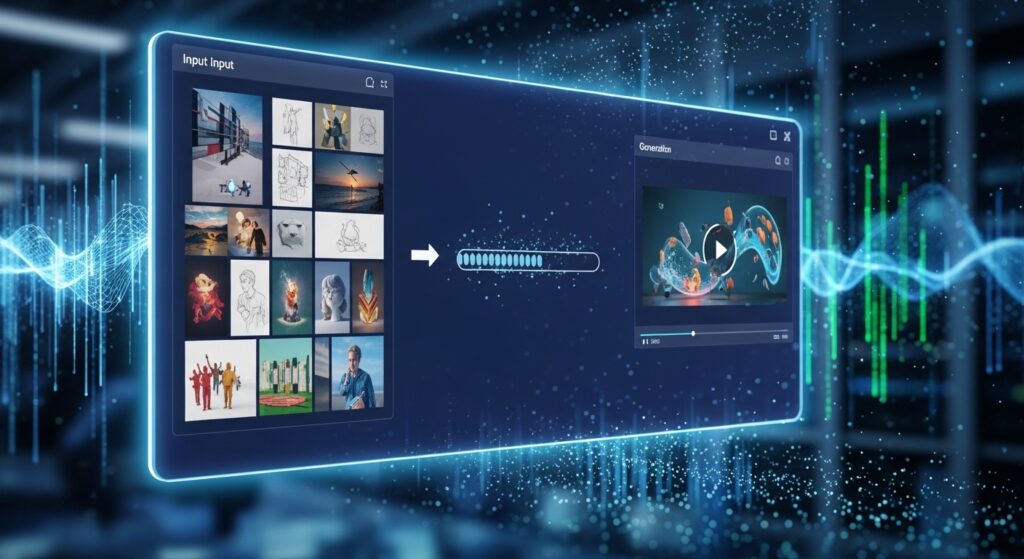
An ai video generator from image for free short video content converts a still image into motion using scene analysis and frame synthesis.
The system reads the image, identifies subjects, depth, and lighting, then generates frames that simulate movement. You get camera motion, subtle character motion, and transitions without manual editing.
Key steps behind image to video generation
Before you start creating, you need to understand the flow that turns one image into a short clip.
- Image input and scene mapping
The system detects objects, edges, and depth to understand the scene - Motion planning
The system decides camera moves such as zoom, pan, or tilt - Frame generation
It creates intermediate frames to simulate motion - Style and output formatting
It formats the clip for vertical, square, or horizontal use
This process explains why an ai video generator from image produces smooth short videos quickly.
18 ai video generator from image for free short video content
These 18 ai video generator from image tools stand out because each one solves a specific content problem in a different way.
VidAU
VidAU converts images into short videos with stable style and fast export. You upload an image, add a short script, choose a format, and generate multiple variations. It suits daily posting because output stays consistent across clips.
Runway
Runway provides strong motion control and scene editing. You guide camera movement and refine timing. It suits creators who want more control over how motion appears in the final clip.
Pika Labs
Pika Labs focuses on speed and visual impact. You generate short loops and quick clips that fit trend content. It suits rapid posting when timing matters.
Sora
Sora produces detailed scenes with smooth motion. It handles longer sequences and keeps transitions natural. It suits storytelling clips where continuity matters.
Veo
Veo improves lighting, depth, and exposure. It turns simple images into cinematic shots. It suits creators who want film-like quality.
Kling
Kling maintains motion stability and facial consistency. It keeps subjects steady across frames. It suits character-driven visuals.
DomoAI
DomoAI animates static images into stylized motion. It adds movement to designs and artwork. It suits creative visuals and experimental styles.
Synthesia
Synthesia creates talking videos using avatars. You convert text into speech with a visual presenter. It suits explainers and training clips.
InVideo
InVideo uses templates to turn images and text into short videos. It simplifies layout and timing. It suits beginners and quick marketing content.
Lumen5
Lumen5 converts articles and images into videos. It maps text to scenes and visuals. It suits content repurposing.
Animoto
Animoto enables fast ad creation with simple controls. You arrange scenes and export quickly. It suits basic promotions.
Descript
Descript edits video by editing text. You adjust dialogue and timing through the script. It suits voice-led content.
CapCut
CapCut supports fast mobile editing with templates. You add effects and captions quickly. It suits creators who publish on the go.
FlexClip
FlexClip builds simple videos with low system demand. You create and export without heavy processing. It suits quick projects.
Wave.video
Wave.video focuses on branded visuals. You keep fonts, colors, and layouts consistent. It suits businesses and agencies.
Canva
Canva combines design and video creation. You build scenes alongside graphics. It suits teams and beginners.
HeyGen
HeyGen creates multilingual avatar videos. You reach different audiences without new recordings. It suits global content.
Elai
Elai builds structured training videos. You convert scripts into guided lessons. It suits education and internal use.
Why you should use an ai video generator from image for free short video content
You should use an ai video generator from image for free short video content because it reduces time and increases output. Move from idea to publish in minutes. You reuse existing images and scale content without complex editing.
Practical benefits you will notice immediately
You gain clear advantages when you adopt this approach.
- Faster production
You create multiple clips from one image in minutes - Consistent visual style
You maintain the same look across posts - Lower cost
You avoid cameras, studios, and editing time - Better platform fit
You export vertical videos that match mobile viewing
These benefits help you stay consistent and visible.
Key features an ai video generator from image should include
An ai video generator from image should include motion control, resolution options, and stable output.
You need features that improve clarity and keep results consistent across multiple runs.
Core features explained before you choose
You should check these features before selecting any tool.
- Motion presets
You apply zoom, pan, and cinematic moves easily - Output resolution
You export in 720p or 1080p for clean playback - Aspect ratio control
You switch between 9:16, 1:1, and 16:9 quickly - Consistency controls
You keep subjects stable across frames - Batch creation
You generate multiple variations from one image
These features determine how useful the generator will be for daily content.
How to create short videos from a single image step by step using VidAU
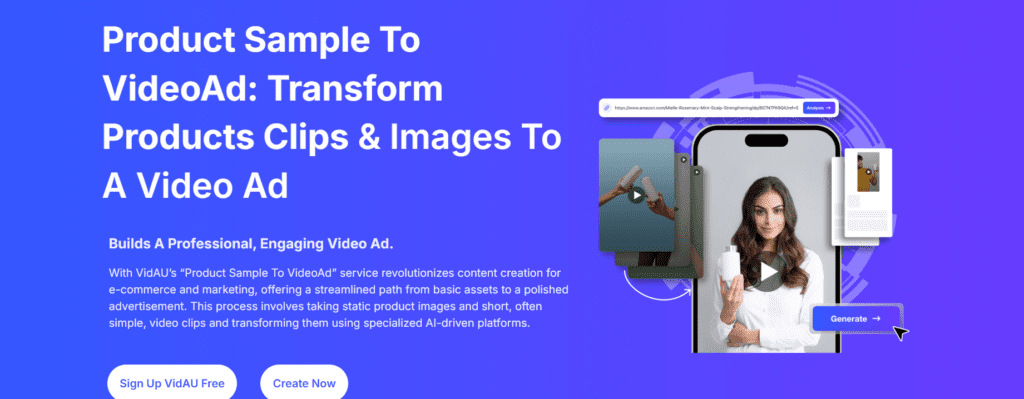
You create short videos from a single image using VidAU by following a clear, repeatable process.
Step by step process inside VidAU
You can follow these steps to produce clean, consistent clips every time.
- Upload your image Select a clear image with a defined subject and good lighting
- Add a short script Write simple lines that match the visual message you want to deliver
- Choose video format Select 9:16 for short-form platforms or 1:1 for flexible use
- Apply motion style Pick zoom, pan, or cinematic movement to add life to the image
- Generate variations Create multiple outputs to test which version performs better
- Review and refine Adjust script or motion if the result needs improvement
- Export and publish Download the final video and post on your target platform
This process reduces manual editing and helps you maintain a steady content flow.
Best content formats for short video performance
You need a clear table that shows how different formats perform so you can choose the right style.
| Content Type | Ideal Length | Best Format | Why it works |
| Product demo | 10 to 20 sec | 9:16 vertical | Quick value and clear visuals |
| Story clip | 15 to 30 sec | 9:16 vertical | Keeps viewers watching longer |
| Tutorial | 20 to 40 sec | 1:1 or 9:16 | Easy to follow steps |
| Visual loop | 5 to 10 sec | 9:16 vertical | High replay value |
| Before and after | 10 to 20 sec | 9:16 vertical | Clear transformation |
This table helps you match your content idea with the right format.
Conclusion
An ai video generator from image helps you create short videos quickly and consistently.
You turn a single image into multiple clips, test ideas, and publish daily. You reduce editing time and focus on content that holds attention.
When you use structured workflows and tools like VidAU, you maintain quality while increasing output. This approach helps you grow faster and stay visible across platforms.
FAQs
What is an ai video generator from image and how does it work?
An ai video generator from image converts a still image into a short video by creating new frames that simulate motion. It reads the scene, plans movement, and outputs a clip that looks natural on mobile platforms.
Can beginners use an ai video generator from image without editing skills?
Beginners can use these tools easily because most platforms rely on simple inputs such as images and short text. Templates and presets guide the process and reduce technical effort.
What image quality gives the best results for short video content?
High-resolution images with clear subjects and good lighting produce better motion and cleaner output. Blurry or crowded images reduce clarity in the final video.
How long should image to video clips be for social media?
Clips between 5 and 30 seconds perform best for short-form platforms. Shorter clips increase completion rate, while slightly longer clips allow you to explain a message.
How do you keep video output consistent across multiple posts?
You keep output consistent by using the same format, motion style, and script structure across videos. Repeating these elements helps build a recognizable style and improves viewer trust.