Cross-Platform AI Selves Setup Guide: Deploying Autonomous AI Across Slack and Discord
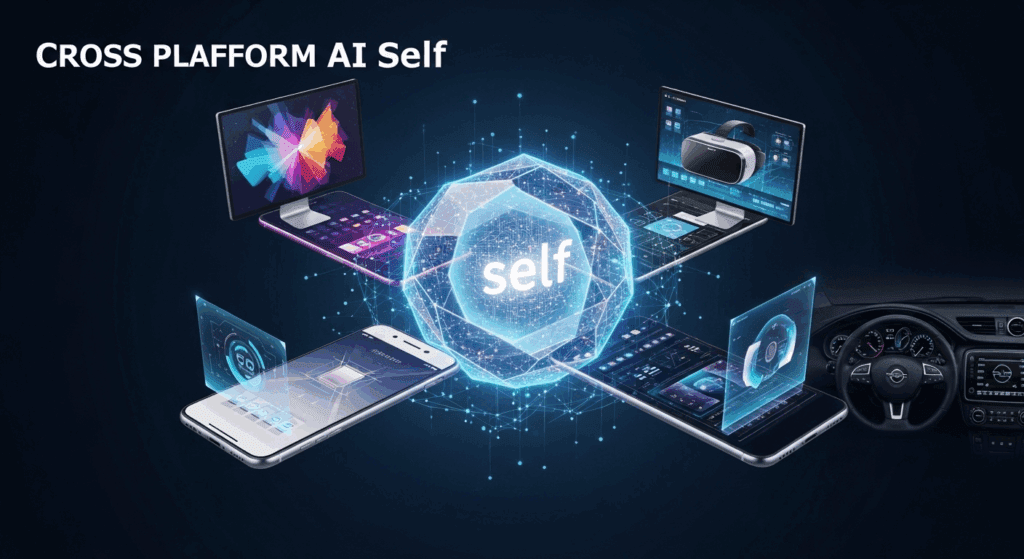
Deploy your AI Self across every platform you use. If your AI assistant only lives in one app, it’s not an AI Self, it’s a feature. In this guide, we’ll build a cross-platform AI Self that operates seamlessly across Slack and Discord, with platform-specific autonomy, memory boundaries, and creative output pipelines powered by tools like Runway, Sora, and ComfyUI.
1. Architecture Overview: Designing Your Cross-Platform AI Self
Before connecting platforms, define your architecture. Think of your AI Self as a central inference engine with:
– Core Brain: LLM + memory layer (vector database or long-term store)
– Platform Adapters: Slack bot + Discord bot
– Media Engine: Runway, Sora, Kling, or ComfyUI for video/image generation
– Autonomy Controller: Rules engine defining how independently it acts
For creators using ComfyUI, you can treat your AI Self as an orchestration layer triggering workflows. For example:
– Slack message → Prompt template → ComfyUI workflow
– Discord command → Video storyboard → Runway Gen-3 render
To maintain visual consistency across platforms, use:
– Seed Parity for identical generations across Slack and Discord outputs
– Euler a schedulers for sharper, stylized frames
– Latent Consistency models when generating quick preview drafts before high-resolution renders
This ensures your AI Self behaves consistently no matter where it’s triggered.
2. Step-by-Step Slack and Discord Integration
Step 1: Slack Integration
1. Go to Slack API → Create New App.
2. Enable Bot Token Scopes:
– `chat:write`
– `app_mentions:read`
– `channels:history`
3. Install the app to your workspace.
4. Capture the Bot Token.
Connect this token to your AI orchestration backend.
When a user mentions your AI Self, the flow should be:
Slack Event → Webhook → Prompt Constructor → LLM → Media Engine (optional) → Slack Response
For video creators, embed structured commands like:
`/ai generate cyberpunk teaser seed=42 scheduler=euler_a`
Your backend parses this and pushes it into a ComfyUI workflow or Runway API call.
Step 2: Discord Integration
1. Go to Discord Developer Portal → Create Application.
2. Add Bot → Copy Bot Token.
3. Enable Privileged Gateway Intents:
– Message Content Intent
4. Generate OAuth2 URL and invite to server.
Use slash commands for cleaner orchestration:
`/render scene: “futuristic alley” engine: “runway” seed: 42`
This keeps Discord structured and reduces hallucinated parameter errors.
For consistency between Slack and Discord outputs:
– Lock model versions.
– Maintain shared prompt templates.
– Store seed values in a cross-platform session object.
This is critical when building serialized video narratives or episodic AI-generated content.
3. Autonomy Controls and Use Cases for Work vs Personal AI Selves
The real power of cross-platform AI Selves is differentiated autonomy.
Work AI Self (Slack)
Characteristics:
– Low autonomy
– Approval-required media generation
– Structured tone
– Task-oriented memory
Example behaviors:
– Draft meeting summaries
– Generate storyboard drafts using Sora
– Produce quick Latent Consistency previews before final renders
– Never auto-post without confirmation
Autonomy Setting:
– “Suggest Only” mode
– Manual execution for API calls above cost threshold
Personal AI Self (Discord)
Characteristics:
– Higher autonomy
– Experimental generation allowed
– Casual tone
– Persistent creative memory
Example behaviors:
– Auto-generate daily short-form videos
– Experiment with Kling motion styles
– Run batch ComfyUI workflows overnight
– Maintain Seed Parity across iterations for style refinement
Autonomy Setting:
– “Auto-Execute Under Constraints”
– Budget caps
– Render queue limits
Advanced Implementation: Platform-Specific Behavior Layers
To avoid identity bleed, assign:
– Separate memory namespaces
– Different system prompts
– Distinct scheduler defaults (e.g., Euler a for Discord stylization, DPM++ for Slack precision drafts)
This ensures your Work AI Self doesn’t adopt meme culture tone, and your Personal AI Self doesn’t speak like a project manager.
Final Optimization Tips
– Use webhook retries to prevent dropped renders.
– Cache recent generations to avoid duplicate GPU costs.
– Log seed + scheduler + CFG values for reproducibility.
– Build a “Render State Dashboard” to monitor both Slack and Discord pipelines.
When done correctly, your AI Self becomes platform-native but centrally intelligent.
It doesn’t just respond.
It operates.
And once your AI Self runs across every platform you use, your productivity stack stops being fragmented and starts behaving like a coordinated creative system.
Frequently Asked Questions
Q: How do I keep video generations consistent between Slack and Discord?
A: Use Seed Parity across both platforms, lock model versions, and standardize schedulers such as Euler a or DPM++. Store generation parameters in a shared backend session so both Slack and Discord pull from the same configuration.
Q: Should my AI Self have the same autonomy level on every platform?
A: No. Work platforms like Slack should use lower autonomy with approval gates, while personal platforms like Discord can allow higher autonomy with budget and queue constraints. Separate autonomy controllers prevent unintended actions.
Q: Which media engine works best for cross-platform AI Selves?
A: ComfyUI offers the most control for workflow automation and reproducibility. Runway and Sora are excellent for high-quality narrative video outputs, while Latent Consistency models are ideal for rapid previews before committing to full renders.