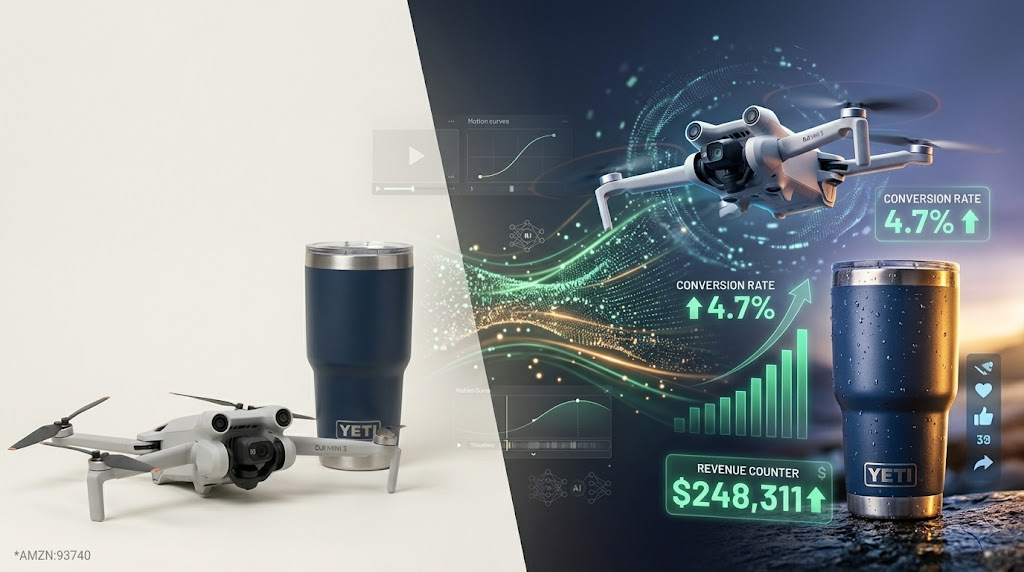
Top 18 AI Video Editors Trending in 2026
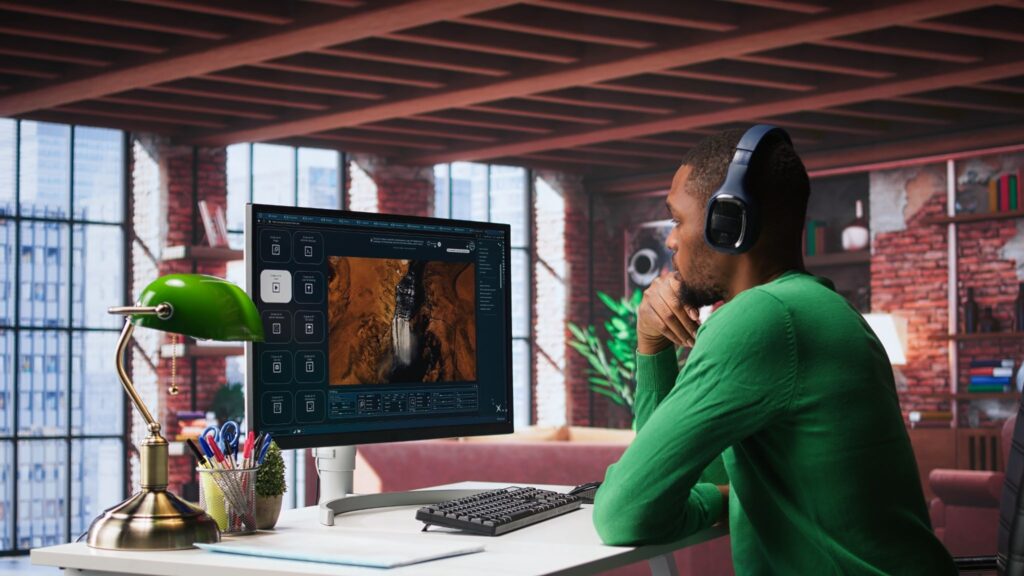
AI video editors are no longer experimental tools. In 2026, they power content for YouTube, TikTok, ads, product launches, and online courses. If you create videos for business, marketing, or content, you now compete with AI-assisted workflows.
This guide breaks down the top 18 AI video editors trending in 2026. You will see what each tool does best, who it fits, and where it wins.
1. Pika Labs
Pika Labs focuses on fast AI video generation from text prompts.
Key features:
- Text-to-video generation
- Style and motion control
- Quick cinematic clips
Best for:
- Short social videos
- Experimental AI storytelling
2. Runway
Runway leads in advanced AI video tools.
Key features:
- Text-to-video
- Background removal
- Motion brush editing
Best for:
- Cinematic creators
- AI-heavy video workflows
3. Descript
Descript edits video through text.
Key features:
- Edit video by editing transcript
- Remove filler words
- AI voice cloning
Best for:
- Podcasters
- Educational creators
4. Adobe Premiere Pro with AI Features
Adobe Premiere Pro integrates AI directly into professional workflows.
Key features:
- Auto reframe
- Speech-to-text
- Scene edit detection
Best for:
- Professional editors
- Agencies
5. CapCut
CapCut dominates short-form video creation.
Key features:
- Auto captions
- Trend-based templates
- AI filters
Best for:
- TikTok creators
- Reels marketers
6. InVideo
InVideo turns scripts into ready videos.
Key features:
- AI script-to-video
- Brand kits
- Stock library access
Best for:
- Marketers
- Business owners
7. Synthesia
Synthesia focuses on AI avatar videos.
Key features:
- AI presenters
- Text-to-video
- Multilingual voice
Best for:
- Corporate training
- Explainer videos
8. Lumen5
Lumen5 converts blog posts into videos.
Key features:
- Blog-to-video
- Scene automation
- Social presets
Best for:
- Content repurposing
9. VEED
VEED offers browser-based editing.
Key features:
- Auto subtitles
- Online timeline
- AI cleanup tools
Best for:
- Quick online edits
10. Filmora AI Suite
Filmora integrates AI features into a beginner-friendly editor.
Key features:
- AI cutout
- Smart music match
- Auto captions
Best for:
- YouTubers
- Small creators
11. Vidyo.ai
Vidyo.ai slices long videos into short clips.
Best for:
- Repurposing long content
- Shorts strategy
12. Wisecut
Wisecut automates talking-head edits.
Best for:
- YouTube educators
- Webinar creators
13. Pixelcut
Pixelcut focuses on template-driven design.
Best for:
- Social media brands
14. Alight Motion
Alight Motion supports motion graphics on mobile.
Best for:
- Animators
- Motion design creators
15. Magisto
Magisto automates video highlights.
Best for:
- Small businesses
- Quick promos
16. Movio
Movio generates AI presenter videos fast.
Best for:
- Sales explainers
- Corporate use
17. QuickFrame
QuickFrame focuses on brand-driven video production.
Best for:
- Enterprises
- Performance marketing
18. VidAU AI
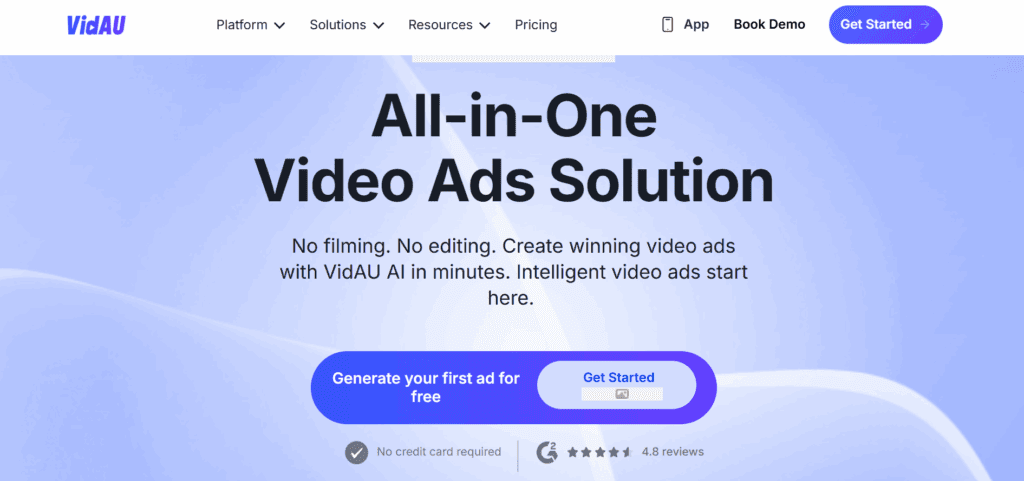
VidAU stands out for performance-focused video automation.
Key strengths:
- AI UGC ad generation
- Text-to-video
- URL-to-video conversion
- Multi-language voice support
Best for:
- E-commerce brands
- Affiliate marketers
- Performance-driven ads
Comparison Table
| Tool | Best For | Core AI Feature | Skill Level |
| Pika Labs | Short AI clips | Text-to-video | Beginner |
| Runway | Cinematic editing | Motion AI tools | Advanced |
| Descript | Podcast editing | Transcript editing | Beginner |
| Premiere Pro | Pro editing | AI automation | Advanced |
| CapCut | Social videos | Auto captions | Beginner |
| InVideo | Marketing videos | Script-to-video | Beginner |
| Synthesia | Avatar videos | AI presenters | Beginner |
| Lumen5 | Blog repurposing | Auto scene creation | Beginner |
| VEED | Online editing | Auto subtitles | Beginner |
| Filmora | YouTube | Smart editing | Beginner |
| VidAU AI | Ads & automation | AI UGC generation | Beginner to Pro |
How to Choose the Right AI Video Editor
Focus on:
- Your goal. Social, ads, or long-form content
- Skill level
- Your budget
- Your need for automation
If you create content for growth and performance marketing, tools that automate scripting, editing, and exporting save you the most time.
Conclusion
AI video editors define content creation in 2026. You no longer need a full production team to create high-performing videos. The right AI editor helps you move faster, test more creatives, and scale results.
Choose based on your workflow. If your focus is on performance ads and automated UGC, VidAU AI gives you a strong competitive edge.
FAQs
1. What is an AI video editor?
An AI video editor uses artificial intelligence to automate tasks like cutting clips, adding subtitles, removing silence, generating scenes from text, and syncing music. Instead of manual timeline editing, you guide the tool with prompts, scripts, or simple commands.
2. Are AI video editors better than traditional editing software?
AI video editors work faster for repetitive tasks and short-form content. Traditional software gives deeper manual control. If you produce high-volume content, AI speeds up your workflow. If you need frame-level precision, traditional tools still matter.
3. Which AI video editor is best for beginners?
Tools like CapCut, VEED, Filmora, and InVideo suit beginners. They offer templates, auto captions, and guided workflows. You do not need advanced editing skills to create publish-ready videos.
4. Which AI video editor is best for ads and e-commerce?
If you run ads or promote products, choose tools that support script-to-video, UGC-style formats, and fast variations. AI editors built for performance marketing help you test multiple creatives quickly and scale winning ads.
5. Can AI video editors replace human editors?
AI handles repetitive editing, subtitles, background removal, and basic storytelling. Human editors still lead creative direction, complex storytelling, and high-end cinematic work. Many teams now combine both for speed and quality.
6. Do AI video editors support multiple languages?
Yes. Many trending AI video editors in 2026 support multilingual voiceovers, auto translation, and subtitle generation. This helps you expand into global markets without hiring multiple voice actors.
7. Are AI video editors expensive?
Pricing varies. Some tools offer free plans with limits. Entry plans often range between $10 and $50 per month. Advanced AI platforms cost more, especially those built for enterprise teams and ad agencies.