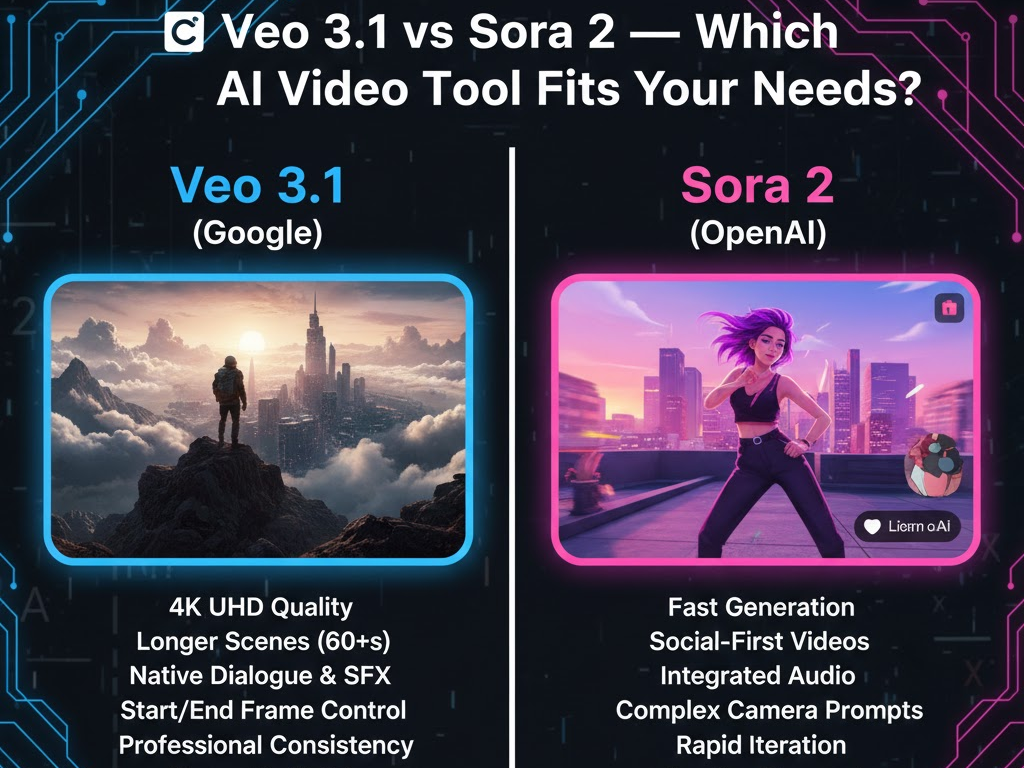
Veo 3.1 vs Sora 2 — Which AI Video Tool Fits Your Needs?
Veo 3.1 and Sora 2 are next-generation AI video creation platforms built to accelerate content production for creators, marketers, educators, and brands. Both tools transform text, images, and scripts into ready-to-publish videos, but they serve different purposes depending on your goals.
- Veo 3.1 focuses on speed and simplicity. It is ideal for users who need fast, social media-ready videos, such as product demos, marketing campaigns, or short-form content. Its template-driven approach allows for quick customization with minimal effort, making it suitable for teams or individuals looking to streamline content production.
- Sora 2 emphasizes cinematic storytelling and creative flexibility. It provides advanced scene-level customization, motion control, and style options, including anime, Pixar, and cinematic looks. Sora 2 is perfect for high-quality marketing videos, brand storytelling, and content that requires detailed visual planning.
Choosing between Veo 3.1 and Sora 2 depends on your workflow and output requirements. If you prioritize efficiency and speed, Veo 3.1 fits your needs. If you require premium visuals, storytelling control, and stylistic versatility, Sora 2 is the better option.
Key Benefits of Veo 3.1
- Fast Video Production: Converts text, images, or URLs into polished videos in minutes.
- Template-Based Editing: Pre-designed formats make content creation simple and consistent.
- Social Media Optimization: Videos are vertical, caption-ready, and sized for platforms like Instagram, TikTok, and YouTube Shorts.
- Beginner-Friendly: Minimal learning curve; ideal for teams or individuals new to AI video tools.
- Automated Text-to-Video: Quickly transform scripts into engaging video content without manual editing.
Key Benefits of Sora 2
- Cinematic Quality: Produces high-resolution, visually rich videos suitable for marketing and storytelling.
- Advanced Motion Control: Full control over scene transitions, camera angles, and animations.
- Creative Flexibility: Supports multiple styles, including Pixar, anime, and cinematic themes.
- Detailed Scene Planning: Ideal for scripted content, branded narratives, or high-end video projects.
- Storytelling Focused: Optimized for narrative-driven content, trailers, or immersive experiences.
Using Veo 3.1 and Sora 2 for Epic Video Content
- Start with Veo 3.1 for Rapid Drafts
- Convert your script, product images, or URL content into quick video drafts.
- Use Veo 3.1’s templates to create multiple versions of your scenes or clips fast.
- Focus on pacing, hooks, and basic storytelling to visualize your content early.
- Refine and Enhance in Sora 2
- Import your draft or recreate key scenes in Sora 2 for cinematic quality.
- Apply advanced motion control, scene continuity, and character styling.
- Add cinematic effects, branded overlays, and custom transitions to elevate visuals.
- Combine Strengths
- Use Veo 3.1 for social snippets, teasers, or promotional clips.
- Use Sora 2 for flagship videos, trailers, or narrative-driven sequences.
- Merge both outputs to create a content ecosystem: fast, engaging snippets paired with high-end cinematic storytelling.
- Optimize for Platforms
- Short-form clips from Veo 3.1 for TikTok, Instagram, and YouTube Shorts.
- Full-length, cinematic sequences from Sora 2 for YouTube, brand campaigns, and presentations.
- Iterate and Test
- Test different hooks, visuals, and styles across both tools.
- Analyze engagement metrics and refine using the tool best suited for each element.
Result: You get a workflow that maximizes speed, engagement, and visual impact, producing content that is both attention-grabbing and cinematic.
Comparison Table
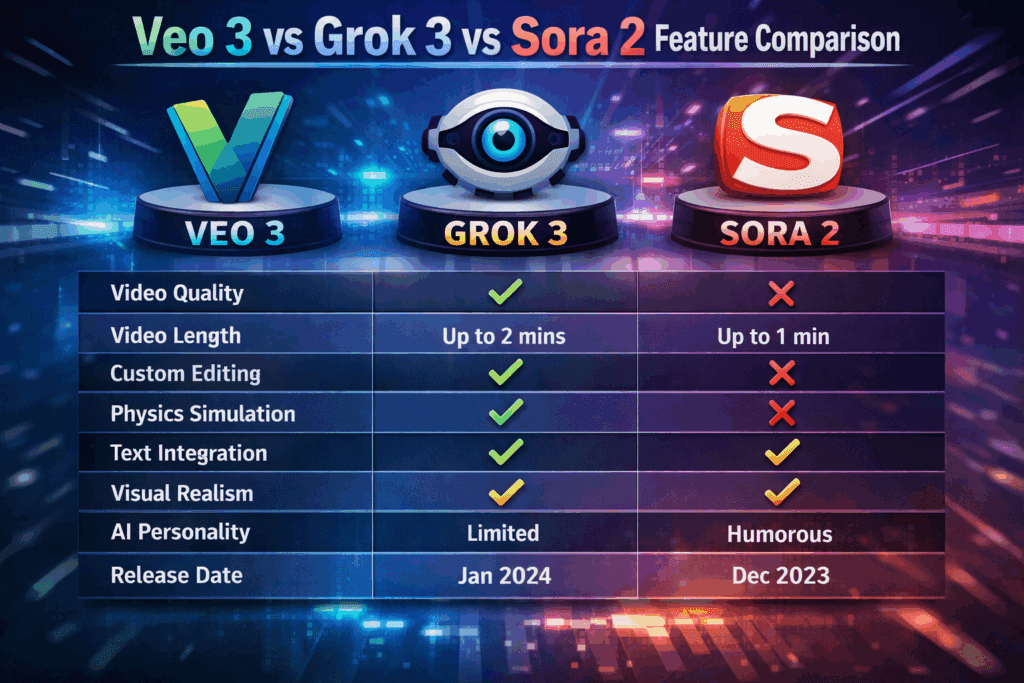
| Feature | Veo 3.1 | Sora 2 |
| AI Video Generation | Converts text, URLs, and images into polished videos | Generates cinematic, story-driven videos from scripts or storyboards |
| Customization | Moderate template-based customization | High creative control with style and scene adjustments |
| Output Quality | High-resolution, social media-ready | Ultra-high cinematic quality, suitable for marketing and storytelling |
| Animation & Motion Control | Basic transitions and motion | Advanced motion control and scene continuity |
| Text-to-Video | Yes, quick and automated | Yes, with detailed scene planning and character design |
| Style Options | Limited styles, focused on marketing formats | Pixar, anime, cinematic, and branded styles |
| Ease of Use | Beginner-friendly | More advanced, requires learning curve |
| Best Use Case | Quick marketing videos, product demos, social ads | Storytelling, cinematic projects, high-end ads |
Key Differences
- Veo 3.1 is faster for social and marketing content, prioritizing automation and simplicity.
- Sora 2 emphasizes cinematic storytelling, with deeper creative customization and scene-level control.
- Veo 3.1 suits users who want quick results; Sora 2 suits users who need high-quality, visually rich outputs.
Choose Veo 3.1 If Your Project Requires…
Veo is built for the professional, high-fidelity production workflow. It aims to deliver outputs that are ready for broadcast or premium platforms like YouTube.
- 4K Quality: If your final deliverable must be Ultra HD (4K) for large screens, clients, or high-end archival, Veo 3 is the clear choice as Sora 2 does not offer native 4K output.
- Precise Control & Consistency: Features like Start/End Frame control and Reference Image guidance make Veo ideal for:
- Storyboarding: Generating a sequence of clips that maintain the exact same character, setting, and style.
- Editing: Ensuring two clips can be stitched together seamlessly by defining their transition points.
- Long-Form Narratives: While both are limited, Veo is specifically built to extend clips beyond the 60-second mark, making it better for longer establishing shots or short-form storytelling.
- Integrated Audio for Dialogue: Veo’s native audio generation, especially for synchronized dialogue, is highly reliable and saves significant time in post-production.
Choose Sora 2 If Your Project Requires…
Sora 2 is optimized for speed, high volume, and social-first creative agility. It thrives in the world of rapid content creation.
- Speed and Iteration: Sora 2 is significantly faster at generating comparable resolutions (e.g., 1080p). This speed is critical for creators who need to test 10-20 different variations of an ad or TikTok trend quickly.
- Social Media Focus: With its focus on short-form clips, easy sharing via the Sora app, and features like Cameo (inserting a user’s likeness), Sora is fine-tuned for the dynamic, viral nature of platforms like TikTok and Instagram Reels.
- Ease of Access: Being widely integrated into ChatGPT Pro, it has a lower barrier to entry for many existing creators and businesses than Google’s API-focused or Ultra-subscription models for Veo.
- Complex Creative Prompts: Sora is praised for its ability to flawlessly execute highly complex, cinematic prompts involving detailed camera movements, subtle reflections, and realistic motion physics in intricate scenes
| Feature | 🎬 Veo 3.1 / 3.1 (Google) | 🎬 Sora 2 (OpenAI) | Best For |
| Max Resolution | Up to 4K (UHD) / 60 FPS | Up to 1080p (HD) / 30 FPS | Veo 3 (High-end production) |
| Video Length | Up to 60+ seconds (with extension) | Up to 60 seconds | Veo 3 (Longer narratives) |
| Audio Integration | Native Dialogue, Music, SFX (Synch is highly praised) | Native Synchronized Audio (Dialogue, SFX, Ambient) | Veo 3 (More reliable for dialogue) |
| Speed | Moderate (Slightly slower than Sora 2) | Fast Generation (40-50% faster at comparable res) | Sora 2 (Rapid iteration/social media) |
| Creative Control | Excellent: Start/End Frame Control, Reference Image for Consistency | Good: Better at interpreting complex camera prompts and lighting | Veo 3 (Precise sequencing) |
| Physics/Realism | Excellent (Known for realistic materials and lighting) | Excellent (Known for improved object interaction and movement) | Tie (Both are state-of-the-art) |
| Ecosystem | Integrated with Gemini/Google Flow (Professional API focus) | Integrated with ChatGPT Pro and Sora Social App (Consumer/Creator focus) | Sora 2 (Wider, easier access today) |
| Consistency | Superior Character Consistency across clips (via Start/End frames and reference images) | Strong temporal consistency within a single clip | Veo 3 (Multi-shot storytelling) |
Summary: Tips for Choosing
- Choose Veo 3.1 if your priority is speed, template-based editing, and social media optimization.
- Choose Sora 2 if your priority is cinematic quality, custom scenes, and detailed storytelling.
- Both tools can complement each other: use Veo 3.1 for quick campaigns and Sora 2 for flagship content.
Conclusion
Veo 3.1 and Sora 2 both offer powerful AI video generation, but they serve different needs. Veo 3.1 excels in speed, ease of use, and social media-ready outputs, making it ideal for marketers and creators who need quick results. Sora 2 prioritizes cinematic quality, creative flexibility, and detailed scene control, making it better suited for storytelling, high-end campaigns, and visually rich projects.
Choosing the right tool depends on your workflow, content goals, and level of creative control required. Many creators use both: Veo 3.1 for rapid content production and Sora 2 for flagship or narrative-driven videos.
| Project Goal | Recommended Tool | Why? |
| High-Budget Ad / Client Work | Veo 3.1 | 4K resolution, professional consistency features (S/E frames), and reliable dialogue. |
| Daily Social Media Content | Sora 2 | Faster generation and better integration into creator workflows (ChatGPT, social app). |
| Narrative Filmmaking / Storyboarding | Veo 3.1 | Superior clip-to-clip consistency control and ability to generate longer scenes. |
| Testing Concepts / Prototyping | Sora 2 | The speed advantage allows you to generate and discard ideas faster, optimizing the creative loop. |
Frequently Asked Questions (FAQ)
1. What is the main difference between Veo 3.1 and Sora 2?
Veo 3.1 focuses on speed and automation for social media and marketing videos, while Sora 2 prioritizes cinematic storytelling, scene customization, and advanced motion control.
2. Which tool is easier for beginners?
Veo 3.1 is more beginner-friendly with template-based editing. Sora 2 has a steeper learning curve but offers deeper creative control.
3. Can I use these tools for commercial videos?
Yes, both tools support commercial use, including marketing campaigns, product demos, and brand storytelling.
4. Which tool produces higher-quality visuals?
Sora 2 produces ultra-high cinematic quality, while Veo 3.1 delivers high-resolution outputs optimized for social media.
5. Do both tools support text-to-video conversion?
Yes, Veo 3.1 and Sora 2 support text-to-video, but Sora 2 allows more detailed scene planning and character design.
6. Can I customize animation and motion effects?
Veo 3.1 offers basic transitions and motion, whereas Sora 2 provides advanced motion control and scene continuity.
7. Which tool is better for storytelling?
Sora 2 is better for cinematic storytelling, scripted videos, and branded narratives. Veo 3.1 works best for short marketing and social content.
8. Can both tools be used together?
Yes. Use Veo 3.1 for quick campaigns and social videos, and Sora 2 for high-end cinematic projects or flagship content.