Advanced JSON Prompt Techniques for Veo 3 VFX: Cinematic Camera, Lighting, and Motion Control

Take your Veo 3 outputs from amateur to Hollywood-level with these JSON tricks.
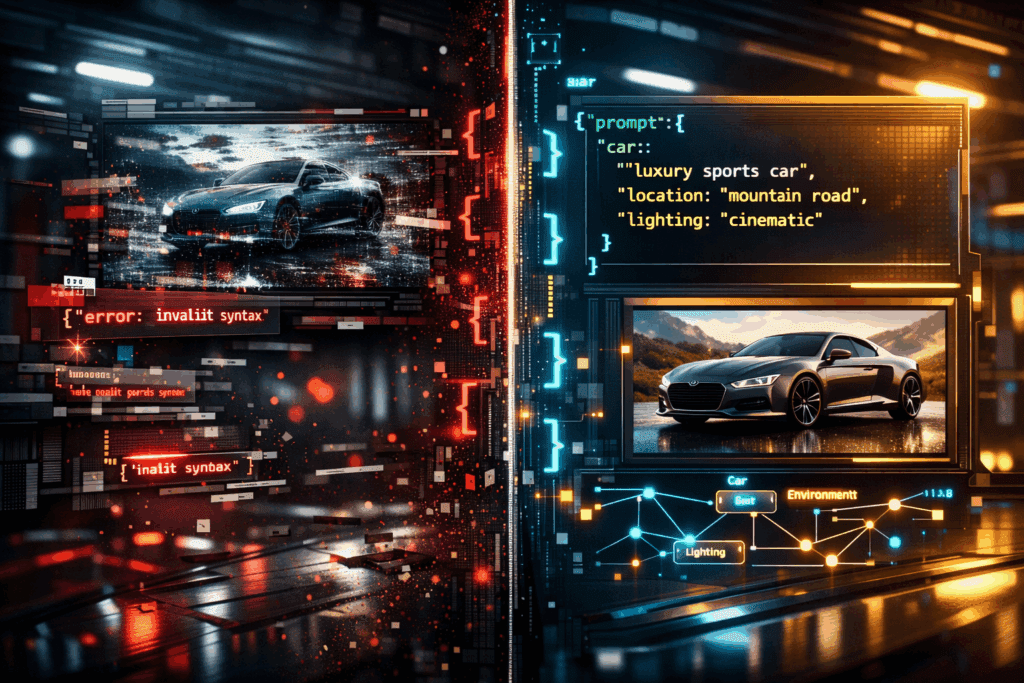
Basic text prompts might generate visually appealing clips, but without structured JSON control, you’re leaving cinematic precision on the table. If you’re already comfortable working with advanced AI video tools and want VFX-grade results, the key is structured prompt architecture: camera matrices, lighting hierarchies, motion curves, seed control, and scheduler tuning.
This deep dive focuses on power-user strategies for cinematic quality using Veo 3-style structured prompting workflows, informed by production techniques also common in Runway, Sora, Kling, and ComfyUI pipelines.
1. Precision Camera and Lighting Control with Advanced JSON Parameters
Why Basic Prompts Fail
A simple prompt like:
> “A cyberpunk city street at night, cinematic, dramatic lighting”
will rely heavily on the model’s latent priors. That means inconsistent focal lengths, unstable depth of field, and unpredictable exposure shifts between generations.
For professional VFX, you need deterministic structure: explicit camera physics, lighting geometry, and temporal stability.
Structured Camera Control
In advanced JSON workflows, a camera is not a stylistic suggestion – it’s a system.
Example:
{
“scene”: {
“environment”: “cyberpunk street, wet asphalt, volumetric fog”
},
“camera”: {
“type”: “virtual_35mm”,
“focal_length_mm”: 50,
“aperture”: 1.8,
“sensor_width_mm”: 36,
“position”: {“x”: 0, “y”: 1.6, “z”: -5},
“target”: {“x”: 0, “y”: 1.6, “z”: 0},
“movement”: {
“type”: “dolly_in”,
“distance_m”: 2,
“duration_s”: 4,
“easing”: “ease_in_out”
}
}
}
#### Key Concepts:
- Focal Length Discipline: 35mm–50mm for grounded realism; 85mm+ for compression-heavy drama.
- Aperture Control: Lower f-stop increases bokeh separation, improving subject isolation.
- Sensor Simulation: Larger sensor_width increases cinematic depth rendering.
- Movement Curves: Avoid linear interpolation. Use cubic or bezier easing to prevent robotic motion.
In systems using Euler a schedulers (or similar diffusion stepping methods), stable camera configuration improves latent consistency across frames, reducing warping and micro-jitter.
Lighting as a Layered System
Instead of “dramatic lighting,” define a lighting rig.
“lighting”: {
“key_light”: {
“type”: “area”,
“intensity”: 3200,
“color_temperature”: 4200,
“position”: {“x”: 2, “y”: 3, “z”: -1}
},
“rim_light”: {
“type”: “spot”,
“intensity”: 1800,
“color_temperature”: 6500,
“angle”: 35
},
“practical_lights”: [
{“type”: “neon_sign”, “color”: “magenta”, “flicker”: 0.2}
],
“global_illumination”: {
“bounces”: 3,
“volumetric_scatter”: 0.6
}
}
#### Advanced Techniques:
- Color Temperature Contrast: Warm key + cool rim = separation without overexposure.
- Volumetric Scatter: Essential for cinematic fog beams.
- Controlled Flicker: Adds realism but must be constrained (<0.3 variance) to avoid temporal noise.
If your engine exposes seed control, maintain Seed Parity across lighting experiments. Change lighting parameters while holding seed constant to isolate the effect of illumination shifts.
2. Layering and Merging Multiple JSON Prompts for Complex Cinematic Scenes
Complex VFX scenes rarely emerge from a single prompt block. Instead, think modular.
Modular Scene Architecture
Break your scene into components:
1. Base environment
2. Character performance
3. FX pass (rain, smoke, sparks)
4. Secondary motion elements
Each becomes a structured JSON layer.
Example: Multi-Pass Composition Strategy
Base Environment JSON:
{
“layer”: “environment”,
“priority”: 1,
“scene”: {
“environment”: “abandoned industrial hangar”,
“debris_density”: 0.4
}
}
Character Layer:
{
“layer”: “character”,
“priority”: 2,
“subject”: {
“type”: “android”,
“wardrobe”: “damaged tactical armor”,
“performance”: “slow head turn”
}
}
FX Layer:
{
“layer”: “fx”,
“priority”: 3,
“effects”: {
“rain”: {“intensity”: 0.7, “wind_bias”: “left”},
“sparks”: {“burst_interval”: 1.5}
}
}
When merged via weighted blending, you gain hierarchical control.
Weighting and Conflict Resolution
Advanced systems allow weighting like:
“blend”: {
“environment”: 0.8,
“character”: 1.0,
“fx”: 0.6
}
Higher weights protect critical features (faces, hands) from degradation caused by aggressive particle simulations.
In diffusion-based backends, this works similarly to prompt weighting in ComfyUI node graphs, where latent streams are merged before final denoising.
Temporal Layer Isolation
For complex sequences, define time-based activation:
“timeline”: [
{“layer”: “fx”, “start”: 2.0, “end”: 6.0}
]
This prevents rain or explosions from appearing prematurely and improves coherence.
When using Euler a or DPM++ schedulers, temporal segmentation reduces cross-frame contamination, maintaining structural integrity.
3. Fine-Tuning Motion, Timing, and Simulation Dynamics in Structured Prompts
Motion Curves and Frame Control
Professional VFX demands intentional timing.
Instead of:
> “The camera slowly moves forward”
Define motion mathematically.
“motion”: {
“camera_path”: {
“type”: “bezier”,
“control_points”: [
{“t”: 0, “z”: -5},
{“t”: 0.5, “z”: -3},
{“t”: 1, “z”: -1}
]
},
“frame_rate”: 24,
“shutter_angle”: 180
}
#### Why This Matters:
- Bezier Paths prevent linear stiffness.
- Shutter Angle (180°) ensures natural motion blur.
- 24fps maintains cinematic cadence.
In engines supporting latent consistency enforcement, smoother motion paths reduce diffusion instability between frames.
Micro-Timing and Action Phasing
For character-driven shots:
“performance_timing”: {
“anticipation”: 0.4,
“action_peak”: 1.2,
“settle”: 0.6
}
This mimics animation principles:
– Anticipation
– Action
– Follow-through
These micro-phases dramatically improve realism.
Simulation Stability
When adding rain, smoke, or debris:
“simulation”: {
“particle_count”: 12000,
“turbulence”: 0.3,
“gravity”: 9.8,
“substeps”: 4
}
Higher substeps improve physical plausibility but increase render cost.
In diffusion pipelines:
- Lower turbulence = more stable latents
- Higher particle density = risk of noise amplification
Balance FX intensity with denoising strength.
Seed Strategy for Iteration
Professional workflow:
1. Lock base seed
2. Iterate camera
3. Iterate lighting
4. Adjust motion curves
5. Change seed only when exploring new aesthetic directions
Seed Parity ensures controlled experimentation. Random reseeding destroys comparability.
Putting It All Together: A Hollywood-Grade JSON Block
{
“seed”: 482913,
“scene”: {
“environment”: “rain-soaked futuristic rooftop”,
“atmosphere”: “dense volumetric fog”
},
“camera”: {
“type”: “virtual_35mm”,
“focal_length_mm”: 85,
“aperture”: 2.0,
“movement”: {
“type”: “arc”,
“radius_m”: 3,
“duration_s”: 5,
“easing”: “cubic_bezier”
}
},
“lighting”: {
“key_light”: {“intensity”: 3000, “color_temperature”: 4300},
“rim_light”: {“intensity”: 2000, “color_temperature”: 7000},
“volumetric_scatter”: 0.7
},
“fx”: {
“rain”: {“intensity”: 0.6},
“lightning_flash”: {“interval_s”: 4}
},
“motion”: {
“frame_rate”: 24,
“shutter_angle”: 180
}
}
This is no longer “a prompt.”
It’s a shot design document.
Final Principles for Cinematic Veo 3 Output
- Treat JSON like a cinematography blueprint, not metadata.
- Separate environment, character, and FX into modular layers.
- Use easing curves for all motion.
- Maintain seed discipline for controlled iteration.
- Balance simulation density with denoising strength.
- Lock focal length before tweaking lighting.
When structured prompting becomes architectural rather than descriptive, Veo 3 transitions from generative toy to production-grade VFX engine.
And that’s where Hollywood-level output begins.
Frequently Asked Questions
Q: Why do structured JSON prompts produce more cinematic results than plain text prompts?
A: Structured JSON prompts explicitly define camera physics, lighting rigs, motion curves, and timing. This reduces reliance on latent priors and increases temporal consistency, giving you deterministic control over focal length, exposure, and movement.
Q: How does seed control improve professional VFX workflows?
A: Maintaining seed parity allows you to isolate changes in lighting, motion, or environment without introducing unrelated randomness. This makes iteration controlled and repeatable, which is essential in production environments.
Q: What role do schedulers like Euler a play in AI video quality?
A: Schedulers determine how diffusion steps are calculated across frames. Euler a often provides sharp results but can introduce instability if motion is poorly defined. Stable camera paths and controlled simulation parameters improve latent consistency.
Q: How can I prevent motion jitter in AI-generated video?
A: Use bezier or cubic easing curves, maintain consistent focal length, avoid excessive turbulence in particle simulations, and keep frame rate and shutter angle aligned with cinematic standards like 24fps and 180°.