Viggle v4 Review: Should Current Users Upgrade or Stick With v3?
Everyone’s talking about Viggle v4, but is it actually better?
If you’re already deep into Viggle workflows, this isn’t about hype—it’s about whether the upgrade improves motion fidelity, character consistency, and render stability enough to justify changing your pipeline.
Let’s break down what’s actually different.
What Actually Changed From Viggle v3 to v4
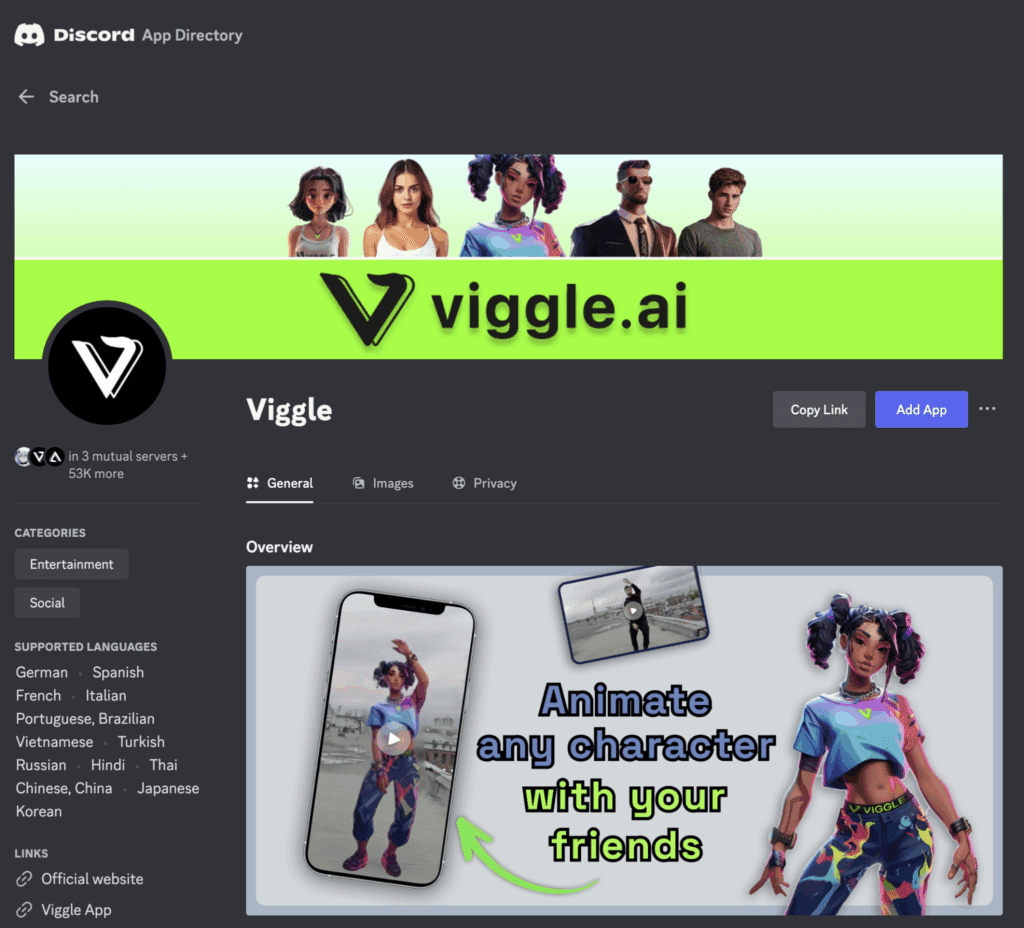
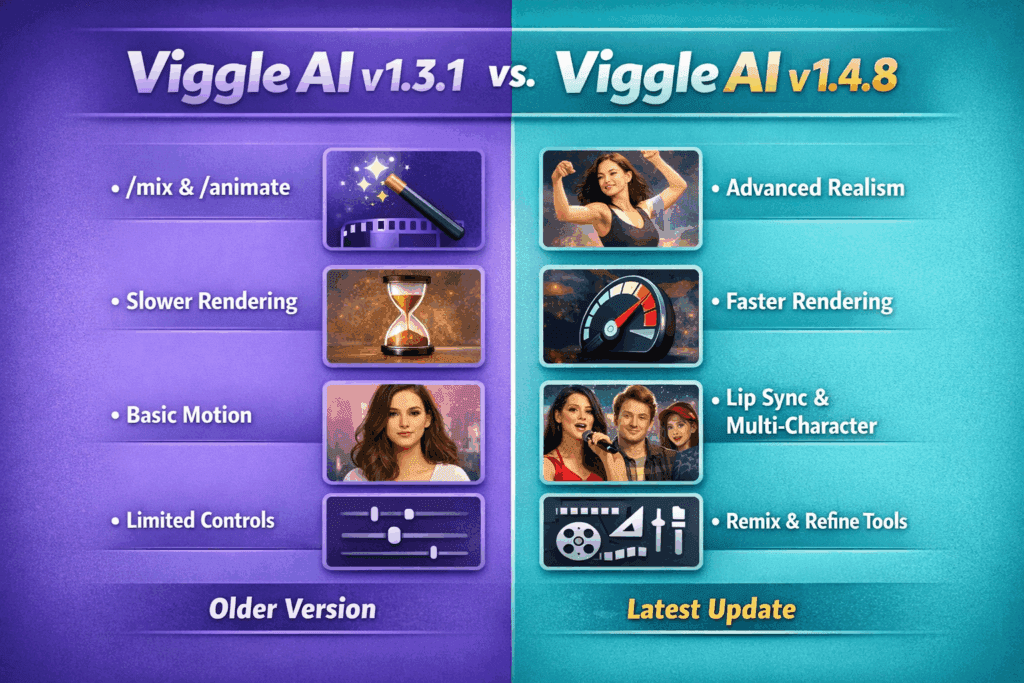
The most debated shift from Viggle v3 to Viggle v4 isn’t UI—it’s under-the-hood motion modeling.
1. Updated Motion Diffusion Backbone
Viggle V4 introduces a refined motion diffusion architecture that appears to leverage improved latent consistency across frame sequences. In v3, longer clips often showed drift—subtle limb warping or identity slippage after frame 40–60. Viggle V4 reduces this through tighter latent locking between keyframes.
Translation: Better temporal coherence, especially for full-body dance or combat motions.
2. Improved Seed Parity Handling
In v3, reusing a seed didn’t always guarantee repeatable motion trajectories, particularly when changing background layers. V4 improves seed determinism, meaning Seed Parity is closer to true reproducibility. For creators running batch iterations or A/B testing animation timing, this is significant.
3. Enhanced Pose Conditioning
V4’s pose mapping appears more tolerant of extreme angles and dynamic movement. Euler a schedulers (or similar step-based sampling strategies) now produce fewer elbow and wrist artifacts during fast transitions.
However, some users report that this comes at the cost of slightly “heavier” motion smoothing—more on that below.
Real-World Animation Quality: What Users Are Reporting
The community feedback is split into three camps.
The “It’s Clearly Better” Group
These users typically:
- Create high-motion sequences (dance, sports, action)
- Work with full-body character transfers
- Render clips longer than 5 seconds
They report:
- Less torso distortion
- More stable facial alignment
- Reduced background flicker
- Better motion interpolation between key poses
For these creators, Viggle v4 feels more production-ready.
The “Marginal Gains” Group
Mid-level users working with:
- Short meme clips
- Reaction animations
- Simple idle loops
Their feedback:
- Quality difference is subtle
- Render times are slightly longer
- Some motions feel “over-smoothed”
The over-smoothing issue likely stems from stronger temporal regularization. While this increases stability, it can slightly reduce sharp micro-movements that made v3 feel snappier.
The “Sticking With v3” Group
These users prioritize:
- Fast iteration speed
- Stylized or exaggerated motion
- Controlled glitch aesthetics
They argue that:
- V3 has more raw energy
- V4’s motion feels more “filtered”
- Older presets behave differently and require re-tuning
If your workflow relies on pushing motion instability creatively, v4’s stability may actually feel restrictive.
Should You Upgrade or Stay on v3?
Here’s the practical decision matrix.
Upgrade to v4 if:
- You produce longer cinematic sequences
- There is a need for stronger character identity preservation
- You rely on seed-based reproducibility
- You’ve struggled with limb morphing artifacts in v3
V4’s latent consistency improvements alone make it worth it for professional or client-facing work.
Stay on v3 if:
- You prioritize speed over polish
- You prefer sharper, less-smoothed motion
- Your current presets are dialed in perfectly
- You mainly produce short-form social content
Switching versions may require returning motion strength, guidance scale, and scheduler settings to regain your preferred look.
Final Verdict
Viggle v4 isn’t revolutionary—but it is technically stronger.
It improves temporal coherence, seed reliability, and pose stability. However, those gains matter most for advanced workflows. Casual or meme-style creators may see minimal benefit.
If your work depends on clean, client-ready animation with fewer artifacts, upgrade.
If your v3 pipeline is fast, expressive, and already optimized, you’re not missing a massive leap.
V4 is refinement—not reinvention.
And whether that’s worth it depends entirely on how serious your animation workflow is.
Frequently Asked Questions
Q: Does Viggle v4 improve animation realism compared to v3?
A: Yes, primarily through better temporal coherence and improved latent consistency across frames. This reduces limb distortion and identity drift in longer clips, making motion feel more stable and realistic.
Q: Are render times slower in Viggle v4?
A: Some users report slightly longer render times due to stronger temporal regularization and updated diffusion sampling strategies. The tradeoff is improved motion stability.
Q: Is seed reproducibility better in v4?
A: Yes. V4 improves seed determinism, meaning you’re more likely to reproduce similar motion paths when reusing the same seed under identical conditions.
Q: Should professional creators upgrade to Viggle v4?
A: If you create longer-form or client-facing animations where stability and character consistency matter, v4’s improvements make it a worthwhile upgrade.