Hulk AI Animation Tutorial: How to Build Viral Character Cartoons with ComfyUI, Runway, and Perfect Seed Control
Learn the exact process top Hulk AI Animation channels use to get millions of views — not by guessing, but by engineering character consistency, motion logic, and viral pacing from the very first prompt.
This deep dive is designed for new AI video creators who want to crack one of the most proven viral niches on short-form platforms: Hulk-style AI cartoons. The core challenge is not generating a single cool image or clip. It’s creating a repeatable system that lets you produce episodic, character-based animations where the Hulk looks the same, sounds the same, moves the same, and performs reliably across dozens or hundreds of videos.
We’ll build that system end-to-end using a modern visual engine stack centered on ComfyUI for generation and control, Runway for motion refinement and post effects, and industry-standard AI voice and lip-sync tools. Along the way, we’ll use real technical concepts like **Latent Consistency, Seed Parity, Euler A schedulers, and temporal coherence, the same mechanics high-performing channels quietly rely on.
—
Pillar 1: Setting Up AI Tools for Hulk-Style Character Animation
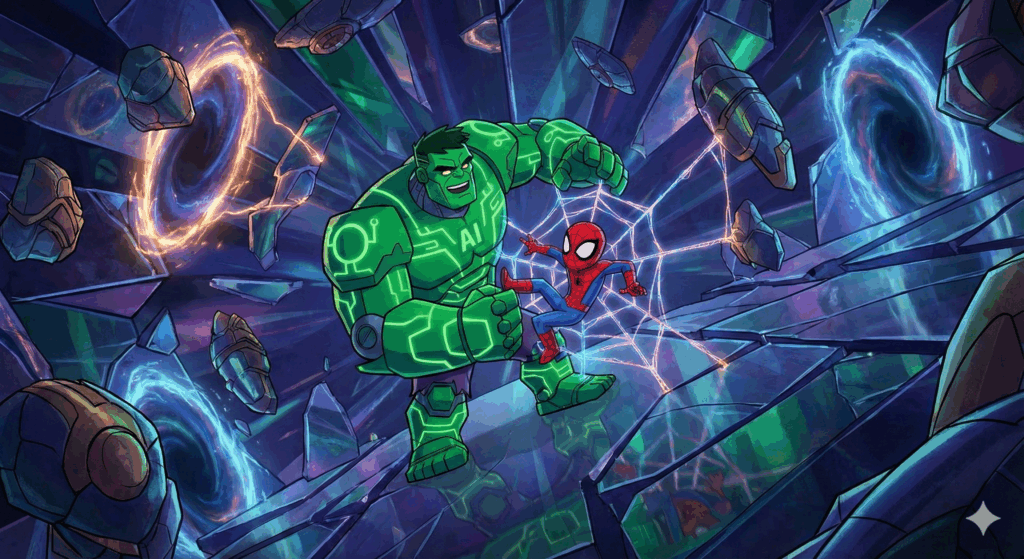
Before you engage in AI animation of anything, you must lock your character. Viral Hulk AI animation channels succeed because viewers instantly recognize the character, even in different scenarios. This is a character consistency problem, and it’s solved at the latent level.
1. The Core Stack (Visual Engine)
Primary Engine: ComfyUI (Stable Diffusion-based)
– Used for character design, pose control, and scene generation
– Enables node-level control over seeds, schedulers, and conditioning
Secondary Engine: Runway Gen-2
– Used for motion interpolation, camera movement, and cinematic polish
Optional Enhancers:
– ControlNet (OpenPose + Depth)
– IP-Adapter for face and body reference locking
– LoRA trained specifically on your Hulk variant
This combination gives you something beginner tools cannot: repeatability.
2. Designing Your Hulk AI Animation (Once, Correctly)
Start by generating a master Hulk image set in ComfyUI.
Key settings:
– Sampler: Euler a (best balance of chaos and stylization)
– Steps: 28–36
– CFG: 6–7.5
– Resolution: 768×1024 (vertical-first for shorts)
The critical concept here is Seed Parity.
– Choose 3–5 seeds that produce a Hulk you like
– Never randomize them again
– Every future generation uses these same seeds
Your base prompt should define immutable traits:
– Skin tone and texture
– Facial structure
– Body mass ratio
– Shorts color and material
Example (simplified):
> ultra muscular green hulk character, exaggerated cartoon proportions, consistent facial structure, torn purple shorts, cinematic lighting, animated style
Lock this prompt. Lock the seed. This is your Hulk DNA.
3. Latent Consistency Across Scenes
When generating new scenes (gym, street, classroom, courtroom), do not redesign the character.
Instead:
– Reuse the same seed
– Keep the character prompt identical
– Change only environment tokens
This maintains latent consistency, meaning the model reuses the same internal representation of Hulk while adapting the context.
For action scenes, add:
– ControlNet OpenPose to define body position
– Depth ControlNet for camera realism
Now your Hulk can punch, walk, or sit without morphing into a different character.
—
Pillar 2: Voice Generation, Dialogue, and Frame-Accurate Lip Sync for Hulk AI Animation
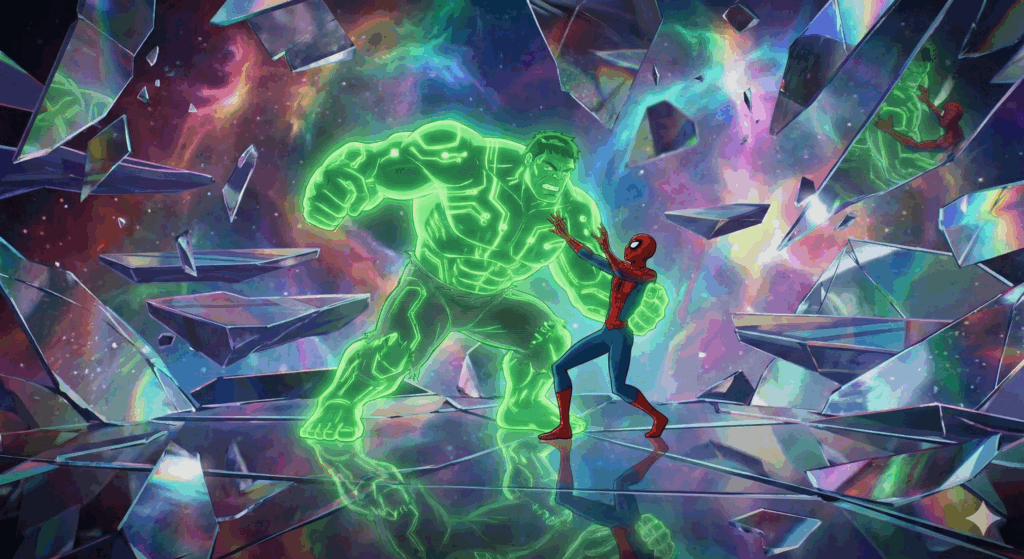
Visuals alone don’t make these cartoons viral. Voice does.
Top Hulk AI channels use exaggerated, emotionally readable voices paired with short, punchy dialogue that fits within 5–12 seconds.
1. Voice Generation
Recommended tools:
– ElevenLabs
– PlayHT
Settings that work best:
– Low clarity, slightly distorted tone
– Medium pacing (not slow, not rushed)
– Aggressive or comedic emotional presets
Write dialogue like a meme, not a script.
Bad:
> “I am angry because this situation is unfair.”
Good:
> “HULK WAITED 20 MINUTES FOR THIS?”
2. Dialogue Timing for Shorts
Each line should be:
– 1–2 seconds long
– Separated by a micro-pause
This allows for clean cuts and reaction shots.
Export voice lines individually. Do not batch them.
3. Lip Sync That Actually Works for Hulk AI Animation
Use tools like:
– Runway Lip Sync
– D-ID
– Wav2Lip (advanced users)
The secret is frame alignment.
Process:
1. Generate your Hulk clip at 24 or 30 FPS
2. Match the lip-sync tool to the same FPS
3. Trim silence from audio before syncing
If the lips drift, it’s usually because:
– FPS mismatch
– Audio starts before the first visible frame
Fixing this alone can double perceived quality.
4. Facial Micro-Motion
For extra realism, add subtle motion:
– Blink nodes in ComfyUI
– Runway motion brush on eyebrows and jaw
These micro-movements prevent the “AI statue” effect that kills retention.
—
Pillar 3: Editing, Publishing, and Scaling Hulk AI Animation for Virality
Even perfect animation can flop if it’s edited like a normal video.
Viral Hulk AI cartoons Videos follow a retention-first editing model.
1. Editing for Short-Form Dominance
Editing stack:
– CapCut or Premiere Pro
– Vertical 9:16 canvas
Rules:
– No shot longer than 1.5 seconds
– Zoom or camera move every cut
– Subtitles always on
Subtitle style:
– All caps
– Bold
– Color emphasis on punch words (HULK, SMASH, WAIT)
2. Sound Design
Add:
– Low-frequency impact sounds for movement
– Cartoon swooshes for head turns
– Bass hits synced to cuts
Sound is half the joke.
3. Posting Strategy
Platforms:
– TikTok
– YouTube Shorts
– Instagram Reels
Best-performing format:
– 7–12 seconds
– Immediate action in first frame
– No fade-ins
Your first frame should already show:
– Hulk’s face
– Extreme emotion
– A readable subtitle
4. Scaling with Templates
Once one video works:
– Duplicate the ComfyUI workflow
– Reuse the same seeds
– Swap dialogue and environment only
This is how channels post daily without quality loss.
Over time, train a custom Hulk LoRA from your best frames to further increase consistency and reduce generation time.
Conclusion
Creating viral Hulk AI cartoons is not about creativity alone. It’s about engineering a character pipeline where randomness is controlled, emotion is exaggerated, and every technical decision serves retention.
Master seed parity. Respect latent consistency. Edit for speed. Publish relentlessly.
That’s the exact process top Hulk AI channels use to get millions of views.
Frequently Asked Questions
Q: Do I need to know coding to use ComfyUI for Hulk animations?
A: No coding is required. ComfyUI is node-based, and once you build or import a workflow, you mainly adjust prompts, seeds, and settings like samplers and CFG values.
Q: Why does my Hulk look different in every video?
A: This usually happens because seeds are randomized or prompts change. Lock your seed, keep your character prompt identical, and avoid unnecessary style tokens to maintain latent consistency.
Q: Is Runway required, or can everything be done in ComfyUI?
A: Most of the generation can be done in ComfyUI, but Runway excels at motion smoothing, camera movement, and fast lip-sync, which significantly improves perceived quality for shorts.
Q: How long does it take to produce one Hulk AI short once the system is set?
A: With a templated workflow, most creators can produce a high-quality Hulk short in 20–40 minutes, including generation, voice, and editing.