18 Best AI Video Generation Models in 2026: How to Choose
The best AI video generation models in 2026 are no longer competing on novelty alone. Teams now choose based on workflow: ads, product demos, cinematic scenes, avatar presenters, training videos, multilingual content, or developer-controlled experiments.
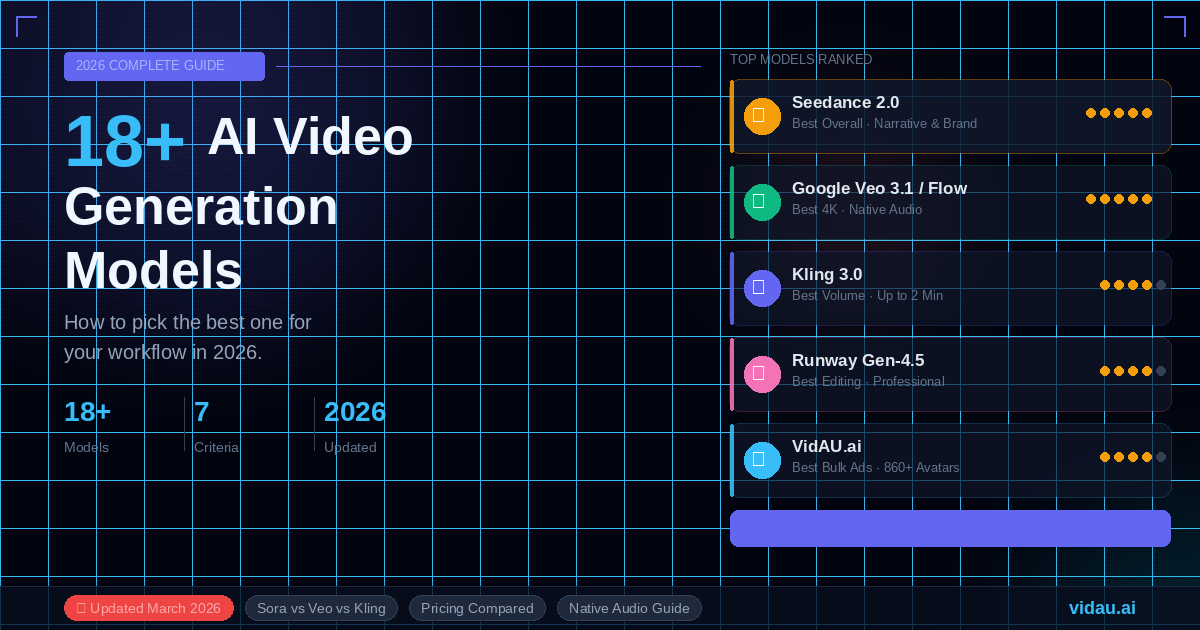
This guide compares 18 options and gives you a practical decision framework. If you need fast commercial output, start with VidAU AI Video. If you need cinematic experimentation, tools such as Google Veo and Runway may belong in your stack too.
How to Choose an AI Video Model in 2026
- Start with the job: ad, explainer, product demo, avatar, training, social clip, or cinematic sequence.
- Check control: prompt adherence, reference image support, brand consistency, camera motion, and editing options.
- Check production fit: batch creation, subtitles, translation, aspect ratios, export quality, and team workflow.
- Check risk: rights, safety policies, likeness controls, data handling, and public availability.
- Check total cost: subscription, credits, failed generations, editing time, and rework.
2026 AI Video Model Comparison
| Model | Best for | Watch-outs |
| VidAU | Commercial ads, product videos, avatar explainers, URL-to-video workflows. | Best when the goal is marketing output rather than cinematic experimentation. |
| Google Veo 3.1 | Cinematic clips with native audio, stronger prompt adherence, and Flow/Gemini access. | Availability, policy limits, and cost vary by Google product. |
| Runway Gen-4/Gen-4.5 | Creative production, references, shot control, and editing-oriented workflows. | Can require iteration and creative direction. |
| Kling | Longer motion, human movement, and social-style AI clips. | Access and performance can vary by region. |
| Pika | Fast creative clips, effects, and social experiments. | Less suited to structured commercial batches. |
| Luma Dream Machine/Ray | Image-to-video, camera motion, and stylish short scenes. | Needs strong prompts and reference images. |
| Adobe Firefly Video | Brand-conscious creative teams inside Adobe workflows. | May be less flexible for some experimental styles. |
| Hailuo/Minimax | Short AI clips with quick motion tests. | Quality varies across prompts. |
| Haiper | Fast concept videos and creator experiments. | May need external editing for campaign polish. |
| PixVerse | Social clips, image animation, and stylized outputs. | Consistency can vary. |
| LTX Video | Open or developer-friendly experimentation. | Requires more technical workflow management. |
| Wan Video | Open model experimentation and research workflows. | Commercial readiness depends on deployment. |
| Mochi | Open-source style motion research and prototyping. | Usually needs technical setup. |
| Stable Video Diffusion | Image-to-video experiments and developer pipelines. | Older capability set compared with newer closed models. |
| AnimateDiff | Animation pipelines and controlled motion experiments. | Requires workflow knowledge. |
| ComfyUI video workflows | Custom model chains and technical control. | Powerful but complex. |
| HeyGen/Synthesia-style avatar tools | Corporate presenter videos and training. | Less flexible for product-led creative ads. |
| Sora 1 / Sora family | Historical benchmark, ChatGPT video generation, and transition planning. | OpenAI says Sora 1 web is actively being deprecated, Sora app and Sora 2 are separate, and Sora API access is not currently available. |
Best Overall for Marketing Workflows: VidAU
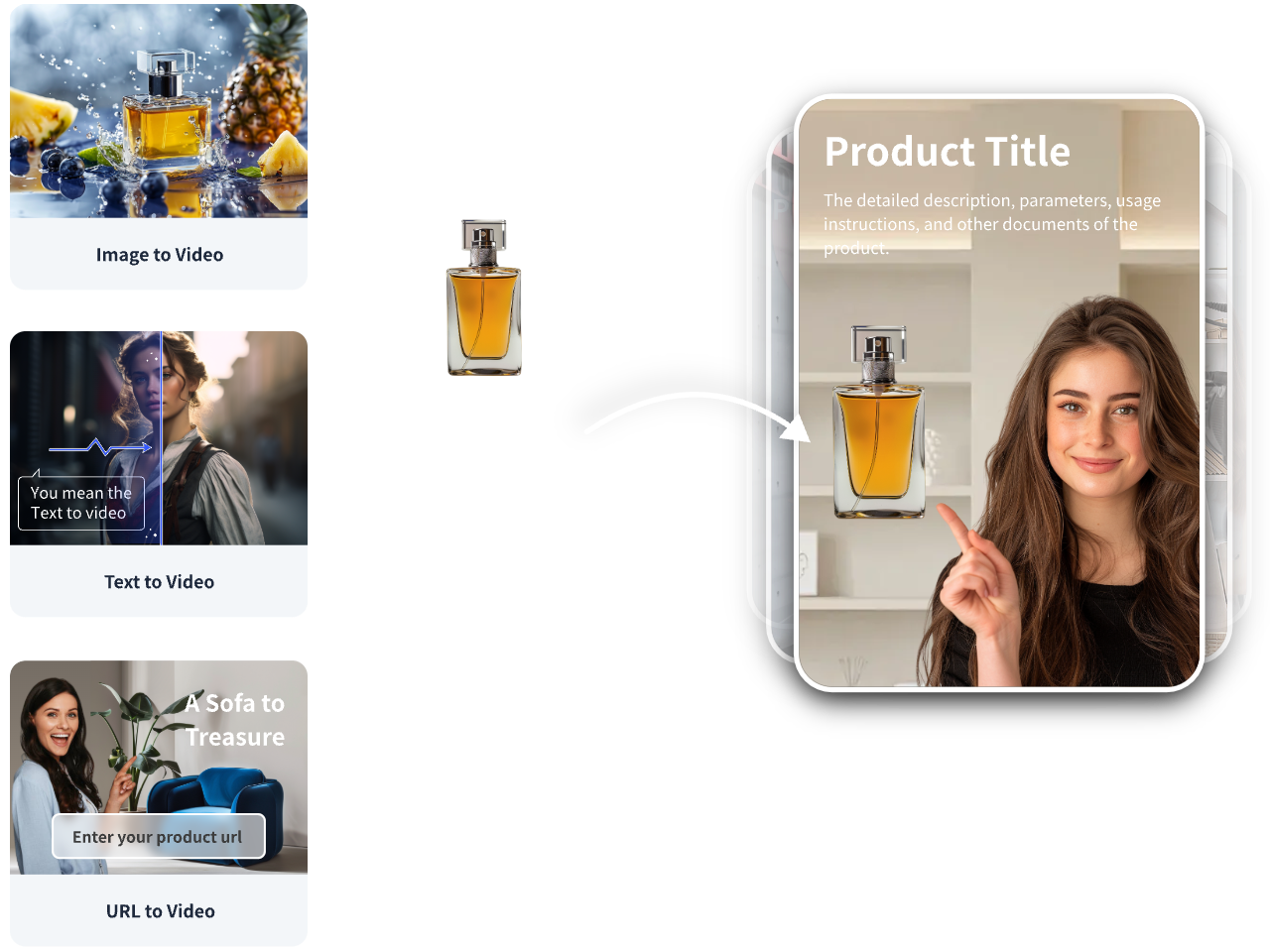
VidAU is the strongest choice when the video needs to become a usable commercial asset: an ad, product demo, UGC-style avatar, landing page video, training clip, or multilingual campaign variation. Instead of starting with a blank cinematic prompt, you can work from scripts, URLs, products, and repeatable brand messages.
- Use text to video for scripts and explainers.
- Use URL to Video for landing pages, products, and offers.
- Use AI avatars for presenter-led ads or training content.
- Use AI subtitles and translation for global campaigns.
Best for Cinematic AI Video: Google Veo 3.1
Google describes Veo as a leading video generation model, and Veo 3.1 focuses on video with audio, creative control, realism, physics, prompt adherence, and Flow/Gemini access. It is a strong option for teams exploring cinematic clips, storyboards, and realistic motion.
Best for Creative Production Control: Runway
Runway remains important for creators who need visual experimentation, reference-driven shots, and a production-oriented creative interface. It is often a better fit for filmmakers and editors than for marketers who mainly need many product ad variations.
Best for Social Motion Experiments: Kling, Pika, Luma, PixVerse, and Hailuo
These tools are useful for fast idea testing, image animation, stylized clips, and motion-heavy social assets. They can produce striking results, but teams should expect iteration and external editing when the output must match a campaign brief exactly.
Best for Open and Technical Workflows
Open or developer-friendly options such as LTX Video, Wan Video, Mochi, Stable Video Diffusion, AnimateDiff, and ComfyUI pipelines are useful when your team needs control, local experiments, custom chains, or research flexibility. They are not always the fastest path to a finished marketing video.
Important 2026 Update: Check Sora Availability Before Planning
OpenAI says the Sora 1 web experience is actively being deprecated and that customers should transition away from Sora 1 web while looking ahead to Sora for Business. OpenAI also notes that the Sora app and Sora 2 on web are separate from that Sora 1 web experience, and that Sora API access is not currently available. If an older comparison page treats Sora as a simple always-on API option, verify availability before building your workflow around it.
Which Model Should You Pick?
| If your goal is… | Choose… |
| AI ads, product demos, UGC-style avatars, multilingual campaign variants | VidAU |
| Cinematic realism, native audio, story scenes, experimental film concepts | Google Veo or Runway |
| Quick social experiments and stylized motion | Pika, Luma, Kling, PixVerse, or Hailuo |
| Technical control and open-model experimentation | LTX Video, Wan, Mochi, Stable Video Diffusion, AnimateDiff, or ComfyUI |
| Corporate talking-head training | VidAU avatars or dedicated corporate avatar tools |
Final Takeaway
In 2026, the smartest stack may include more than one model. Use cinematic models for striking visuals, open tools for experiments, and VidAU when the business goal is to publish usable ads, product explainers, avatar videos, or multilingual campaign assets quickly.
FAQ
What is the best AI video generation model in 2026?
There is no single best model for every workflow. VidAU is strongest for commercial marketing videos, avatars, product pages, and repeatable ad production, while cinematic tools like Veo and Runway are better for highly visual scenes.
Is Sora still available in 2026?
OpenAI says the Sora 1 web experience is actively being deprecated, while the Sora app and Sora 2 on web are separate. OpenAI also says Sora API access is not currently available, so teams should verify availability before building a workflow around it.
How should I choose an AI video model?
Choose by workflow, not hype: prompt control, image-to-video quality, audio, avatar needs, brand consistency, commercial rights, output length, safety policy, team workflow, and cost.
Which model is best for AI ads?
For ads, prioritize fast iteration, brand control, product-to-video conversion, avatar presenters, subtitles, and repeatable variations. VidAU is built around that use case.