VidAU Editorial · AI Search
How to Make AI-Generated UGC Ads Look Authentic: A Step-by-Step Playbook
Turn product images into realistic AI UGC ads. Step-by-step workflow, scripts, A‑roll/B‑roll, free tool stack, and fast variant testing to make AI ads look authentic.
By the VidAU Editorial Team · Reviewed before publishing
Turn a single product photo into a believable TikTok-style UGC spot in under an hour. This playbook shows how to make AI-generated UGC ads look authentic using Claude to script, Google Veo to prototype at 480p, and CapCut to assemble, then upscale only winning cuts to 1080p for TikTok Ads, Instagram Reels, Facebook Ads, and YouTube Shorts.
This hands-on guide shows US performance marketers and ecommerce teams how to make AI-generated UGC ads look authentic for short-form feeds. You will turn a product image into a realistic creator-led ad using Claude, Google Veo, and CapCut, test multiple hooks and CTAs at 480p, then finalize only winners in 1080p.
Quick Summary
• Photo-to-UGC workflow with Claude, Google Veo, and CapCut is the fastest path to realistic AI UGC ads for 2026 testing.
• Higgsfield Ads Studio with its Ad Multiplier is a strong alternative for generating rapid video variants without reshoots.
• 480p-to-1080p prototyping rule, 9:16 vertical, under 27 seconds, readable subtitles, and platform-safe zones keep ads authentic and feed-native.
• US performance marketers, DTC founders, dropshippers, and creative strategists benefit most by testing hooks and CTAs cheaply before scaling.
What Is AI-Generated UGC?
AI-generated UGC ads are short videos styled like real user-created content, but produced with AI tools instead of human creators. They mimic creator-led talking-head A‑roll, product B‑roll, casual framing, and platform-native pacing to feel organic in TikTok, Reels, Facebook, and Shorts feeds while promoting ecommerce products.
How to make AI-generated UGC ads look authentic: Core principles
To make AI-generated UGC ads look authentic, start with feed-native conventions and human cues.
• Platform-native specs: 9:16 vertical, 20–30 seconds, safe-title zones, bold subtitles.
• Hook fast: Land the benefit or problem within 1–2 seconds; show the product early.
• A‑roll pacing: Natural cadence, light imperfections, micro-pauses, and simple framing.
• B‑roll coverage: Use hands, packaging, usage moments, and text overlays to mask lip-sync tells.
• Script beats: Hook → problem → demo or proof → benefit detail → CTA.
• Brand kit alignment: Keep colors, logo, and tone present but subtle; avoid over-polished motion graphics.
• Compliance and credibility: Avoid exaggerated claims; keep social proof realistic and non-fabricated.
Suggested Visual: A one-page diagram showing Hook, Problem, Demo, Benefit, CTA beats mapped to A‑roll and B‑roll moments.
Step-by-step: Make AI-Generated UGC Ads Look Authentic with a photo-to-UGC workflow
Follow this 7-step process to turn a single product photo into a believable UGC ad and iterate quickly.
1) Prep the inputs
• Assets: Best product image on white or lifestyle, logo file, brand colors, value props, price or offer.
• References: 2–3 creator-style videos you like for framing and tone.
• Constraints: Claims you can prove, words to avoid, any required legal line.
• Target: Platform (TikTok Ads, Instagram Reels, Facebook Ads, YouTube Shorts), length target 24–27 seconds, 9:16.
2) Use Claude, ChatGPT, or Gemini to generate the creator persona, script beats, and shot list
Paste your brand kit notes and product photo. Ask for a UGC-styled script and shot plan that matches your audience and price point.
Claude prompt template (copy and adapt):
• Role: You are a senior UGC creative strategist for ecommerce performance.
• Task: Turn the product image and brand kit below into a 24–27s UGC ad concept for TikTok/Reels/Shorts.
• Deliverables: Creator persona in one line; 5 hook options; full script beats (Hook, problem, demo or proof, benefit detail, CTA); A‑roll lines; B‑roll shot list; on-screen text; subtitle style; CTA variants.
• Constraints: 9:16, subtitles burned-in, show product by second 2, no overclaims, natural speech disfluencies.
• Inputs: Product name, key benefit, price or promo, audience, brand tone, three reasons to believe.
Ask for 3 concepts; pick the top one. Keep two extra hooks and CTAs for variants.
3) Generate A‑roll at 480p in Google Veo; create 2–3 hook/CTA variants
• In Google Veo, prompt a creator-facing clip: selfie-style framing, soft window light, phone camera look, slight handheld movement, and your chosen A‑roll lines.
• Start with 480p prototypes to explore cheaply. Generate 2–3 versions changing only the hook or CTA. Keep length 12–15 seconds for A‑roll; B‑roll will fill the rest.
• If you have a previous ad: In Higgsfield Ads Studio, use Ad Multiplier to swap the product, tweak hook lines, or change setting. Export low-res drafts to compare alongside Veo cuts.
Iteration notes:
• Add small disfluencies (uh, honestly, quick breath) to improve realism.
• Keep wardrobe neutral; avoid glossy makeup or studio backdrops.
• Choose an American accent and colloquial phrasing if your target is US.
4) Generate B‑roll to hide lip-sync tells and add proof
• Prompt Veo for 3–5 short product cuts: hands unboxing, texture close-up, application or setup, before/after still, product on desk in daylight.
• Generate at 480p; keep clips 1–3 seconds each. Get one macro detail, one lifestyle use, one logo moment.
• Capture a simple screen recording of your product page or a rating badge for proof-style cutaway. Keep it brief and legible on mobile.
5) Assemble in CapCut with the UGC authenticity checklist
Import A‑roll and B‑roll. Build the story in this order: hook A‑roll, product cutaway, problem line, demo or proof, benefit reinforcement, CTA.
CapCut assembly checklist:
• Pace: Cut every 1–2 seconds; keep total under 27 seconds.
• Cover mouth: Use B‑roll or text overlays during fast phrases to reduce uncanny sync moments.
• Subtitles: Bold, high-contrast, 92–100% width safe zone; keep 2 lines max.
• SFX: Add light camera-tap whoosh on cuts and a subtle room tone; avoid heavy sound design.
• Music: Low-volume, trend-adjacent track; vocals under creator voice.
• Brand kit: Logo in last 2 seconds, brand color for text stroke or highlight; no heavy animations.
• CTA card: 2–3 seconds, product + offer + button-like text such as Get yours or Shop now.
Brief VidAU example when you need more variants fast:
• Input: Product URL or images and your approved script beats.
• Capability: VidAU AI Video can generate UGC-style drafts or Product to Video variations aligned to your brand kit for TikTok, Meta, and YouTube formats.
• Output: Editable short-form creative you can refine and test alongside Veo cuts.
• When it fits: You need dozens of hook or CTA permutations without reshoots.
6) Prototype testing at 480p, then upscale winners to 1080p
• Export three 480p cuts: same mid-section, different hooks or CTAs. Keep filenames clear: HookA_CTA1_480p, etc.
• Run a quick qualitative check: team feedback, small audience poll, or initial platform dark-post test if available.
• Winner criteria: Thumb-stop rate in first 2 seconds, completion rate to 3 seconds and 6 seconds, hold to 20 seconds, clicks relative to spend.
• Only then re-render the top one or two in 1080p. Do not upscale all variants.
7) Final polish and platform delivery
• Loudness: Normalize dialogue; keep consistent across cuts.
• Captions: Burn in for TikTok and Reels; keep safe area top and bottom.
• Duration trims: 23s, 26s, and 29s versions for cross-platform fit.
• Exports: 1080×1920, high bitrate, H.264; name files by platform and version.
Suggested Visual: A kanban board screenshot showing Hook variants, 480p drafts, winner tags, and 1080p final.
Script beats and on-screen templates that make AI UGC feel real
Use these templates to reduce uncanny vibes and increase clarity.
Hooks (pick one and tailor to your product):
• I did not expect this to fix my [pain] in one day.
• This is the only [category] I actually kept after testing five.
• If you have [problem], this 10-second swap is it.
A‑roll outline (natural cadence):
• Hook: Quick confession or bold claim anchored to a benefit.
• Problem: One relatable line about the pain or hassle.
• Demo or proof: Show a simple step or before/after.
• Detail: One specific feature and the why it matters.
• CTA: Direct ask with soft urgency and benefit restate.
On-screen text and subtitles:
• Keep 4–6 words per line; bold keyword in brand color.
• Put prices or promo code only once, near CTA.
• Use mixed case for readability; avoid all caps blocks.
CTA lines that fit short-form feeds:
• Tap Shop Now to try it today.
• Use code SAVE10 at checkout; link in bio.
• Join 10k+ customers; grab yours.
B‑roll shot list examples:
• Hands unbox to logo; quick focus pull.
• Product in use in real context (kitchen sink, gym bench).
• Macro texture, then wipe to a smiling reaction.
• Screen grab of 4.8-star rating and one short review line.
Key Takeaways
• Keep hooks specific and visual within two seconds.
• Use on-screen text to land the benefit even if audio is muted.
• B‑roll is your best friend for masking lip-sync oddities.
Rapid variant testing: 480p first, 1080p last
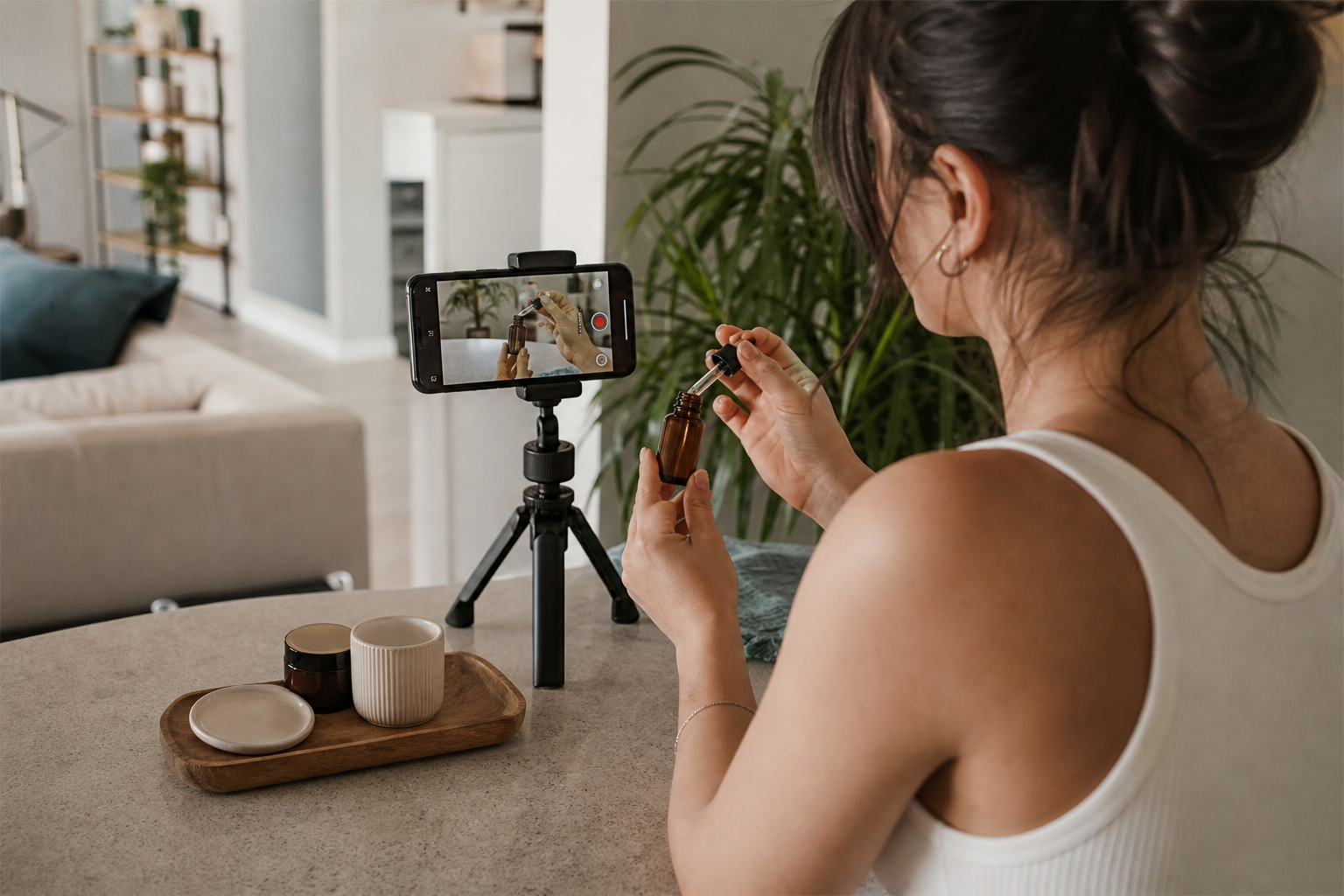
Build a lightweight system to compare hooks and CTAs without burning budget.
• Control what changes: In each round, vary only the hook or only the CTA.
• Prototype resolution: Stay at 480p until you know it holds attention.
• Micro-metrics: Thumb-stop, 3-second hold, 6-second hold, click cue ratio.
• Winner promotion: Only upscale the top 1–2 cuts and spin 2 fresh derivatives.
• Stage: Script and beats
Recommended Tools: Claude, ChatGPT, Gemini
Why: Fast UGC tone and shot lists
• Stage: A‑roll and B‑roll
Recommended Tools: Google Veo
Why: Quick 480p variants, realistic motion
• Stage: Variant gen
Recommended Tools: Higgsfield Ads Studio
Why: Ad Multiplier for fast swaps
• Stage: Assembly
Recommended Tools: CapCut
Why: Mobile-first editing, captions, safe zones
Suggested Visual: A simple line graph with three hook variants showing different 3-second hold rates, highlighting the winner.
Common mistakes that break authenticity
• Over-polished lighting and beauty filters that scream studio shoot.
• Long talking sections with visible lips and perfect sync.
• Heavy motion graphics and transitions that feel like TV ads.
• Generic stock B‑roll not matching your product or audience.
• Over-claiming results without proof; compliance risks.
• Ignoring brand kit basics or switching tones mid-ad.
• Music drowning the creator voice; subtitles too small.
QA checklist before scaling
• Message: Is the core benefit clear by second two?
• Proof: Is there at least one believable proof moment?
• Pacing: Are there cuts every 1–2 seconds and total under 27 seconds?
• Sound: Is dialogue clean and consistent across cuts?
• Subtitles: Legible, on safe zones, with high contrast?
• Brand: Logo present at end, colors applied subtly, CTA visible?
• Compliance: No unverifiable claims; legal line included where needed?
When to use VidAU in this workflow
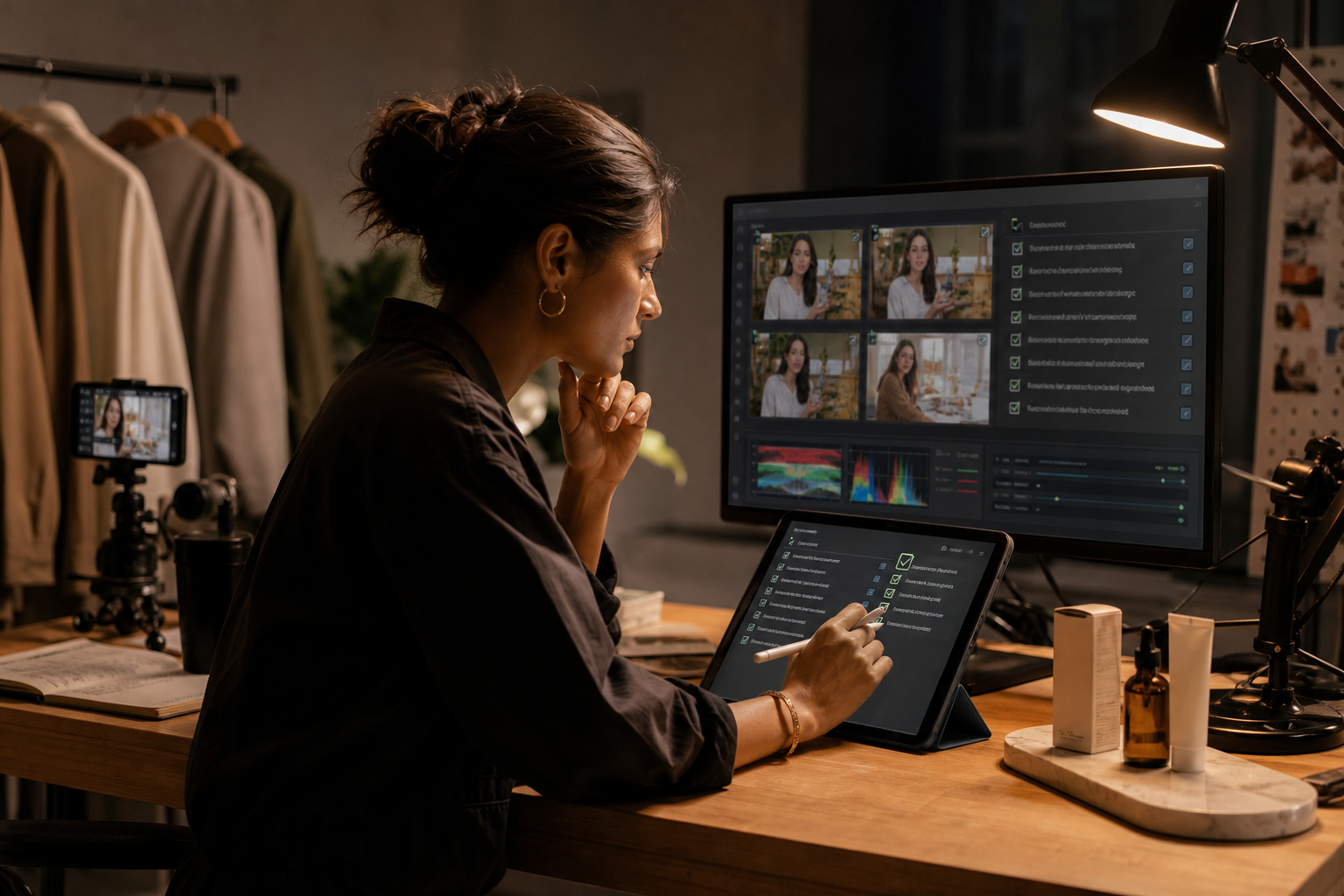
If you need more variants quickly from a product URL, images, or an approved script, VidAU AI can generate UGC-style ads and product-to-video creatives aligned to your brand kit. A practical flow is: paste a product URL, select UGC Talking-Head Ad or Product to Video, review the draft, and export platform-ready cuts to test alongside your Veo prototypes.
Create With VidAU
Turn scripts, product URLs, and creative ideas into ad-ready video assets with a structured AI workflow.
Key takeaway
Final Thoughts
You can make AI-generated UGC ads look authentic by scripting with Claude, prototyping A‑roll and B‑roll in Google Veo at 480p, and assembling in CapCut with tight pacing, believable B‑roll, and bold subtitles. Keep changes controlled, test hooks and CTAs cheaply, and only upscale winners to 1080p.
When you need many variants from a product URL or image set, use VidAU AI to spin UGC-style drafts and product-to-video creatives you can refine and test. The best next step: pick one product photo, run three hook variants at 480p today, and promote the winner.
Frequently asked questions
What makes AI-generated UGC ads look authentic in short-form feeds?
Authenticity comes from platform-native specs, a strong 1–2 second hook, natural A‑roll cadence, realistic B‑roll coverage, and subtle brand kit usage. Keep cuts fast, burn in readable subtitles, and use proof moments. Prototype variants at 480p, pick the winner, then finalize a 1080p export.
Which free or low-cost tools work best for this workflow?
A practical stack is Claude, ChatGPT, or Gemini for scripting, Google Veo for 480p A‑roll and B‑roll prototypes, and CapCut for assembly and captions. Higgsfield Ads Studio with Ad Multiplier is useful for quick variant swaps. Choose based on availability and your team’s comfort.
Why prototype at 480p before exporting 1080p?
480p drafts render faster and cheaper, letting you test hooks and CTAs without overspending. Once you identify a cut that drives thumb-stops and holds to 6–20 seconds, upscale that version to 1080p for final delivery. This reduces time and cost while improving learning speed.
How do I structure scripts so AI UGC feels real and not like a TV ad?
Use a simple beat map: Hook, problem, demo or proof, benefit detail, and CTA. Write lines in casual speech with light disfluencies. Show the product by second two, and use B‑roll to cover faster phrases. Keep total runtime under 27 seconds and limit on-screen text to essentials.
How can I hide lip-sync issues in AI-generated talking-head clips?
Cut away from the mouth frequently with relevant B‑roll, on-screen text, and proof overlays. Trim or replace frames where mismatched phonemes are obvious. Add natural camera shake, room tone, and quick cuts at syllable boundaries to distract from small sync artifacts.
What are good hooks and CTAs for TikTok Ads, Reels, and Shorts?
Hooks should state a benefit or pain in under two seconds, like ‘I stopped [problem] with this.’ CTAs should be direct and platform-native: ‘Shop now,’ ‘Try it today,’ or ‘Use code SAVE10.’ Keep overlays bold, 4–6 words per line, and place the CTA in the last two seconds.
How many variants should I test per product?
Start with three hook variants sharing the same mid-section and CTA. Pick a clear winner from early metrics, then spin two more derivatives from that winner. Keep each round focused on a single change so your learning is clean and you avoid confounding variables.
Can I use previous ads to speed up AI variant creation?
Yes. Use a prior short video ad and swap the product, setting, or hook lines. Tools like Higgsfield Ads Studio with Ad Multiplier help you iterate without reshoots. Keep your brand kit consistent and maintain the same 9:16, under-27-second constraints for comparable results.
Where does VidAU fit if I already use Google Veo and CapCut?
When you want to turn a product URL, images, or a finished script into multiple UGC-style drafts fast, VidAU AI can generate ad-ready variants aligned to your brand kit. Use it to expand your creative matrix, then assemble and polish in CapCut and publish across TikTok, Meta, and YouTube.
What are common mistakes to avoid with AI UGC ads?
Avoid over-polished lighting, long visible talking sections, heavy motion graphics, and generic stock footage. Do not over-claim results, skip subtitles, or ignore safe zones. Keep music low under voice, and always match tone and visuals to your US target audience’s expectations.