AI Ads Automation · UGC Scaling Workflow
AI Ads at Scale: How to Automate 500 UGC Ads Per Month With Claude AI Agents
Stop producing AI ads one clip at a time. Learn the 8-step system to automate 500 UGC ads per month using Claude AI agents and VidAU AI.
By the Sarah Iruoje · Updated April 2026 · 10 min read
Most advanced marketers and AI video creators already know the tools. You have used AI video generators, You have produced UGC ads, You have run tests. And yet the output never reaches the volume or consistency that paid ad campaigns demand.
The problem is not the tools. The problem is the workflow.
Treating every AI commercial generator output as a standalone clip guarantees inconsistency. One video looks authentic. The next looks robotic. The hook lands in one variation and falls flat in another. You produce 20 videos a month when you need 200. The system never scales because there is no system.
This article breaks down exactly how to build one. You will learn how to chain Claude AI agents with VidAU AI to produce 500 production-level AI ads per month, why input control is the foundation of consistent output, and the ranked workflow steps that separate amateur AI production from professional volume operations.
Quick summary
- AI ads fail at scale when every clip is generated independently.
- Claude AI agents automate scripting, hooks, QA logic, captions, and variation planning.
- VidAU AI functions as the production engine for large-scale UGC generation.
- Input control creates consistency across hundreds of ad outputs.
- A structured workflow enables 500 AI ads per month without manual bottlenecks.
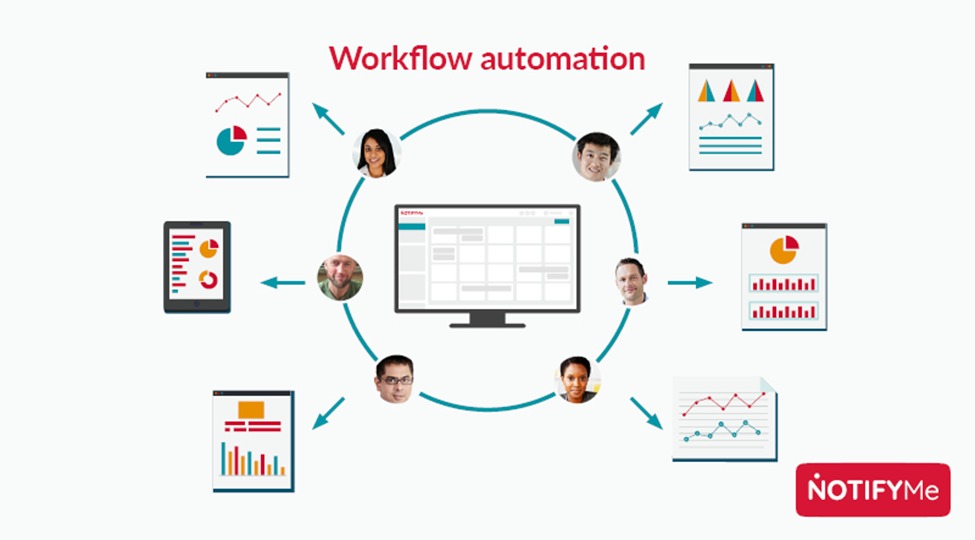
Why Treating AI Clips Separately Kills Your Ad Consistency
Before you build a system, you need to understand why the clip-by-clip approach fails at scale.
When you generate each AI UGC video independently, you make a new set of decisions every time. New prompt,New avatar, New lighting choice, New script tone, New background. Each decision introduces a variable. Multiply those variables across 20, 50, or 500 videos and the output starts looking like content from multiple creators rather than one consistent brand.
Paid ad platforms reward consistency. When your creative library contains videos that look, sound, and feel connected, your audience builds recognition. Recognition builds trust. Trust drives conversions.
The fix is systematic input control. Lock every variable that does not need to change. Only vary what you are testing. Everything else remains constant across every generation in a batch.
Key insight
Professional AI ad systems focus on input design, not just output review. Consistency starts before generation.
What Is a Claude AI Agent and Why Does It Matter for AI Ads?
Claude AI is Anthropic’s large language model. Used as an agent, it does more than answer questions. It executes multi-step tasks, chains outputs together, and follows structured instructions across an automated workflow.
For AI ads production, this matters because the most time-consuming work happens before video generation. Writing scripts, building prompt libraries, organizing hook variations, structuring briefs, and quality-checking outputs all require planning.
A Claude AI agent handles these tasks automatically. You provide a product brief, audience definition, tone of voice, and constraints. Claude outputs hooks, script variations, scene notes, avatar recommendations, and CTA structures ready for production.
The result is a workflow where human decisions happen once at the brief stage, while the system executes everything else.
The 8-Step Ranked Workflow for 500 AI UGC Ads Per Month
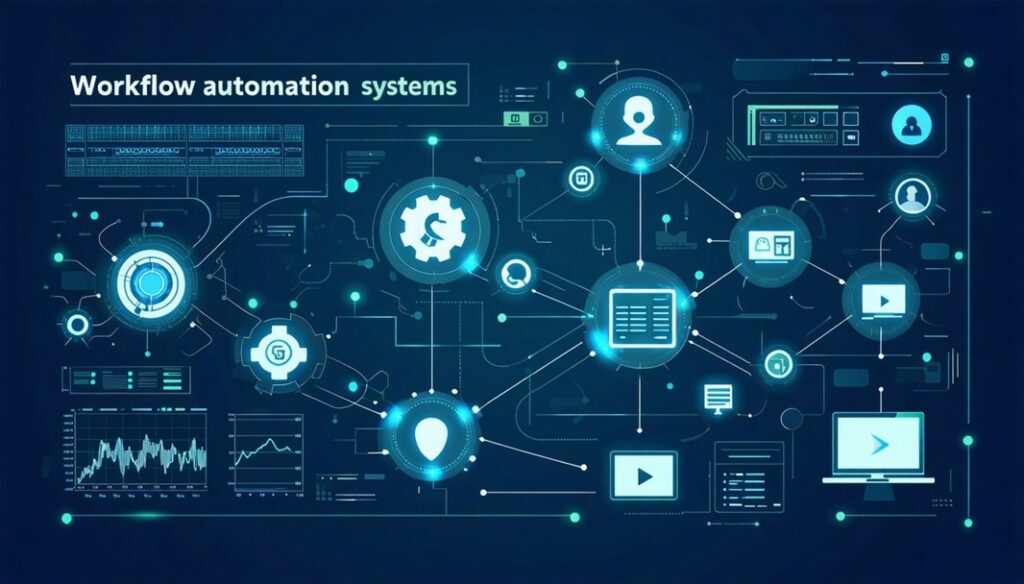
Here is the ranked production workflow ordered from highest-leverage decisions to operational execution.
1. Write a Master Product Brief
The master brief becomes the single source of truth for every ad in your production run. Include product name, audience demographics, tone of voice, approved claims, forbidden phrases, and CTA options.
Every script, prompt, and generation decision traces back to this brief. When inconsistencies appear, the brief becomes the first point of review.
Write this once per product. Every script, every prompt, and every generation decision traces back to it. When a video comes out inconsistent, the brief is the first place you check.
2. Use Claude AI to Generate a Hook Matrix
Feed your master brief into Claude AI with instructions to generate multiple hooks. Each hook should stay concise, conversational, and problem-driven.
These hooks become the variation axis for your batch. Every video tests one hook while keeping the rest of the structure stable.
Claude outputs 10 hooks in under 60 seconds. You review and approve. These hooks become the variation axis for your entire batch. Every video in the run uses one of these hooks and nothing else.
This step is the highest-leverage action in the workflow. The hook determines whether viewers stop scrolling. Getting 10 tested options from a single AI agent call costs nothing. Producing 10 video variations with bad hooks costs hours.
3. Chain Claude to Script Each Hook Variation
For each approved hook, instruct Claude AI to write a full 35-45 second script using the hook as the opening line. Specify the structure: hook, problem elaboration (5 seconds), product introduction (8 seconds), key benefit (12 seconds), call to action (5 seconds).
Claude produces 10 complete scripts, each opening with a different hook but sharing the same structure and tone. You now have a script library ready for production.
4. Build a Prompt Template Inside VidAU AI
Open VidAU AI and build a master prompt template using your brief’s avatar specifications, scene settings, and lighting preferences. Lock the following variables: avatar identity, background scene, lighting type, camera simulation setting, and voiceover tone.
The only variable that changes across your batch is the script. Everything else is fixed. This is how you produce 500 videos that look like they came from the same creator, not 500 different AI tools.
VidAU AI’s template save function lets you store this configuration and apply it to every generation in your batch without rebuilding it each time.
5. Generate Your First 10 Videos and QA Against the Brief
Run your first 10 scripts through VidAU AI using your locked template. Review every output agAInst three criteria from your master brief: tone consistency, visual authenticity, and clAIm accuracy.
Flag any video that fAIls on any criterion. Do not publish it. Go back to the prompt template, identify what variable produced the deviation, and correct it before running the next batch.
This QA step takes 15 minutes for 10 videos. Skipping it means discovering inconsistencies after 200 generations when the fix is far more expensive.
6. Scale Using Batch Generation
Once your first 10 videos pass QA, you have a validated production configuration. Now scale it.
VidAU AI’s batch generation produces multiple video variations simultaneously from a single brief input. Feed your 10 approved scripts into the batch generator with your locked template. VidAU AI produces 10 finished videos in the time it would take to manually generate one.
Run five batches of 10. Review. Run five more. By the end of a single production session you have 100 videos ready for review, all visually consistent, all structurally aligned with your master brief.
Repeat this process across four weeks and you reach 500 videos per month. That is the math. The system makes it executable.
7. Use Claude AI for Captions and CTAs
Video is not the only asset in an AI ads package. Every video needs a caption, a call to action, and in some cases a headline for the ad platform. Doing this manually for 500 videos is not an option.
Instruct Claude AI: “Write a 2-sentence caption and one CTA for each of the following 10 scripts. Format for Facebook feed placement. Keep the tone conversational and match the hook from each script.”
Claude produces 10 caption-and-CTA pairs in under 30 seconds. Repeat for each platform, changing only the format instruction. You now have a complete creative package for every video in your batch, at scale, without manual copywriting.
8. Organize Outputs Into a Testing Matrix
Before you deploy, organize your 500 videos into a testing matrix. Group them by hook. Each hook group contAIns multiple script variations with identical visual configurations. This structure lets you run clean A/B tests: same hook, different script middles. Same script, different hooks. Same everything, different call to action.
Structured testing produces data. Data tells you which hook, which script structure, and which call to action drives the lowest cost per result. You feed those learnings back into the next month’s master brief. The system improves with every production run.
Pro tip
Do not optimize after generating 200 videos. Validate your first 10 outputs before scaling.
How VidAU AI Functions as Your AI Commercial Generator
Claude AI handles planning and writing. VidAU AI handles production
Also VidAU AI maps scripts to avatars, generates voiceovers, exports platform-ready videos, and stores reusable templates for future batches
| VidAU Function | Role in Workflow |
|---|---|
| Avatar Matching | Assigns demographic-fit presenters to scripts |
| Voice Synthesis | Applies natural pacing and tone |
| Batch Export | Outputs multiple ads simultaneously |
| Template Saving | Maintains visual consistency across campaigns |
| Multi-Format Delivery | Exports for Shorts, TikTok, Facebook, and more |
How to Control Inputs for Consistent AI UGC Output
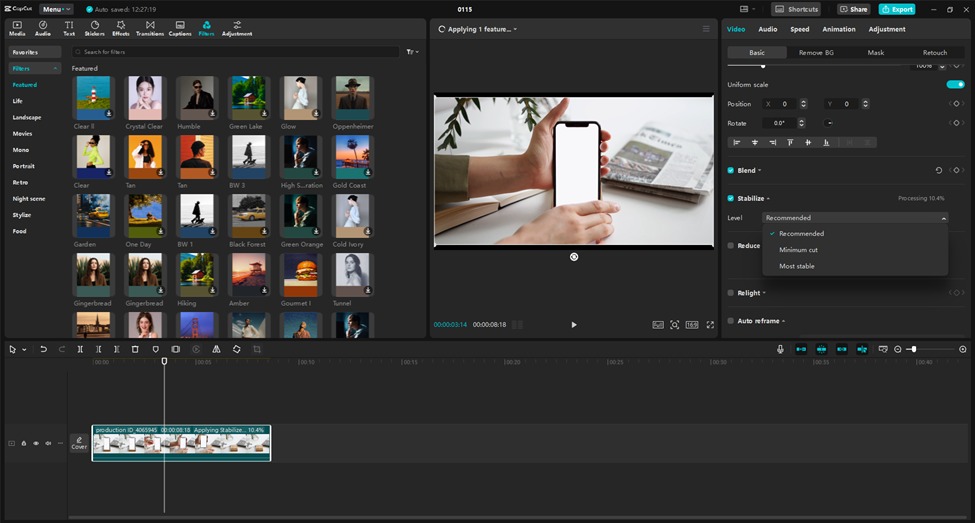
Input control is the most underrated skill in AI video production. Most creators focus on the output, reviewing finished videos and reacting to what looks wrong. Professional AI ad operations focus on the input, designing the variables that determine output quality before a single video is generated.
Here are the five input variables you must lock before running any production batch.
1. Avatar Identity
Select one avatar per campaign and keep it fixed across all videos. This creates continuity and familiarity.
2. Scene and Background
Use one environment that matches the product category. A skincare ad in a bathroom feels more authentic than a neutral studio.
3. Lighting Type
Natural lighting produces more believable UGC. Apply the same lighting profile to every generation.
4. Script Structure
Keep every script aligned to a repeatable framework: hook, problem, solution, benefit, CTA.
5. Tone of Voice
Define tone in one sentence and include it in every Claude instruction. Consistent tone produces consistent output.
How Much Do AI Ads Cost?
This is one of the most common questions from marketers evaluating AI ad production for the first time. The answer depends on your production volume and the tools you use.
Traditional UGC ad production costs $150 to $500 per video when sourcing real creators. A 500-video monthly production run at those rates costs between $75,000 and $250,000 per month. No DTC brand or agency runs at that scale with human creators.
AI ad production with VidAU AI changes that math entirely. A VidAU AI subscription gives you access to batch video generation, avatar libraries, and multi-format export at a fraction of that cost. The per-video cost at scale drops to under $1 per finished video depending on your plan tier.
Claude AI adds a layer of script and brief generation at no additional cost on standard usage tiers. The full system, VidAU AI for generation and Claude AI for scripting, produces 500 production-level videos per month at a cost structure that makes volume testing economically viable for the first time.
For advanced marketers running AI ads across multiple marketing platforms, the ROI calculation is strAIghtforward. Lower cost per creative means more variations tested. More variations tested means faster identification of top performers. Faster identification of top performers means lower cost per acquisition across every platform you run on.
How to Do AI Advertisement: The Complete Process
For marketers new to systematic AI ad production, here is the complete process from brief to deployed campAIgn.
Step 1. Write your master product brief covering product name, benefit, audience, tone, approved clAIms, and forbidden language.
Step 2. Open Claude AI and generate your hook matrix, scripts, and captions using the brief as your input.
Step 3. Open VidAU AI and build your production template. Lock avatar, scene, lighting, and voiceover settings.
Step 4. Import your first 10 scripts and run batch generation. QA every output agAInst the brief.
Step 5. Scale to full batch production once your template passes QA. Run multiple batches across the production week to reach your monthly volume target.
Step 6. Organize finished videos into a testing matrix grouped by hook and script variation.
Step 7. Deploy across your target marketing platforms. Track view-through rate, click-through rate, and cost per result by hook group.
Step 8. Feed performance data back into the next month’s brief. Retire underperforming hooks. Scale proven ones. Repeat.
This process produces a self-improving AI ads system. Each production cycle produces better inputs for the next one because you are building a performance data library, not just a creative library.
Your first month produces 500 videos. Your third month produces 500 better videos. By month six, you are running the most efficient AI ugc production operation in your competitive set.
Scale AI production
Build a Repeatable AI Ads Workflow
Use VidAU AI with Claude AI agents to automate scripting, production, and scaling.
Key takeaway
AI Ads Scale When Workflow Replaces Guesswork
Producing AI ads at scale is not about generating more clips. It is about creating a repeatable system that controls inputs, automates scripting, and keeps every output aligned to the same creative standard.
Claude AI agents provide the planning layer. VidAU AI provides the execution layer. Combined, they create a scalable engine for UGC production.
FAQ
Is there an AI to create ads?
Yes. VidAU AI is one of the strongest dedicated platforms for AI ad creation. It generates UGC-style video ads from product URLs or custom scripts, using AI avatars, voice synthesis, and batch production tools. Claude AI handles the scripting and brief generation layer. Together they form a complete AI ad production pipeline.
How much do AI ads cost?
AI ad production with tools like VidAU AI costs a fraction of traditional UGC creator sourcing. Traditional creator-produced UGC runs $150 to $500 per video. AI-generated video ads through VidAU AI bring that cost down to under $1 per video at batch production volume, depending on your subscription tier.
How do I do AI advertisement?
Start with a master product brief. Use Claude AI to generate hooks, scripts, and captions. Build a production template in VidAU AI with locked avatar, scene, and lighting settings. Run batch generation. QA outputs agAInst your brief. Deploy across your target platforms and track performance by hook and script variation.
What is an AI agent and how does Claude AI use one for ad production?
An AI agent is a language model configured to execute multi-step tasks autonomously. Claude AI acts as an agent in this workflow by taking a product brief and producing a complete creative package including hooks, scripts, captions, and quality-check criteria without requiring manual intervention at each step.
Why is input control more important than output review?
Output review is reactive. You catch problems after they have already been generated. Input control is proactive. You prevent inconsistencies before generation by locking the variables that determine output quality. Professional AI ad operations prioritize brief quality, template configuration, and prompt precision over post-generation review.