Make Original AI ArtworkWith VidAU

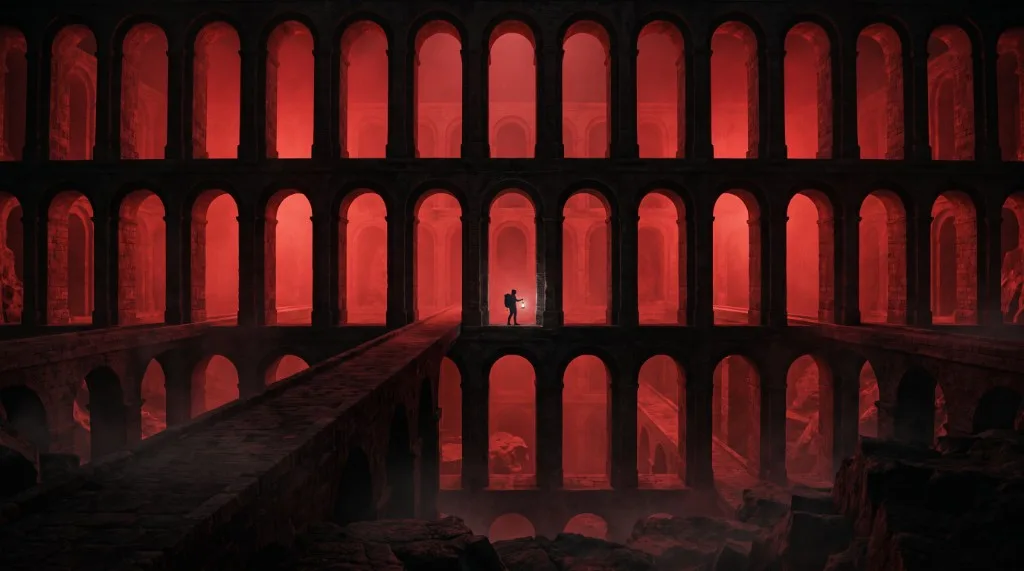
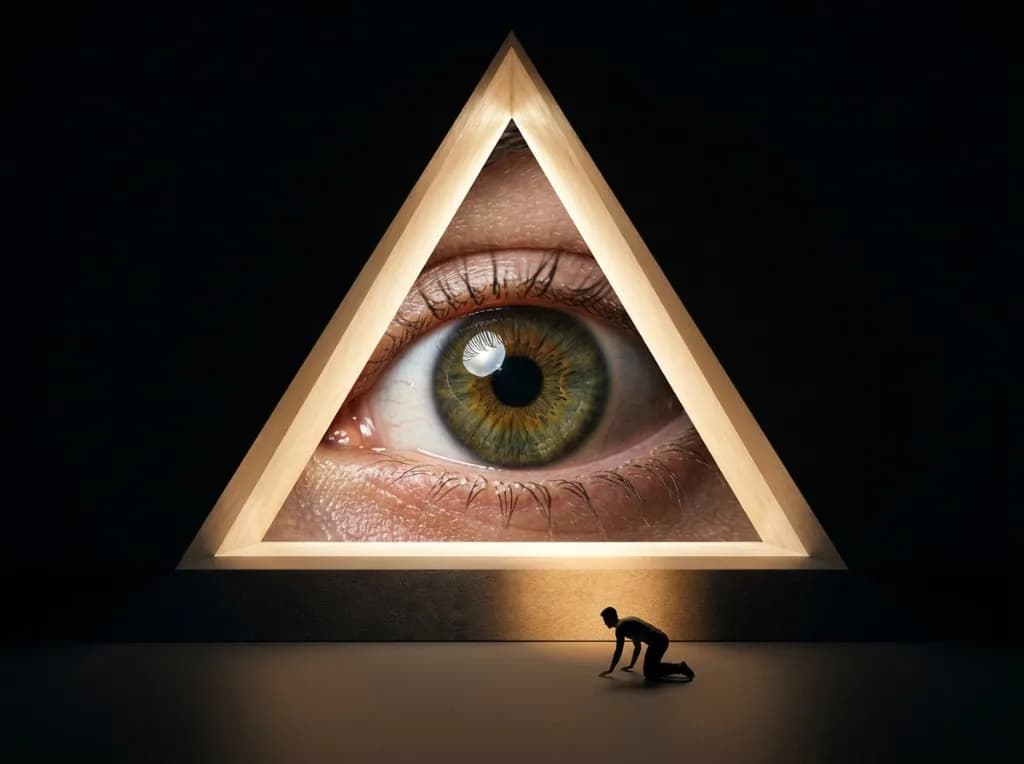
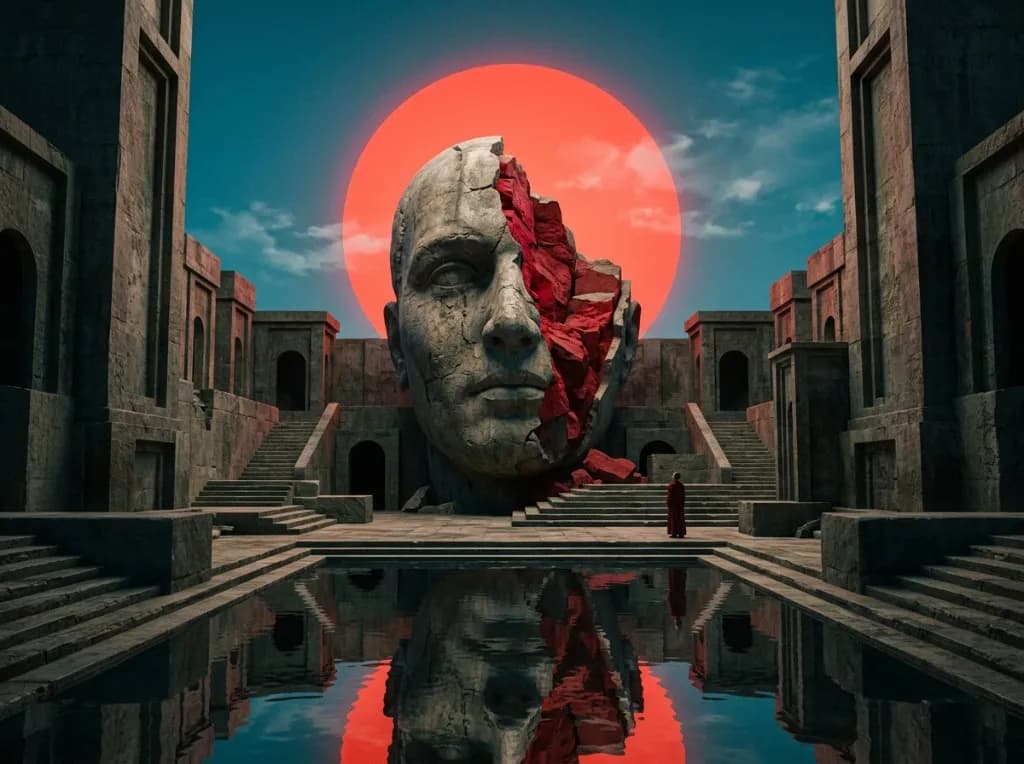
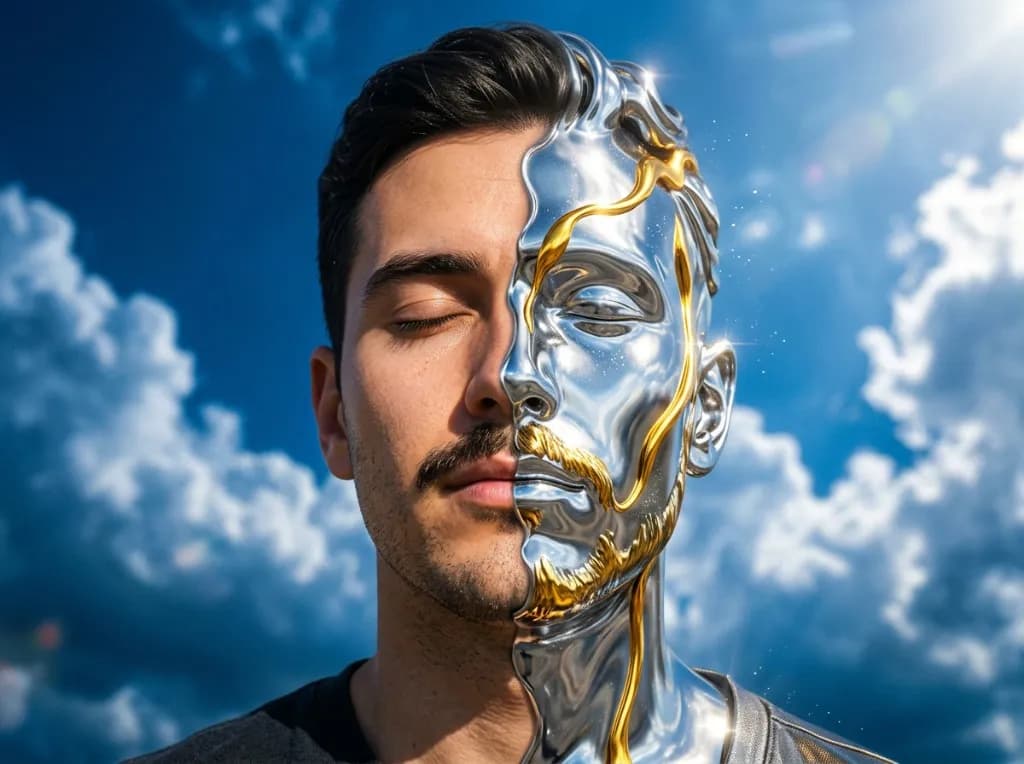
Describe a subject, scene, mood, or visual style and use VidAU AI Art Generator as an AI art generator from text for campaigns, stories, concept development, posters, social content, and creative experiments.

Watercolor
Editorial

Find an Art Style That Feels Like You

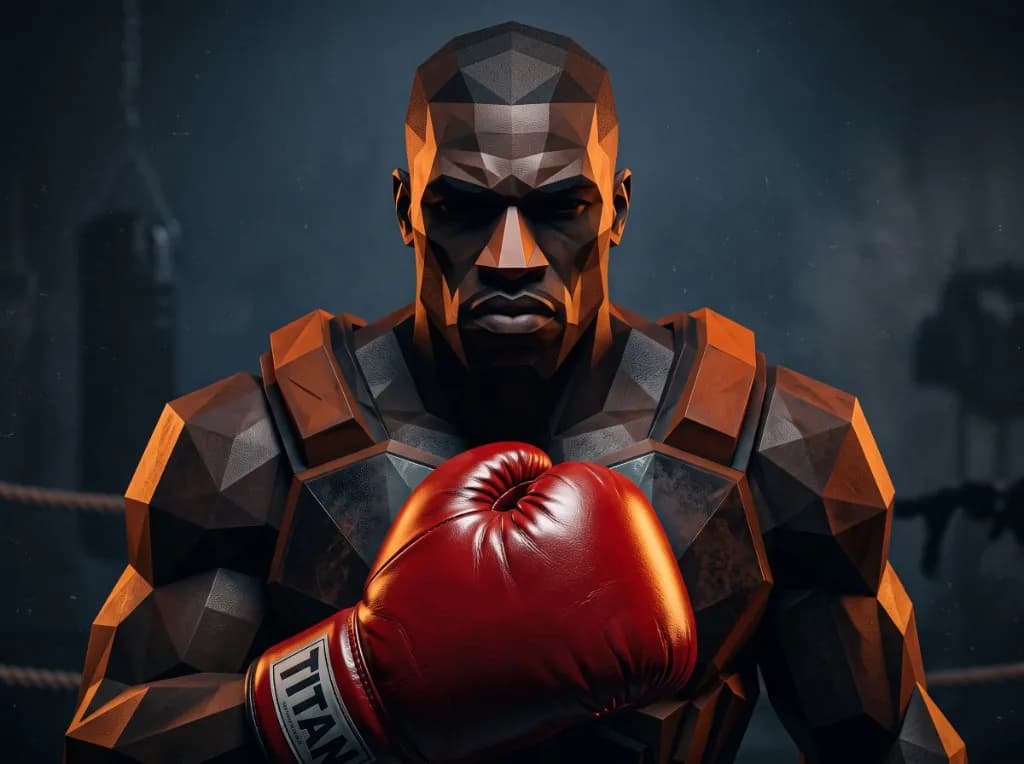
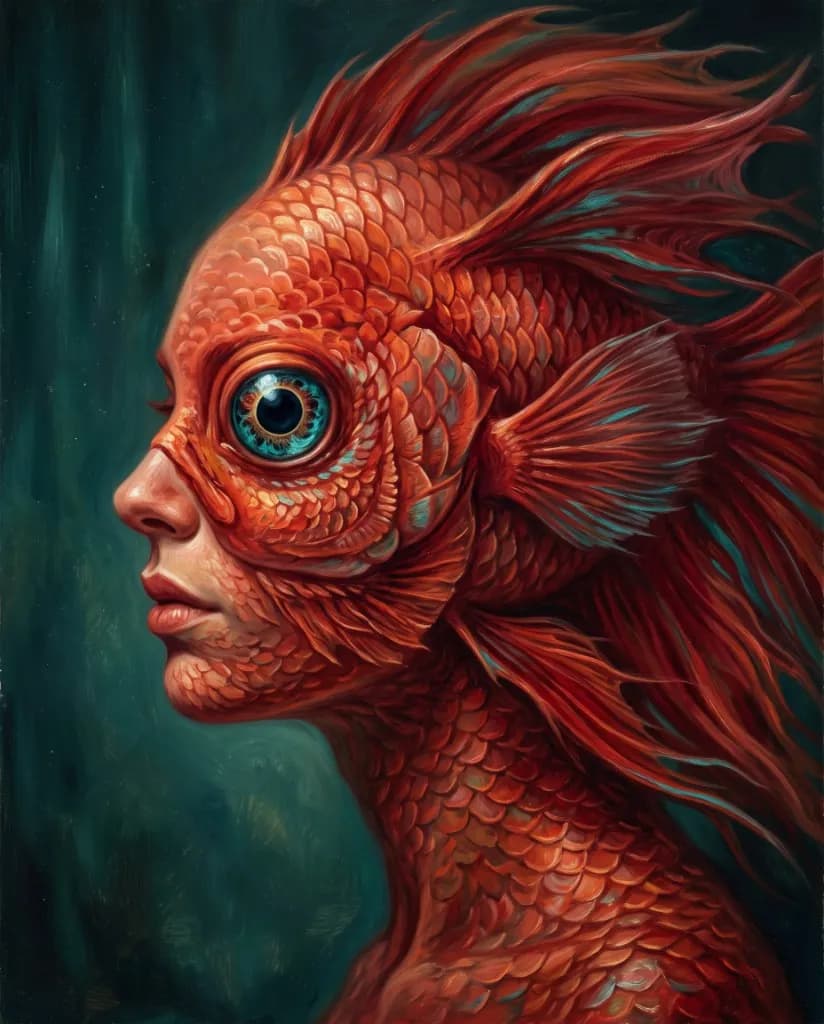
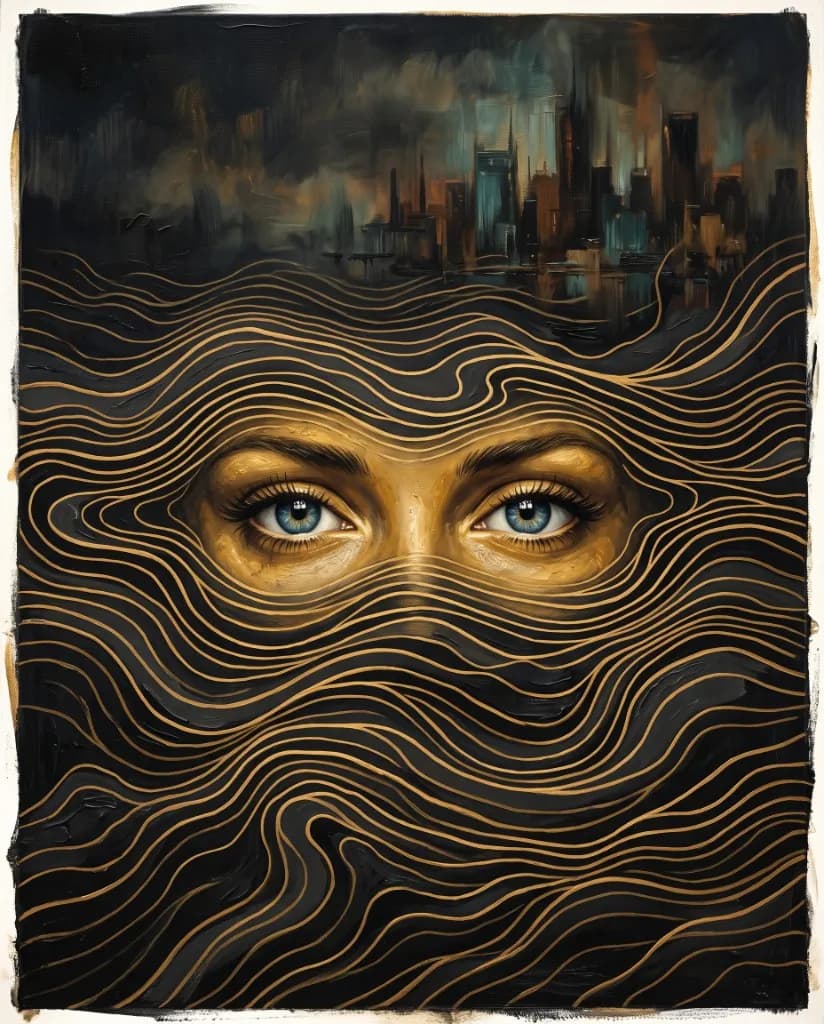
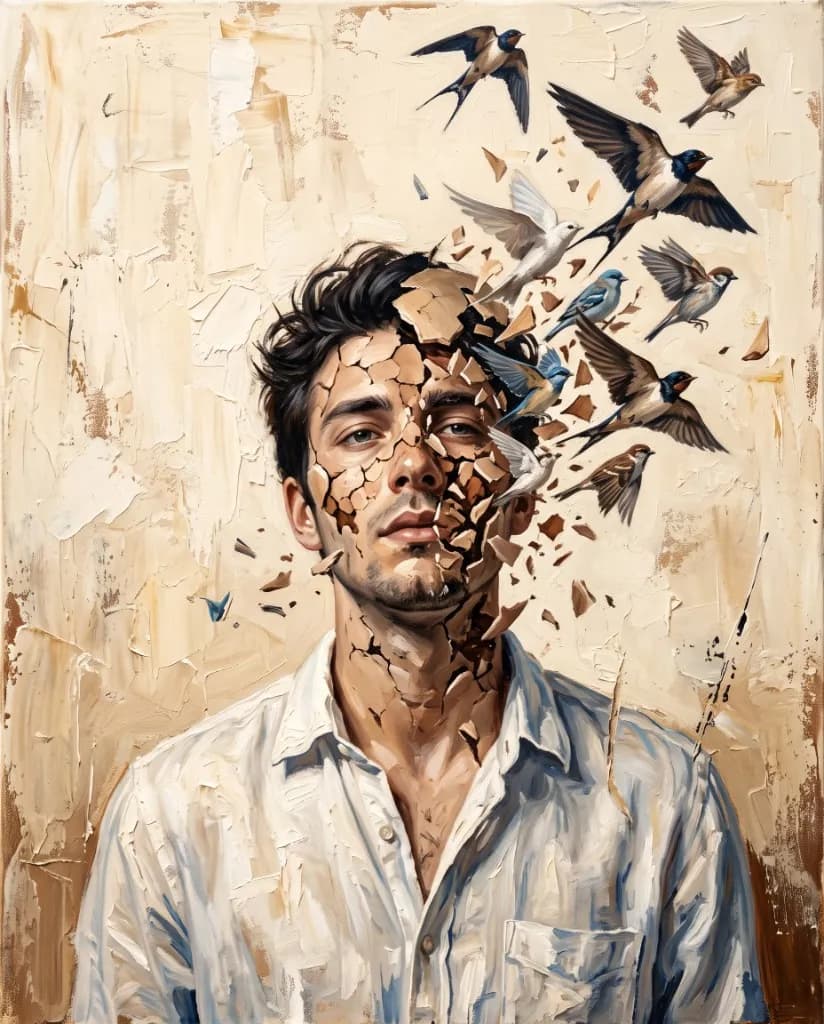
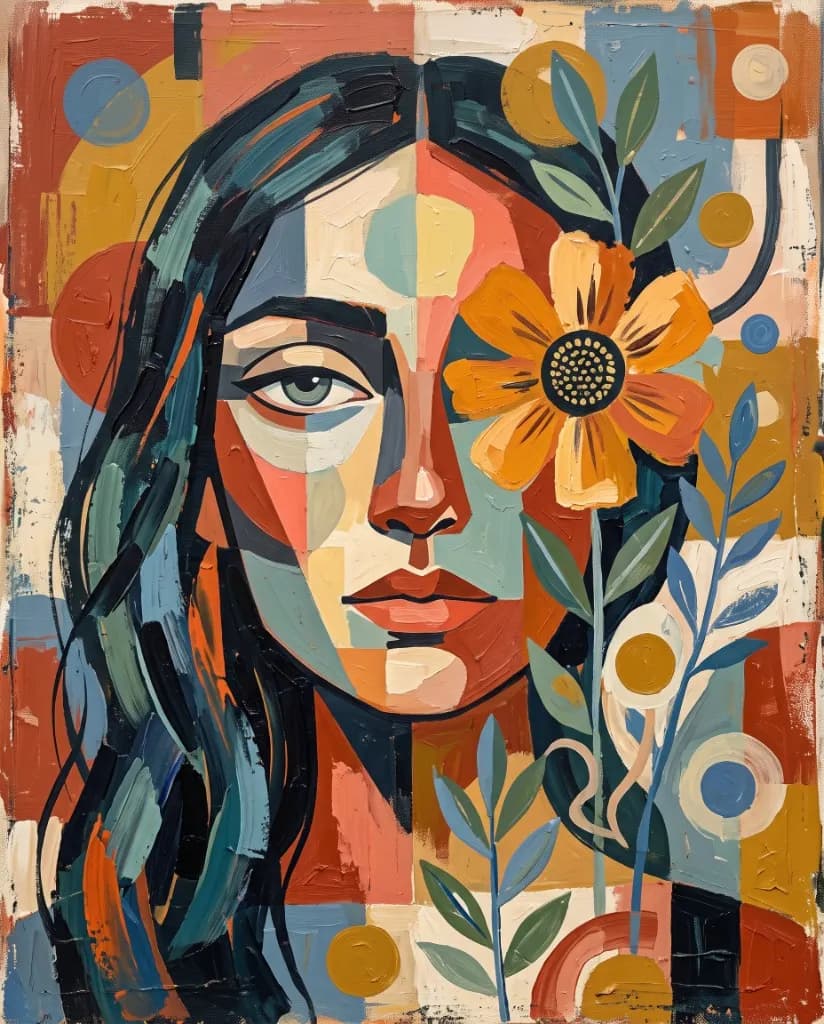
The same concept can feel completely different in watercolor, cinematic illustration, graphic poster art, pencil-inspired work, surreal imagery, or bold digital art. Use the AI art generator to test several visual directions, compare different AI art styles, and keep the one that best matches the mood, subject, or message you have in mind.

Try Different Art Styles

Match Your Idea With the Right AI Model

Different image models handle prompts, detail, realism, composition, and stylization differently. VidAU brings multiple options into one AI art generator, so you can compare models and choose the one that best fits the type of AI generated art you want to make.
Explore AI Image Models
Make Every Prompt Detail Count

A good prompt should guide the image, not disappear inside it. With an AI art generator from text, describe the subject, setting, composition, lighting, color, mood, and artistic direction you want. VidAU uses those details to shape AI art that follows the idea more closely and gives you a clearer starting point for refinement.
Write My Art Prompt

Push One Idea Into More Creative Directions

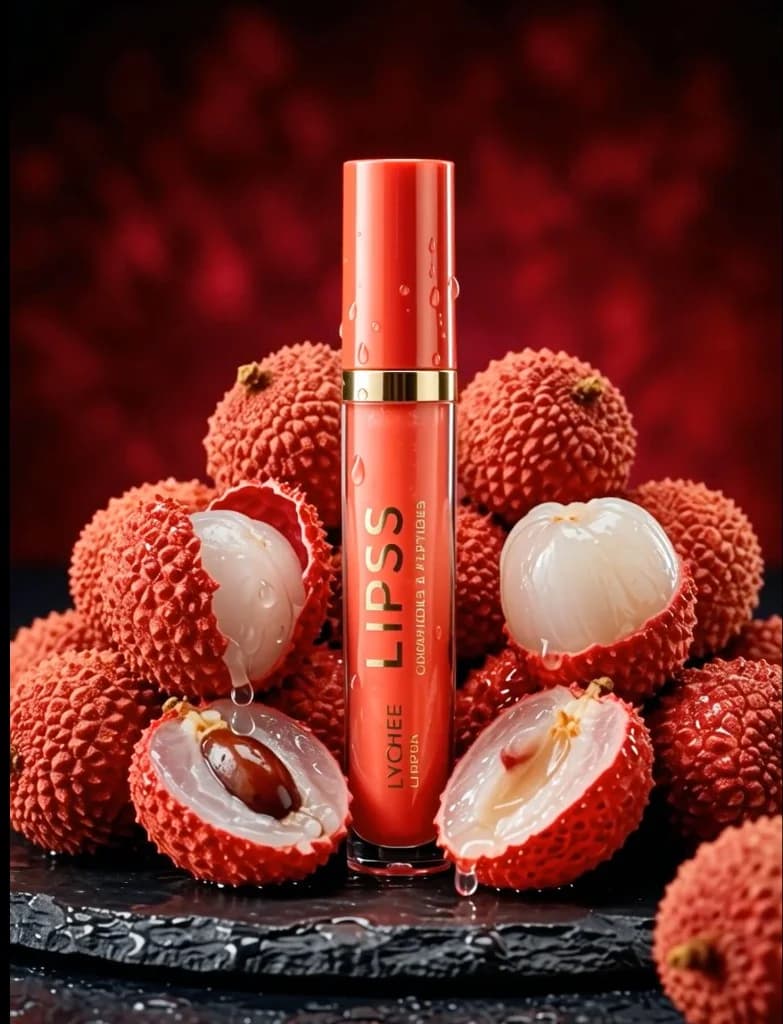
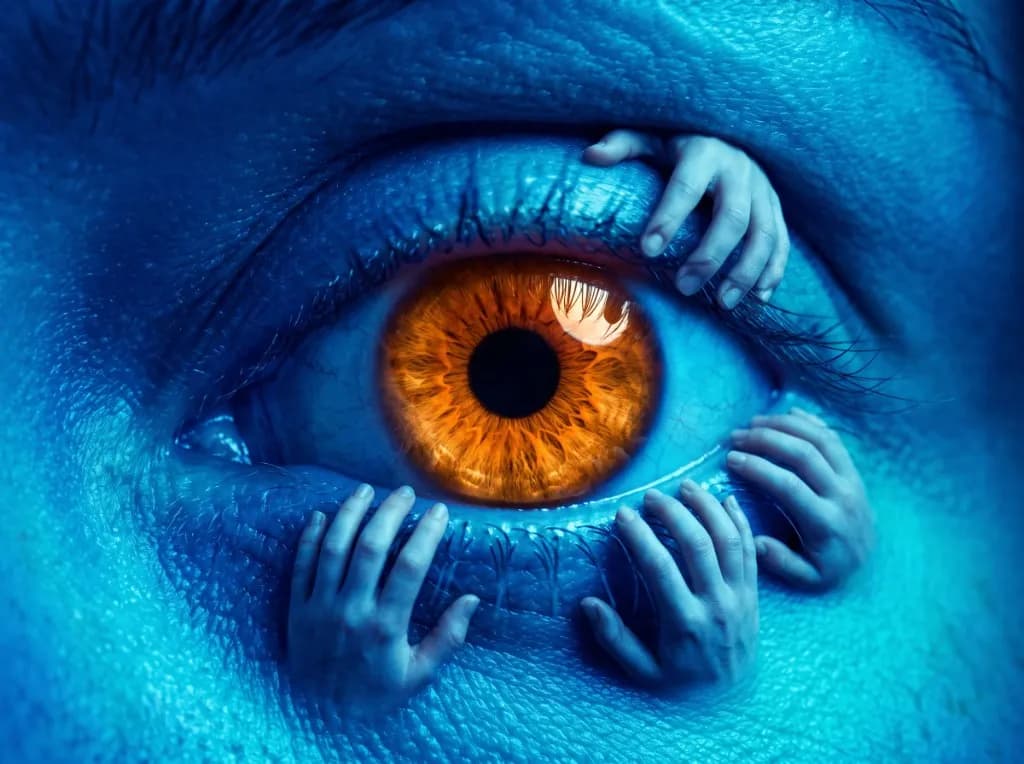
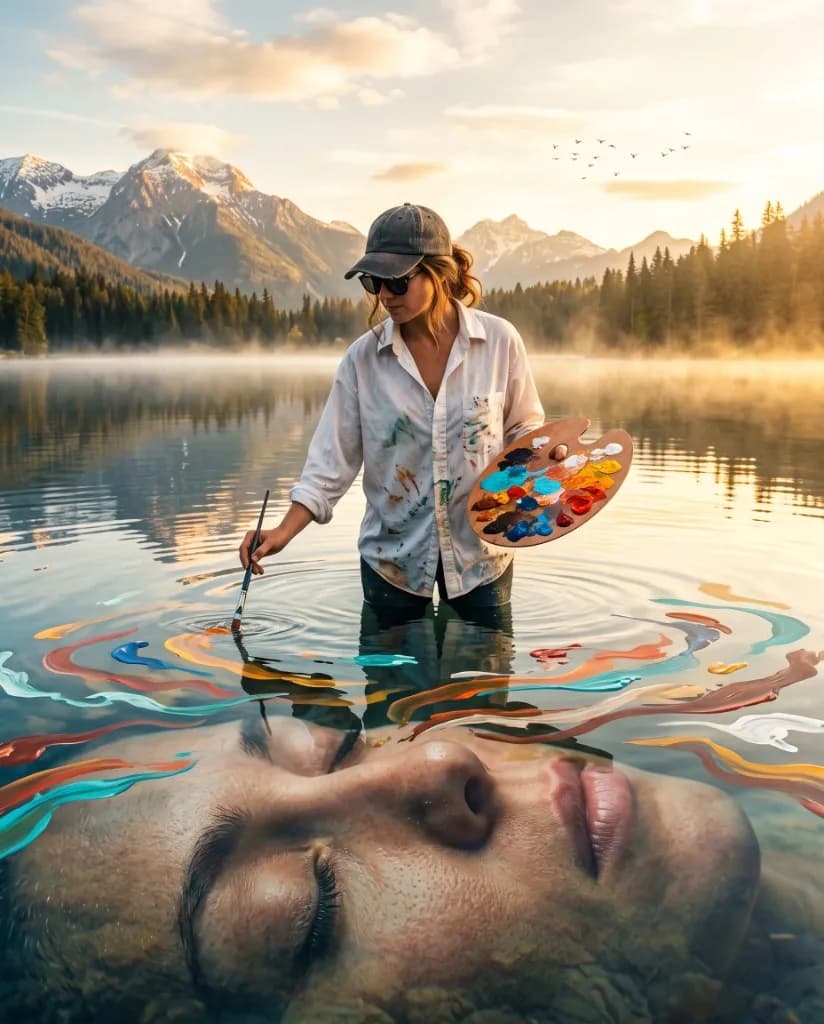
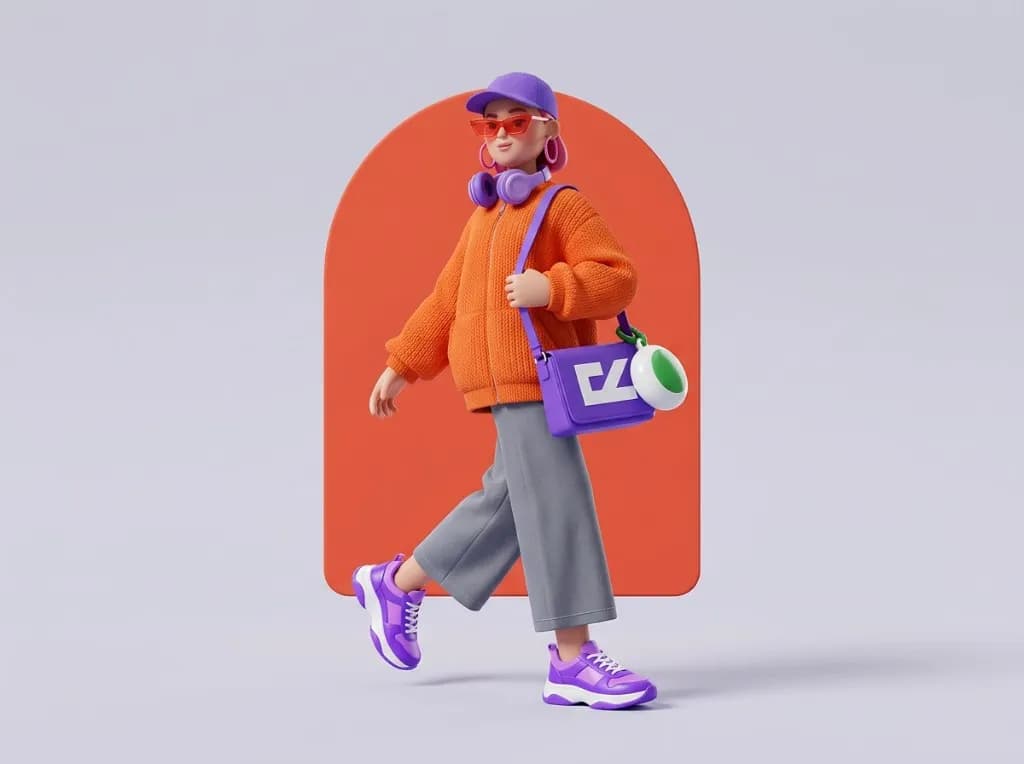
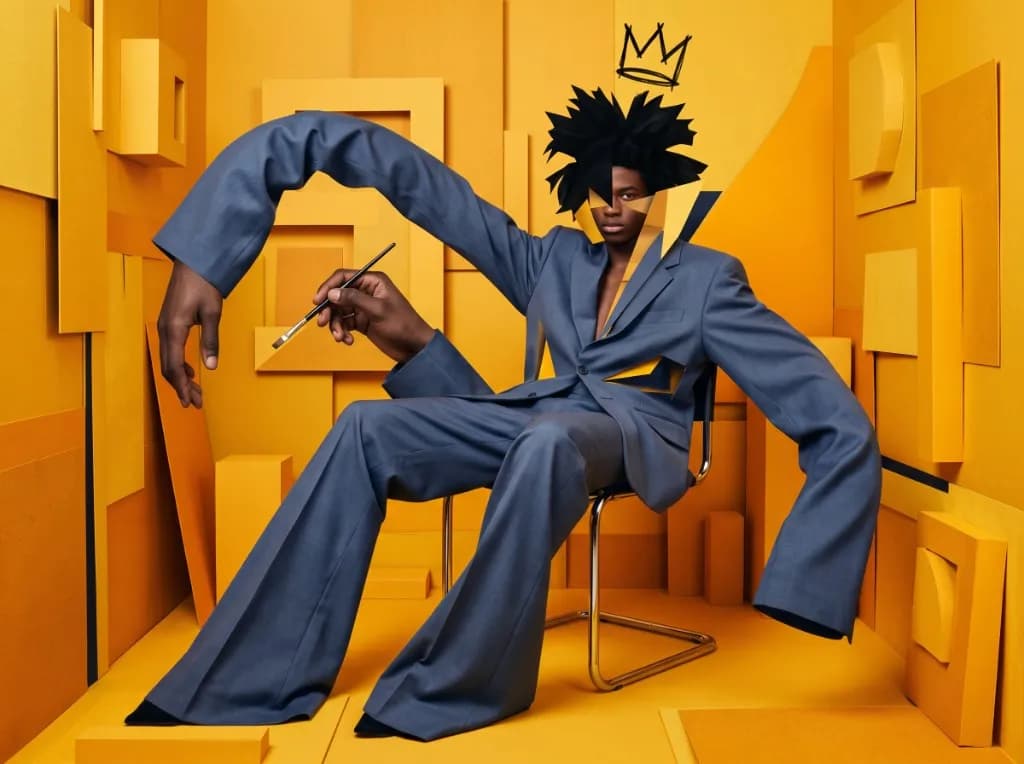
Use the free AI art generator for abstract pieces, editorial illustrations, fantasy worlds, character concepts, poster ideas, cover art, moodboards, social visuals, and other creative directions. Start with a short idea or build a more detailed scene when the AI generated art needs tighter control.
Generate My Artwork

How to Generate AI Art With VidAU

Use the AI art generator to move from a written idea to finished AI art in three clear steps.

Start Generating AI Art
01

Describe the Artwork

Start with the AI art generator from text by describing the subject, setting, composition, lighting, color, mood, and style. Add a reference image when the available model supports it and you want more visual guidance.
Describe the Artwork
02

Pick a Model and Settings

Choose an available image model, select the aspect ratio or resolution you need, and adjust the creative direction to suit the final use.
03

Generate and Refine

Generate the image, compare the AI generated art, then adjust the prompt, model, or settings until the strongest result feels closer to your original idea.
Generate and Refine

Chosen by Creators and Marketing Teams Using VidAU

Creators, marketers, and design teams use VidAU AI art tools to move from early visual ideas to usable campaign assets with fewer repetitive production steps. See how different teams use the AI art generator to explore more directions before committing to the final creative.

“Our team usually starts campaigns with rough visual references, and the hardest part is showing stakeholders what a direction could actually look like before design production begins. I started using VidAU to generate several art directions from the same concept, which made those early reviews much easier. Instead of discussing an abstract mood in a meeting, we could compare concrete visual options and decide what deserved more design time.”

“I often need visual concepts for pitches before there is time or budget for a full illustration round. With VidAU, I can describe the central idea, test different styles, and quickly see which direction communicates the message best. It has been especially useful when a campaign idea sounds strong in writing but still needs a visual example before the client can react to it.”

“Our social calendar needs fresh visuals constantly, but not every post justifies a custom shoot or a long design process. I use VidAU when we need a new visual idea for a themed post, story concept, or campaign mood. Starting from a prompt gives us more variety than recycling the same stock imagery, and we can refine the strongest result before it goes into the final content.”

FAQs

Give Your Next Idea a Visual Form

Use VidAU AI Art Generator to explore fresh styles, compare image models, and shape simple prompts into AI generated art ready for your next creative project.

Generate AI Art ↗