AI Celebrity Voice Generator · Character Voice Tools
Best AI Celebrity Voice Generator: Free Tools for Realistic Character Voices (2026)
Discover the best AI celebrity voice generator tools for realistic character voices, including Google AI Studio, Voicebox, ElevenLabs, and VidAU voice-and-video workflows.
By the VidAU Editorial Team · Updated 2026 · 16 min read
Professional-quality voiceovers once required expensive studio time and hired talent. The rise of the AI celebrity voice generator changes that entirely. Today’s tools can synthesise realistic character voices from a short text prompt, clone a vocal style from a brief audio sample, and produce studio-grade audio in minutes.
But before you commit to a platform, there are things most voice AI tutorials skip: the difference between true voice generation and stock-audio assembly, what “free” actually means on each platform, and the legal boundaries around replicating recognisable voices like a Donald Trump voice generator or any other public figure.
This guide covers everything: which AI voice generator characters tools deliver the best results, how to access and use them step by step, how to write an effective AI character description generator prompt, and when VidAU.ai is the smarter choice for commercial creators.
Create AI Voiceovers Now
Quick Summary
- Free tools like Google AI Studio and Voicebox now produce character voices comparable to premium services.
- Google AI Studio’s Gemini 2.5 Pro Preview handles extended scripts without the three-minute cap of the Flash model.
- Voicebox runs locally, with no subscription and no cloud uploads — ideal for privacy-conscious creators.
- ElevenLabs sets the quality benchmark for premium voice cloning and commercial production.
- Celebrity voice replication carries legal risk; always confirm licensing before publishing.
- For creators who need voice and video in one workflow, VidAU.ai is the purpose-built platform.
What Is an AI Celebrity Voice Generator?
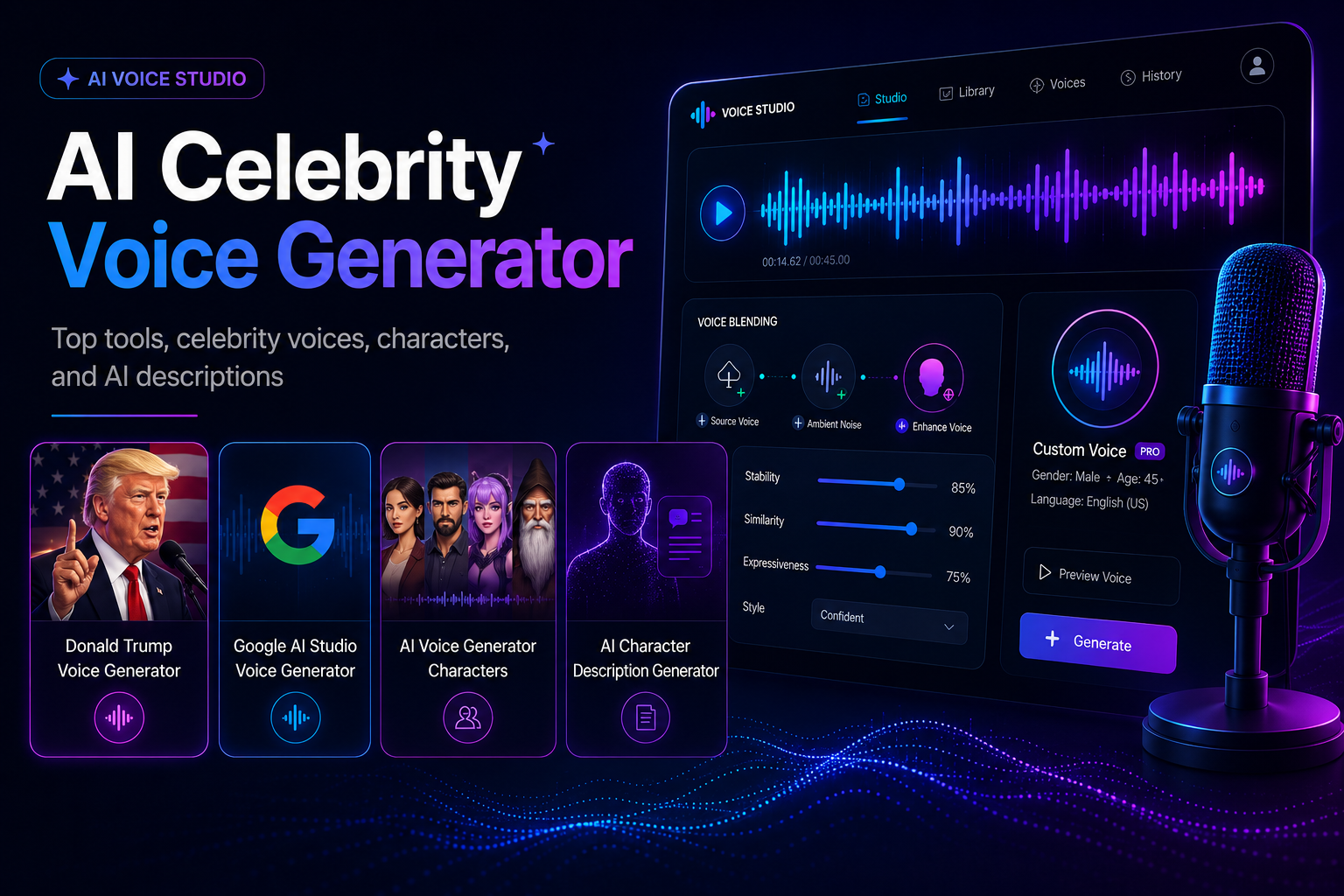
An AI celebrity voice generator is a tool that uses deep learning to synthesise speech that mimics the tonal qualities, rhythm, and cadence of a target voice — whether that is an original character you design or a recognisable public persona.
It is important to understand what these tools actually do:
- They do not record a real person speaking.
- They model vocal characteristics from training data or uploaded audio samples.
- Output quality depends entirely on the model size, training data, and prompt quality.
This is meaningfully different from basic text-to-speech software. Where TTS tools apply a fixed robotic voice to text, modern AI voice generator characters platforms capture natural inflection, emotional tone, breathing patterns, and contextual emphasis.
The distinction also matters commercially. Tools differ significantly in what they licence for publication, monetisation, and third-party client work. Understanding that upfront saves serious legal headaches later.
Key definition
What Is an AI Character Description Generator? An AI character description generator is the prompt-writing layer that defines a voice before generation begins. You describe the character’s age, personality, accent, emotional tone, and speaking style in natural language, and the AI synthesises a voice that matches. The better the description, the more distinctive and consistent the output.
How AI Voice Generator Characters Work
Modern AI voice generator characters platforms use one of two core approaches:
| Approach | How it works | Best for |
|---|---|---|
| Prompt-based generation | Describe the character; AI builds the voice from scratch. | Original fictional characters, branded personas. |
| Voice cloning | Upload a short audio sample; AI replicates the voice. | Custom character consistency, personalised projects. |
| Library selection | Choose from pre-built voice profiles. | Speed and convenience. |
All three approaches are available across the platforms in this guide. Prompt-based generation and voice cloning produce the most distinctive, ownable character voices.
Writing Effective AI Character Description Generator Prompts
Prompt quality is the single highest-leverage variable in voice generation. Vague prompts produce generic output. Specific, layered descriptions produce voices with genuine character.
Be Specific About Personality and Delivery
| Weak prompt | Strong prompt |
|---|---|
| A confident voice | A mid-40s male voice, measured authority, slight gravitas, calm but decisive, think boardroom, not arena. |
| Friendly narrator | A warm, conversational female voice, early 30s, upbeat without being chirpy, pace slightly faster than average. |
| A news presenter | Neutral American accent, clipped precision, formal delivery, no vocal fry, slight forward projection. |
Layer in Context
Mention the content type: Is this a documentary? A product ad? A children’s audiobook? Context shifts pacing, tone, and emphasis in ways that plain adjectives cannot.
Specify Accent and Emotional Register
Include regional accents (British RP, Southern American, Nigerian English) and emotional register (authoritative, conspiratorial, uplifting, melancholic). These parameters trigger meaningfully different outputs.
Add Narrative Beats for Long-Form Content
For content longer than 60 seconds, structure your character description around different emotional phases. A character that begins calm and builds to urgency should be described that way in the prompt.
Tip
Use character descriptions like creative direction, not labels. Age, accent, pacing, emotional register, personality, content type, and delivery context all help the AI voice feel more distinctive and consistent.
Google AI Studio Voice Generator: Step-by-Step
Google AI Studio’s text-to-speech capability, powered by Gemini models, is currently the strongest free entry point for AI voice generator characters creation.
Accessing the Platform
- Navigate to aistudio.google.com and sign in with your Google account.
- Select “Speech and Music” from the main interface.
- Choose your model: Gemini 2.5 Pro Preview for extended scripts, Gemini 3.1 Flash for quick tests.
Always use Gemini 2.5 Pro Preview for professional work. The 3.1 Flash model applies a three-minute generation cap that interrupts longer voiceovers.
Setting Up Your Character Voice
- Open a new project and navigate to the text-to-speech interface.
- In the System Instructions field, enter your AI character description — this is where prompt quality drives everything.
- Select your accent: American, British, or Australian English.
- Choose your emotional style: empathetic, news delivery, storytelling, rapid-fire, staccato.
Example system instruction for an original character: “Male voice, late 50s, deep resonance, deliberate pacing. Speaks with quiet authority. Occasional dry humour. Minimal emotion until emphasis points. Think veteran narrator, not hype speaker.”
Generating and Downloading Audio
- Paste your script into the prompt field.
- Click Generate — standard segments complete in 30 seconds to 2 minutes.
- Download each segment immediately before generating the next.
- For scripts longer than three minutes, split into logical sections and stitch in post-production.
Voice Customisation Options
- Pace controls adjust speaking speed without affecting pitch.
- Style toggles shift between formal and conversational delivery.
- Emotional range settings allow you to move between neutral and expressive across sections.
Key Takeaways: Google AI Studio
- Free tier, no credit card required.
- Use Gemini 2.5 Pro Preview to remove the three-minute cap.
- System Instructions are your AI character description generator — invest time here.
- Download each segment before generating the next to prevent file loss.
Voicebox: Local AI Voice Cloning Without Subscriptions
Voicebox offers a fundamentally different architecture: the entire voice generation process runs on your local computer. No subscription, No cloud uploads, No data leaving your machine.
Why It Matters for Professional Creators
For agencies, brands, and commercial creators handling proprietary assets, the cloud-upload requirement of most voice tools creates genuine IP exposure. Voicebox eliminates that entirely.
Setting Up Voicebox
- Download from voicebox.sh and install for your operating system.
- Launch the application and create your first voice profile.
- Record directly in-app or upload an existing clean audio file (10–30 seconds of clear, noise-free speech).
- The system processes the sample locally and generates a cloning profile within minutes.
Creating Character Voices
- Create separate voice profiles for each character in a multi-character project.
- Enter your script text into the generation interface.
- Voicebox applies the cloned voice characteristics across the full script, with no length restrictions.
For AI voice generator characters that need to maintain exact consistency across multiple episodes, sessions, or months of content, Voicebox’s local profiles are the most reliable option available at zero cost.
Multi-Speaker Conversations
Voicebox supports alternating between voice profiles within a single project — making it practical for podcast-style dialogue, audiobook narration with multiple characters, and narrative content with distinct speakers.
Structure your script with clear speaker labels, assign each section to the appropriate profile, and export either as individual tracks or a combined audio file.
Tip
Use local workflows like Voicebox when privacy, proprietary audio, consistent character profiles, or long-term reuse matter more than cloud convenience.
ElevenLabs and Alternative Paid Platforms
ElevenLabs remains the quality benchmark for AI voice generation, producing output that consistently approaches human-level realism. Its voice cloning feature supports both instant cloning from short samples and professional cloning from longer recordings.
| Platform | Strength | Best for |
|---|---|---|
| ElevenLabs | Top-tier realism, extensive library. | Commercial production, premium content. |
| Murf AI | Business-oriented, professional polish. | Corporate narration, formal eLearning. |
| Play AI | 800+ voices, 140 languages. | International audiences, multilingual content. |
| WellSaid Labs | Adobe Premiere integration. | Video editors, post-production workflows. |
| Hume AI | Natural-language voice description. | Rapid character ideation. |
Choosing between free and paid: Free platforms cover most content creation use cases, particularly for creators establishing workflows or working within budget constraints. Paid platforms justify their cost when voice realism is a direct revenue driver, when volume demands exceed free tier limits, or when commercial licensing clarity is non-negotiable.
Platform Optimisation
YouTube
- Export at minimum 192kbps MP3 or 44.1kHz WAV.
- Use AI narration as consistent channel voice to build recognition across videos.
- AI voiceovers work especially well for faceless channels, explainers, and documentary-style content.
TikTok and Instagram Reels
- Hook delivery in the first two seconds.
- Pace the generated voice slightly faster than default for short-form.
- Keep character voice consistent across series content to drive return views.
- Verify music rights separately; AI voice does not clear background audio.
Podcasts
- Export at 192kbps MP3 minimum or WAV for editing flexibility.
- Normalise volume levels post-generation for consistency across episodes.
- Add light EQ and gentle compression to integrate AI voice naturally with other audio elements.
Legal Boundaries: Celebrity Voices and Content Rights
This is the section most voice AI tutorials avoid. For professional creators, it is the most important one.
The Donald Trump Voice Generator Question
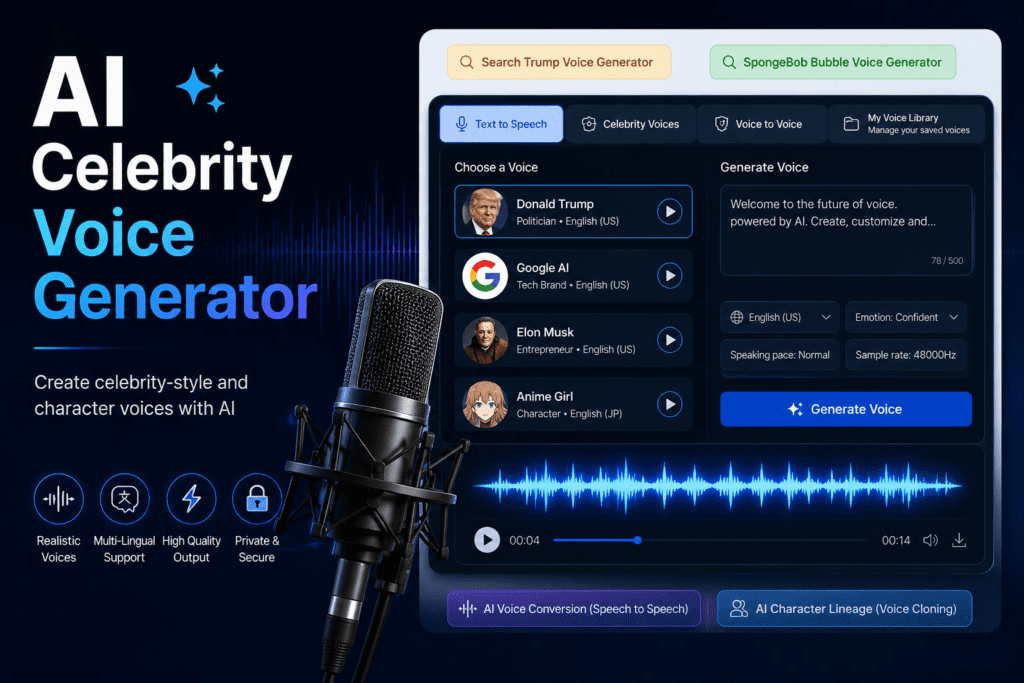
Tools marketed as a Donald Trump voice generator, or any celebrity voice replicator, operate in legally contested territory. Generating content that sounds like a public figure without authorisation can expose creators to claims under right of publicity laws, trademark protections, and defamation statutes, depending on jurisdiction and use case.
| Creator type | Risk level | Recommendation |
|---|---|---|
| Casual creator, clearly satirical | Low | Confirm platform ToS; disclose AI use. |
| Content creator with monetisation | Medium | Legal review for any celebrity voice use. |
| Marketing agency, client work | High | Original character voices only. |
| Enterprise, commercial campaigns | High | VidAU.ai or platforms with explicit commercial rights. |
The practical rule: Only clone voices you have explicit permission to use. This includes your own voice, consenting individuals, or voices specifically licensed for cloning. Creating original characters through the AI character description generator approach entirely sidesteps these risks.
Platform Terms of Service
Check current ToS for each tool before uploading proprietary content. Some platforms, like ElevenLabs, offer clear commercial licences. Others have broad content rights clauses that affect how your uploaded audio can be used. Know before you upload.
Watch out
Celebrity-style voice replication creates legal risk, especially in commercial, monetised, client, or brand contexts. The cleanest workflow is to use original character voices or voices you have explicit permission to clone.
Create AI Voiceovers With VidAU
Use VidAU.ai to create AI voiceovers, AI avatars, multilingual videos, product ads, social campaigns, and commercial video content in one integrated voice-and-video workflow.
VidAU workflow
From AI voice to complete commercial video
- Start with your voice direction: Define whether the voice is for a product ad, explainer, faceless channel, avatar video, multilingual campaign, or social series.
- Create the voiceover: Generate character-style narration or voiceover content that matches the pacing, tone, and message of the video.
- Add visual production layers: Combine AI avatars, video generation, captions, scenes, product visuals, and branded sequences in the same workflow.
- Export platform-ready assets: Produce finished videos for YouTube, TikTok, Instagram Reels, e-commerce campaigns, and paid advertising.
- Scale commercial output: Use a production workflow designed for high-frequency content creation, multilingual support, and clear commercial usage.
When to Use VidAU Instead
The tools above are strong standalone voice generators. But for creators who need voice and video working together in a single production workflow, VidAU.ai is the purpose-built option.
Choose VidAU.ai when you need:
Integrated video and voice production
VidAU.ai combines AI video generation with voiceover creation in one platform. No stitching together separate tools, no format conversion, no sync issues.
Commercial production at volume
Teams producing high-frequency video content — product ads, social campaigns, e-commerce assets — need a platform built for that output level. VidAU.ai’s architecture handles it.
AI avatars and multilingual support
VidAU.ai includes AI avatars paired with voiceover generation and multi-language output, making it the stronger choice for brands reaching international audiences.
Clean IP framework
VidAU.ai provides clear commercial rights on generated content, without the ambiguity that can come with platforms that retain broad content licences.
Try VidAU Now
Common Mistakes When Using AI Celebrity Voice Generators
Mistake 1 — Vague character descriptions. “A nice narrator” produces a generic voice. A detailed AI character description generator prompt with age, personality, accent, pace, and emotional register produces something usable and distinctive.
Mistake 2 — Skipping the three-minute model switch. On Google AI Studio, the default Gemini Flash model cuts off at three minutes. Switch to Gemini 2.5 Pro Preview before generating any long-form script.
Mistake 3 — Uploading proprietary audio to cloud platforms without checking ToS. Client voice recordings, unreleased brand assets, or talent voices should not be uploaded to any platform without reviewing current terms. Use Voicebox for sensitive assets.
Mistake 4 — Exporting without post-processing. Raw AI voice output benefits from light EQ, compression, and volume normalisation. Skipping this step means your voiceover sits noticeably apart from other audio in your content.
Mistake 5 — Attempting celebrity voice replication without legal clarity. A Donald Trump voice generator prompt or any recognisable celebrity voice used in commercial content without authorisation creates legal exposure. Original character voices avoid this entirely.
Mistake 6 — Inconsistent settings across a series. Document your exact voice settings, model selection, and character description for every project. Without documentation, recreating the same character voice six weeks later is nearly impossible.
Watch out
Do not rely on one-off settings for a repeatable character. Document the model, prompt, voice settings, export format, and post-processing chain so the same character can be recreated across future content.
Key takeaway
Conclusion
The best AI celebrity voice generator tools in 2026 make professional-quality character voices accessible to any creator, at any budget. Google AI Studio offers the strongest free cloud option for original characters. Voicebox delivers local, subscription-free voice cloning for privacy-conscious workflows. ElevenLabs sets the quality ceiling for commercial production.
But two things limit most standalone tools for professional creators: legal complexity around celebrity voice replication, and the friction of managing voice separately from video.
For original AI voice generator characters and standalone voice projects, the tools in this guide deliver real results. For integrated voice-and-video production at commercial scale, VidAU.ai is the platform built for the job.
Start creating AI voiceovers with VidAU.
FAQ
Here are answers to common questions about AI celebrity voice generator tools, Donald Trump voice generator risks, Google AI Studio voice generator workflows, AI voice generator characters, AI character description generator prompts, Voicebox, ElevenLabs, VidAU.ai, exports, monetisation, and commercial voice-and-video production.
What is the best AI celebrity voice generator?
Google AI Studio with Gemini 2.5 Pro Preview is the strongest free option for original character voices. ElevenLabs leads for premium realism and professional voice cloning. For integrated voice and video production, VidAU.ai is the purpose-built platform for commercial creators.
Can I use an AI to generate a Donald Trump voice?
Tools that generate celebrity-style voices exist, but using a Donald Trump voice generator — or any recognisable public figure’s voice — in commercial or published content creates legal risk under right of publicity laws and potential defamation exposure. Original character voices built with an AI character description generator prompt are the legally clean alternative.
How do I use the Google AI Studio voice generator?
Go to aistudio.google.com, sign in with a Google account, navigate to Speech and Music, select Gemini 2.5 Pro Preview, enter your character description in the System Instructions field, paste your script, and generate. Download each audio segment immediately before proceeding to the next section of a longer script.
What is an AI character description generator?
It is the prompt-writing approach used to define a voice before generation. You describe the character’s age, personality, accent, speaking pace, and emotional tone in natural language. The AI synthesises a voice matching that description. Strong, specific prompts produce distinctive, consistent character voices.
Is Google AI Studio completely free?
Yes. The text-to-speech feature in Google AI Studio is available at no cost, with no credit card required. The Gemini 2.5 Pro Preview model handles extended voiceovers without the three-minute cap of the Flash model.
How does Voicebox differ from cloud-based tools?
Voicebox runs entirely on your local computer. No audio uploads to external servers, no subscription fees, and no length restrictions on generated output. It requires a clean audio sample of 10–30 seconds to create a voice cloning profile and works offline once installed.
Can AI voice generators be used for YouTube monetisation?
Most platforms, including Google AI Studio, Voicebox, and ElevenLabs, permit commercial use including YouTube monetisation. Verify current licensing terms for your specific platform before publishing revenue-generating content.
What audio format should I export from AI voice generators?
Export WAV at 44.1kHz during production and editing. Convert to 192kbps MP3 only for final delivery or upload. WAV preserves full quality for post-production; compressed formats are for distribution only.
How do I make AI voices sound more natural?
Use clean source material for cloning, write specific character description prompts that include pacing and emotional direction, add subtle pauses between sentences, and apply light EQ and compression post-generation. Adding ambient room tone also helps voices feel grounded rather than sterile.
Can AI voice generators create multi-character dialogue?
Yes. Both Voicebox and Google AI Studio support generating multiple distinct voices. Create separate voice profiles or character descriptions for each speaker, generate each part individually, and combine in post-production. Voicebox supports direct alternation between profiles within a single project.
What is a better alternative to standalone voice tools for commercial production?
VidAU.ai combines AI video generation with voiceover creation, AI avatars, and multi-language support in a single platform. It is built for teams producing commercial content at volume and provides clear commercial rights on generated output. Try it at vidau.ai.
How do I fix Google AI Studio voice generation errors?
Switch from Gemini 3.1 Flash to Gemini 2.5 Pro Preview to resolve three-minute cap interruptions. For longer scripts, divide content into logical segments, maintain consistent System Instruction formatting across each segment, and download audio files immediately after each generation.