VidAU Editorial · AI Search
How to Create UGC Ads with AI: Unboxing Video Workflow
Learn how to create UGC ads with AI: build realistic unboxing videos from product photos, fix lip sync for talking-head UGC, run multi-scene workflows, and test fast.
By the VidAU Editorial Team · Reviewed before publishing
Need to create UGC ads with AI fast? Start with an unboxing POV built from a single product photo, then layer in talking-head scenes with natural lip sync and consistent details as you scale. This hands-on workflow helps US ecom teams launch quickly, stay on trend, and iterate with intention without shipping products or booking creators.
Quick Summary
• Arcads or Predis.ai image-to-video unboxing is the fastest way to create UGC ads with AI from a single product photo in 2026.
• VidAU AI Product Image to Video is a strong alternate to turn product photos or URLs into ad-ready unboxing variants.
• Vertical 9:16, 15–30 seconds, captions on, product-in-hand by 3 seconds, and safe margins are baseline specs for TikTok, Instagram Reels, and YouTube Shorts.
• US ecom brands, agencies, and creators benefit most when testing multiple hooks, offers, and first scenes quickly.
What Is Create UGC Ads with AI?
Create UGC Ads with AI is the process of producing short, creator-style ad videos using AI tools instead of live shoots. You provide a product photo, script, or references; AI generates unboxing POV, talking-head clips, and multi-scene edits. The goal is realistic, platform-native content that you can scale, localize, and A/B test fast across TikTok, Instagram Reels, and YouTube Shorts.
How to Create UGC Ads with AI: Start with an Unboxing POV from One Photo
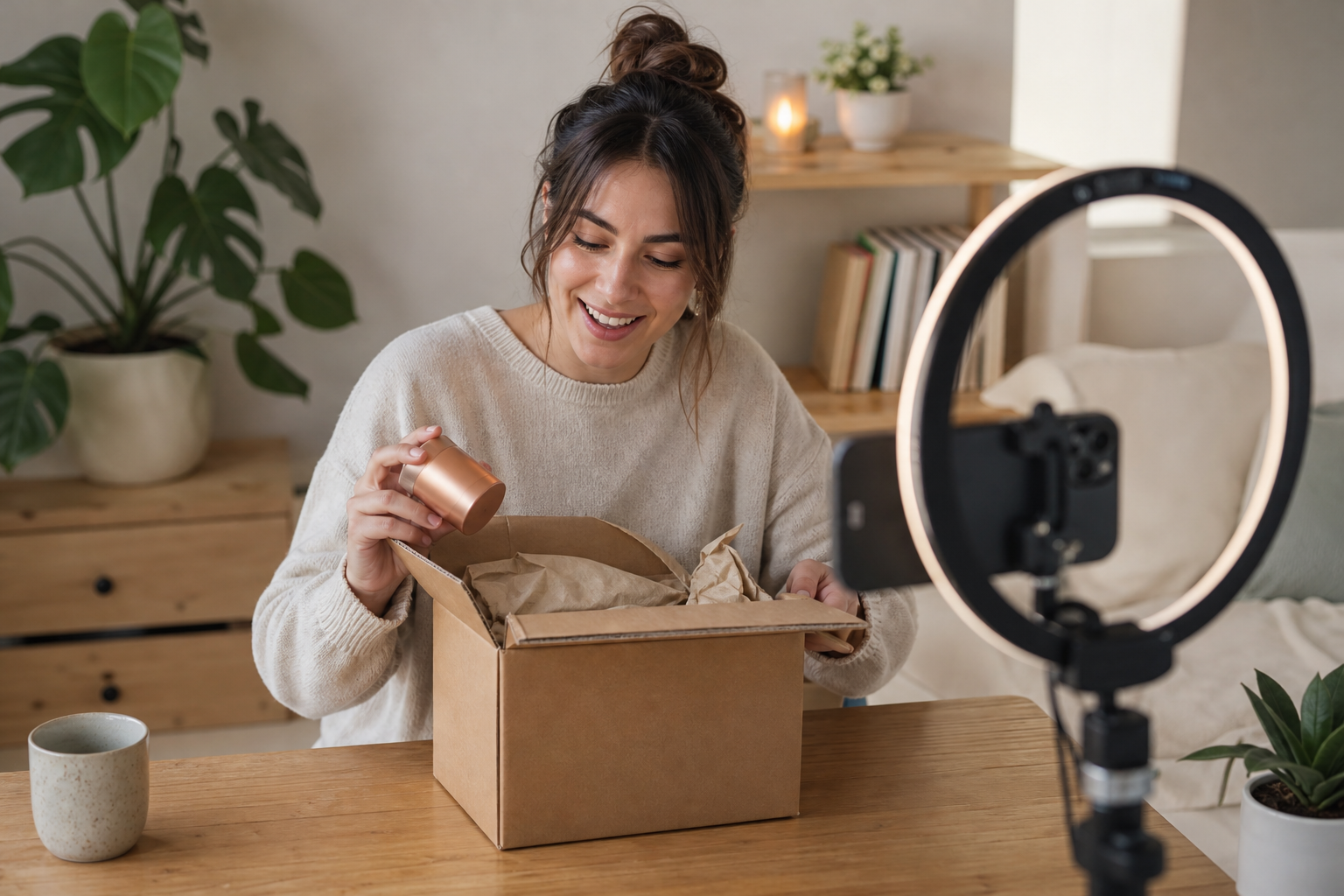
The quickest path to your first winning creative is an image-to-video unboxing sequence. It feels native in feeds, spotlights product benefits, and avoids uncanny talking-head issues early.
Follow these steps:
1) Gather a clean product image
• Use a high-resolution, well-lit shot, ideally on neutral background.
• If possible, include one lifestyle angle and one packshot; both help the AI simulate hands and context.
2) Draft three punchy hooks in ChatGPT
Prompt: “Write 3 unboxing hooks (under 8 words) for [product type], each with a distinct angle: problem-solver, curiosity, transformation.”
• Example hooks:
• “I stopped returning [product] after this.”
• “Unboxing the TikTok-favorite [product].”
• “This tiny upgrade saved my mornings.”
3) Build the POV unboxing with Arcads or Predis.ai
• Choose an unboxing POV or product-demo preset.
• Upload the product photo, select vertical 9:16.
• Storyboard beats: Box on table → Hands open → Reveal hero angle → On-screen benefit → Quick use-case cut → CTA end card.
• Keep to 15–20 seconds for first tests.
4) Add text overlays and music in CapCut
• Place captions at the bottom with high-contrast colors; never cover the product.
• Add a gentle swipe or dolly motion for realism.
• Insert audio markers on hook, reveal, and CTA beats to guide rhythm.
5) Export and name for testing
• 1080×1920, 24–30 fps, H.264 MP4, under 20 MB when possible.
• File name convention: prod_unbox_hookX_offerY_v1.mp4.
Where VidAU AI fits
• Input: One product image or a product URL.
• Capability: Product Image to Video or URL to Video Ad automatically builds a vertical unboxing-style sequence with editable scenes, captions, and platform-safe framing.
• Output: An ad-ready draft you can tweak for TikTok, Instagram Reels, and YouTube Shorts.
• When to use: You want a fast, editable unboxing baseline before adding talking-head scenes or advanced lip sync.
Create UGC Ads with AI: Script, Timing, and Assembly
Once the unboxing video looks believable, structure script and timing so every second earns attention.
1) Generate a Master Prompt and micro-script in ChatGPT
• Ask for a 15–20 second script split into 5–6 beats with timecodes.
• Include specific product benefits, one proof point, and a single CTA.
• Example micro-script (20 seconds):
• 0–2s: Hook text on screen; box lands in frame.
• 2–5s: Hands open box; overlay: “Unscented. Dermatologist-tested.”
• 5–9s: Reveal hero shot; overlay: “48-hour hydration.”
• 9–14s: Use-case cut; overlay: “No sticky residue.”
• 14–18s: Before/after swipe; overlay: “Clinically evaluated*.”
• 18–20s: CTA: “Try it today.”
2) Align visuals to the script
• Add quick, believable cutaways: label close-ups, texture swatch, packaging details.
• Keep product centered and lit; avoid heavy filters that change color accuracy.
3) Build beat markers in CapCut
• Create markers for Hook, Reveal, Proof, Benefit, CTA.
• Snap text and SFX to markers; micro-beat precision boosts retention.
4) Keep captions readable
• 60–70 character max per on-screen line.
• Use sentence case; avoid emojis in every line; reserve for hook and CTA.
5) Validate platform basics
• Vertical 9:16, safe zones clear of UI (top and bottom 200–250 px).
• Product appears by 3 seconds; brand or offer clarity by 7–8 seconds.
Key Takeaways
• Time-coded beats keep AI-generated visuals coherent.
• One benefit per line prevents clutter and improves recall.
• Hook, reveal, and CTA markers improve watch time and click-through.
Scale Up Realism: Talking-Head UGC with Better Lip Sync
When you need spokesperson credibility, layer in a short talking-head clip. Poor lip sync kills trust, so pick tools designed for improved mouth shapes and timing.
Workflow options
1) Seedance 2.5 for expressive delivery
• Upload a reference face or use an AI avatar; verify usage rights.
• Provide your final VO (recorded or high-quality TTS) to drive mouth shapes.
• Generate a 5–8 second line that bridges your unboxing beats.
2) Max Fusion for lip sync alignment
• Import voiceover; select a model.
• Use emotion or pacing controls if available for more natural phrasing.
• Trim the line to match your beat markers.
3) Composite in CapCut
• Start with 1–2 quick shots: open with a 2-second line, then cut to product demo.
• Add B-roll of hands and product to avoid the uncanny valley.
Sample talking-head lines
• “Real talk: this fixed my 3 p.m. crash.”
• “I doubted it—then I tried it for a week.”
Practical tips
• Keep eye lines steady; avoid extreme close-ups on mouths.
• Use soft lighting and a mild film grain to blend AI texture.
• Never imply a real person endorsement unless you have rights and approvals.
Suggested Visual: Split-screen showing a talking-head insert on top, unboxing B-roll beneath, with beat markers.
Keep Characters and Products Consistent: ChatGPT + Google Flow Agent Mode
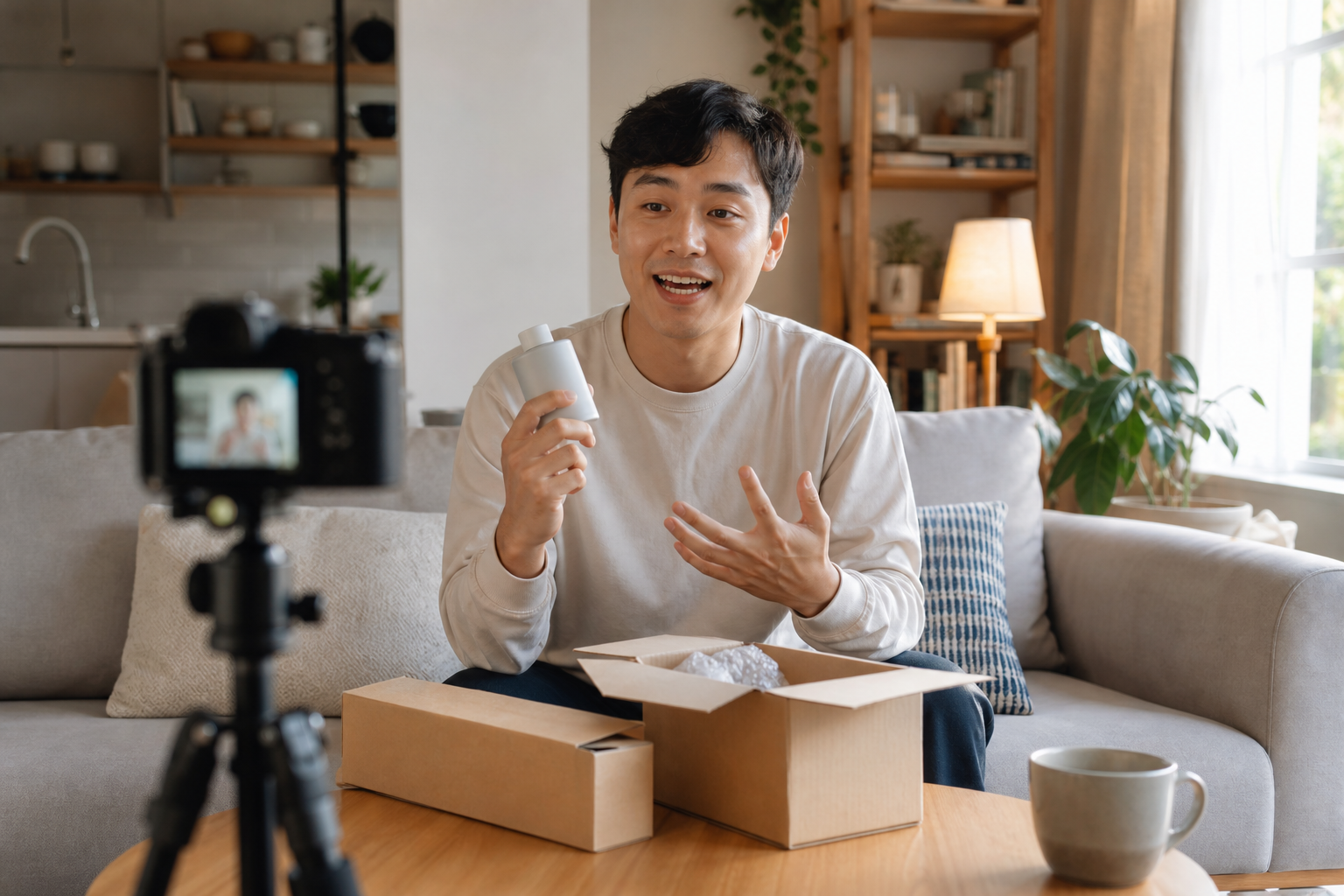
Multi-scene ads need consistent faces, hands, products, and locations. A small prep step pays off across your variations.
1) Build reference sheets in ChatGPT
• Character Reference Sheet: age range, hair, clothing style, speaking tone, 2–3 signature traits.
• Product Reference Sheet: brand colors, textures, logo placement, claims allowed.
• Location Reference Sheet: kitchen countertop or bathroom vanity details; lighting mood.
2) Create a Master Prompt
• Ask for a 20–30 second, 5–7 scene storyboard: shot types, camera moves, overlays, VO lines, and transitions.
• Include tags like: Maintain consistent character, show product label readable, keep color hex codes accurate.
3) Use Google Flow Agent Mode to generate scenes
• Upload character, product, and location references.
• Tag each scene with the appropriate references.
• Generate multiple takes, then pick the most consistent shots for assembly.
4) Edit and polish
• Replace any off-model frames with a stronger take.
• Color-match to brand palette; ensure product text stays legible.
Key Takeaways
• Reference sheets prevent drift in faces, hands, and packaging.
• A single Master Prompt aligns scenes across tools and versions.
• Tagging references in Google Flow Agent Mode improves continuity.
Research, Plan, and Test Like a Performance Marketer
Before scaling spend, ground your creative choices in what the platforms reward.
• Research inspiration:
• TikTok Creative Center: study top ads for hooks and pacing.
• Meta Ad Library: audit competitor messaging and offers.
• Instagram Reels and YouTube Shorts: note trends, caption formats, and transitions.
• Build a simple test matrix: 3 hooks × 2 offers × 2 first scenes = 12 variants.
• KPIs to watch: hook rate (3-second views), 25–50% view-through, CTR, CPC, CPA.
• Label every export with hook and offer to map results clearly.
• Stage: Research
Recommended Tools: TikTok Creative Center, Meta Ad Library
Why: Find winning angles
• Stage: Script + beats
Recommended Tools: ChatGPT
Why: Fast hooks and storyboards
• Stage: Unboxing video
Recommended Tools: Arcads, Predis.ai, VidAU AI
Why: Quick 9:16 demos
• Stage: Talking-head
Recommended Tools: Seedance 2.5, Max Fusion
Why: Better lip sync
• Stage: Editing
Recommended Tools: CapCut
Why: Captions and beat markers
Suggested Visual: A simple matrix graphic showing hooks on one axis and first scenes on the other.
Troubleshooting and Make-It-Real Tips
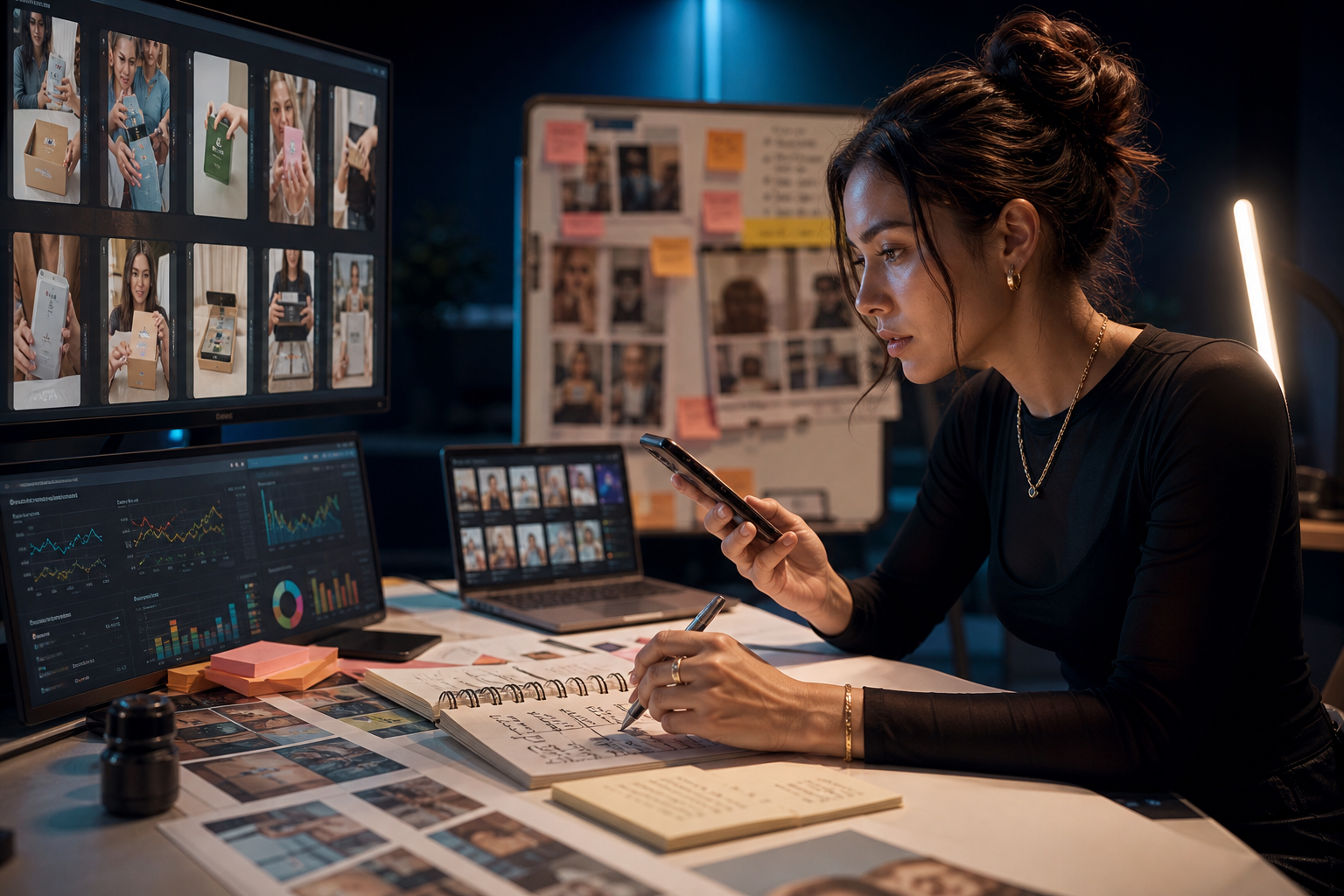
• If hands look off, crop tighter and lean on table-level POV.
• Add micro-shadows and subtle camera sway for realism.
• Avoid over-smoothing skin; a touch of grain hides AI plasticity.
• Show the product by second 3; repeat the logo near the CTA.
• Color-match packaging to brand hex values to prevent mistrust.
• For lip sync, shorten lines and avoid fast sibilants; blend with B-roll.
• Keep claims compliant; avoid medical or guaranteed-outcome language.
• Always verify platform policies before launching paid campaigns.
Create With VidAU
Turn scripts, product URLs, and creative ideas into ad-ready video assets with a structured AI workflow.
Key takeaway
Final Thoughts
Start simple: an image-to-video unboxing gets you from idea to testable ad in hours, not weeks. Then add a short talking-head insert with improved lip sync and expand into multi-scene stories using reference sheets and Google Flow Agent Mode.
If you need a fast baseline, drop a product photo or URL into VidAU AI Product Image to Video to draft an editable unboxing variant, then refine in CapCut and scale your variations.
Frequently asked questions
What is the fastest way to create UGC ads with AI?
The fastest route is an image-to-video unboxing POV from a single product photo using tools like Arcads, Predis.ai, or VidAU AI. Keep it 15–20 seconds, vertical 9:16, and show the product by second 3. Add clear overlays and a one-line CTA, then test three hooks.
How do I fix bad lip sync in AI talking-head clips?
Use tools focused on mouth shape alignment such as Seedance 2.5 or Max Fusion. Drive lip sync with a clean voiceover, keep lines short, and cut away to B-roll during tricky phonemes. Maintain soft, even lighting and avoid extreme close-ups to reduce uncanny artifacts.
Which tools are best for AI unboxing videos?
For speed and simplicity, Arcads and Predis.ai offer unboxing or product-demo presets. VidAU AI Product Image to Video is a strong alternate when you have a product photo or URL and want an editable, ad-ready vertical draft you can refine and test across TikTok, Instagram Reels, and YouTube Shorts.
How long should AI UGC ads be on TikTok, Reels, and Shorts?
Aim for 15–30 seconds. Hook within 1–2 seconds, show the product by second 3, reveal a core benefit by 7–8 seconds, and end with a single CTA. Keep safe zones clear of UI and ensure text remains legible on small screens. Shorter cuts typically test faster.
How do I keep characters and products consistent across scenes?
Create Character, Product, and Location Reference Sheets in ChatGPT, then use a single Master Prompt. In Google Flow Agent Mode, upload references and tag them per scene to maintain faces, hands, packaging, and color accuracy. Replace any off-model frames during edit.
Can I run AI UGC ads on TikTok, Instagram Reels, and YouTube Shorts?
Yes, provided you follow each platform’s ad policies and specs. Use vertical 9:16, 1080×1920, captions, and clear disclosures where required. Avoid misleading claims and verify that any AI-generated faces or voices comply with likeness, rights, and endorsement rules.
What audio and caption tactics improve watch time?
Lead with a strong sonic cue on the hook beat, keep captions concise (60–70 characters per line), and sync on-screen text to music hits. Use one benefit per overlay, reserve emojis for hook and CTA, and maintain consistent brand colors for text and end cards.
How should I structure creative testing for AI UGC ads?
Start with a 3×2×2 matrix: three hooks, two offers, two first scenes. Launch small budgets, measure hook rate, 25–50% view-through, CTR, CPC, and CPA. Name files with hook and offer for clarity. Kill low performers quickly and iterate on the best hook-opening pairs.
Is it okay to use real-person photos as AI references?
Only if you have clear rights and permissions. Avoid resembling specific individuals without consent. When in doubt, use AI-generated faces or paid stock avatars with proper licensing, and avoid implying real endorsements that could mislead viewers.
What export settings should I use for short-form AI UGC ads?
Export 1080×1920 (9:16), 24–30 fps, H.264 MP4, with stereo audio. Keep files small for quick upload and processing. Double-check safe zones so captions and CTAs aren’t hidden by platform UI, and ensure color consistency between scenes before final render.