01
Choose Your Avatar
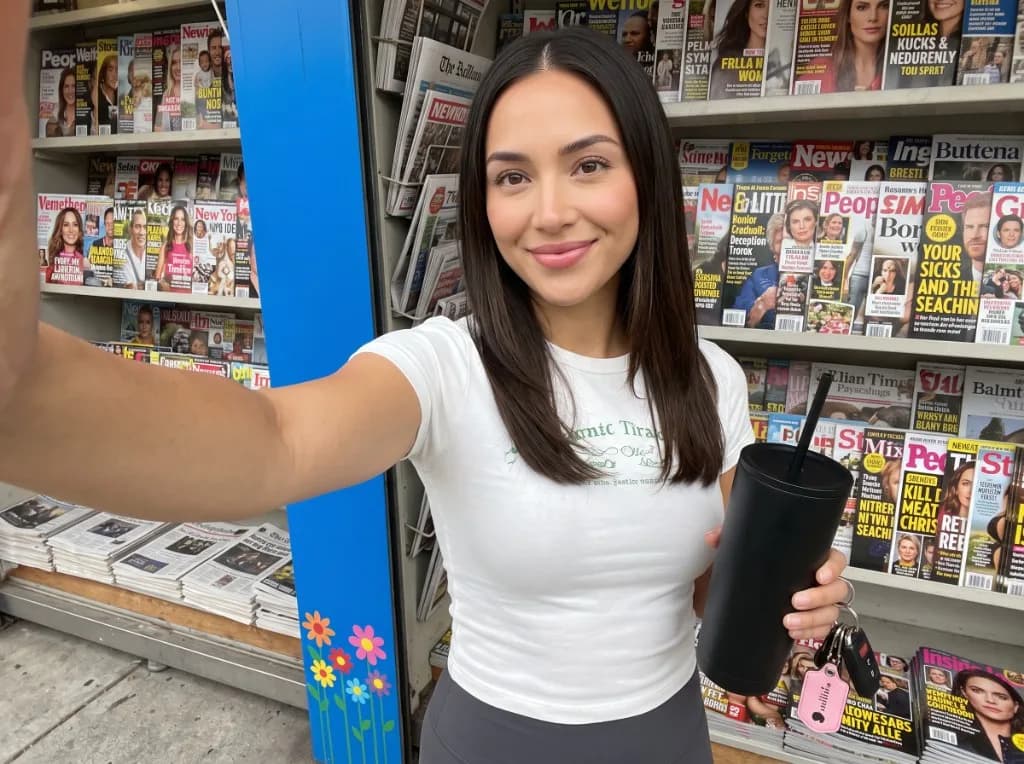
Select a supported presenter or upload an authorized portrait.

Create an avatar that talks using an approved photo, supported voice, and expressive facial movement for presenter-led videos.
Create an AI talking avatar with speech and mouth movement that stay closely aligned, helping every line feel smoother and more natural on screen.
Use a talking avatar to deliver campaign messages, product stories, announcements, and short-form content with a clear on-screen presenter.
Pair your presenter with supported voices, languages, accents, pacing, and pronunciation options, or use an approved audio recording where available.
Choose a presenter, add your script or audio, then generate and review.


Teams use VidAU to create an avatar that talks, turning scripts into clear presenter-led videos without repeating the recording process.
“Our training scripts change every few weeks, so recording new videos became tiring. With VidAU, I turn the updated script into an AI talking avatar video and review the lip sync before adding it to the course.”

“We use talking avatars for product explanations and quick campaign updates. It gives us a presenter on screen without waiting for a recording session every time we need a new message.”

“The workflow is straightforward. I upload the approved image, add the script, choose the voice, and generate the avatar that talks. It has made recurring customer education videos much easier to update.”

Turn an approved image into an avatar that talks and delivers your message clearly across marketing, training, sales, and support.
Create AI Talking Avatar ↗