AI TikTok Videos · Step-by-Step 2026 Guide
How to Create AI Videos for TikTok (Step-by-Step Guide for 2026)
Learn how to make AI videos for TikTok using free AI video generators, CapCut formatting, captions, hooks, and TikTok-specific optimization.
By the Sarah Iruoje · AI TikTok video guide · 9 min read
Most people assume making AI videos for TikTok requires expensive software or advanced editing skills. It doesn’t. Free AI tools have made it possible for anyone with a phone or laptop to produce polished, vertical short-form videos ready for TikTok in under an hour.
Knowing how to make AI videos for TikTok is now a practical skill, not a niche one. Whether you’re a creator building a following, a marketer promoting a product, or a beginner just starting out, the workflow is accessible and repeatable.
This guide walks you through every step — from picking an AI video generator to formatting your short-form video correctly and optimizing it before you post.
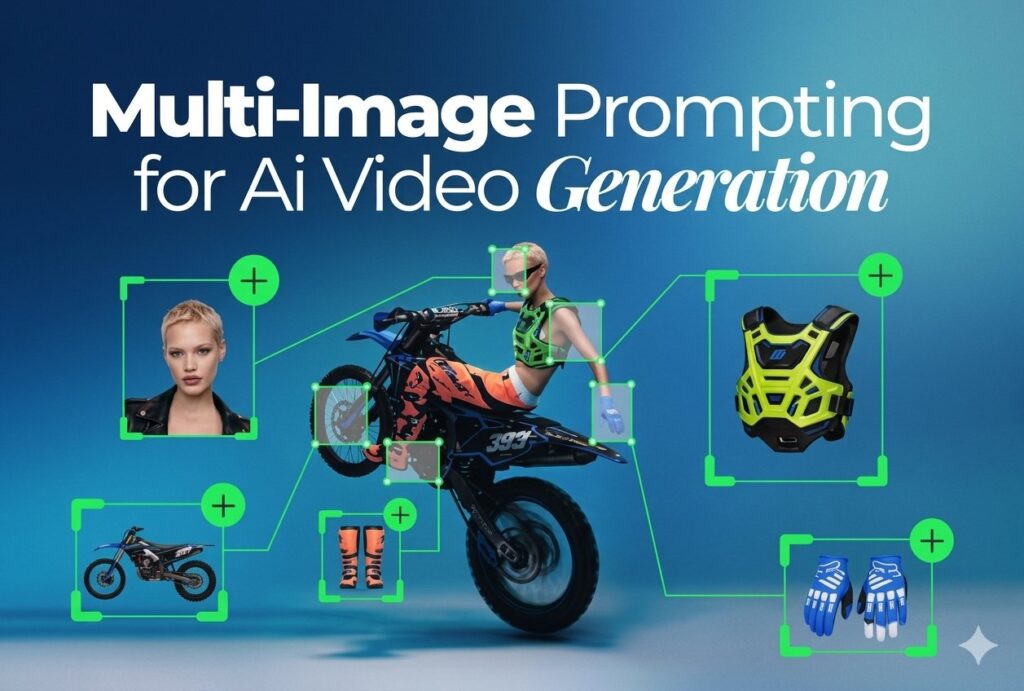
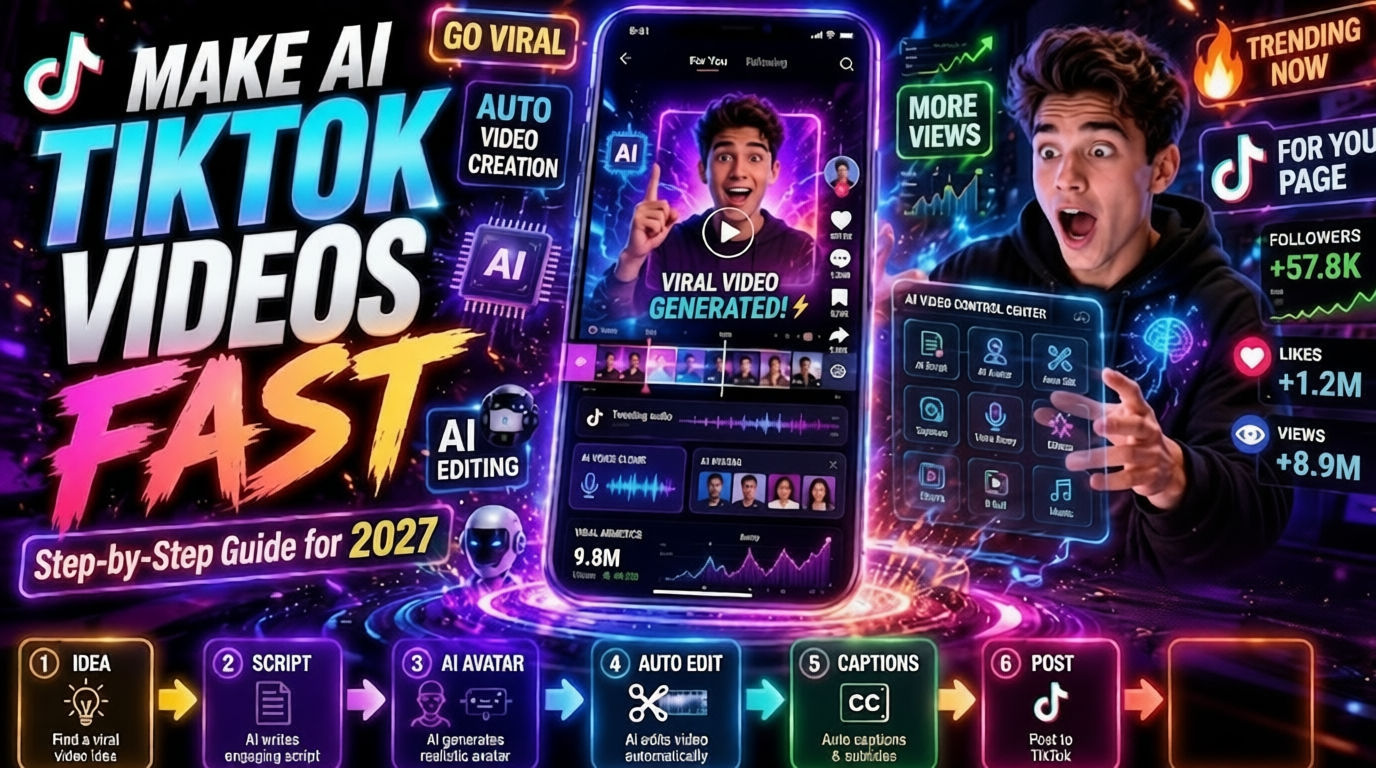
Featured image placeholder for how to make AI videos for TikTok, AI video generation, CapCut formatting, 9:16 vertical video, captions, TikTok optimization, and VidAU short-form video workflows.
Quick Summary
- Use a free AI video generator to create your base video from a text prompt, URL, or product image
- Convert any horizontal or square output to TikTok’s required 9:16 vertical format using CapCut
- Keep videos between 15 and 60 seconds, add captions, and hook viewers in the first two seconds
- Post consistently, use relevant hashtags, and engage early after publishing to support reach
Step-by-Step Process for How to Create Tiktok videos with AI Tiktok Video Generator
Step 1: Define Your Concept and Script
Before touching any tool, write two things: a one-sentence hook and a 3-to-5 sentence script. TikTok rewards clarity. The hook should appear on screen or in audio within the first two seconds.
Examples of hooks that work:
- “You’re losing followers because of this one mistake…”
- “This product does exactly what it claims — here’s proof”
- “Three things nobody tells you about [topic]”
Keep the full script under 90 words for a 30-second video.
Step 2: Choose Your AI Video Generator
For an ai tiktok video generator, you have several solid free options. The right one depends on what kind of content you’re making:
| Content Type | Recommended Tool | Format Output |
|---|---|---|
| Text prompt to video | VidAU Text to Video, Pika, Kling | Horizontal or vertical |
| URL or product to video | VidAU URL to Video | Customizable |
| Avatar or spokesperson | VidAU UGC Avatars | Vertical-ready |
| Script with voiceover | VidAU Text to Speech + editing | Audio + visuals |
For product-focused TikToks, tools like VidAU Product Sample to Video or URL to Video can turn a product image or landing page into a short promotional clip quickly.
For avatar-based content where a digital spokesperson delivers your script, UGC Avatars work well for direct-to-camera TikTok styles without needing to appear on camera yourself.
Step 3: Generate the Base Video
Paste your script or prompt into your chosen AI generator. Most tools will produce a 15-to-60-second clip. Download the output — even if it’s horizontal or square, that’s fine. You’ll fix the format in the next step.
Tips for better AI output:
- Be specific in your prompt. “A woman walking through a farmers market holding fresh vegetables, sunny morning, warm tones” produces better results than “a woman outside”
- If the tool lets you set the aspect ratio upfront, choose 9:16
- For voiceover-based videos, use VidAU Text to Speech to generate a natural-sounding narration from your script
Step 4: Convert Videos for TikTok Using CapCut
This is the step most guides skip over. Many AI generators output 16:9 horizontal video. TikTok requires 9:16 vertical. If you upload horizontal video, TikTok adds black bars, which tanks watch time.
Here’s how to convert videos for TikTok in CapCut:
On mobile (iPhone or Android):
- Open CapCut and tap “New Project”
- Import your AI-generated video
- Tap the canvas ratio button and select 9:16
- Reposition or scale your footage to fill the vertical frame
- Use CapCut’s background fill or blur feature to fill empty space if needed
- Export at 1080×1920 resolution
On desktop (CapCut PC):
- Create a new project and set canvas to 1080×1920 (9:16)
- Import your AI video clip
- Use the “Fit” or “Fill” option to adjust the footage
- Add captions using auto-caption or manually type them in
- Export as MP4 at the highest resolution available
CapCut’s “long to shorts” feature — often called capcut long to shorts in tutorials — also lets you paste a longer video and have CapCut automatically identify highlight clips for vertical short-form output. This is useful if you generated a longer AI video and want to extract the best 30 seconds.
Step 5: Edit for TikTok Engagement
Once your video is in the right format, spend 10 to 15 minutes on these edits:
- Captions: Auto-captions increase watch time significantly. CapCut generates them automatically. Clean them up manually
- Hook frame: The first frame should show something visually interesting or display the hook text
- Music or audio: TikTok’s native sounds help discovery. Layer trending audio under your AI voiceover at low volume
- Pacing: Cut dead air. Every second should serve the hook or the payoff
- Text overlays: Add 1 to 2 short text overlays to reinforce key points visually
Step 6: Upload and Optimize on TikTok
Before posting:
- Write a caption that includes a light question or CTA to encourage comments
- Add 3 to 5 relevant hashtags — mix niche-specific and broader ones
- Choose a cover frame that shows the hook clearly
- Post when your audience is active (generally evenings in the US, but check your own analytics)
- Suggested Visual: Screenshot of CapCut’s canvas ratio settings panel showing 9:16 selected with a vertical preview frame.
Tip
Do not skip the CapCut formatting step. Even strong AI-generated footage can lose watch time if it appears on TikTok with black bars or poor framing.
Best Tools for How to Make AI Videos for TikTok
You don’t need a full stack. A two-tool workflow works fine for most creators:
- AI video generator — handles visuals and audio production
- CapCut — handles format conversion, captions, and final edits
For text-based or educational TikToks, VidAU Text to Video lets you turn a written script directly into a visual video. For brands creating short product ads, VidAU AI Video handles the full ad creation workflow from script to finished clip.
If your AI video needs quality improvement before posting, run it through a Video Enhancer to sharpen resolution before uploading.
What Is an AI TikTok Video?
An AI TikTok video is any short-form vertical video where AI tools handle part or all of the production — this includes generating visuals from text prompts, creating voiceovers, writing scripts, or automating editing. The output is then formatted to TikTok’s 9:16 aspect ratio and posted as a short-form video.
The AI does the heavy lifting. You guide it with a prompt, a URL, or a product image, then polish the result before posting.
Key definition
An AI TikTok video is a short-form vertical video where AI handles visuals, voiceover, scripts, or editing, and the final result is polished and formatted for TikTok’s 9:16 aspect ratio.
Why How to Make AI Videos for TikTok Matters in 2026
TikTok’s algorithm rewards consistency and watch time above almost everything else. Creators who can produce multiple videos per week have a structural advantage. AI tools solve the production bottleneck.
Three things make this relevant right now:
- Volume: AI lets you produce 5 to 10 short videos in the time it used to take to make one
- Cost: Most capable AI video generators have free tiers that are genuinely usable
- Quality: AI-generated visuals, voiceovers, and captions have improved enough to hold viewer attention
This is where most creators waste time, they spend hours on production instead of using AI to handle the baseline and focusing their energy on hooks and posting strategy.
Key Takeaways
- AI helps creators produce more short-form videos without spending hours on manual production.
- Free AI video tools are now usable enough for beginners, creators, and marketers.
- Hooks, formatting, captions, and posting strategy still determine how well the final TikTok performs.
Create AI TikTok Videos With VidAU
Use VidAU AI to create TikTok-ready videos from scripts, product URLs, product images, AI avatars, voiceovers, and existing clips, then adapt them for short-form campaigns.
VidAU workflow
From script or product page to TikTok-ready video
- Start with your TikTok idea: Write a hook and short script, or use a product URL, brief, or product image as your starting point.
- Generate the base video: Use VidAU Text to Video, VidAU URL to Video, Product Sample to Video, or UGC Avatars depending on the content type.
- Add voice and personality: Use VidAU Text to Speech for natural narration or AI avatars for talking-head TikTok formats.
- Improve and repurpose: Use Video Enhancer to sharpen quality and VidAU Vid Remix to create new versions from existing clips.
- Format and publish: Convert to 9:16, add captions, optimize the hook frame, and post consistently with relevant hashtags.
Platform-Specific TikTok Optimization
TikTok’s algorithm doesn’t treat all videos the same. A few practical notes:
Format requirements:
- Resolution: 1080×1920 minimum
- Aspect ratio: 9:16
- File format: MP4 or MOV
- Max file size: 287.6 MB
- Recommended length: 15 to 60 seconds for discovery; 1 to 3 minutes for engaged followers
What TikTok responds to:
- High completion rate — viewers watching to the end signals quality
- Shares and saves — weighted heavily in distribution
- Early engagement — comments and likes in the first 30 minutes matter
- Consistent posting — 3 to 5 times per week tends to outperform sporadic posting
For AI-generated content specifically, adding a real text overlay or human-sounding caption tends to improve performance over purely automated output. TikTok audiences respond to personality, even in AI videos.
Suggested Visual: Side-by-side comparison showing a horizontal 16:9 AI video with black bars on TikTok versus a correctly formatted 9:16 vertical video.
| Optimization area | Recommended setup |
|---|---|
| Format | Use 1080×1920, 9:16 vertical, MP4 or MOV, and avoid black bars. |
| Length | Use 15 to 60 seconds for discovery and 1 to 3 minutes for engaged followers. |
| Retention | Use captions, a strong hook, clear text overlays, and pacing that keeps viewers watching to the end. |
| Engagement | Encourage comments, saves, and shares, especially in the first 30 minutes after publishing. |
| Consistency | Post 3 to 5 times per week rather than posting sporadically. |
Tip
TikTok rewards completion, saves, shares, early engagement, and consistency. Format your AI videos correctly, then focus on hooks, captions, and posting rhythm.
Common Mistakes When Making AI Videos for TikTok
Uploading horizontal video. The single most common error. Always convert to 9:16 before uploading. Black bars kill retention.
Using AI audio without reviewing it. AI voiceovers occasionally mispronounce words or add awkward pauses. Listen through before posting.
Skipping captions. A large portion of TikTok users watch with sound off. No captions means you’re losing half your potential audience.
Making the video too long. For discovery, under 45 seconds performs better than longer cuts for most niches. Test before committing to longer formats.
Generic prompts. Vague AI prompts produce generic-looking videos. Specific, detailed prompts produce content that looks intentional.
Over-relying on AI alone. AI handles production. You still need to bring a clear idea, a strong hook, and an understanding of what your audience actually wants to see.
Watch out
AI TikTok videos usually fail because of horizontal formatting, unreviewed AI audio, missing captions, overlong edits, generic prompts, or relying on AI without a clear hook and audience strategy.
Advanced Strategies for AI TikTok Videos
Batch create content. Generate 5 to 10 AI video drafts in one session, then edit and schedule them over two weeks. This keeps your output consistent without daily effort.
Remix your own content. If a clip performs well, use tools like VidAU Vid Remix to repurpose it with different intros or audio. One strong idea can become three or four TikTok variations.
Test hooks systematically. Take the same 20-second core video and record three different opening hooks. Post all three in one week and compare completion rates. The data tells you what your audience responds to.
Use AI avatars for talking-head content. If you don’t want to appear on camera, an AI avatar reading your script can replace the traditional talking-head format. Tools like UGC Avatars produce human-looking presenters that work well for educational or product-focused TikToks.
Optimize your audio layer separately. Use VidAU Video to Audio to extract audio from existing strong-performing videos, study the pacing, and replicate it in new AI-generated content.
Tip
Use AI to scale your TikTok system: batch drafts, remix winners, test hooks, create avatar-led videos, and study strong audio pacing before generating new clips.
Key takeaway
Final Thoughts
Learning how to make AI videos for TikTok is really a two-part skill: using AI to handle production, and using an editor like CapCut to get the format and polish right. Neither part is difficult once you’ve done it a few times.
Start with one video this week. Write a clear hook, generate your base clip with a free AI tool, convert it to 9:16 in CapCut, add captions, and post it. The process gets faster every time.
If you’re creating product-focused or branded TikTok content, tools like VidAU AI Video and VidAU URL to Video can shorten the workflow even further — turning a product page or script into a finished short-form video without manual editing.
FAQ
Here are answers to common questions about how to make AI videos for TikTok, free AI video generators, ai tiktok video generator tools, CapCut formatting, capcut long to shorts, vertical video conversion, TikTok video length, AI disclosure, and VidAU workflows.
What is the best free AI video generator for TikTok?
Several free options work well including VidAU AI, Pika, and Kling — the best fit depends on whether you need text-to-video, product video, or avatar-style content.
How do I convert videos for TikTok’s vertical format?
Import your video into CapCut, set the canvas to 9:16 (1080×1920), reposition the footage to fill the frame, and export before uploading to TikTok.
How long should an AI TikTok video be?
For discovery and new accounts, 15 to 45 seconds performs well; longer videos work better once you have an engaged existing audience.
Does TikTok penalize AI-generated videos?
TikTok currently does not penalize AI-generated content as long as it follows community guidelines and clearly discloses AI use when required.
Can I make AI TikTok videos on my phone?
Yes — both iPhone and Android users can use CapCut and most AI video generators directly from a mobile browser or app.
What is the capcut long to shorts feature?
It’s a CapCut tool that automatically identifies the most engaging moments in a longer video and cuts them into short vertical clips ready for TikTok or Shorts.