AI Video Ad Maker · 2026 Conversion Workflow
Best AI Video Ad Makers That Actually Convert in 2026
Compare the best AI video ad maker tools for advertising workflows, ad scripts, platform compliance, batch testing, UGC-style ads, and paid campaign conversions.
By the Sarah Iruoje · AI video ad guide · 14 min read
Not every AI video tool can run a profitable ad campaign. The best AI video ad maker in 2026 is built for advertising workflows, scripts, format compliance, and batch testing, not just pretty clips that get views but no conversions.
The best AI video ad maker in 2026 is the one built around advertising workflows, not general video creation. That means script generation, ad-format compliance, batch variations for testing, and outputs tuned for Meta, TikTok, and Google Ads. Most AI video generators make visually impressive clips. Far fewer help you produce creatives that actually convert paid traffic into sales.
This guide is for digital marketers, agencies, ecommerce brands, and small business owners running paid campaigns who need multiple ad creatives fast. We reviewed how leading tools approach ad-specific features, and where general video tools fall short for performance advertising.
Featured image placeholder for AI video ad makers, ad-focused tools, Creatify, VidAU AI, HeyGen, InVideo AI, CapCut, Google Veo 3, Kling AI, UGC avatars, batch testing, and paid ad workflows.
Quick Summary
- An ad-focused AI video ad maker like Creatify or VidAU AI beats general video generators because it bundles scripts, ad formats, and batch testing into one workflow.
- General models such as Google Veo 3, Kling AI, and CapCut create strong visuals but lack built-in ad copy, testing, and platform compliance for paid campaigns.
- Vertical 9:16 output, watermark-free exports, and multiple creative variations are the non-negotiable specs for Meta, TikTok, and Google Ads testing.
- Ecommerce brands and agencies producing many UGC-style ads from product URLs benefit most from advertising-first tools.
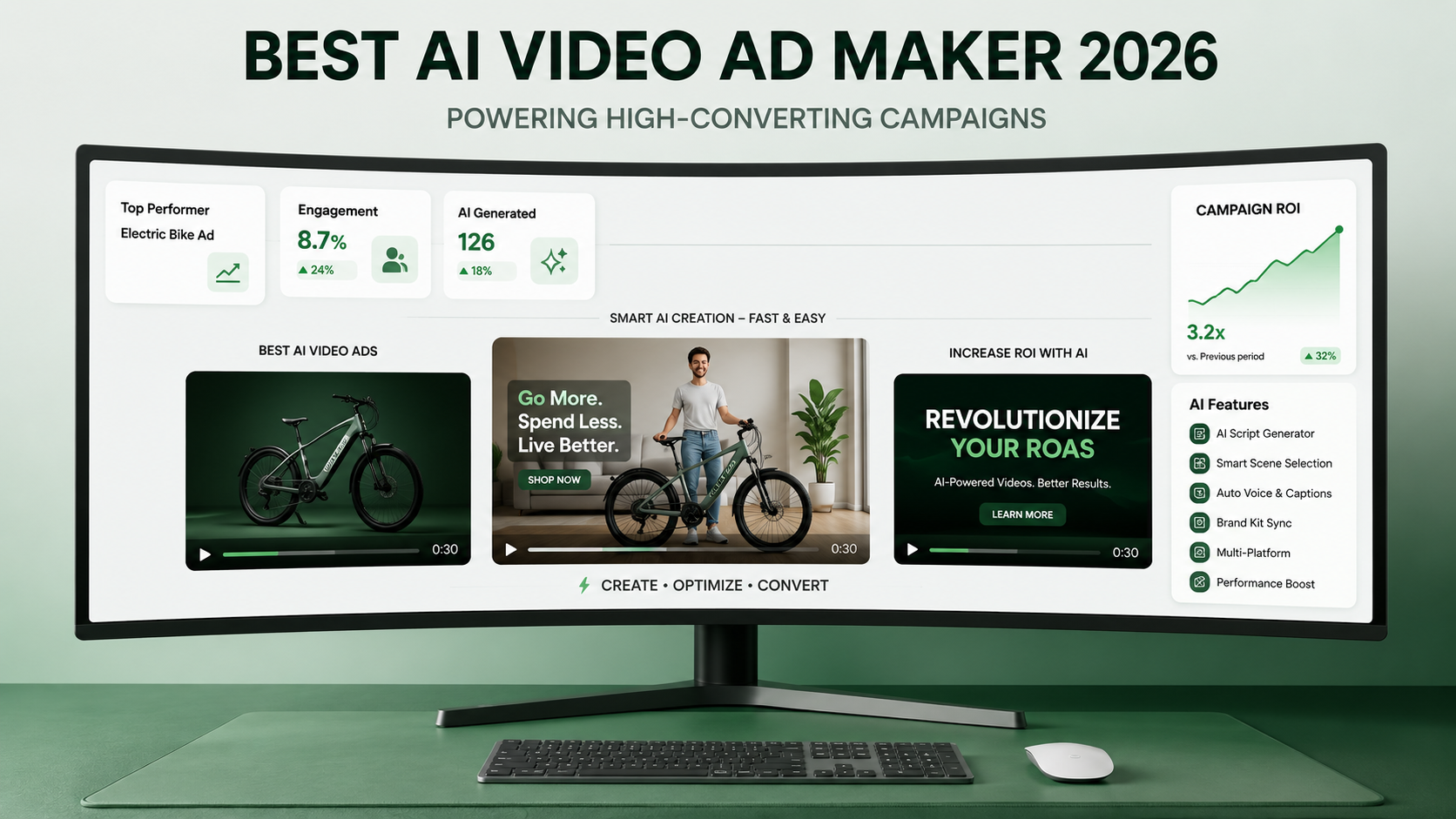
Best AI Video Ad Makers Compared by Use Case
Below are the tools advertisers keep testing in 2026, grouped by what they actually do well.
Creatify
Creatify is built around the ad workflow. It generates scripts, supports product-URL inputs, and produces multiple creative variations for testing. Verdict: a strong fit for marketers who need volume of testable ad variations rather than one hero clip.
VidAU AI
VidAU AI turns product URLs, images, or scripts into video ads with avatars and voiceover, and exports in vertical and square formats. Its URL to Video and Product Sample to Video (https://www.vidau.ai/product-sample-to-video/) workflows suit ecommerce brands testing many products. Verdict: a practical pick for URL-driven, multilingual ad production. Limitation: if you need full cinematic control over every frame, a dedicated model like Veo 3 gives more creative depth.
HeyGen
HeyGen focuses on AI avatars and talking-head videos with natural voices, useful for spokesperson and explainer ads. Verdict: best when your ad concept depends on a presenter rather than product footage.
InVideo AI
InVideo AI leans toward general video creation with templates and stock assets. Verdict: useful for broader marketing content, but you will do more manual work to make ads truly ad-ready.
CapCut
CapCut is an editor with AI features, strong for trimming, captions, and short-form polish. Verdict: a solid finishing tool, not an end-to-end ad maker on its own.
Google Veo 3 and Kling AI
Veo 3 and Kling AI generate high-quality clips and physics-aware motion. Verdict: excellent for visuals and B-roll, weak as standalone ad makers because they lack scripts, testing, and ad formatting.
For UGC-heavy campaigns, pair an avatar-driven tool with UGC Avatars (https://www.vidau.ai/ugc-avatars/) to produce native-feeling reviews at scale.
Ready to test more creatives without a film crew? Start by turning a single product link into multiple ad variations with VidAU AI Video .
What Is an AI Video Ad Maker?
An AI video ad maker is a tool that turns a product URL, image, or script into a ready-to-run advertising video, often with AI avatars, voiceover, and platform-correct formatting. Unlike a general AI video generator, an ad-focused tool prioritizes ad copy, hooks, aspect ratios, and the ability to spin out multiple variations for testing.
The difference matters. A clip that looks cinematic is useless if it ignores the first-three-seconds hook rule or exports in the wrong aspect ratio. The tools worth your budget are the ones that understand a video is an ad, not just content.
VidAU is an AI video ad platform that generates video ads from product URLs, images, or scripts in 49 languages. That URL-to-video approach is one of the clearest signals a tool was designed for advertising rather than general filmmaking.
Key definition
An AI video ad maker turns a product URL, image, or script into an advertising video with hooks, ad copy, correct aspect ratios, voiceover, avatars, and multiple variations for testing.
Why Conversion Focus Beats Stunning Visuals
Conversion rate matters more than visual polish because paid advertising is judged on cost per acquisition, not how beautiful a frame looks. A scrappy UGC-style review often outperforms a glossy product render on TikTok and Meta feeds, because it stops the scroll and feels native.
In our review of the current AI video tool category, the clearest split was this: most tools generate clips, but few are built around the ad job. The January 2026 research from advertising-focused creators echoed the same point, that visuals alone do not move ROI.
What actually drives conversions:
- A strong hook in the first three seconds
- A clear offer and call to action
- Native, platform-correct formatting
- Multiple variations so you can test and kill losers
This is where most teams waste budget. They produce one expensive hero video instead of ten testable variations.
Key Takeaways
- Judge AI ad tools by testing speed and format fit, not render quality.
- UGC-style ads often convert better than polished product shots.
- One great clip cannot beat ten tested variations on paid traffic.
Ad-Focused Tools vs General AI Video Generators
The biggest buying mistake is treating every AI video tool as an ad maker. They are not the same category. General models like Google Veo 3 and Kling AI produce excellent footage but leave you to handle copy, hooks, formatting, and variation testing yourself.
Here is how the two groups compare for paid advertising.
| Capability | Ad-Focused Tools | General AI Video Generators |
|---|---|---|
| Built-in ad scripts | Usually included | Rarely included |
| Batch ad variations | Designed for testing | Manual, one at a time |
| Format compliance | 9:16, 1:1, ad-ready | Often raw or 16:9 only |
| Product URL to video | Common | Uncommon |
| UGC avatars | Often built in | Limited or none |
General generators still have a place. If you need a cinematic background or a custom product shot, Veo 3 or Kling AI can help. But for the full ad workflow, an advertising-first tool removes most of the manual work.
Buying mistake
Do not treat every AI video tool as an ad maker. General models can create footage, but ad-focused tools handle scripts, hooks, formats, product URLs, UGC avatars, and variation testing.
Create More Testable Ad Variations With VidAU
Turn product URLs, images, or scripts into vertical and square video ads with avatars, voiceover, multilingual output, and workflows built for batch creative testing.
VidAU workflow
From product link to testable paid ad creative
- Start with a product URL, image, or script: Use VidAU AI Video, URL to Video, or Product Sample to Video to build the first ad draft from campaign assets.
- Add ad-native formats: Use vertical and square exports for Meta, TikTok, and Google Ads testing instead of relying on one generic file.
- Use avatars where UGC matters: Use UGC Avatars when a native-feeling review or spokesperson format fits the offer.
- Turn approved copy into voiceover: Use Text to Speech to convert the best hook, script, or CTA into clean narration.
- Scale and reuse winners: Use Vid Remix to recycle winning hooks into new variations and keep the batch testing loop fast.
How to Use an AI Ad Copy Generator With Video
An AI ad copy generator handles the words, hooks, headlines, and primary text, while your video tool handles the visuals. Used together, they cut creative production from days to minutes. The research shows copy tools work best when you feed them a landing page URL, focus keyword, and target audience.
A clean workflow looks like this:
- Use an ai ad copy generator to draft hooks and CTAs for Meta and Google Ads.
- Drop the best hook into your video tool as the on-screen and voiceover script.
- Generate vertical and square versions for each platform.
- Build several variations so you can test angles.
For voiceover, Text to Speech can convert your approved script into clean narration, and Text to Video can turn a finished script straight into a draft ad.
Tip
Use copy generation for hooks, headlines, CTAs, and primary text first, then send the strongest angle into your video workflow as the script.
Platform-Specific Optimization for Meta, TikTok, and Google
Each ad platform rewards different formats and pacing, so a single export rarely fits all three. Optimizing per platform is what separates an AI video ad generator from a generic video tool.
- Meta Ads: Use 9:16 and 1:1, front-load the hook, and test several primary-text and creative pairs.
- TikTok Ads and TikTok Shop: Lean into UGC-style, native, hand-held energy and fast captions.
- Google Ads and Performance Max: Supply multiple aspect ratios and durations so the system can place them widely.
Always export watermark-free and at the correct resolution. If your source footage is soft, run it through a Video Enhancer before launch.
Suggested Visual: a three-column layout showing the same ad in 9:16, 1:1, and 16:9. Filename idea: ai-video-ad-aspect-ratios.png. Alt text: AI video ad maker exports in vertical, square, and landscape formats.
| Platform | Recommended approach |
|---|---|
| Meta Ads | Use 9:16 and 1:1, front-load the hook, and test several primary-text and creative pairs. |
| TikTok Ads and TikTok Shop | Lean into UGC-style, native, hand-held energy and fast captions. |
| Google Ads and Performance Max | Supply multiple aspect ratios and durations so the system can place ads widely. |
| All paid platforms | Export watermark-free and at the correct resolution; enhance soft source footage before launch. |
Key Takeaways
- A single export rarely fits Meta, TikTok, and Google equally well.
- Vertical 9:16 and watermark-free output are non-negotiable for most paid social testing.
- Google Performance Max benefits from multiple aspect ratios and durations.
Common Mistakes Advertisers Make With AI Video Ads
The most common mistake is producing one polished video instead of many testable variations. Performance advertising depends on volume of attempts, so a single ad caps your learning.
Other frequent errors:
- Ignoring the first three seconds, where most ads lose viewers
- Using a 16:9 clip on feeds that demand 9:16
- Forgetting a clear offer and call to action
- Leaving watermarks or low resolution in the final export
- Treating a general video generator as a complete ad solution
Most of these come back to the same root cause: choosing a tool built for content, not conversions.
Watch out
Performance advertising depends on volume of attempts. One polished AI video caps your learning; several testable variations reveal which hook, angle, format, or CTA actually converts.
Advanced Strategies for Batch Testing at Scale
Batch testing means producing many ad variations at once, then letting platform data decide the winners. This is where ad-focused AI tools earn their keep, because manually editing ten versions in a general editor is slow and expensive.
A scalable approach:
- Lock one offer, then vary hooks, avatars, and opening visuals.
- Generate viral advertising videos in batches using product URLs or scripts.
- Launch small, kill weak creatives fast, and scale winners.
- Recycle winning hooks into new variations with VidAU Vid Remix (https://www.vidau.ai/vid-remix/).
For brands managing many products, the URL-to-video route keeps production consistent while still giving you enough variation to test seriously. From our analysis of the category, the tools that win for advertisers are the ones that make this loop fast and cheap.
Tip
For batch testing, lock one offer first. Then vary hooks, avatars, opening visuals, formats, and CTAs so platform data can identify what actually drives conversions.
Key takeaway
Final Thoughts
The best AI video ad maker for 2026 is not the one with the prettiest output. It is the one that helps you produce ad-ready, platform-correct creatives in volume so you can test your way to conversions. Ad-focused tools like Creatify and VidAU AI handle the full workflow, while general models like Veo 3 and Kling AI are better treated as visual add-ons.
If your goal is more testable creatives without a film crew, start by turning a product link into several ad variations with VidAU AI Video , then pair it with an ad copy generator to round out your creative testing.
FAQ
Here are answers to common questions about AI video ad makers, AI video ad generators, Creatify, VidAU AI, UGC-style ads, Meta Ads, TikTok Ads, Google Ads, ad copy generators, product URL videos, batch testing, and general models like Veo 3 and Kling AI.
What is the best AI video ad maker in 2026?
The best AI video ad maker is one built for advertising workflows, with scripts, ad-format compliance, and batch variation testing. Ad-focused tools like Creatify and VidAU AI fit this better than general generators, because they bundle the parts paid campaigns need rather than producing standalone clips you must adapt manually.
How is an AI video ad maker different from an AI video generator?
An AI video ad maker is built for ads, with hooks, ad copy, correct aspect ratios, and multiple testable variations. A general ai video ad generator or model focuses on visual quality and motion. You can use general models for footage, but ad-focused tools handle the full conversion workflow.
Do AI video ads actually convert on paid platforms?
Yes, AI video ads can convert well when they follow ad fundamentals: a strong first-three-seconds hook, a clear offer, native formatting, and multiple tested variations. The video quality alone does not drive results. Conversion depends on testing volume and platform fit far more than visual polish.
Can I make video ads from a product URL?
Yes. Tools like VidAU AI can turn a product URL or image into a video ad with avatars and voiceover, which suits ecommerce brands testing many products. URL-to-video is one of the clearest signs a tool was designed for advertising rather than general video creation.
Should I use an AI ad copy generator with my video tool?
Using an ai ad copy generator alongside a video tool is efficient. The copy tool drafts hooks, headlines, and CTAs from your landing page URL and audience, then you feed the best hook into your video tool as the script. This pairing speeds up creative testing across Meta and Google.
What format do I need for Meta and TikTok ads?
Vertical 9:16 is the priority for Meta feeds, Reels, and TikTok, with 1:1 useful for some Meta placements. Always export watermark-free and at correct resolution. For Google Performance Max, supply several aspect ratios and durations so the system can place your ads more widely.
Which AI video ad makers are best for UGC-style ads?
UGC-style ads work best with avatar-driven tools that produce realistic talking-head reviews, such as HeyGen and VidAU’s UGC avatar workflow. These feel native on TikTok and Meta, where scrappy authenticity often outperforms polished product renders for stopping the scroll and driving conversions.
Are general models like Veo 3 or Kling AI good for ads?
Google Veo 3 and Kling AI produce excellent footage but are weak as standalone ad makers, since they lack scripts, testing, and ad formatting. Use them for cinematic backgrounds or product shots, then assemble and format the final ad in an advertising-focused tool.
How many ad variations should I create for testing?
Produce enough variations to test multiple hooks and angles rather than relying on one hero ad. Many advertisers start with several variations per offer, launch small, kill weak performers quickly, and scale winners. Batch-capable AI tools make this loop affordable, which is why testing volume usually beats production polish.
When should I not use an AI video ad maker?
Avoid relying solely on an AI video ad maker when you need full cinematic control of every frame, complex live-action storytelling, or footage that must match exact brand film standards. In those cases, dedicated video models or human production fit better, though AI tools can still handle bulk testing creatives.