AI Video Generator From Image
Turn Product Photos Into Sales-Ready Videos
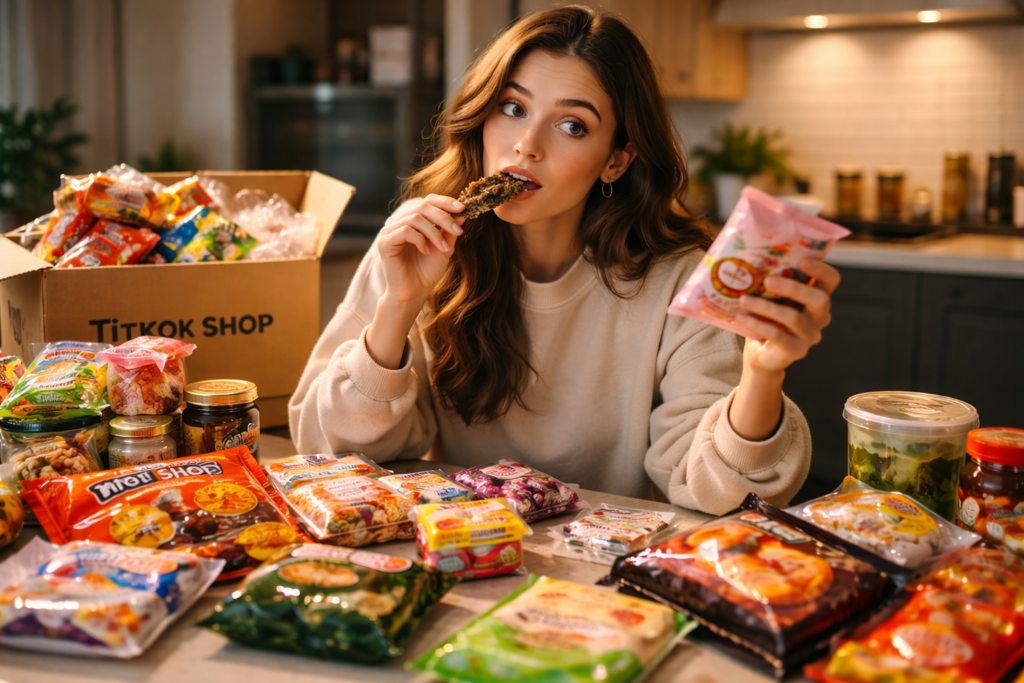
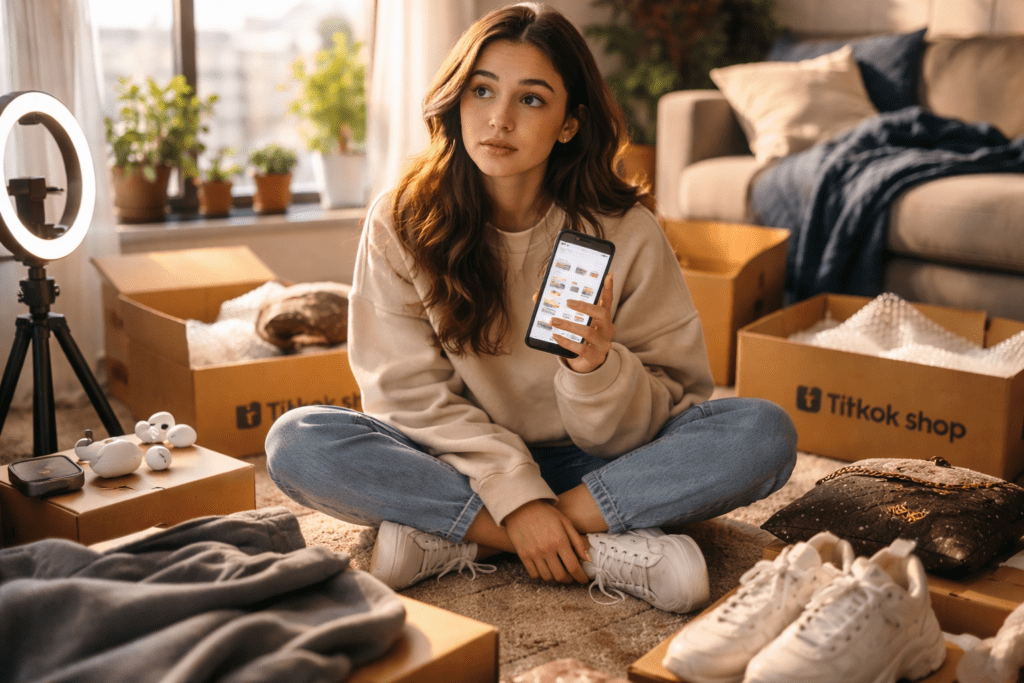
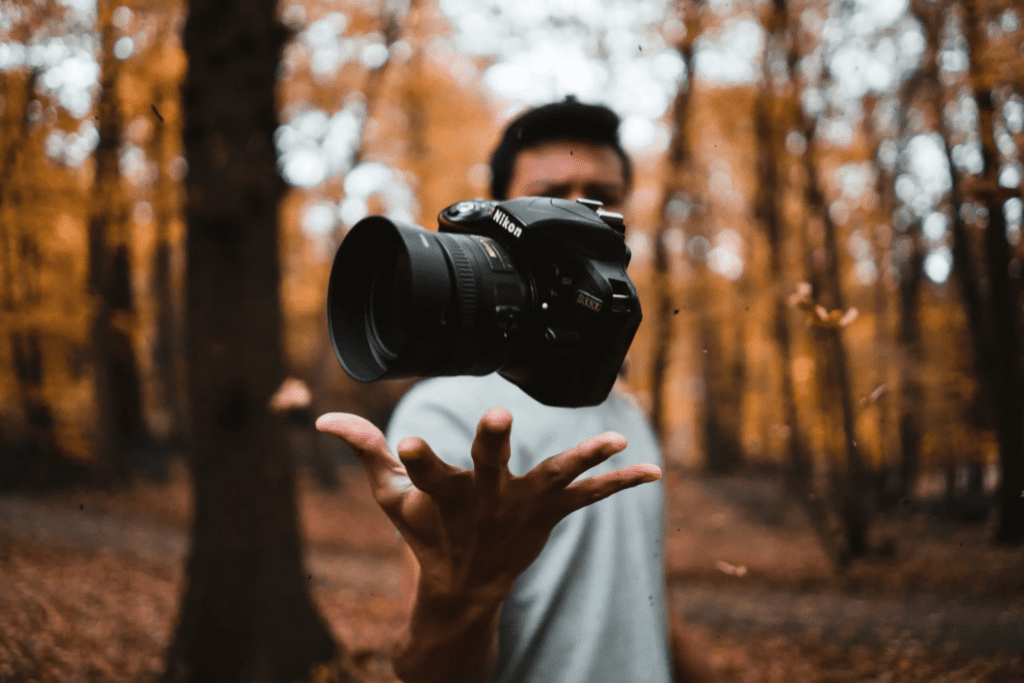
AI video generator from image tools converts still photos into motion videos built for commercial use. These tools transform static product images into short, engaging clips used across ads, product pages, and social commerce platforms. You start with an existing image from your catalog or brand assets. You describe how the product should move. Common motions include slow camera push-ins, rotations, background depth shifts, or subtle lighting changes. The system generates a sequence of frames and assembles them into a smooth video clip.
This process removes traditional production steps. You skip filming, studio setup, actors, and manual editing. What once took days or weeks now takes minutes. Teams generate multiple versions from the same image to test different angles, hooks, and formats. Brands utilize this workflow to expedite creative delivery and scale their output. One product image supports dozens of video variations. Marketing teams refresh ads frequently, respond to performance data faster, and keep campaigns active without creative fatigue.
For e-commerce and performance marketing, image-to-video AI transforms existing assets into repeatable, high-volume video content that aligns with modern ad platforms and buying behavior.
AI video generators from images allow you to convert static photos into short motion videos using artificial intelligence. You upload a picture, define motion or camera behavior, and export a video ready for ads, ecommerce pages, or social media.
This guide explains how image-to-video AI works, compares leading tools including newer platforms, and outlines what most competing articles fail to cover.
What Is an AI Video Generator from an Image
An AI video generator from an image transforms a single photo into a short video clip. An AI video generator from an image is a tool that converts a single still photo into a short video by adding motion, depth, and camera movement through artificial intelligence.
You upload an image, such as a product photo, app screen, or brand visual. You then define how the scene should move. The system analyzes the image structure, predicts motion across time, and generates multiple frames that form a video clip. Unlike traditional video editing, you do not animate frames manually. The AI handles motion planning, frame creation, and continuity. Objects stay stable while the camera moves around them or toward them. Lighting and shadows adjust naturally across frames.
These tools focus on speed and repeatability. You generate videos in minutes rather than days. You reuse existing images instead of creating new footage. You scale output without increasing production cost. For marketing and eCommerce teams, an AI video generator from an image serves as a production engine. It turns static assets into motion content ready for ads, product listings, landing pages, and social platforms.
How Image to Video AI Works
Image-to-video AI combines image understanding with generative video models.
Step 1. Image understanding
The model analyzes the uploaded image in detail. It detects the main subject and separates it from the background. It maps edges to understand shape and boundaries. It reads textures to know surface quality, such as metal, fabric, or glass. It evaluates lighting direction and intensity. It estimates depth to understand which elements sit in the foreground and background. This step ensures the product remains clear and accurate throughout the video.
Step 2. Motion planning
The system decides how the scene should evolve. It translates your prompt into motion instructions. Common actions include slow camera push-ins, side pans, rotations, or subtle background movement. The system calculates how each movement affects perspective and depth. This planning stage prevents random motion and ensures movement feels intentional and controlled.
Step 3. Frame generation
The model generates the video one frame at a time. Diffusion models begin with visual noise and refine it gradually. Each step removes noise while adding structure based on the image and motion plan. The system repeats this process across all frames. This approach produces realistic transitions rather than abrupt changes between frames.
Step 4. Temporal consistency
The system connects frames so visual elements stay stable across time. The product keeps its proportions, color, and position. Logos remain readable. Edges stay sharp. This step solves common problems such as flicker or shape distortion. Strong temporal consistency makes the video suitable for ads and product pages.
Step 5. Video assembly
The system sequences all generated frames into a single clip. It applies timing and smooth transitions. It exports the final video in the selected aspect ratio and duration. The result is a ready-to-use asset optimized for ads, landing pages, and social commerce platforms.
H2: What to Look for in an Image-to-Video AI Tool
Choosing the right image-to-video AI tool affects output quality and campaign performance. Focus on factors that matter for business outcomes.
Image Fidelity
High image fidelity means the video keeps your product looking accurate. The AI should preserve shape, color, and detail from the original photo. Poor fidelity creates artifacts and reduces trust.
Motion Control
Look for tools that let you define motion direction and style. Controls such as camera push-in, rotation, background parallax, and depth add polish. Motion presets help when you need fast results.
Supported Formats
Your tool should export common ad ratios:
- 9:16 for vertical social ads.
- 1:1 for feeds.
- 16:9 for web and landing pages.
This flexibility lets you reuse the same base image across platforms.
Speed of Generation
Fast generation saves time and supports rapid testing. If you run multiple campaigns, choose tools that deliver videos within minutes rather than hours. Speed matters when you refresh creatives based on performance data.
Output Customization
Good tools let you tweak:
- Duration.
- Motion intensity.
- Lighting effects.
- Background blur or focus.
Customization improves how well videos match your brand style.
Ease of Use
A simple interface matters when teams scale production. Look for drag-and-drop upload, clear motion settings, and real-time previews. This reduces training time and speeds output.
Team Collaboration Features
Tools with shared workspaces, asset libraries, and version history support team workflows. Collaboration features help marketing and design teams work without bottlenecks.
Pricing Structure
Understand pricing before scaling. Common models:
- Subscription with unlimited generation.
- A credit-based system where each video uses credits.
Choose a model that fits your volume and budget.
Brand Consistency Support
Some tools offer brand kits, color profiles, and style presets. This keeps videos aligned with your visual identity across campaigns.
Support and Documentation
Reliable support and tutorials help when you hit issues. Look for tools with active help centers and example libraries. Selecting the right tool improves output quality, supports faster creative cycles, and aligns with your business goals.
9 (Nine) AI Video Generator From Image Tool you can try
Nano Image AI – Best for Subtle Image Motion Enhancement
Main Features:
- AI-Assisted Image Motion Effects: Nano Image AI focuses on adding light motion to static images, such as lighting shifts, texture movement, and depth illusion, rather than full video animation.
- Image Quality Preservation: The system prioritizes sharpness, color accuracy, and structural consistency across frames.
- Simple Prompt Input: Users describe minimal motion effects,s such as soft light movement or background depth shift.
- Fast Generation Workflow: Designed for quick visual enhancement without complex setup.
Why It’s Great:
Nano Image AI works best when image quality matters more than motion complexity. It fits a subtle visual enhancement rather than ad-ready video generation.
VidAU – Best for Commercial Image-to-Video Ads and E-commerce
Altext: Image of VidAU interface or homepage
Main Features:
- AI-Powered Image-to-Video Conversion for Ads: VidAU turns product images and creatives into motion videos optimized for marketing.
- Controlled Camera Motion and Stability: Designed to maintain product shape, branding, and clarity across frames.
- Multiple Aspect Ratios: Supports vertical, square, and landscape formats for paid media and social platforms.
- Scalable Video Generation: Built for producing multiple variations quickly.
- Commercial-Ready Output: Focused on performance, consistency, and reliability.
Why It’s Great:
VidAU stands out for real-world marketing use. It fits ecommerce sellers, agencies, and brands that need reliable image-to-video output at scale.
Gemini AI Video Generator – Best for Prompt Understanding and Experimentation
Main Features:
- Advanced Prompt Interpretation: Gemini AI applies strong reasoning to understand detailed visual instructions.
- Experimental Image-to-Video Capability: Image-based video generation exists within limited and evolving access.
- High Logical Consistency: The model maintains structural accuracy when interpreting scenes.
- Ecosystem Integration: Operates within a broader AI platform environment.
Why It’s Great:
Gemini AI Video Generator suits experimentation and concept validation. It fits early testing rather than consistent production workflows.
AnyVideo.ai – Best for Basic Image-to-Video Creation
Main Features:
- Image-to-Video Conversion: AnyVideo.ai supports turning static images into short video clips with basic motion.
- Multi-Mode AI Video Support: Includes several AI video generation options beyond image input.
- Simple Interface: Designed for users seeking fast output without advanced controls.
- Quick Export Options: Produces short videos suitable for casual use.
Why It’s Great:
AnyVideo.ai works for basic content needs where simplicity matters more than motion precision or visual control.
Video.Galaxy.ai – Best for Fast Template-Based Social Videos
Altext: Image of Galaxy.ai interface or homepage
Main Features:
- Template-Driven Video Creation: Video.Galaxy.ai relies on predefined templates to animate images quickly.
- Social-Optimized Formats: Output aligns with common social media dimensions.
- Automated Transitions: Motion and scene changes follow preset logic.
- Rapid Generation Speed: Focuses on speed over customization.
Why It’s Great:
Video.Galaxy.ai fits fast social publishing where turnaround speed outweighs creative flexibility.
Kontext-AI – Best for Creative Prompt-Driven Visuals
Main Features:
- Prompt-Focused Visual Generation: Kontext-AI emphasizes creative instructions to drive visual output.
- Stylized Image Motion: Supports expressive and non-traditional animation styles.
- Flexible Scene Interpretation: Works best with abstract or artistic visuals.
- Credit-Based Usage Model: Generation operates on a usage credit system.
Why It’s Great:
Kontext-AI suits creative exploration and artistic visuals rather than structured marketing or product videos.
Lumeflow AI – Best for Branded Marketing Clips
Main Features:
- Marketing-Oriented Image-to-Video Workflow: Lumeflow AI focuses on short promotional videos built from images.
- Brand-Friendly Output: Designed for logos, product visuals, and campaign assets.
- Clean Visual Composition: Maintains consistent framing and layout.
- Export Options for Marketing Use: Supports formats aligned with promotional needs.
Why It’s Great:
Lumeflow AI works well for brand teams producing short marketing visuals without complex animation requirements.
Pollo AI – Best for Artistic and Stylized Animation

Main Features:
- Cartoon and Anime-Style Animation:
- Pollo AI transforms images into stylized animated scenes.
- Artistic Motion Rendering
- Prioritizes visual expression over realism.
- Multi-Image Scene Creation:
- Supports combining visuals into cohesive artistic clips.Audio Support:
- Allows background music or voice elements.
Why It’s Great:
Pollo AI fits illustrators and creative projects where visual style matters more than commercial realism.
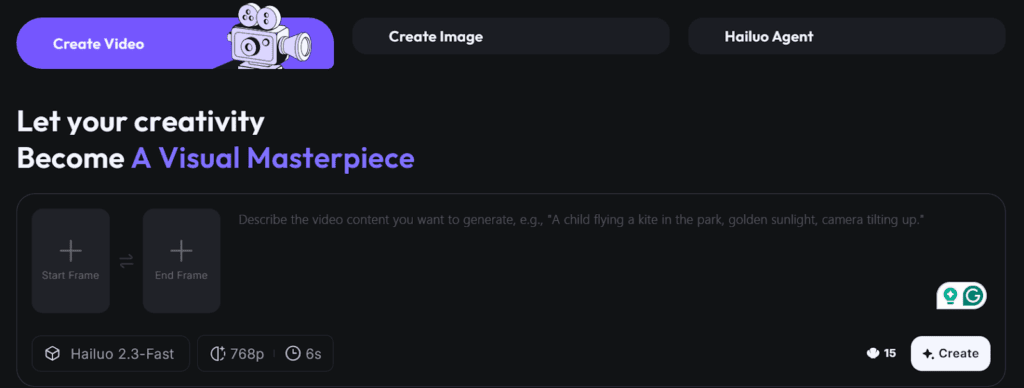
HailuAI.video – Best for Early-Stage Image-to-Video Testing
Main Features:
- Basic Image-to-Video Conversion: HailuAI.video generates short animated clips from images.
- Simple Workflow: Minimal setup for fast output.
- Lightweight Motion Effects: Applies basic animation logic
- Early Platform Development: Features remain limited.
Why It’s Great:
HailuAI.video suits testing and early experimentation rather than production-level video creation.
AI Video Generator From Image Comparison Table
This table is structured for scannability, buyer intent, and SERP extraction.
| Tool | Image-to-Video | Motion Control | Frame Stability | Ad-Ready Output | Artistic Styles | Free Plan | Best For |
| Nano Image AI | Yes | Low | High | No | No | Yes | Subtle image motion |
| Gemini AI Video Generator | Limited | Medium | Medium | No | Limited | Limited | Experimentation |
| AnyVideo.ai | Yes | Low | Medium | Limited | No | Yes | Basic video creation |
| Video.Galaxy.ai | Yes | Low | Medium | Limited | No | Yes | Fast social templates |
| Kontext-AI.com | Yes | Medium | Low | No | Yes | Limited | Creative visuals |
| Lumeflow AI | Yes | Medium | Medium | Yes | Limited | Trial | Branded promos |
| Pollo AI | Yes | Medium | Medium | No | Yes | Yes | Artistic animation |
| HailuAI.video | Yes | Low | Low | No | No | Yes | Early testing |
| VidAU | Yes | High | High | Yes | Limited | Trial | Ads and ecommerce |
Pricing Overview and Tiers
| Tool | Free Tier / Access | Paid Plans | Best Fit |
| Nano Image AI | Limited generations. Subtle motion effects only. | Credit-based usage with higher output limits. | Light visual enhancement and subtle animation. |
| Gemini AI Video Generator | Access included within Gemini AI plans. Image-to-video availability varies. | Bundled subscription pricing across Gemini plans. | Experimentation and concept testing, not production. |
| AnyVideo.ai | Short clips with limited resolution. | Monthly subscriptions unlocking longer clips and higher quality. | Basic image-to-video content needs. |
| Video.Galaxy.ai | Template-based videos with limited exports. | Branding removal and higher export quality. | Fast social media publishing. |
| Kontext-AI.com | Limited free credits. | Credit-based pricing that scales with usage. | Creative and experimental visuals. |
| Lumeflow AI | Free trial with limited exports. | Monthly subscription with marketing-focused features. | Branded promotional clips. |
| Pollo AI | Limited free generations. | Higher resolution, more styles, and increased export limits. | Artistic and stylized animation. |
| HailuAI.video | Very limited free output. | Paid plans still evolving. | Early testing and experimentation. |
| VidAU | Free trial with limited video generations and full feature access. | Usage-based tiers that scale for teams and agencies. | Ecommerce, ads, and performance marketing. |
Conclusion
AI video generators from images have shifted video creation from production-heavy workflows to fast, scalable generation. Instead of filming, editing, and rendering, creators now turn a single image into multiple video variations in minutes.
However, not all tools serve the same purpose.
Some platforms focus on artistic experimentation. Others rely on templates for speed. A smaller group supports stable, commercial-ready output designed for ads and ecommerce.
If your goal is creative exploration, tools like Pollo AI or Kontext-AI offer expressive styles. If speed matters more than control, template-based platforms such as Video.Galaxy.ai fit quick social publishing. For light enhancement, Nano Image AI covers subtle motion needs.
For businesses, marketers, and agencies, consistency matters more than novelty. Product shape, branding clarity, motion stability, and scalable output define real-world usability. In those scenarios, platforms like VidAU stand out by focusing on ad-ready image-to-video generation built for performance marketing and ecommerce workflows.
The strongest image-to-video AI tools are not defined by how many effects they offer. They are defined by how reliably they turn images into videos that drive results.
This is the standard readers expect
Frequently Asked Questions
What is an AI video generator from image
An AI video generator from image converts a static photo into a short motion video by generating new frames using artificial intelligence.
Are image-to-video AI tools suitable for ads
Yes. Short-form ads are one of the most common use cases, especially for ecommerce and social platforms.
Which tool is best for beginners
Template-based tools are easier to start with. VidAU also offers a guided workflow suited for non-technical users.
Are free plans enough for professional work
Free plans help with testing. Paid plans are required for consistent quality, higher resolution, and commercial usage.
Can I use these tools for ecommerce product videos
Yes. Image-to-video AI is widely used for product ads, marketplace listings, and landing pages.