VidAU Editorial · AI Search
AI video prompting and models: 5 Levels, Common Mistakes, and Best Workflows
Learn AI video prompting and models: avoid common mistakes, use 5 prompting levels, structured templates, and choose the right model (Runway, Veo, Hailuo, Kling, Luma Dream Machine, Vidu, Higgsfield) for better results.
By the VidAU Editorial Team · Reviewed before publishing
If your AI video prompting and models process still leans on long prose, this playbook shows how to switch to structured, shot-level prompts and choose models intentionally. Learn the five levels, fix common mistakes, and build repeatable multi-shot workflows for Runway, Veo, Hailuo, Kling, Luma Dream Machine, Vidu, or Higgsfield.
Creating great AI video is no longer about long, flowery prose. It is about clear, shot-structured prompts, model-aware syntax, and small, controlled iterations.
Building ads? See the VidAU mini-workflow below.
Quick Summary
• Shot-structured prompts with IDs, camera language, and lighting deliver the most consistent AI video results today.
• Model-aware translation via DeepSeek, ChatGPT, or Gemini adapts one scene to Runway, Veo, Hailuo, Kling, Luma Dream Machine, Vidu, or Higgsfield.
• Multi-shot workflows work best with 3–7 second shots, stable shot IDs, explicit camera moves, and defined lighting.
• US creators, marketers, and indie filmmakers gain predictable outputs for ads, shorts, and testable story beats.
What Is AI Video Prompting and Models?
AI video prompting and models refers to writing structured instructions for text-to-video systems and selecting the right model for your scene goals. Instead of vague one-liners, you specify subject, action, camera language (lens, movement, framing), lighting, atmosphere (mood and environment), and timing. The model then generates footage that more closely matches your intent.
AI Video Prompting and Models: The 5 Levels
Level 1 — Single-line prompt (fast, low control)
• Use when you are sketching ideas.
• Example: “A rainy neon alley, slow push-in on a lone cyclist, moody blue haze.”
Level 2 — Structured single-shot (reliable baseline)
• Fields: subject, action, camera, lighting, atmosphere, duration.
• Template:
[shot_01]
subject: 30s cyclist in poncho, neon reflections on wet street
action: stands, adjusts helmet strap
camera: 50mm, slow push-in, waist-up framing
lighting: cool neon key, warm rim from shop sign
atmosphere: light rain, steam vents, slick pavement
duration: 5s
Level 3 — Multi-shot JSON-like blocks (story control)
• Add shot IDs, transitions, consistent tone.
• Template:
[shot_01] subject: cyclist exits alley; camera: 35mm static wide; lighting: mixed neon; duration: 4s
[transition] hard cut
[shot_02] subject: close on hands gripping bars; camera: 85mm macro, handheld micro-shake; lighting: blue key; duration: 3s
[shot_03] subject: cyclist launches; camera: tracking left-to-right; lighting: sodium streetlight rim; duration: 5s
Level 4 — Image-to-video anchoring (visual consistency)
• Provide a reference frame for wardrobe, colors, or art direction.
• Template:
[refs] hero_ref: upload(hero_portrait.jpg), alley_ref: upload(neon_alley.jpg)
[shot_01] subject: match hero_ref face, poncho color from hero_ref; scene: alley_ref; camera: 35mm wide; duration: 4s
Level 5 — Character-consistent scenes (repeatable identity)
• Lock character traits; reuse across shots or episodes.
• Template:
[character] id: hero01; age: 30s; hair: short black; jacket: olive poncho; pendant: silver triangle
[style] lens: 35/50mm; grade: teal/orange subtle; grain: light
[shot_01] id:s01 character:hero01 action: adjusts pendant; camera: 50mm CU; lighting: cool key, warm rim; duration:4s
[shot_02] id:s02 character:hero01 action: looks to street; camera: dolly-in; duration:5s
Action: Draft one Level 2 shot for your idea, then convert it to Level 3 with two additional shots.
Suggested Visual: A side-by-side showing prose vs. a structured shot block with IDs and camera notes.
Common Mistakes and Fast Fixes
• Vague nouns (“person,” “room”): Replace with specific subjects and locations.
• No camera language: Add lens, movement, and framing for composition control.
• Flat lighting: Specify key, fill, rim, and color temperature or time of day.
• Missing references: Add a still frame or style image to anchor wardrobe and palette.
• Unstable IDs: Keep shot IDs constant across iterations to compare changes fairly.
• Changing too much: Vary only one variable at a time (e.g., lens from 35mm to 50mm).
Action: Pick one previous prompt and add camera, lighting, and a single reference image; rerun with the same shot IDs.
Model-Aware Prompting: Pick and Adapt for the Scene – AI Video Prompting and Models
Not all text-to-video models behave the same. Many creators draft one neutral shot block, then use DeepSeek, ChatGPT, or Gemini as a prompt generator to translate syntax for Runway, Veo, Hailuo, Kling, Luma Dream Machine, Vidu, or Higgsfield.
Use this translator prompt once per model:
You are a model-aware prompt formatter. Convert my shot block to <MODEL> syntax. Keep shot IDs, durations, camera language, and lighting. Do not add story. Return the minimal structure that <MODEL> prefers.
Then paste your Level 3 block and specify the model name.
• Scene type: Dialogue close-up
Models to try: Veo, Runway, Vidu
Notes: Strong faces, subtle motion
• Scene type: Fast action
Models to try: Kling, Luma Dream Machine
Notes: Dynamic motion, tracking shots
• Scene type: Slow cinema/landscape
Models to try: Hailuo, Veo
Notes: Stable pacing, mood control
• Scene type: Stylized/CG
Models to try: Higgsfield, Runway
Notes: Consistent aesthetic cues
• Scene type: Product tabletop
Models to try: Runway, Luma Dream Machine
Notes: Lighting, macro detail
• Scene type: Character consistency
Models to try: Vidu, Higgsfield
Notes: Reference-driven identity
Action: Translate one multi-shot block to two different models and compare only lens choice between runs.
Suggested Visual: A three-column card showing one neutral shot block and two model-specific rewrites.
Mini-Workflow for Marketers: Product ads with VidAU
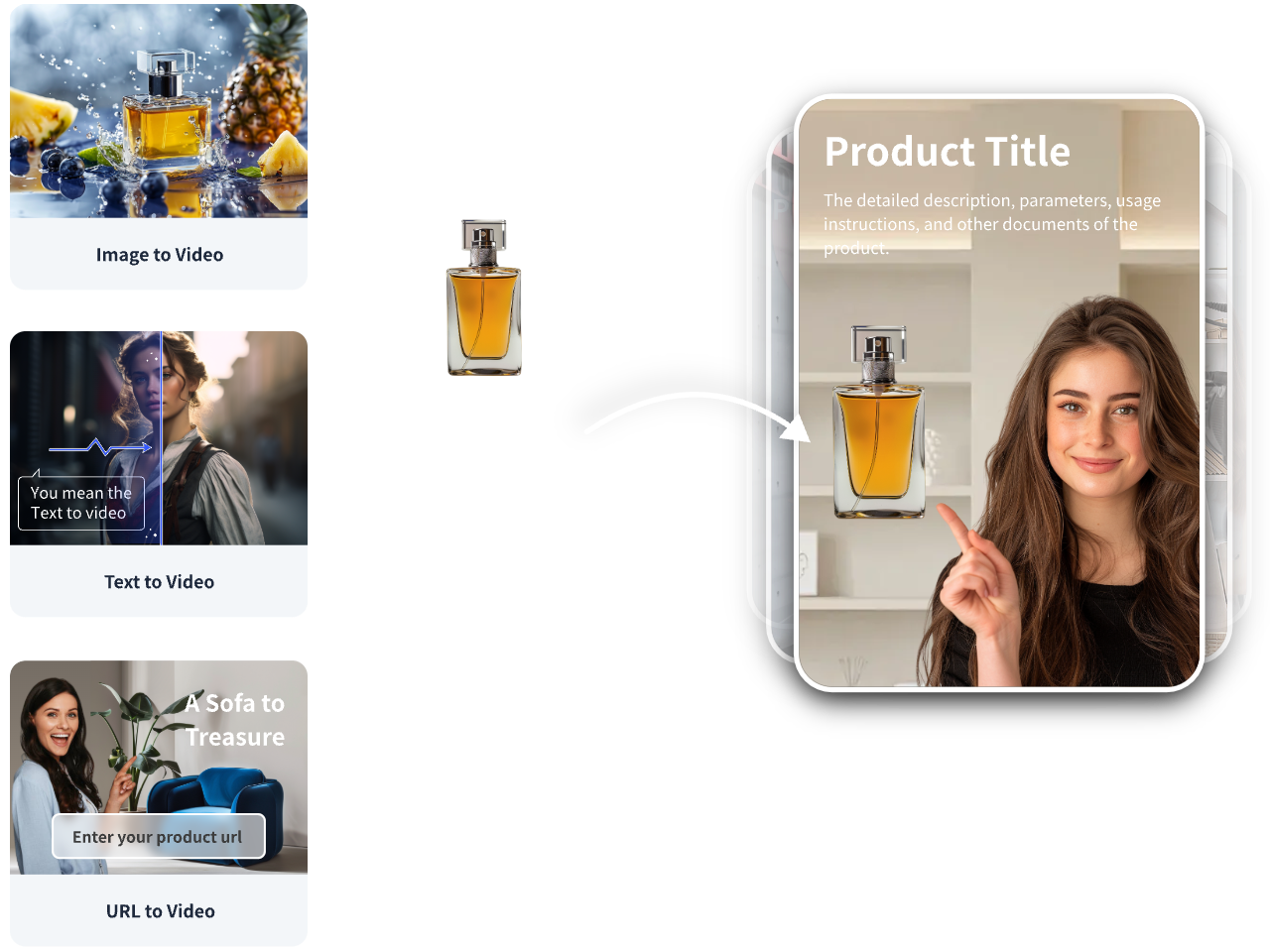
• Input: Product URL or images.
• In VidAU AI, choose URL to Video Ad or Product Image to Video for shoppable short video output.
• Paste a compact shot list (Level 3):
[shot_01] product: ceramic mug; action: steam swirl macro; camera: 85mm macro; lighting: warm key; duration:3s
[shot_02] benefit text: Keeps coffee hot; camera: 35mm top-down; duration:3s
[shot_03] lifestyle hand sip; camera: 50mm CU; lighting: window daylight; duration:4s
• Generate variants for TikTok/Meta/YouTube aspect ratios; review and test.
Body CTA: Turn one product image into a 10-second ad draft with VidAU using the Level 3 shot list above.
Multi-Shot Workflow: Iteration and Versioning
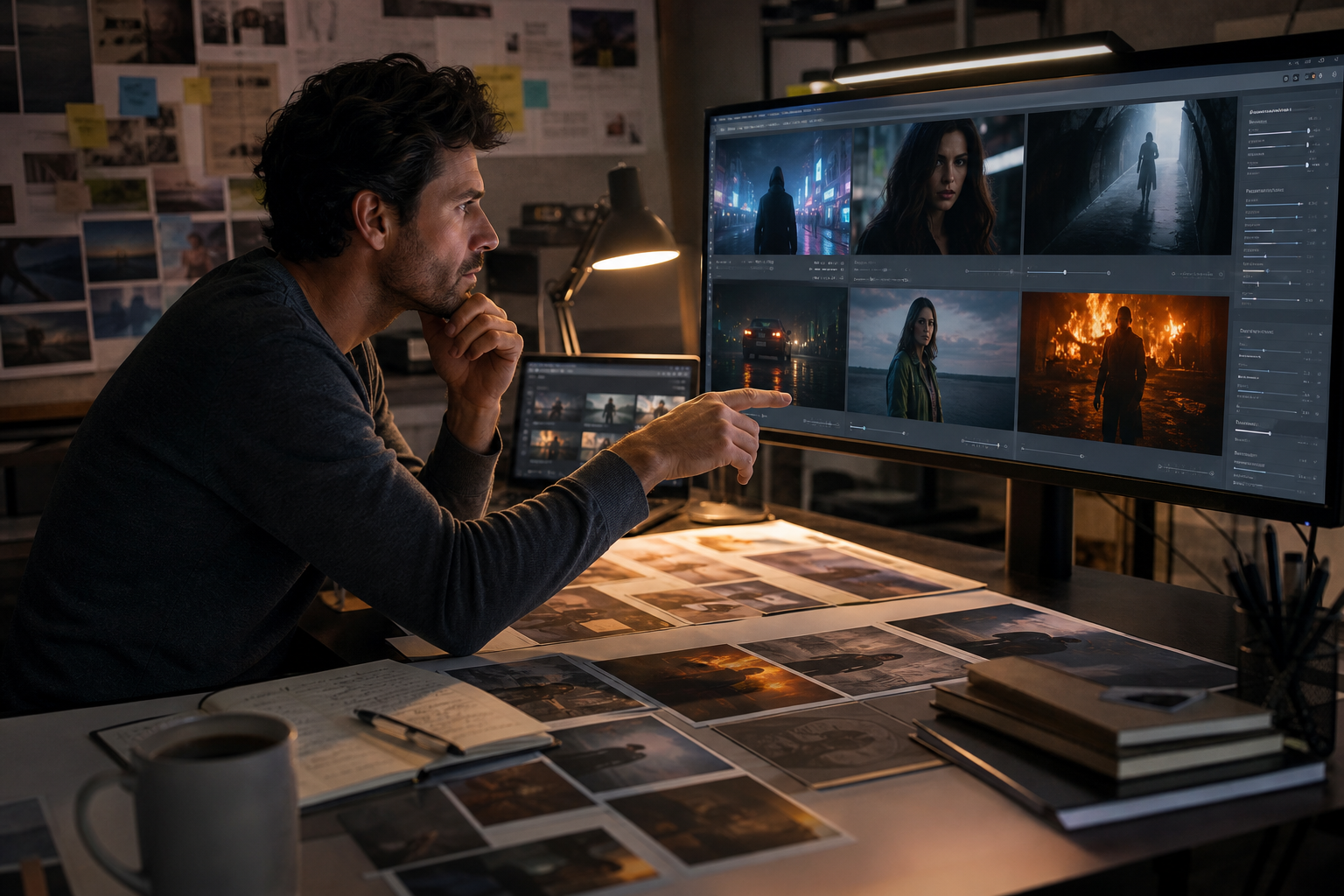
Visual for: Model-Aware Prompting: Pick and Adapt for the Scene
• Number shots clearly and keep IDs fixed across versions.
• Log variables: lens, move, lighting color, duration, grade.
• Iterate one variable per pass; save best frames as references for the next pass.
• For character consistency, reuse the same reference and wardrobe notes; change only camera or lighting.
• Name outputs like sceneA_v03_lens50mm to track changes.
Example iteration: Keep s01–s03 identical; change s02 lens from 35mm to 50mm to increase portrait compression while holding lighting.
Key Takeaways
• Consistency comes from fixed IDs, controlled variables, and references.
• Assistants help adapt syntax; your structure stays the same.
• Small changes beat full rewrites for quality gains.
Suggested Visual: A simple flowchart from idea → Level 3 prompt → model translation → v01/v02/v03 with notes.
Create With VidAU
Turn scripts, product URLs, and creative ideas into ad-ready video assets with a structured AI workflow.
Key takeaway
Final Thoughts
Strong results come from clear structure, not longer prose. Use the five levels to move from quick ideas to repeatable, multi-shot stories. Anchor visuals with references, iterate one variable at a time, and translate your neutral shot blocks to each model with a prompt assistant.
If you are producing ads or product videos, draft a Level 3 shot list and generate your first variants from a URL or images in VidAU AI, then iterate lighting or lens to find the winning look.
Frequently asked questions
What are AI video prompting and models in simple terms?
AI video prompting and models means writing structured instructions for text-to-video systems and choosing the engine that best fits your scene. Replace vague lines with shot IDs, subject/action, camera language, lighting, atmosphere, and duration so the model outputs footage that matches your intent more consistently.
How do I write a solid structured prompt for one shot?
Use a short block: subject, action, camera (lens, move, framing), lighting (key/fill/rim or time of day), atmosphere (mood and environment), and duration. Example: 50mm close-up, slow push-in, warm key, cool rim, 4 seconds. Keep it under six lines and avoid adjectives without specifics.
How many shots should a 10-second clip include?
Aim for two to three shots at 3–5 seconds each. Shorter than 2 seconds often looks rushed; longer than 6 seconds per shot can feel static unless your goal is slow cinema. Keep IDs stable and write transitions only when needed to signal pace changes.
How do I keep character consistency across clips?
Use a character block with an ID and stable attributes: face reference, hair, wardrobe, and signature props. Reuse the same references and notes across shots. Change only camera or lighting when iterating, not identity fields. Save the best frame as a new reference for later scenes.
When should I use image-to-video instead of text-only prompts?
Choose image-to-video when look, wardrobe, or layout matters. A single reference frame can lock color palette, materials, and silhouette. Keep the shot structure the same, and ask the model to match the reference while you vary camera and lighting for controlled creativity.
Which models are good for close-up dialogue versus action?
For dialogue close-ups, try Veo, Runway, or Vidu, which many creators use for faces and subtle motion. For action or dynamic motion, Kling or Luma Dream Machine are common picks. Always test with the same shot block and tweak lens or duration first before larger changes.
How do I adapt one prompt to different models?
Write a neutral Level 3 block, then use DeepSeek, ChatGPT, or Gemini to translate it to each model’s preferred syntax without changing IDs, durations, or camera notes. Compare outputs side by side, altering only one variable (e.g., lens) to see how each model interprets the same instructions.
Can this workflow help with ads or product videos?
Yes. Product tabletop and lifestyle shots benefit from precise camera and lighting notes. Draft a Level 3 shot list, add one style or product reference frame, and generate variants. If you need ad-focused outputs from a product URL or images, VidAU AI can help produce shoppable short videos for quick testing.