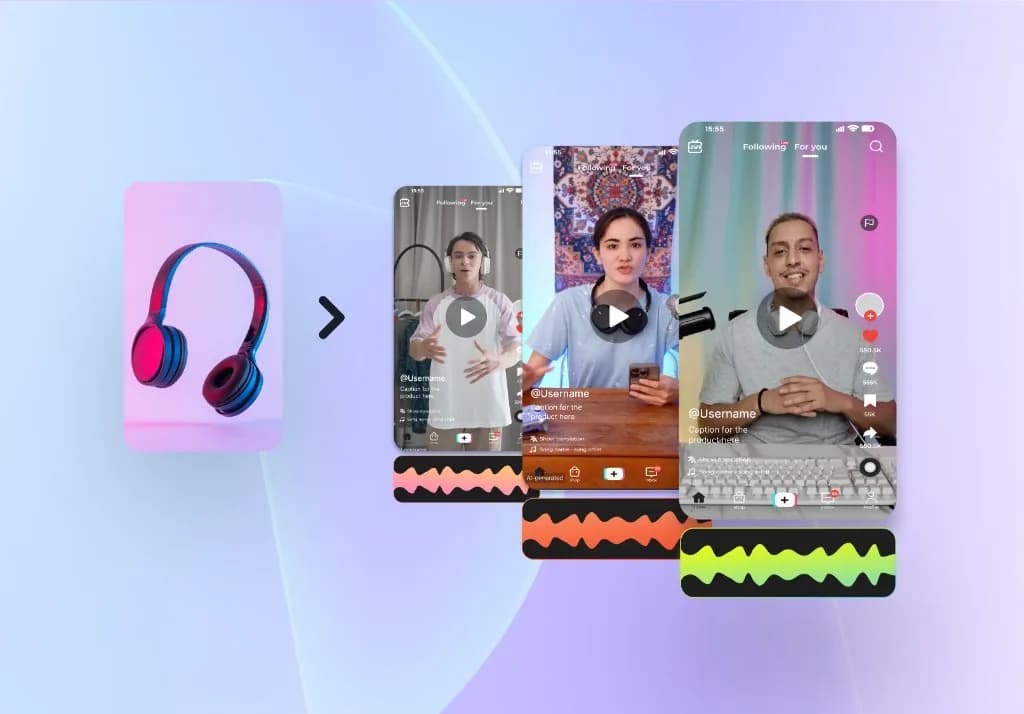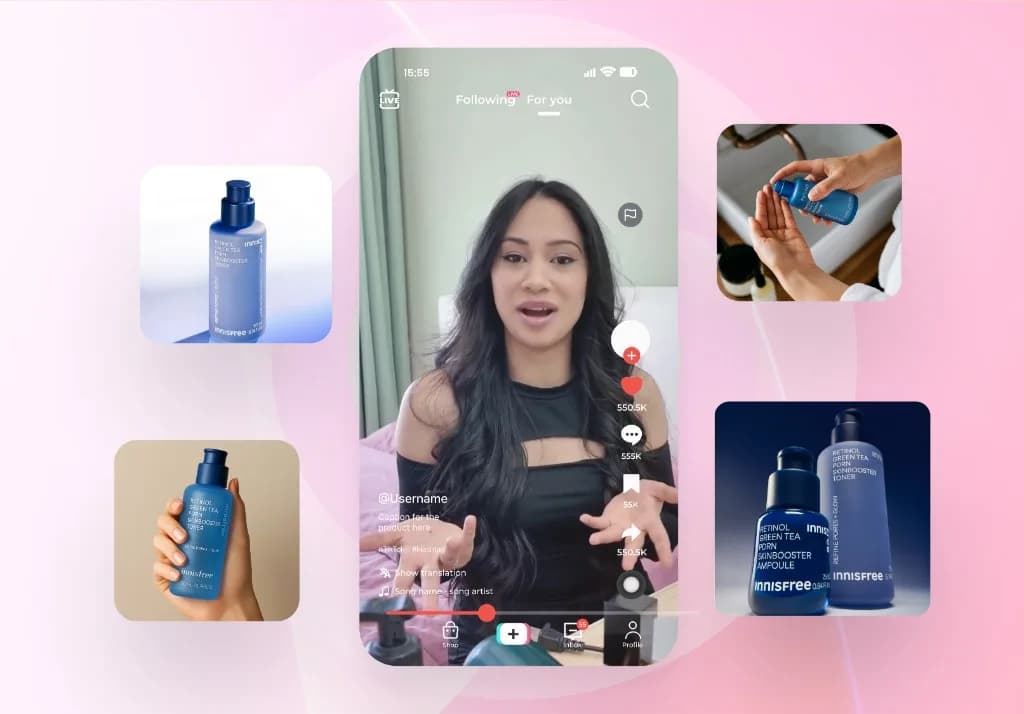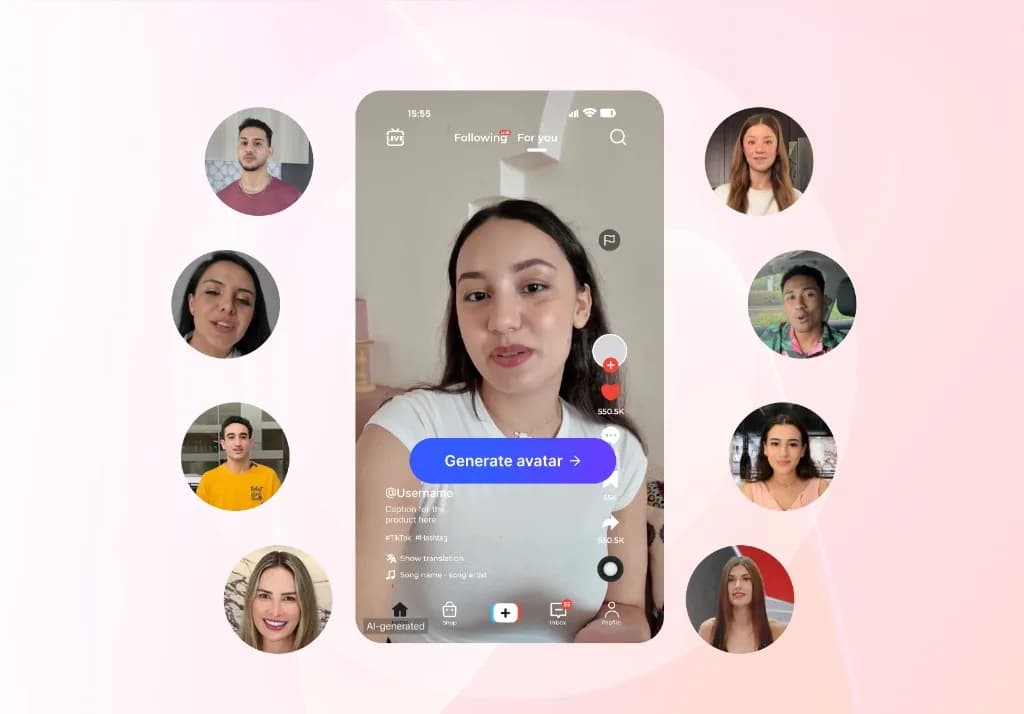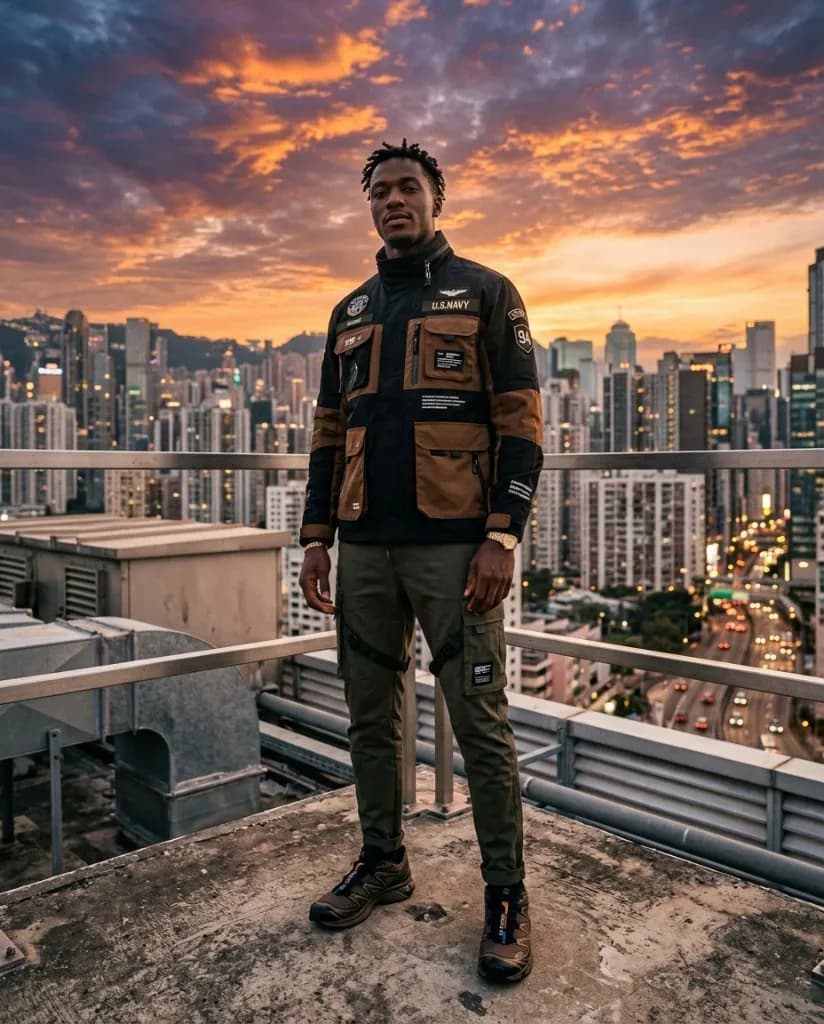
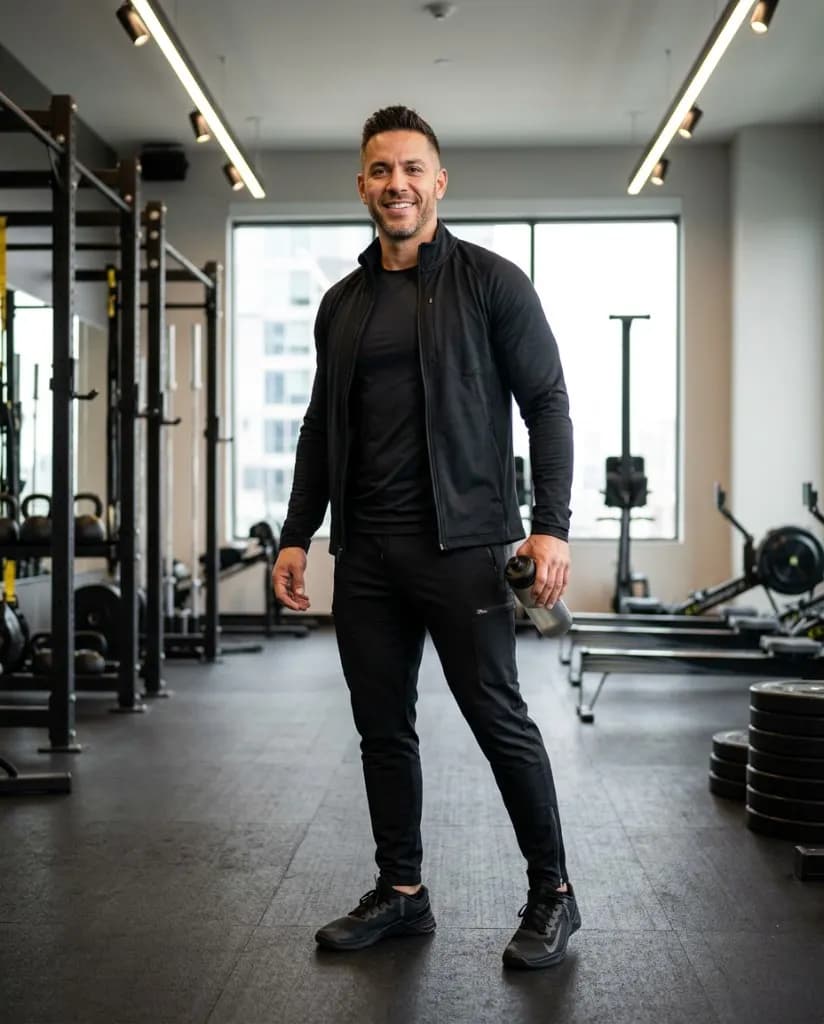

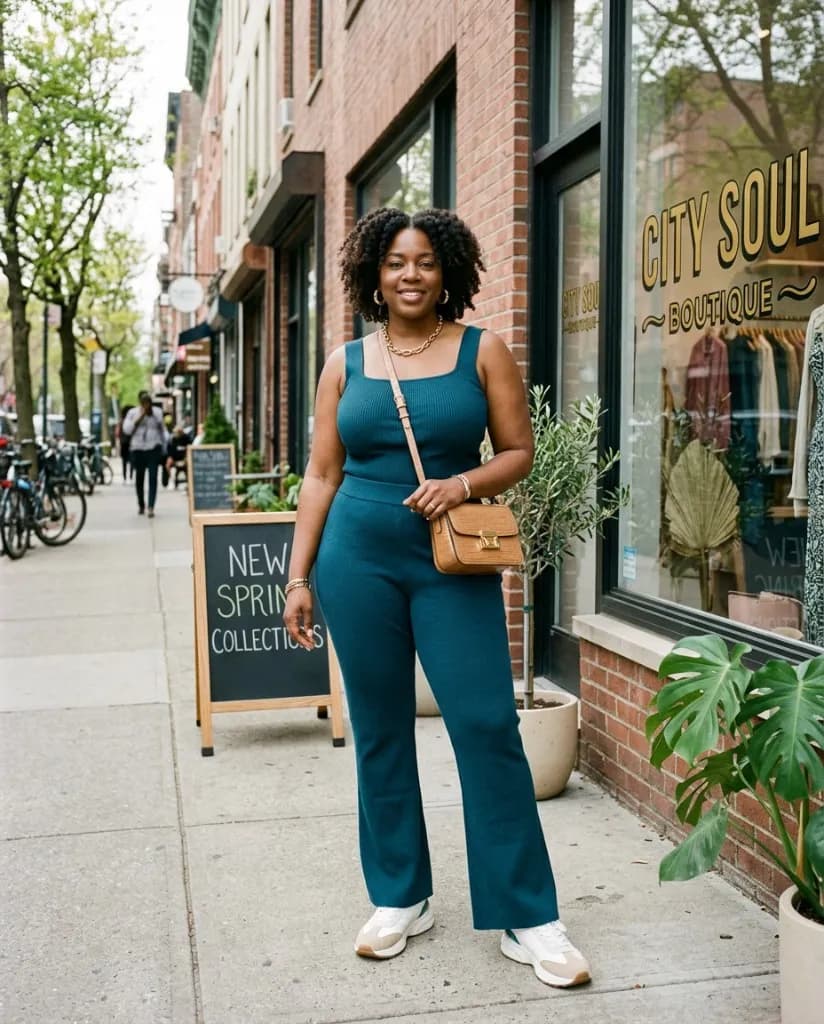
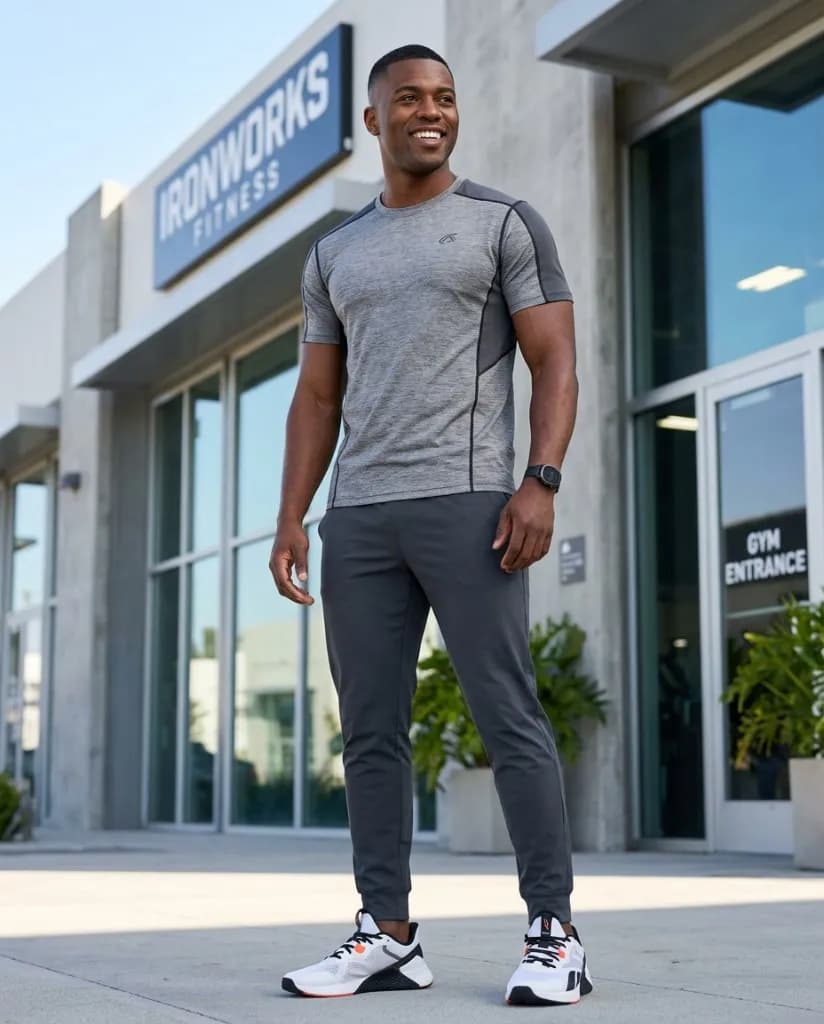
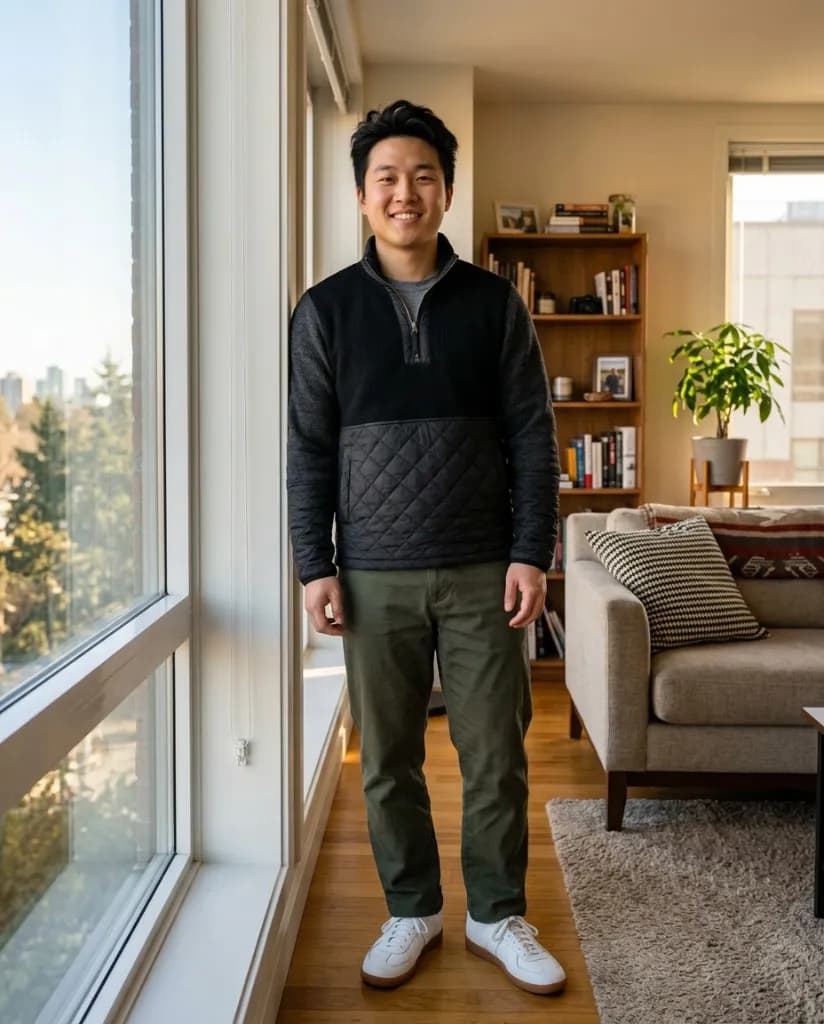
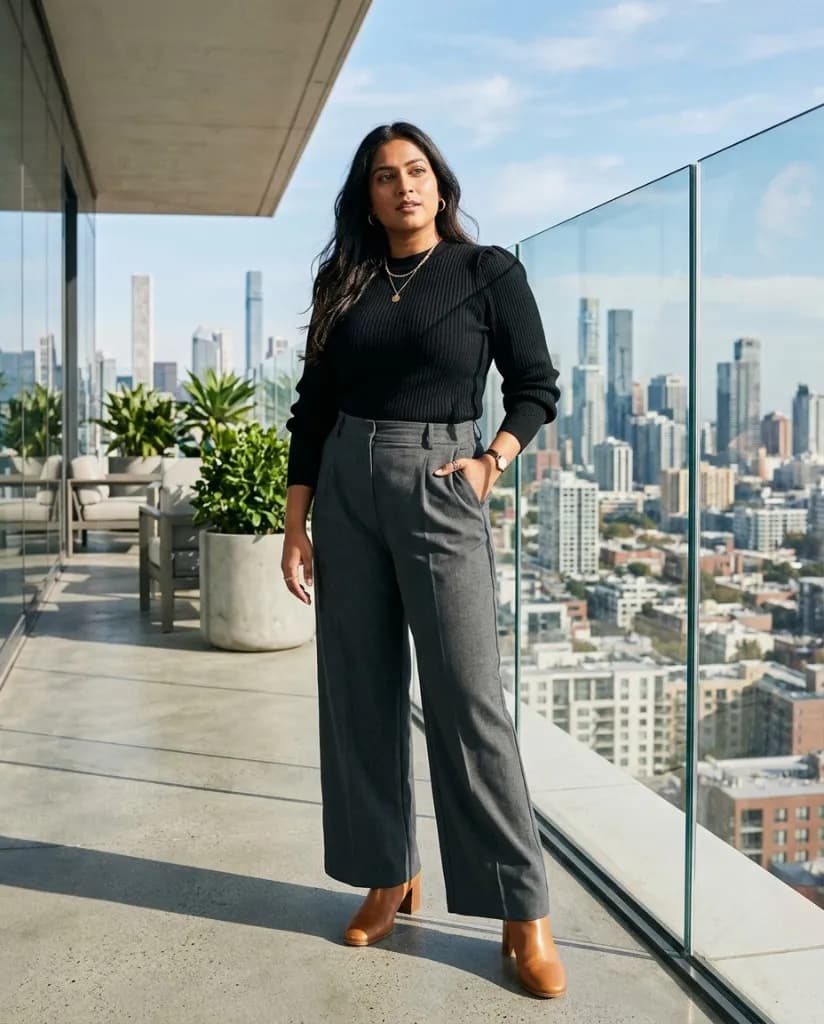
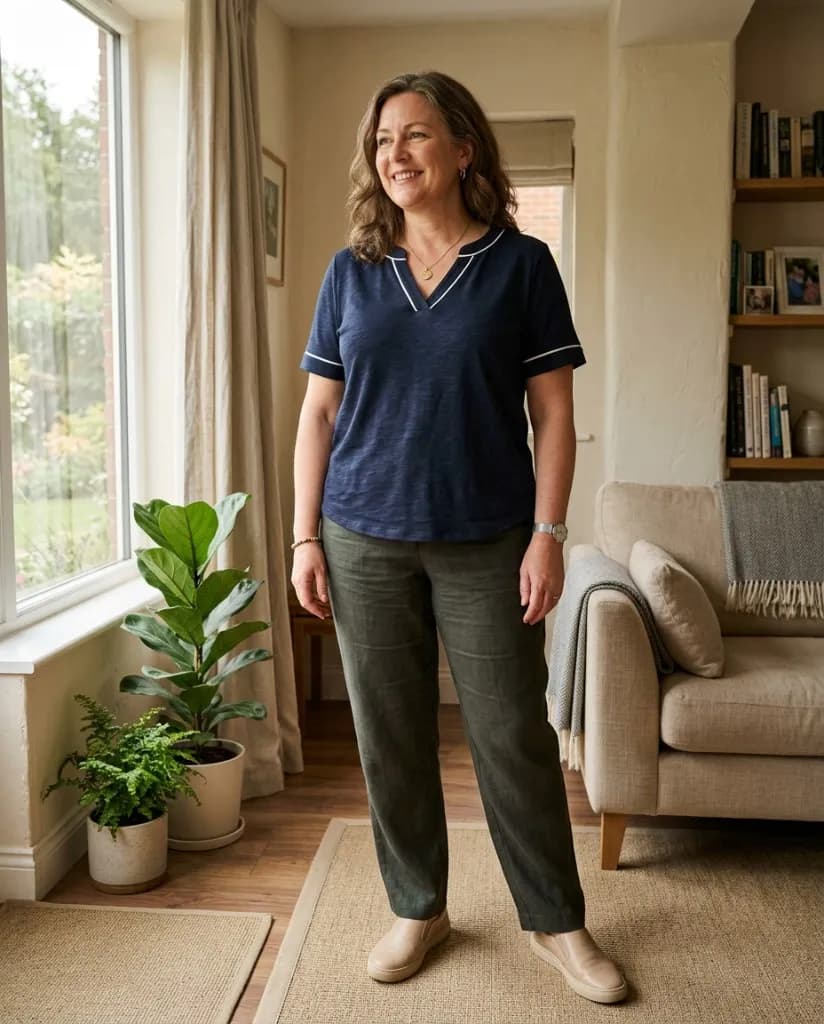
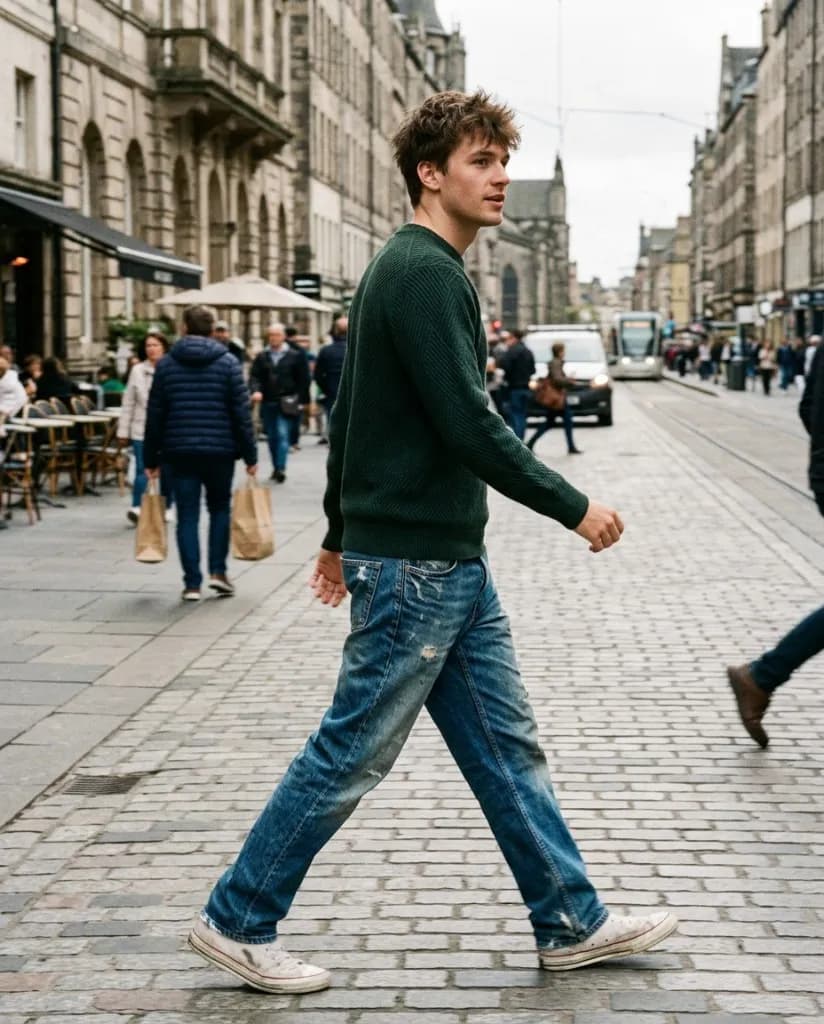
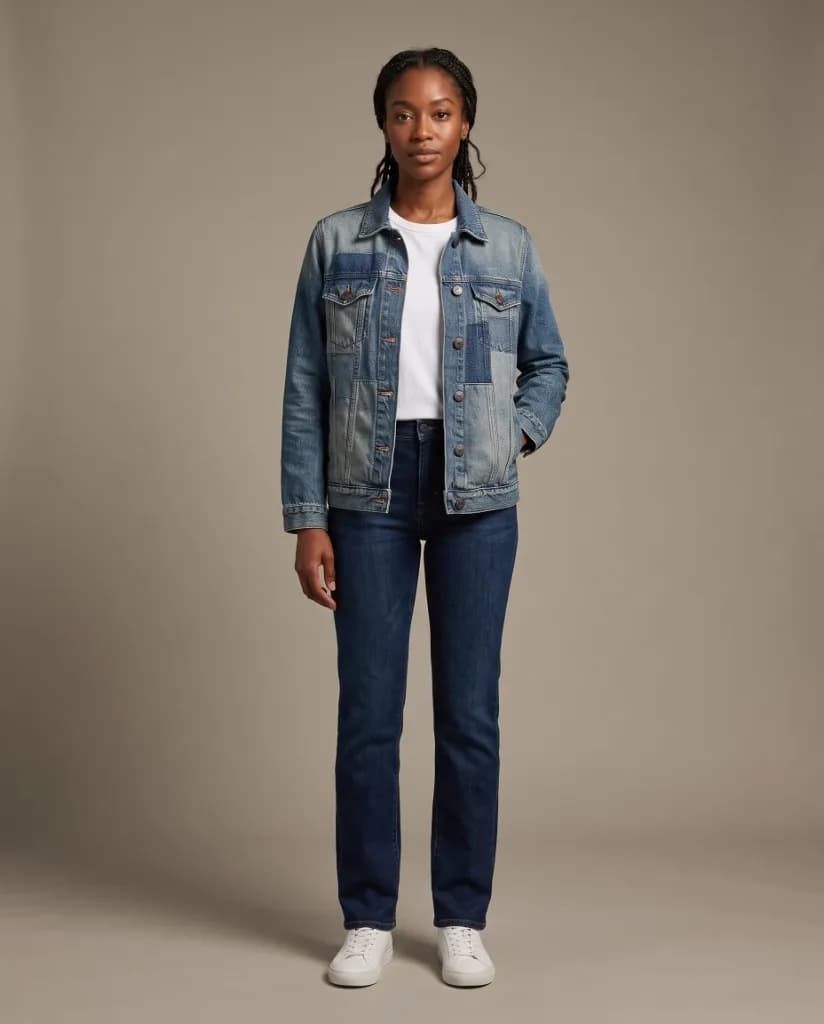
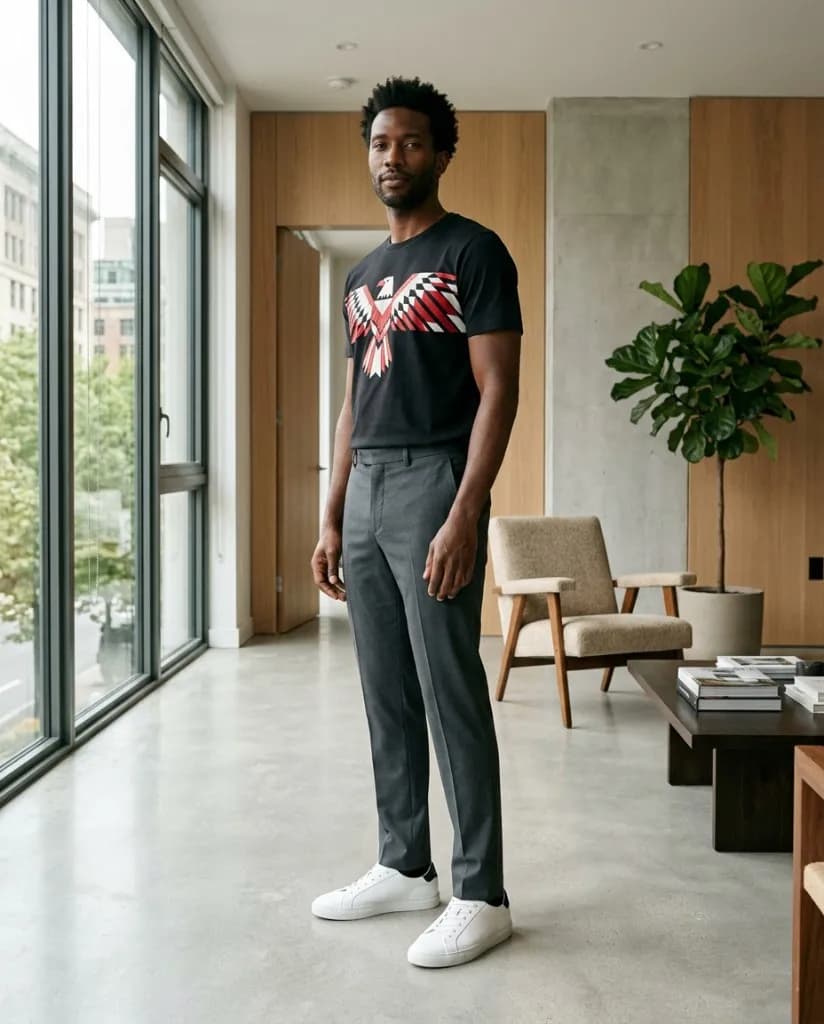
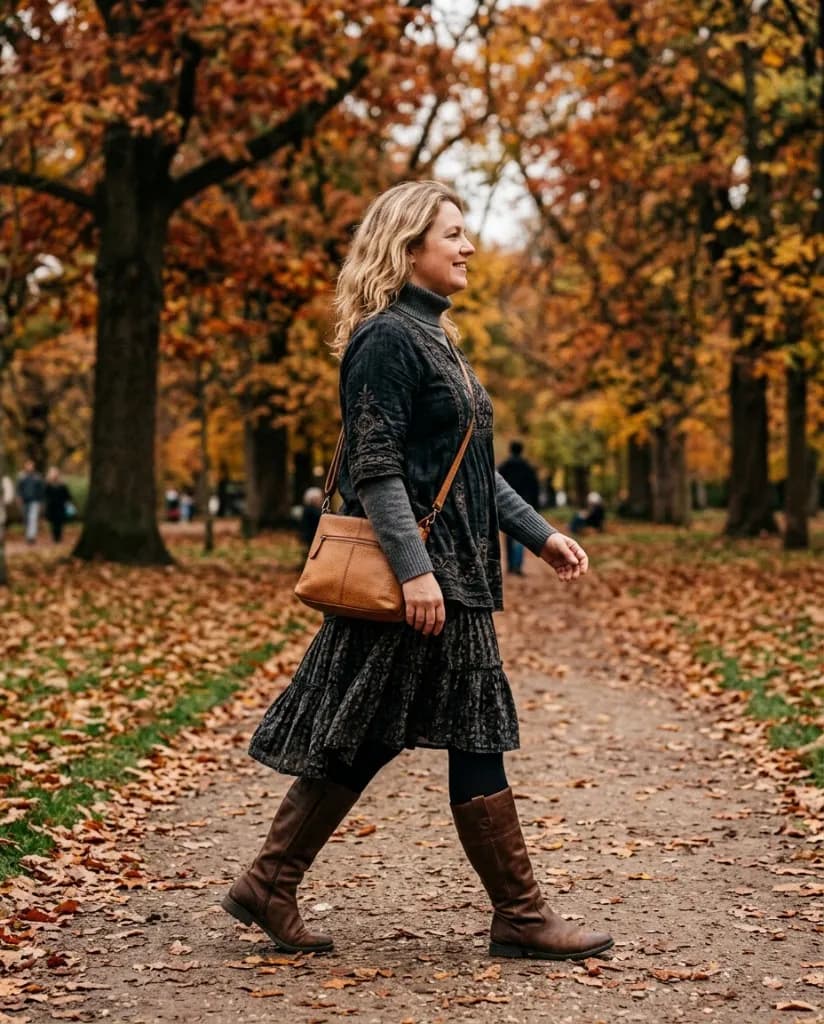
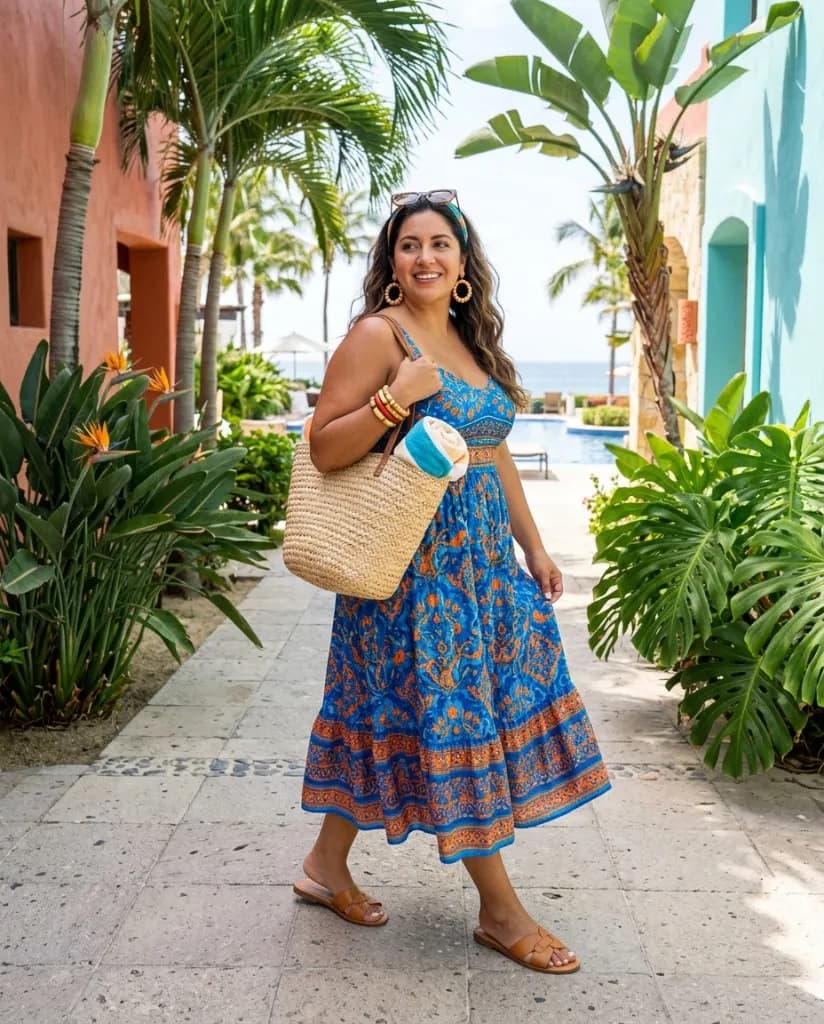
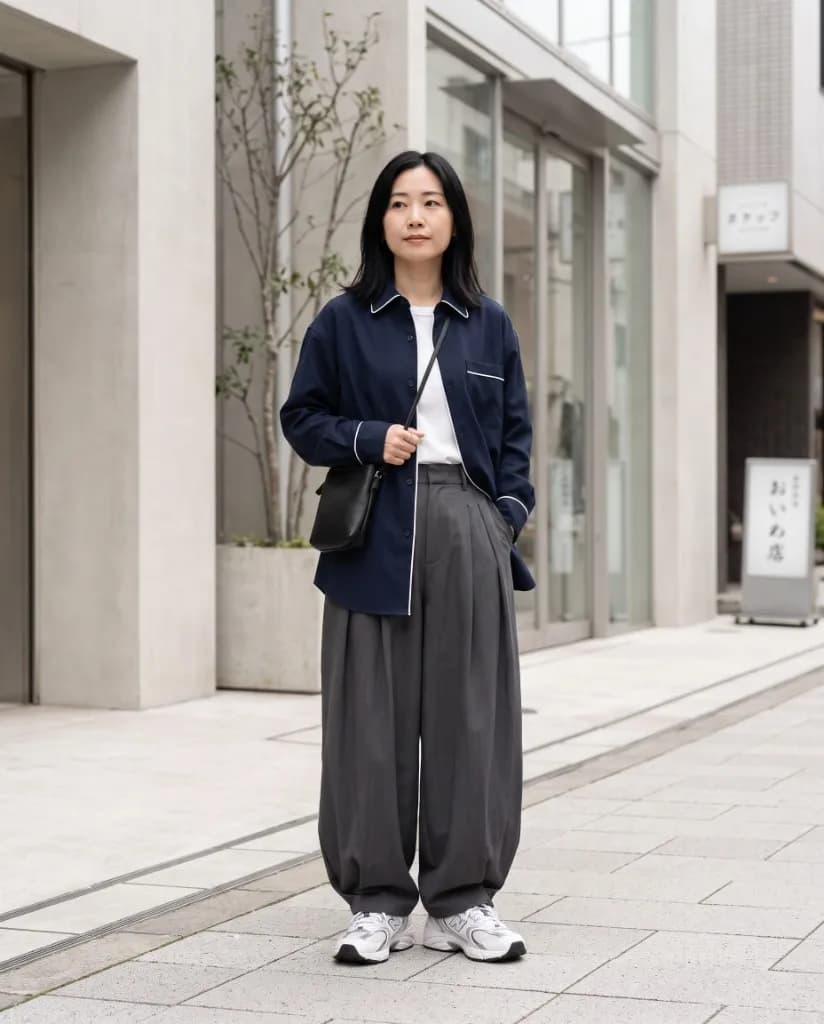
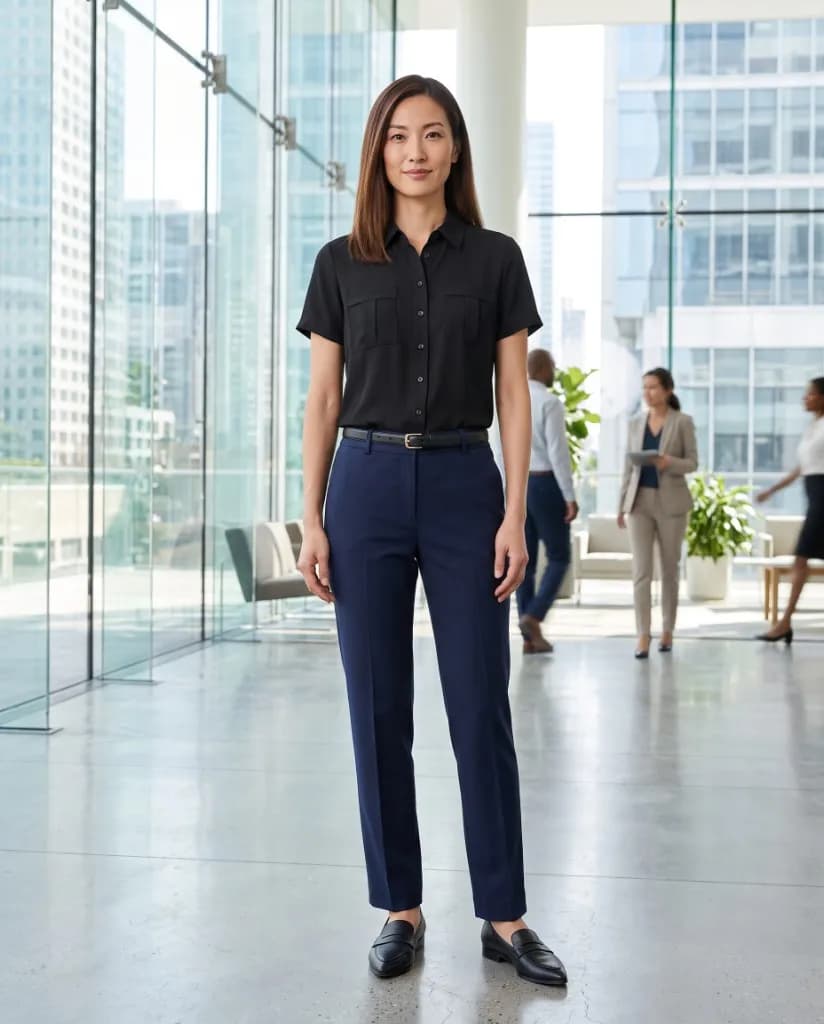
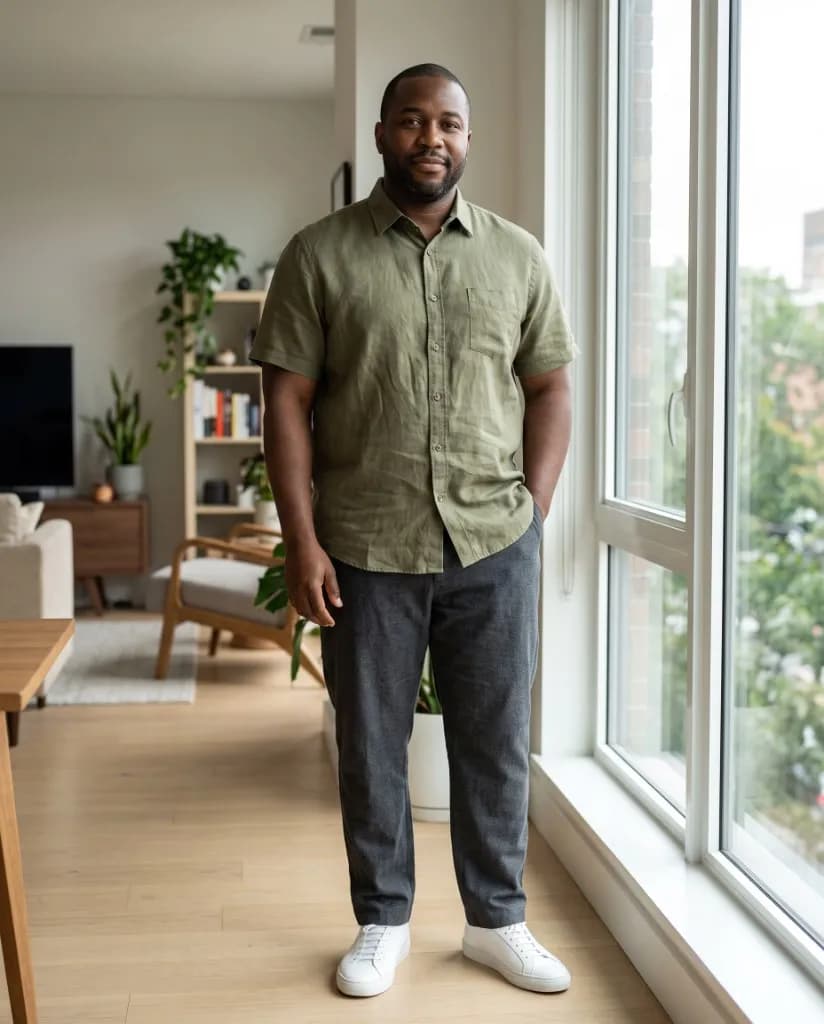
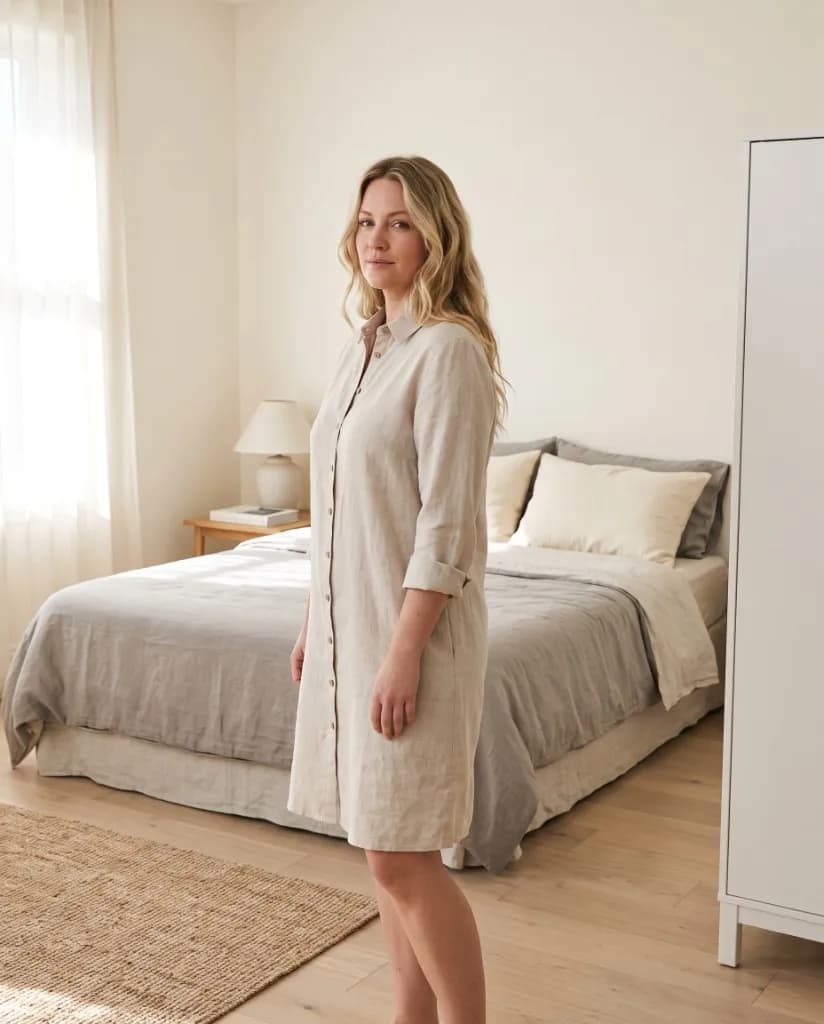
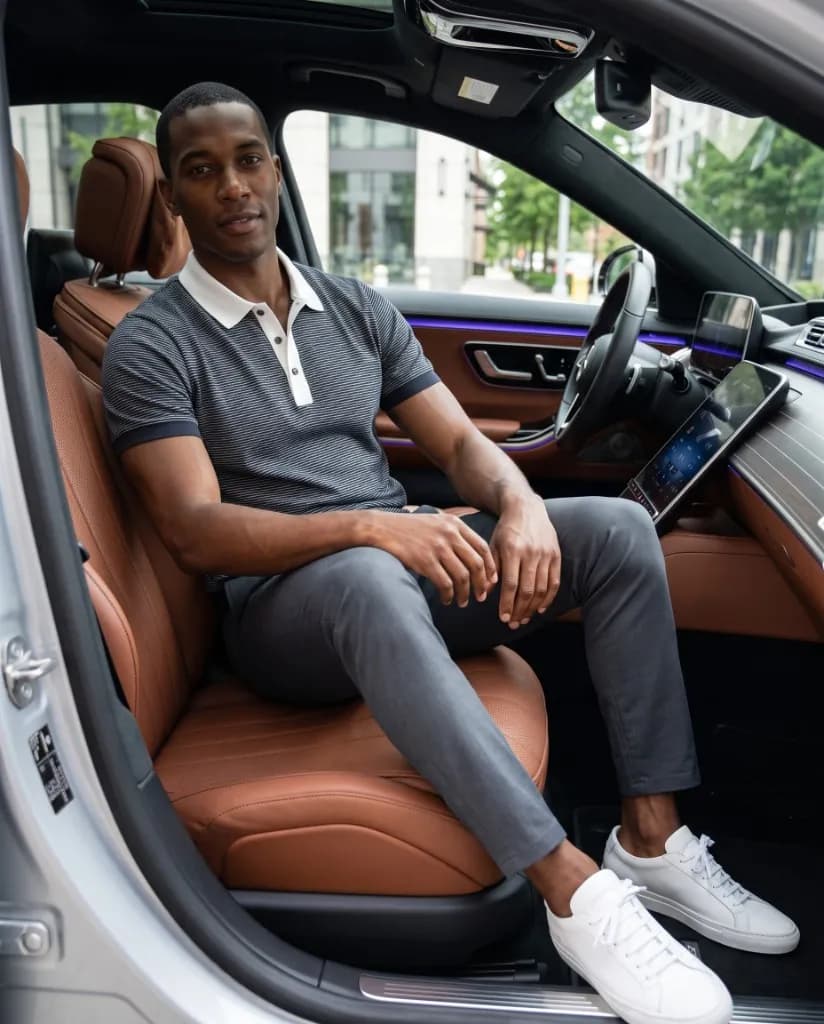
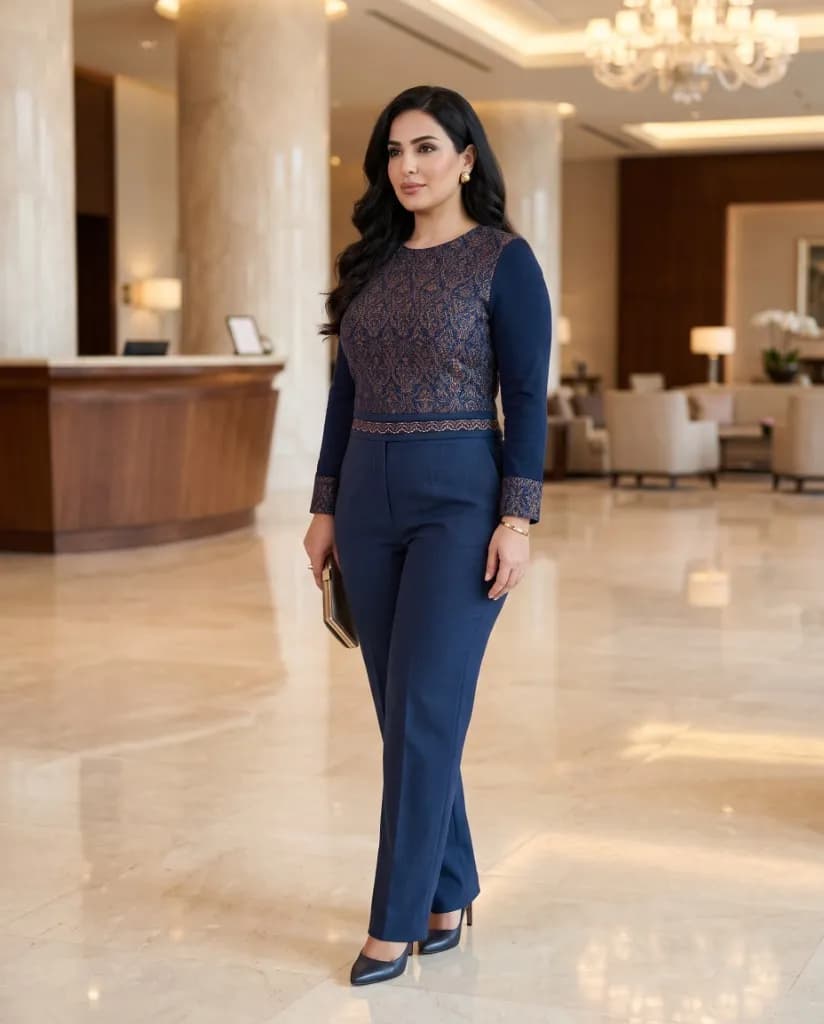
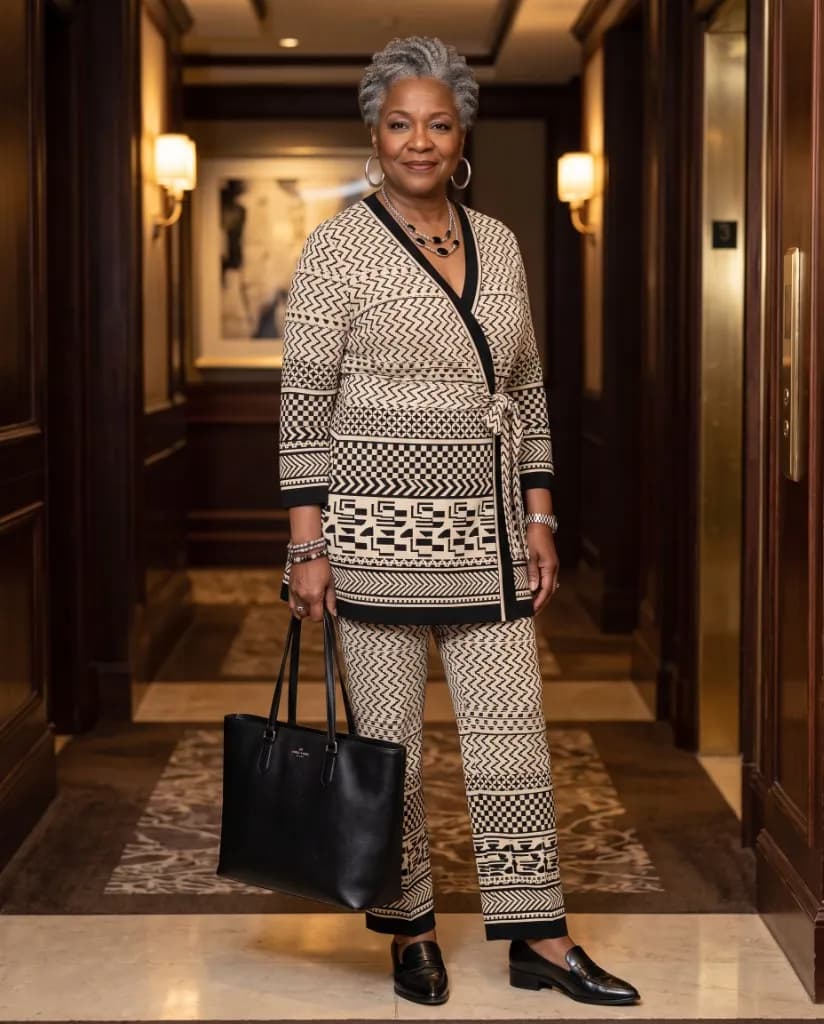
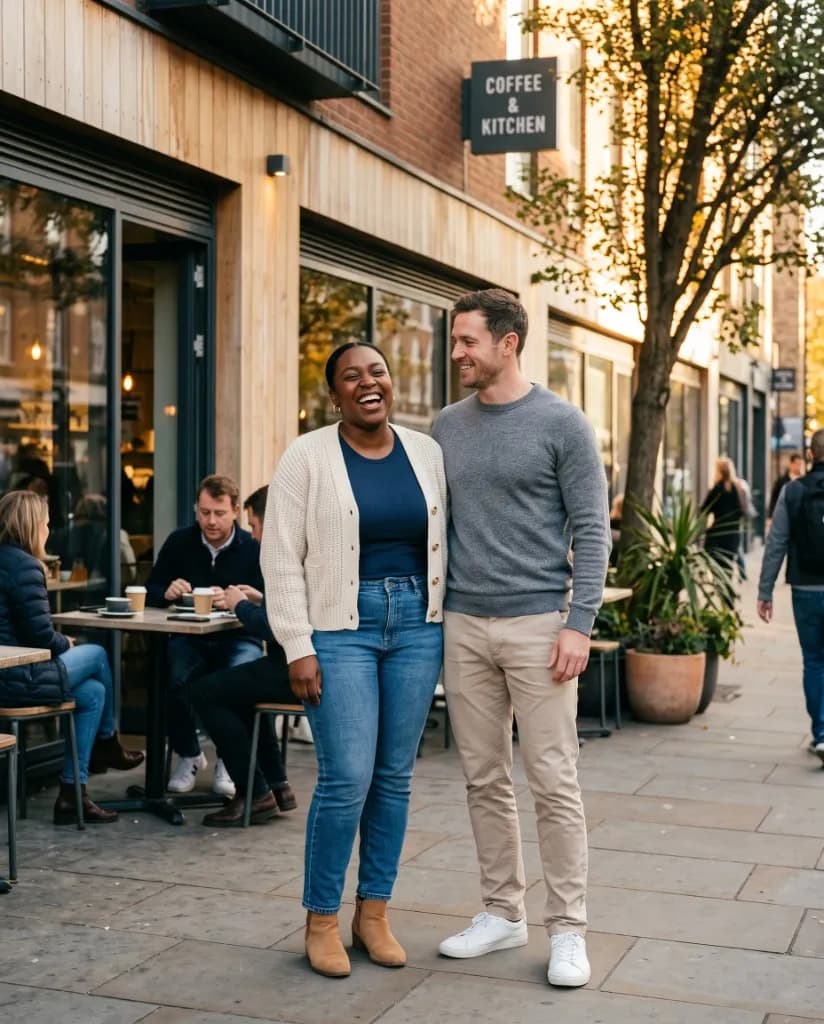
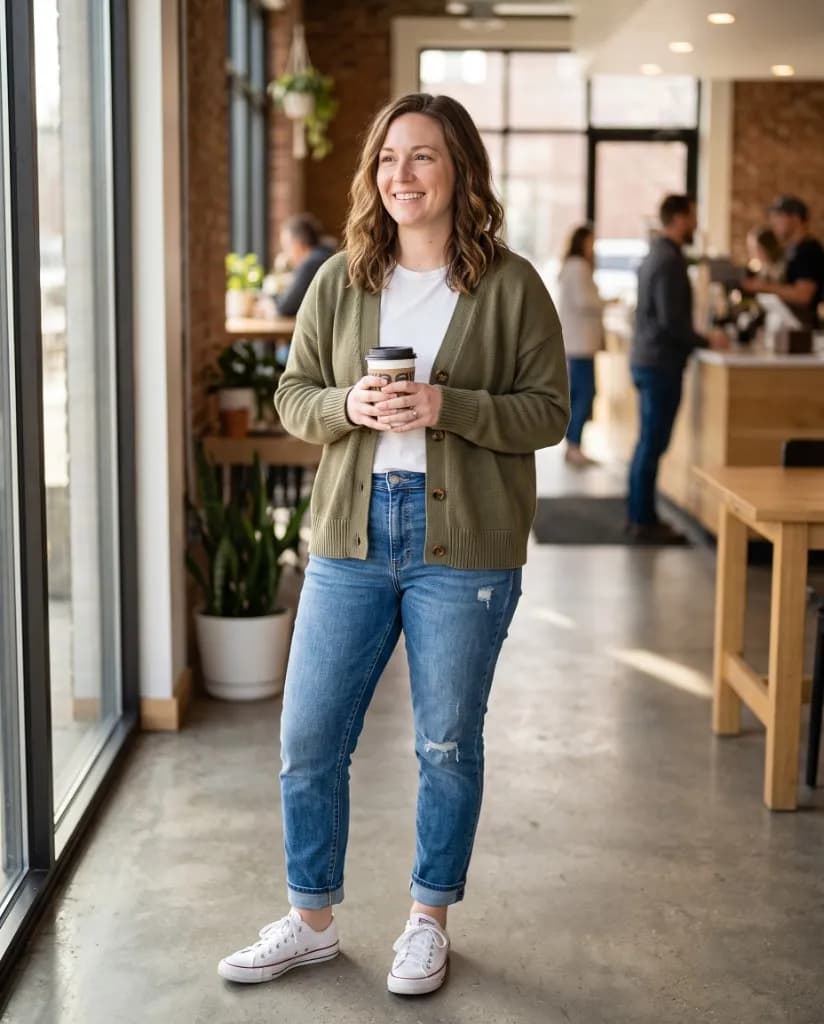
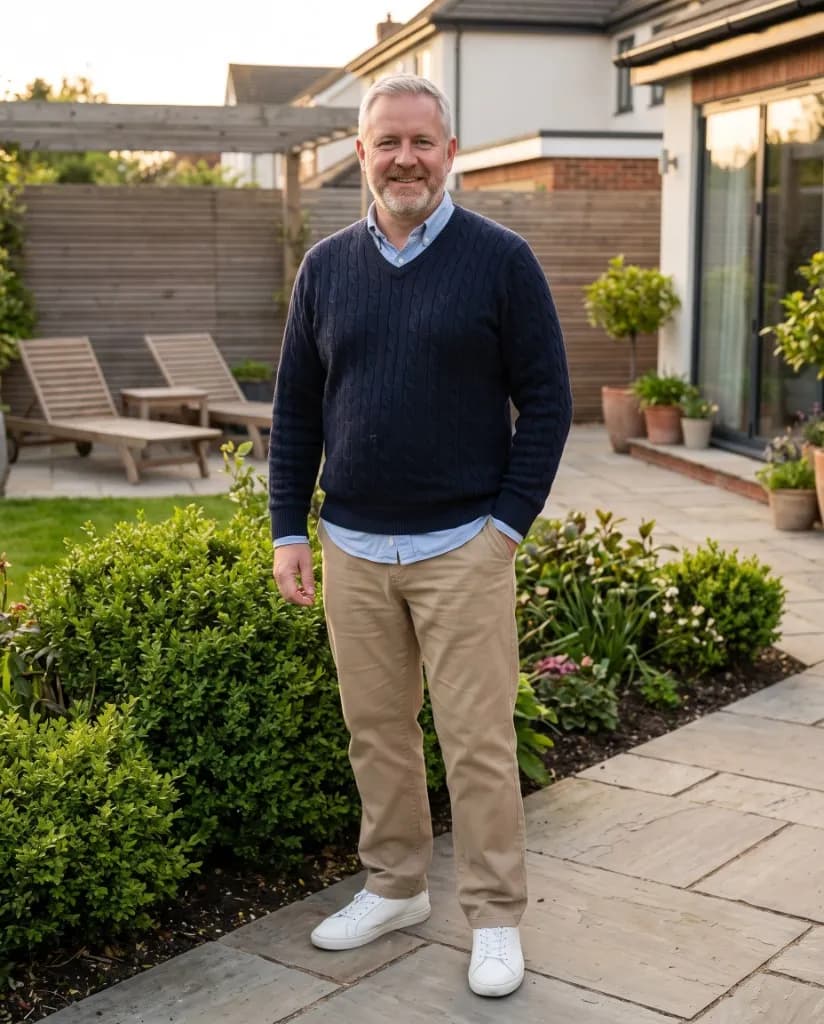
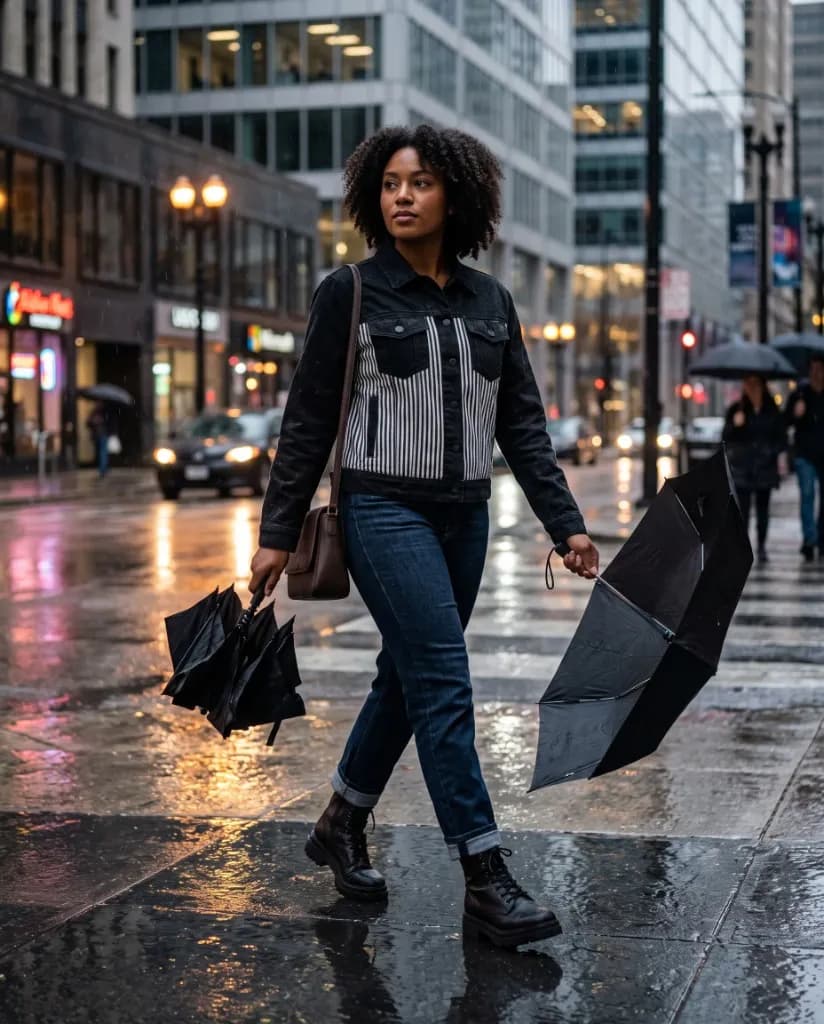

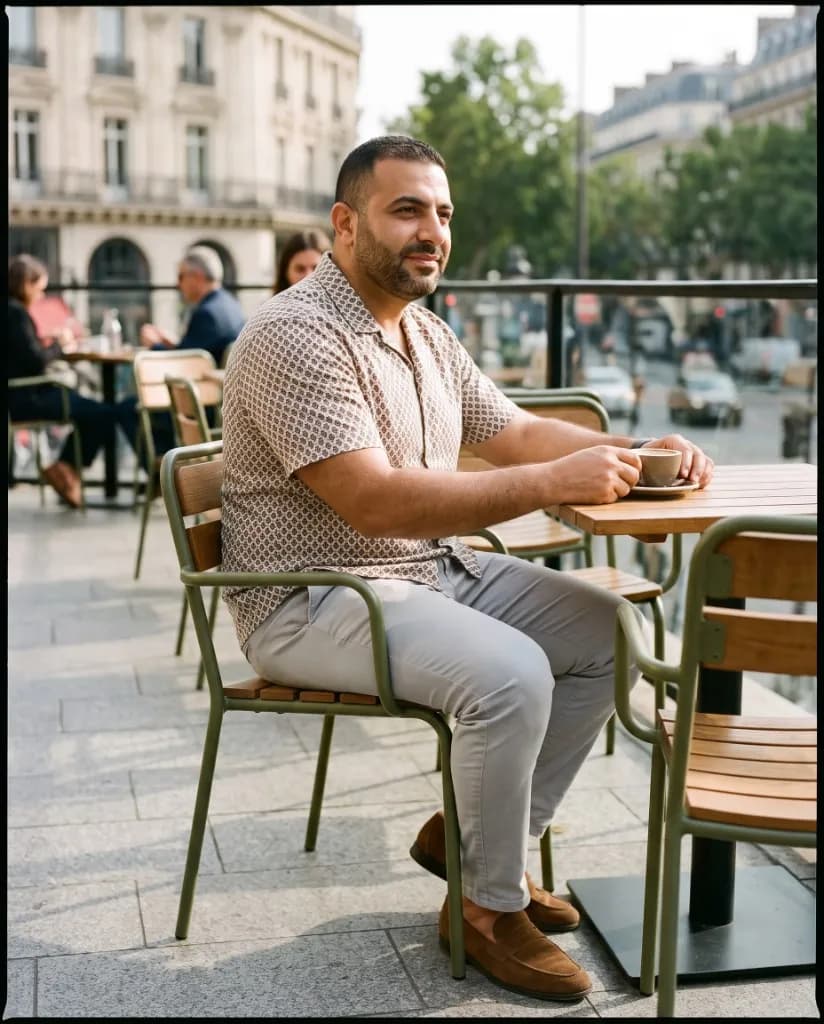

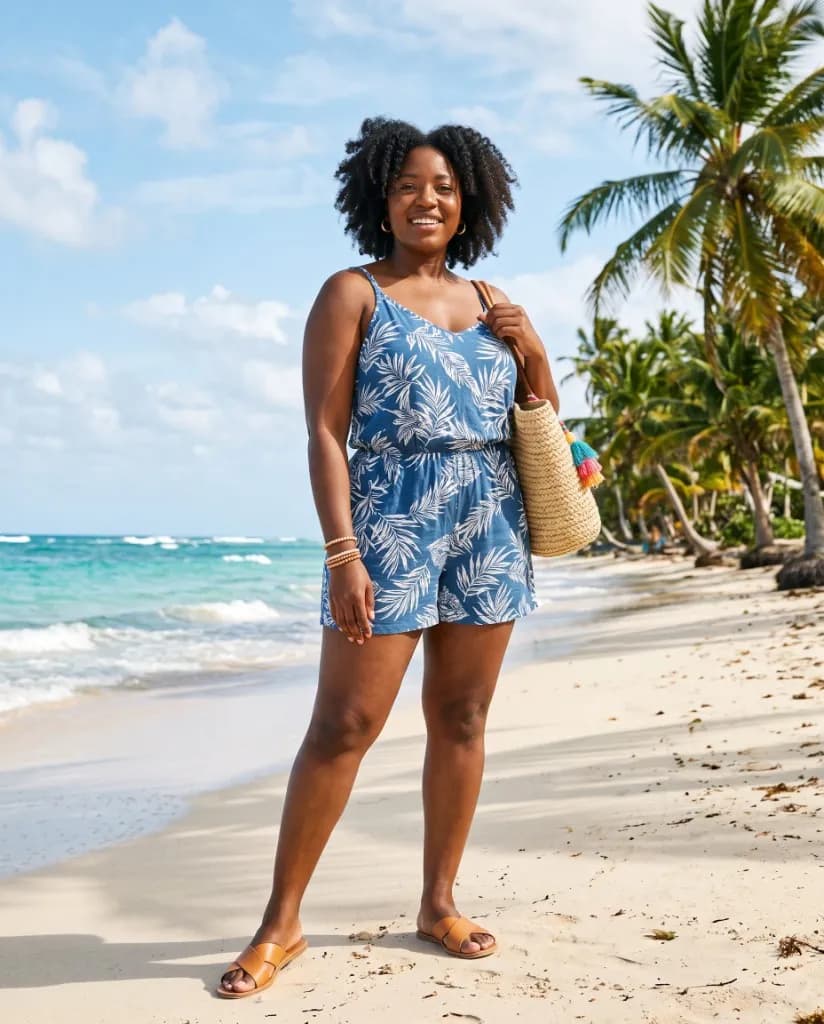
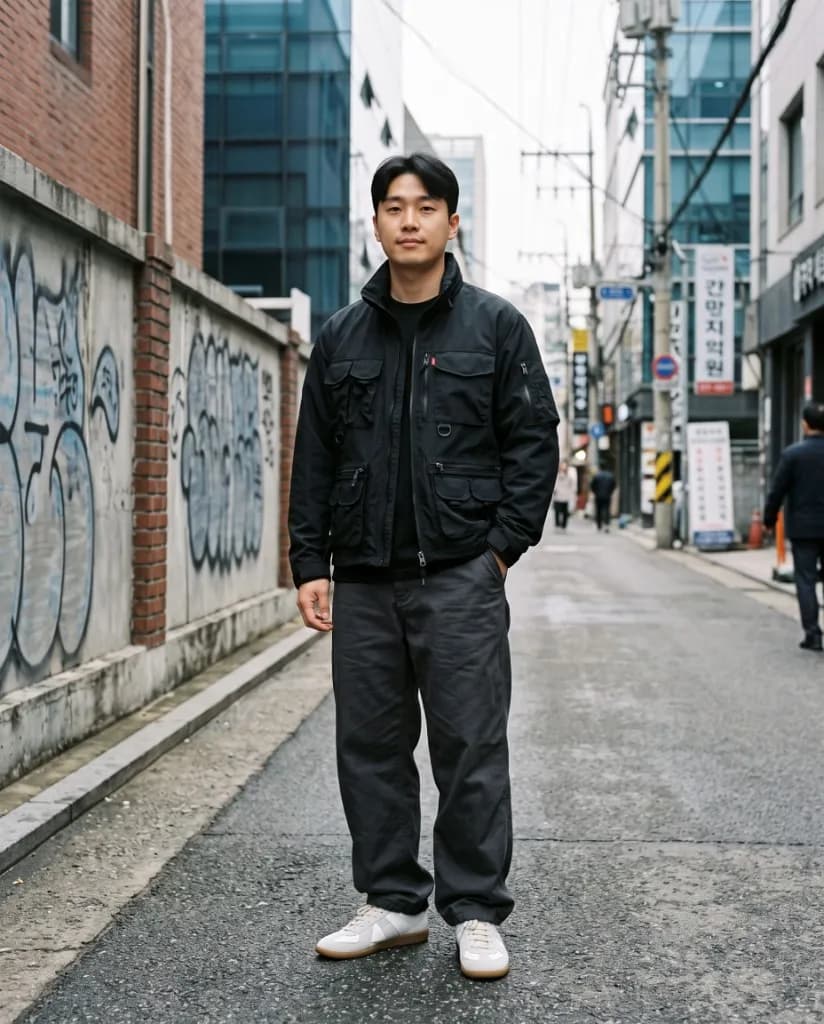
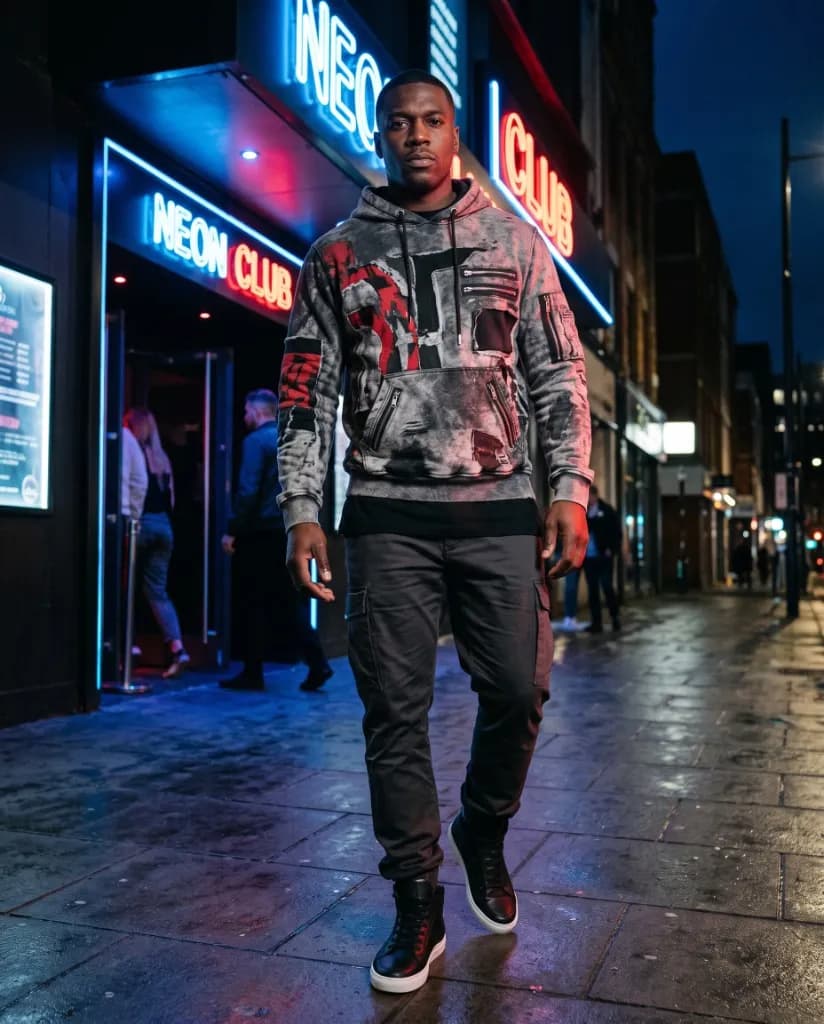
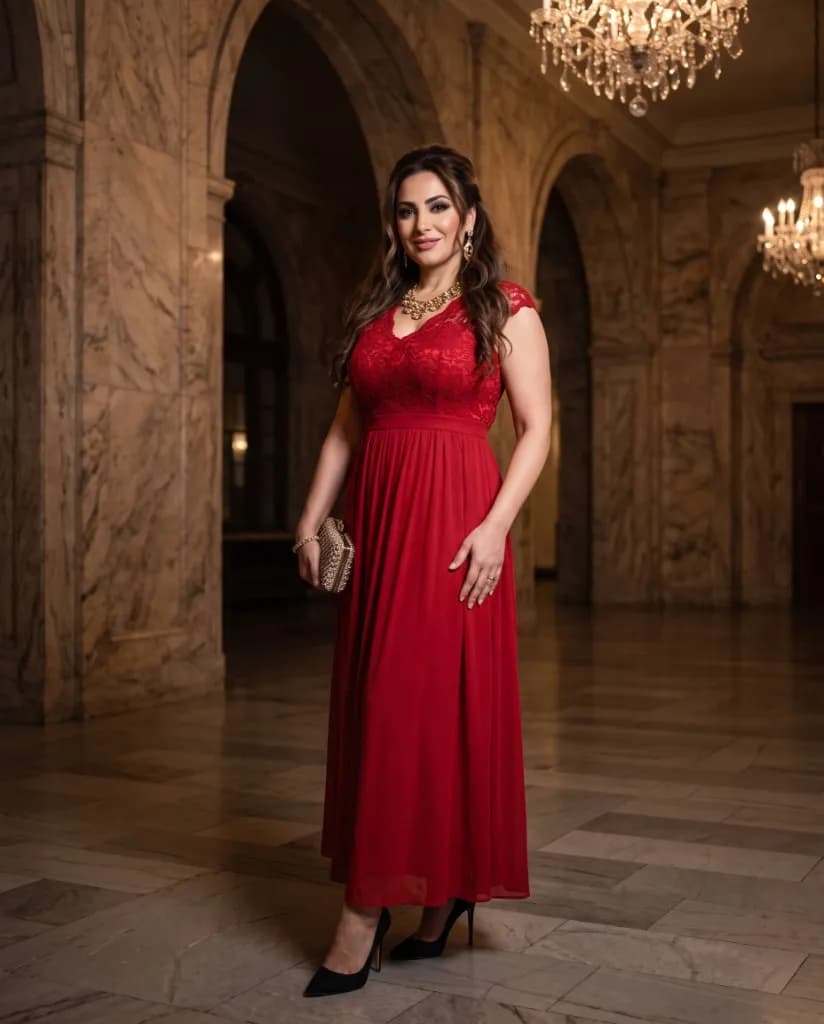
On-Model Results
TRY-ON
“Show clothing, footwear, jewelry, and accessories on AI or uploaded models.”

Create try-on images and shots. Use a product image and model photo to create realistic virtual try-on visuals for fashion, accessories, social media, and e-commerce campaigns.
On-Model Results
TRY-ON
“Show clothing, footwear, jewelry, and accessories on AI or uploaded models.”
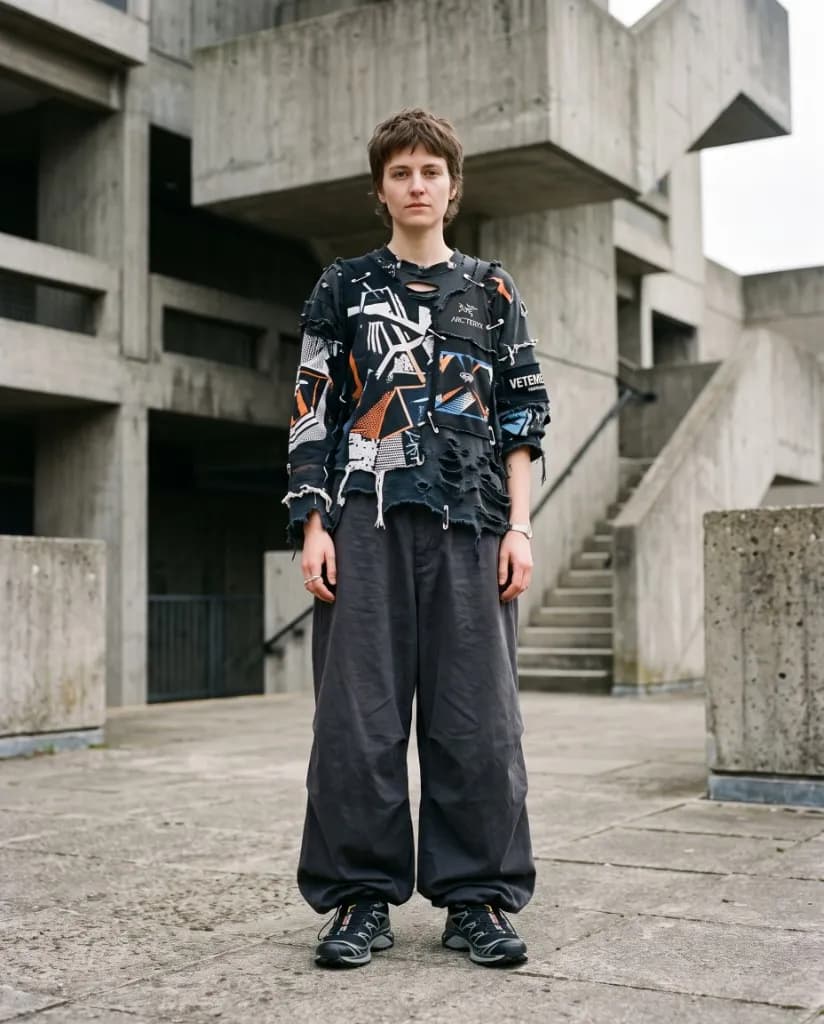
Try Different Styles
TRY-ON
“Explore different outfits, poses, backgrounds, and campaign directions from one product.”
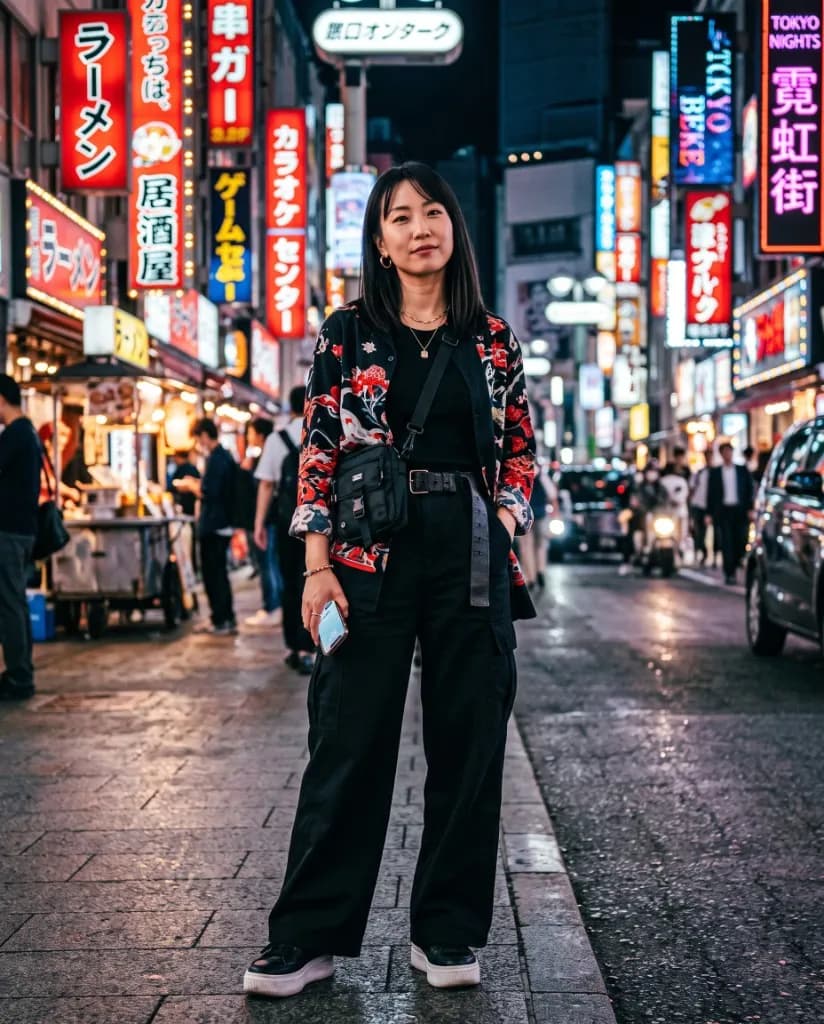
Campaign Flexibility
TRY-ON
“Create new visuals for product pages, advertisements, email campaigns, and social media.”
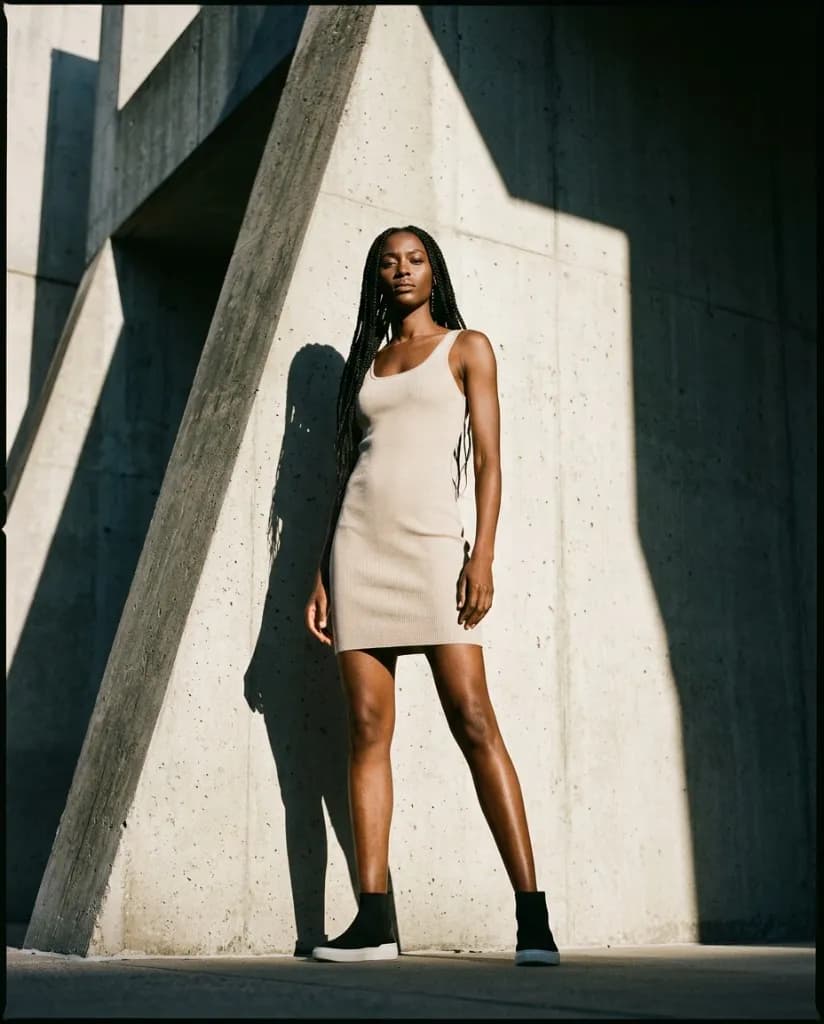
Product Fit
TRY-ON
“Place supported fashion items naturally on a model while retaining the product’s visible design.”
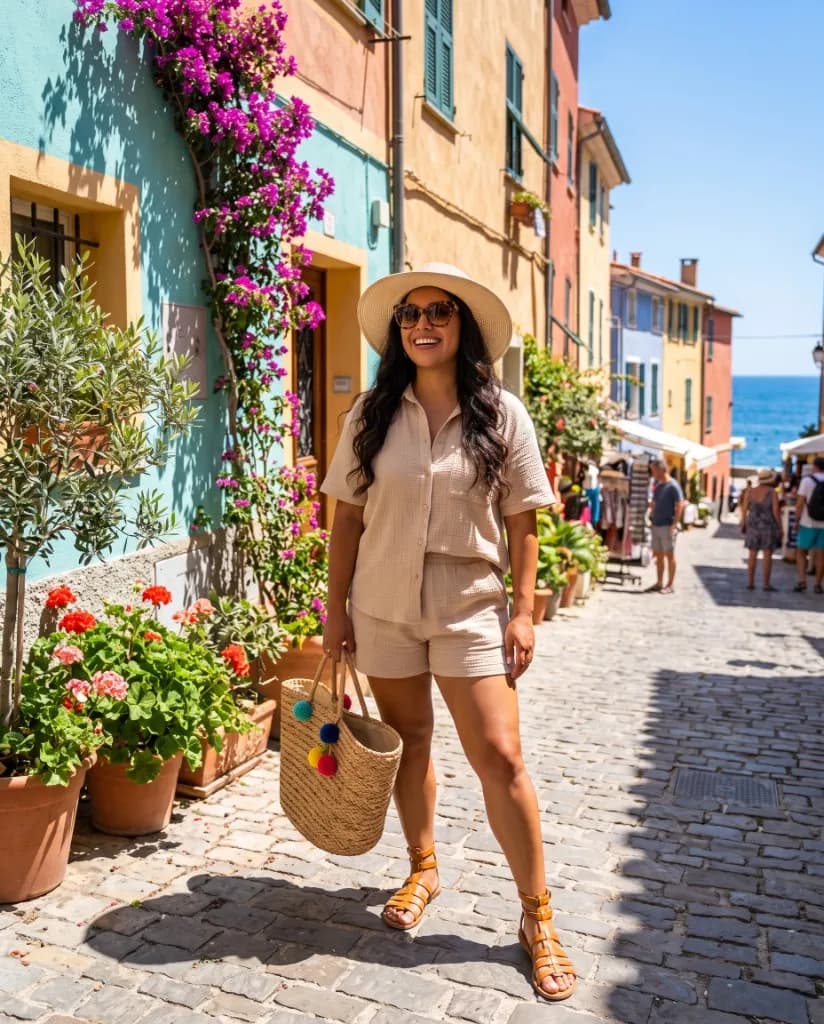
Simple Creation
TRY-ON
“Upload the required images and generate your result without manual compositing or advanced photo editing.”
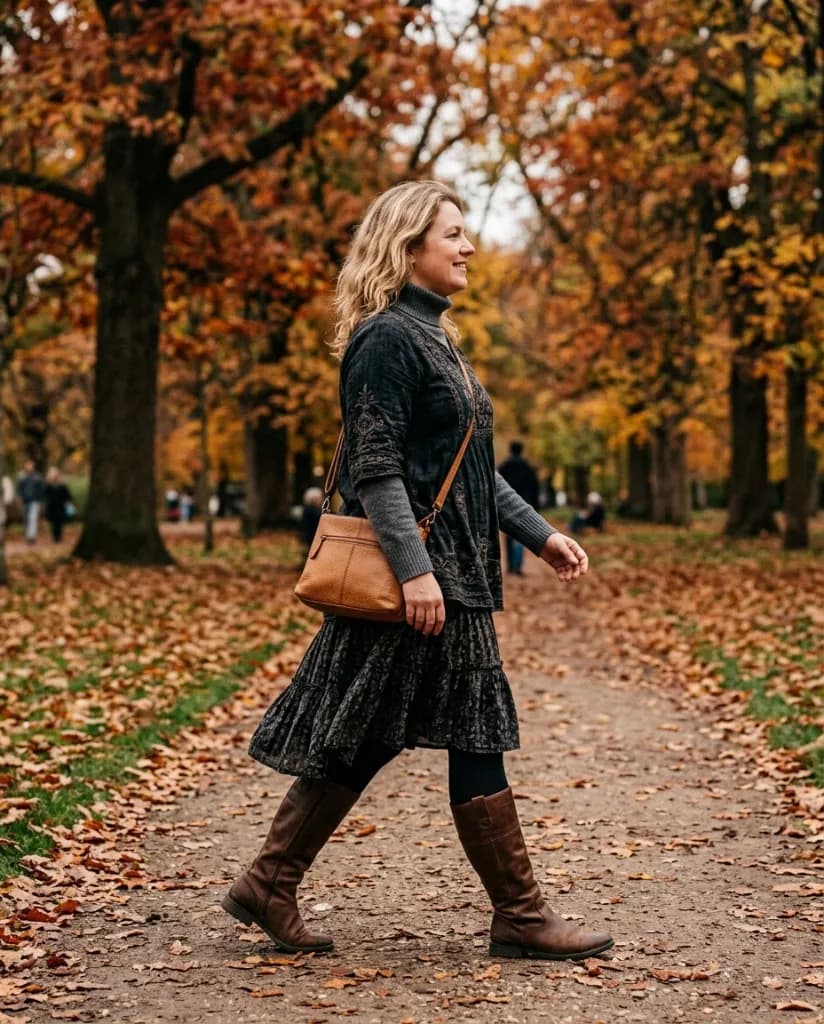
Present Products on the Right Models
Combine a product with an uploaded model image or other supported model options for different audiences, collections, and campaign directions.
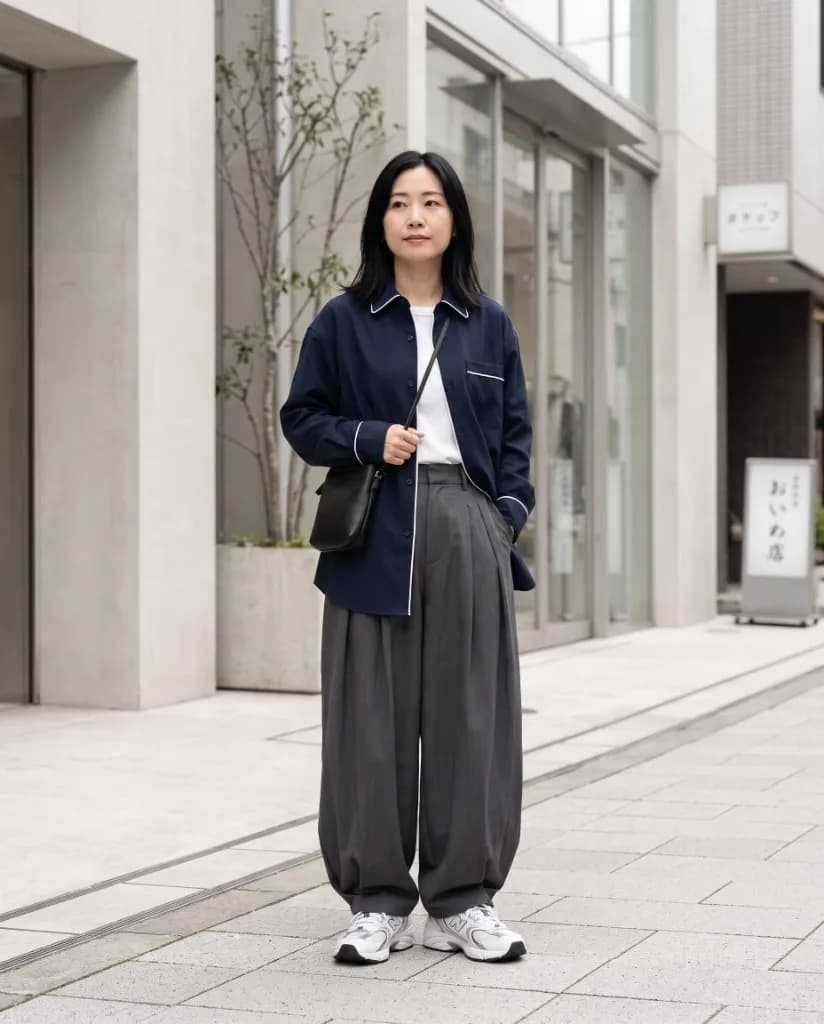
Style Complete Campaign Looks
Place products into studio, lifestyle, or campaign-focused scenes so the visual can start a broader fashion story.
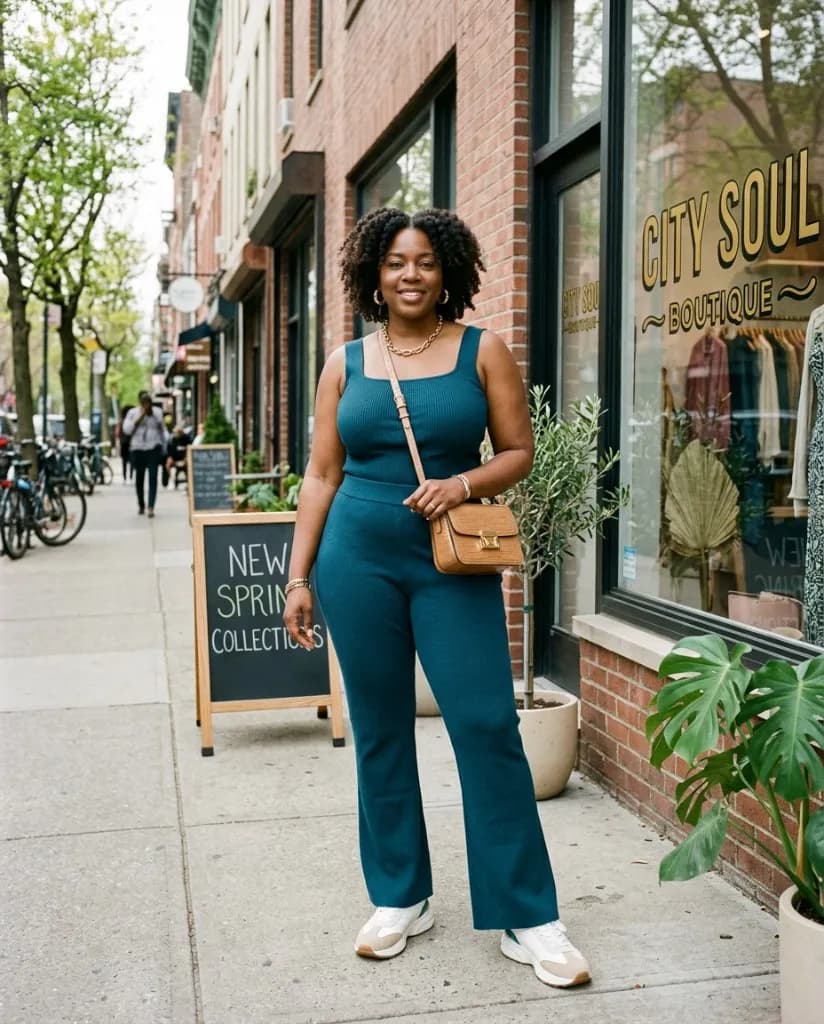
Preserve the Details Shoppers Notice
VidAU uses the uploaded item as a visual reference. Review stitching, logos, prints, fastenings, and dimensions before you publish.
Fashion and Accessories
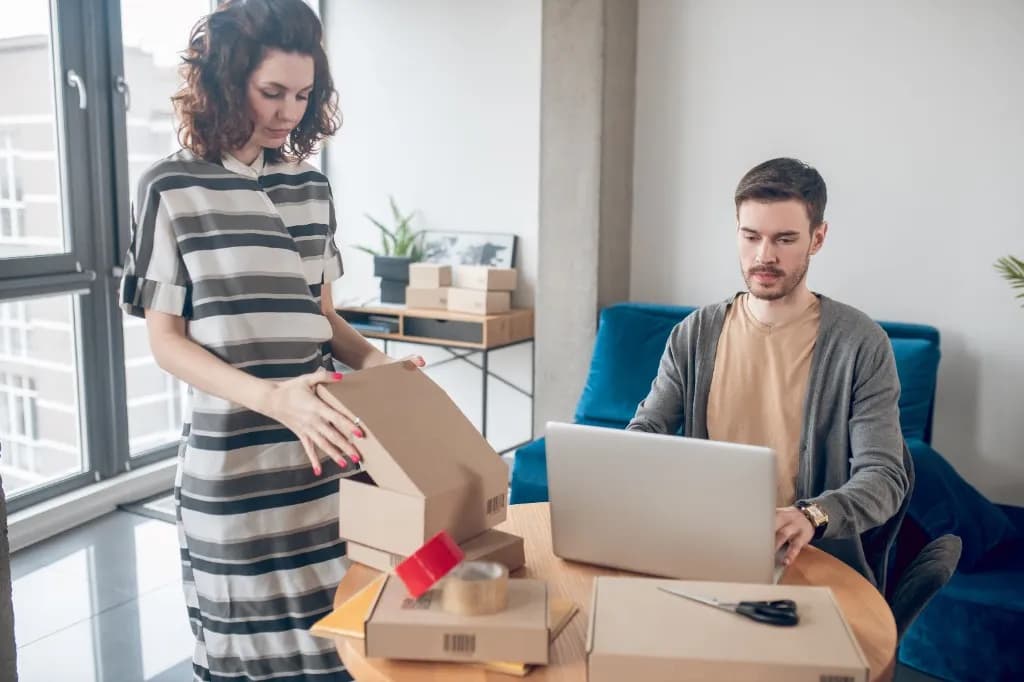
Create on-model catalog visuals for more garments and accessories without arranging a separate photoshoot for every product.
Jewelry and Beauty
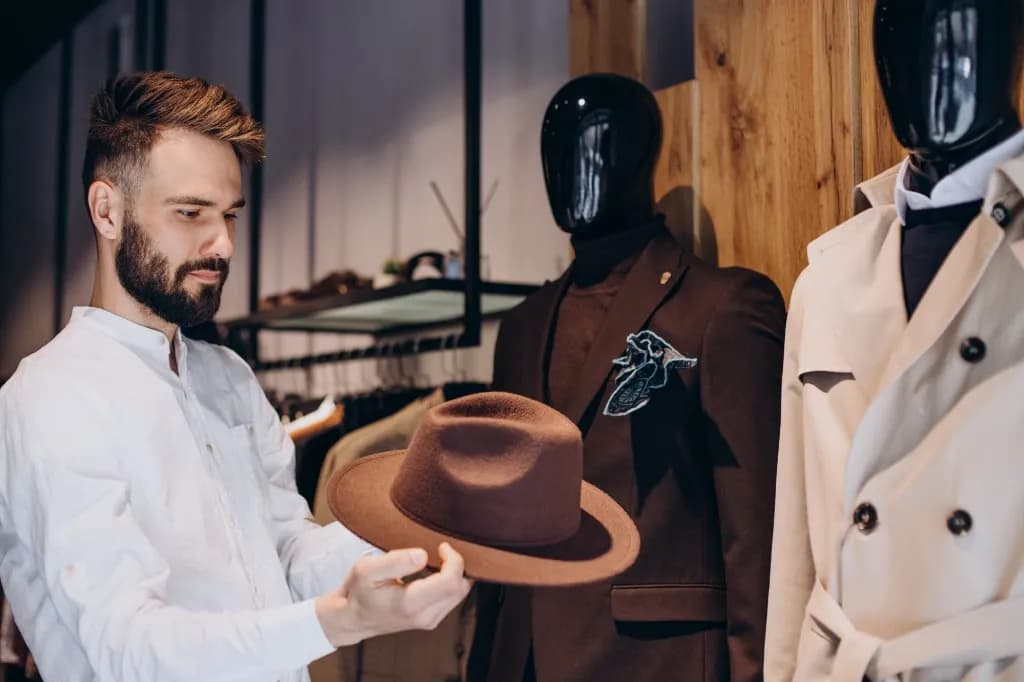
Present jewelry and beauty products on a person with virtual try-on visuals for product pages, collection launches, and campaigns.
Marketing Agencies

Use existing product shots to explore new models, styling, and creative directions without slowing client campaigns.
Online Stores
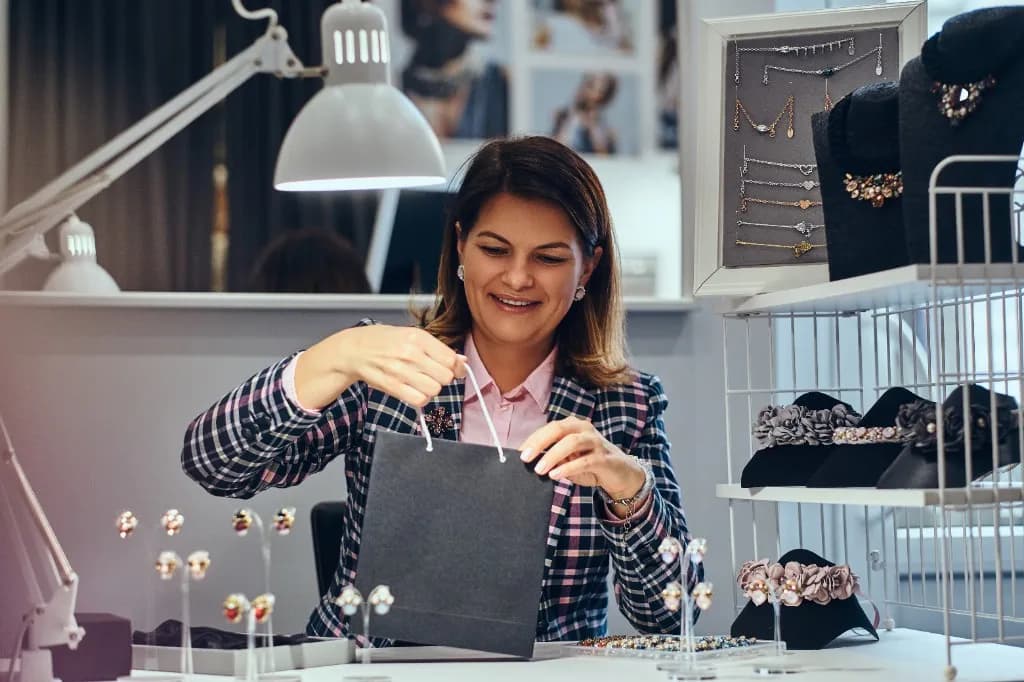
Create on-model product images for listings, collection pages, storefront banners, and seasonal promotions.
Upload a product and model, describe the look you want, then generate and review the result.

2,000+ reviews from VidAU customers. Trustscore 4.5.
“We converted our flat clothing photos into full model shots in minutes. Our site conversion rates jumped noticeably within two weeks of updating our product pages.”

“Testing ad creatives across different model demographics used to cost thousands. With VidAU AI, we generate diverse model visuals for our campaigns instantly.”
“Developing seasonal lookbooks without physical shoots saved us a substantial production budget this year. The garment fit accuracy is impressive.”

Create polished product images for catalogs, product pages, advertisements, and social campaigns.
Create Virtual Try-On ↗