Best AI Video Editor · Product Videos & Ad Campaigns
Best AI Video Editor for Viral Ad Campaigns and Product Videos (2026)
Compare the best AI video editor options by skill level, cost, commercial use case, product video maker workflows, viral ad campaigns, and when VidAU.ai is the right choice.
By the Sarah Iruoje · Updated 2026 · 12 min read
Finding the best AI video editor is no longer a question of which software has the most features. It is a question of which tool is built for the kind of content you actually need to produce, and how fast it can get you there.
For creators and marketers producing viral ad campaigns, product demos, and social content at volume, the gap between traditional editing software and purpose-built AI video editors has never been wider. Traditional tools give you control. AI editors give you speed, consistency, and output that scales.
But before you commit to a platform, there are things most comparison guides skip: the difference between an AI-assisted editor and a true AI video production tool, what the free tiers actually cover, and which tool performs best when the deliverable is commercial rather than creative.
This guide covers the full landscape, from free best video editing tools for beginners to professional AI editors built for product video maker workflows and high-frequency ad production, and tells you exactly when VidAU.ai is the right choice.
Quick Summary
- The best AI video editor depends on your use case: casual creators need different tools than teams running viral ad campaigns
- Free tools like CapCut and DaVinci Resolve cover personal and YouTube content well but are not built for commercial ad production
- Adobe Premiere Pro and Final Cut Pro remain strong for professional editing but lack native AI video generation
- For product video maker workflows and high-volume ad campaigns, VidAU.ai is the purpose-built platform
- This guide covers every major option by skill level and commercial use case, so you can make the right call without testing six tools
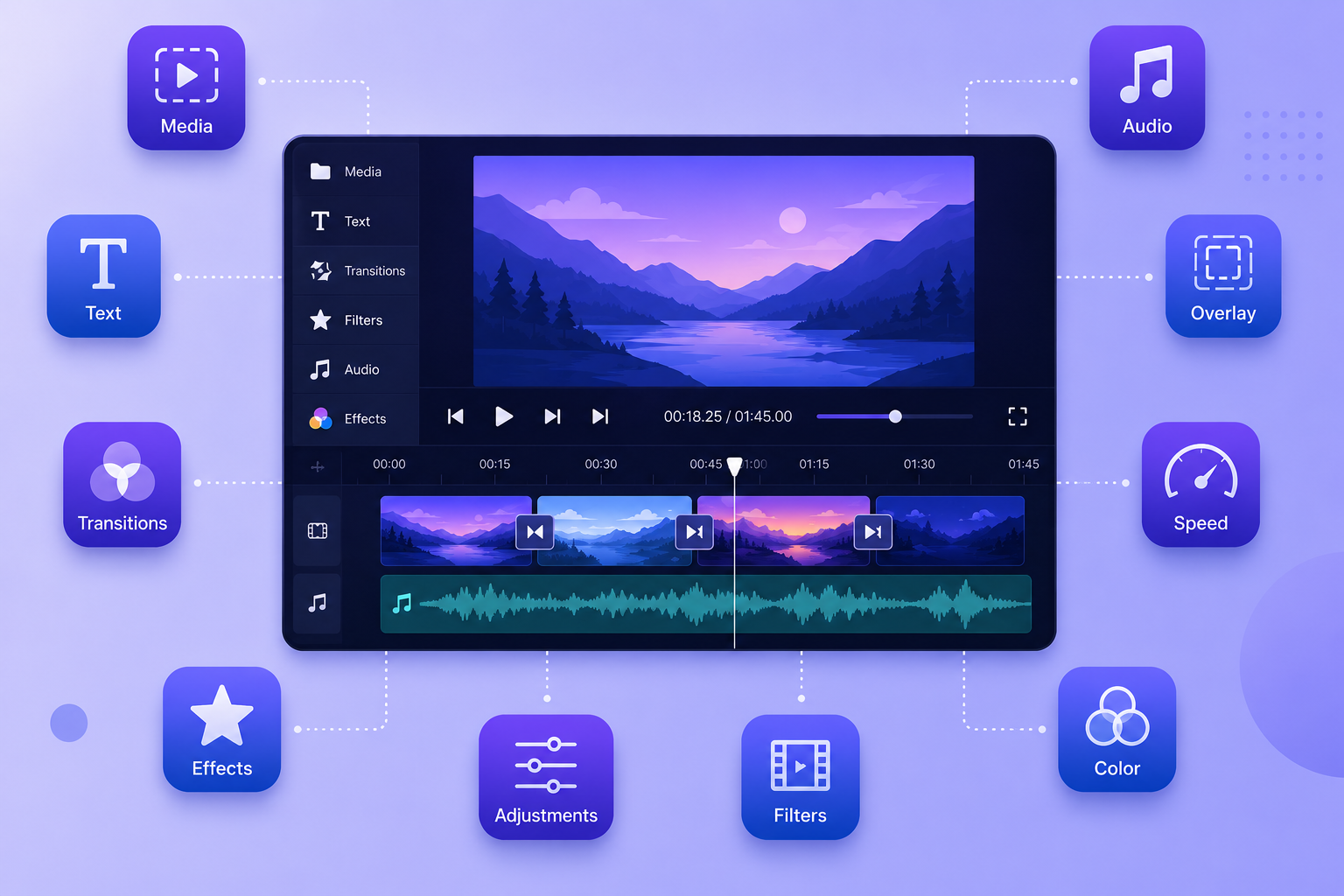
What Makes an AI Video Editor Different?
A traditional video editor gives you a timeline, tools, and full manual control. Every cut, transition, and effect is your decision. The output quality is limited only by your skill and time.
An AI video editor automates the time-intensive steps, script-to-video assembly, auto-captioning, voiceover generation, scene selection, and format resizing, while preserving your ability to direct the final output. The distinction matters most when you are producing at volume or working to commercial deadlines.
| Feature | Traditional editor | Best AI video editor |
|---|---|---|
| Script-to-video | Manual assembly | Automated generation |
| Captions | Manual transcription | Auto-generated |
| Format resizing | Manual crop per platform | One-click aspect ratio |
| Voiceover | Separate tool required | Built-in AI voice |
| Product video output | Manual workflow | Template + AI generation |
For viral ad campaigns and product video maker use cases, the right-hand column is not a nice-to-have. It is the baseline.
What is a product video maker?
A product video maker is an AI video editor optimised for commercial output, turning product images, descriptions, or URLs into complete video ads with voiceover, captions, and branded sequences. The best tools in this category eliminate the need for a full production team by automating the translation from product brief to publishable video asset.
How to Match Your Tool to Your Content Type
Before comparing specific platforms, clarify your use case. The best AI video editor for a solo YouTuber is not the same as the best tool for a marketing team running weekly ad campaigns.
| Creator type | Primary need | Recommended approach |
|---|---|---|
| Beginner YouTuber | Learn basics, no budget | CapCut free or iMovie |
| Intermediate creator | More control, quality output | DaVinci Resolve (free) |
| Professional video editor | Industry-standard workflow | Adobe Premiere Pro or Final Cut Pro |
| Marketing team, ad campaigns | Speed, volume, commercial rights | VidAU |
| E-commerce brand | Product video maker at scale | VidAU |
| Agency, client work | Clean IP, fast turnaround | VidAU |
Best Free AI Video Editing Tools for Beginners
CapCut Desktop
CapCut is the most accessible free entry point across Windows and Mac. It produces no watermarks on exports, handles both 16:9 and 9:16 aspect ratios natively, and includes auto-captions that cover most basic use cases.
Its AI features are oriented toward social content: trending effects, template-based assembly, and background removal. For short-form YouTube and social posts, CapCut’s free tier delivers genuine value without forcing an upgrade.
Limitations appear clearly at production scale. CapCut is designed for short-form content and becomes unstable with complex 20+ minute timelines. Its Terms of Service — updated in June 2025 — grants ByteDance broad rights over uploaded content, including unpublished drafts. For brands and agencies uploading proprietary assets, this creates real IP exposure.
Best for: Solo creators, social media content, short-form YouTube, beginners learning editing fundamentals. Not suited for: Commercial ad campaigns, client work, or any workflow involving proprietary brand assets.
iMovie (Mac Only)
iMovie comes pre-installed on every Mac and covers basic horizontal video editing well. The magnetic timeline closes gaps automatically, which prevents common beginner mistakes and speeds up simple cuts.
Its vertical video handling is the main limitation. Creating 9:16 content for TikTok or YouTube Shorts requires awkward workarounds. iMovie also lacks AI generation features entirely — it is a manual editor with a simple interface, not an AI video tool.
Best for: Mac beginners producing standard YouTube content. Not suited for: Vertical video, AI-assisted production, or any commercial workflow.
DaVinci Resolve (Free Version)
DaVinci Resolve’s free version is genuinely professional-grade — not a time-limited trial, not a watermarked demo. The full editing suite, Hollywood-standard colour grading tools, and Fairlight audio processing are all included at zero cost.
The free version’s most significant gap for content creators is the absence of AI-powered auto-captions. Given how central captions are to both accessibility and platform algorithm performance, this limits Resolve’s practicality for high-frequency publishing workflows without a paid upgrade.
The learning curve is steeper than CapCut or iMovie. Resolve is professional software with corresponding complexity. But for creators willing to invest the learning time, it provides capabilities that rival any paid option — including advanced colour tools used in film production.
Best for: Creators serious about video quality who are willing to invest in learning. Not suited for: Beginners wanting quick results, or workflows requiring built-in AI captioning.
Watch out
Free tools can be excellent for personal content, learning, and short-form publishing. But commercial ad production introduces different requirements: clean IP, scalable workflows, captions, format output, client-safe usage, and production volume.
Intermediate and Professional Paid Options
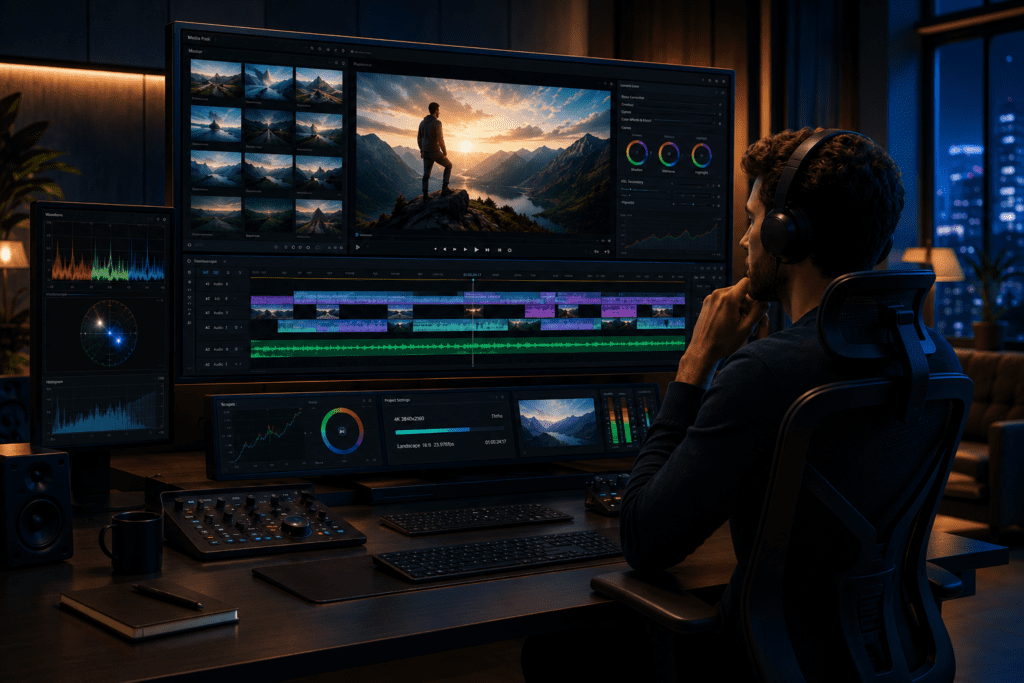
Adobe Premiere Pro
Adobe Premiere Pro remains the industry standard for professional video editing, with broad format support, Creative Cloud integration, and the most extensive plugin ecosystem available.
Its AI features — auto-captions, audio enhancement, scene detection — have improved through Adobe Sensei and Firefly integrations. For editors already in the Adobe ecosystem using After Effects, Audition, and Photoshop, the workflow integration genuinely saves time.
The subscription model is the central concern for many teams. At approximately $55 per month for the full Creative Cloud suite, the cost accumulates to over $3,000 across five years. For individual creators, this is significant. For agencies running multiple client accounts, it is easier to justify.
Premiere Pro is not a product video maker in the AI-native sense — it is a professional manual editor with AI-assisted features bolted on. For viral ad campaigns requiring rapid iteration, high output volume, or automated product-to-video workflows, it requires significant manual effort per asset.
Best for: Professional editors, creative teams, client-facing agencies needing industry-standard deliverables. Not suited for: High-volume automated ad production or teams without professional editing skills on staff.
Final Cut Pro (Mac Only)
Final Cut Pro’s one-time purchase at $299 makes it the most economically efficient professional option for Mac users planning long-term editing careers. Optimised for Apple Silicon, it handles 4K and 8K footage with performance that cross-platform tools cannot match on the same hardware.
Like Premiere Pro, Final Cut Pro is a professional manual editor, not an AI video generator. It does not include native auto-captioning without third-party plugins, and it has no product video maker functionality. For viral ad campaigns requiring rapid AI-assisted production, Final Cut Pro serves as a polish layer rather than a generation engine.
Best for: Mac-committed professional editors who want one-time pricing over subscription costs. Not suited for: Windows users, AI-native production workflows, or product video generation at scale.
DaVinci Resolve Studio
The paid Studio version of Resolve adds AI-powered auto-captioning, collaboration tools, and enhanced GPU acceleration to the already capable free version. At $295 as a one-time purchase, it is the most cost-efficient professional-tier option when compared against long-term subscription costs.
For teams producing talking-head content, documentary-style videos, or edited commercial content at high quality, Resolve Studio covers the full workflow. Its collaboration features make it viable for small editing teams working on shared projects.
Still not a native AI video or product video maker platform. Resolve Studio excels at professional editing and colour work, not automated video generation.
Best for: Professional editing teams who want Premiere-level capabilities without subscription costs. Not suited for: AI-native ad production or automated product video workflows.
| Tool | Pricing structure noted | Best fit | Main limitation |
|---|---|---|---|
| Adobe Premiere Pro | Approximately $55/month for full Creative Cloud suite | Professional editors and Creative Cloud teams | Not AI-native product video generation |
| Final Cut Pro | $299 one-time purchase | Mac professional editors | No native AI video generation or product video maker workflow |
| DaVinci Resolve Studio | $295 one-time purchase | Professional editing and colour workflows | Not automated ad or product video generation |
AI-Powered Tools Built for Speed and Scale
Gling AI
Gling AI automates the most time-consuming part of talking-head video editing: removing silences, filler words, and stumbles from raw footage. Upload your recording; the AI delivers a rough cut with dead air removed, typically in minutes.
For creators producing long-form tutorial or educational content consistently, Gling AI’s time savings are measurable. A 20-minute raw recording with frequent pauses can take an hour to manually clean up. Gling AI handles it in under five minutes.
It is a workflow accelerator, not a complete editor. Output is an XML or project file that still requires finishing in your primary editor. It works best integrated into an existing production process rather than as a standalone solution.
Best for: High-frequency YouTubers producing talking-head or tutorial content. Not suited for: Product video production, ad campaigns, or any workflow without significant dialogue footage.
Descript
Descript’s text-first editing model lets you edit video by editing a transcript, delete words from the text, and the corresponding footage disappears from the timeline. For interview content, podcasts, and dialogue-heavy videos, this approach dramatically speeds up structural editing.
AI features include filler word removal, silence cutting, and synthetic voice correction (Overdub). Transcription accuracy is among the strongest in this category for clear audio.
Descript is less capable than traditional editors for visually complex content. Adding b-roll, motion graphics, and effects is more cumbersome than in timeline-based tools. For viral ad campaigns or product video maker workflows involving significant visual production, Descript is the wrong tool.
Best for: Podcast producers, interview editors, and dialogue-heavy content creators. Not suited for: Product video generation, ad campaign production, or visually complex content.
Product Video Maker: What the Best Tools Offer
For e-commerce brands, marketing teams, and agencies, the product video maker category represents the most commercially valuable application of AI video technology. The best tools in this space share four capabilities:
- Automated product-to-video conversion. Input a product URL, image set, or brief the AI generates a complete video with scenes, voiceover, and captions.
- Template libraries built for commercial use. Pre-built sequences for ads, product showcases, and campaign formats that require minimal manual adjustment.
- Multi-format output. Simultaneous export in 16:9, 9:16, and 1:1 formats for cross-platform campaign deployment.
- Clean commercial IP. Clear licensing terms that allow the output to run in paid advertising without legal exposure.
None of the traditional editors covered above, Premiere Pro, Final Cut Pro, or DaVinci Resolve offer these capabilities natively. They are production tools that produce what a skilled editor builds into them. A true AI product video maker generates the asset from the brief.
Key takeaway
A true product video maker is not just a timeline editor. It turns product inputs into commercial assets with scenes, voiceover, captions, branded sequences, format variants, and licensing suitable for paid advertising.
Building Viral Ad Campaigns with AI Video Editors
The defining characteristic of viral ad campaigns produced with AI video editors is iteration speed. Campaigns that test five creative variants per week consistently outperform those that test one polished version per month. The best AI video editor for ad campaigns is therefore the one that reduces the cost per variant — in time, skill, and resource.
Traditional editing workflows produce one polished asset at high cost. AI video editor workflows produce multiple tested variants at low cost, with resources redirected to the strongest performer.
Key capabilities for ad campaign production:
- Script-to-video generation from ad brief to finished asset
- AI voiceover generation eliminating external recording requirements
- Auto-captioning for silent-view environments (the majority of paid social)
- One-click format adaptation across Meta, TikTok, and YouTube placements
- Volume output without proportional increase in production cost
Try VidAU Now
Use VidAU.ai to create AI-native product videos, viral ad campaign variants, AI avatars, voiceovers, captions, multilingual outputs, and cross-platform commercial assets in one workflow.
VidAU workflow
From product brief to campaign-ready video
- Start with product inputs: Add a product URL, image set, description, or campaign brief as the foundation for the video.
- Generate the video asset: Use AI-native product video generation instead of manually assembling every scene, caption, transition, and voiceover.
- Add commercial layers: Build in AI avatars, voiceover, captions, branded sequences, multilingual output, and product-focused messaging.
- Create ad variants: Produce multiple versions for hooks, avatars, formats, languages, CTAs, and platform placements.
- Export for performance channels: Create assets for Meta, TikTok, YouTube, e-commerce product pages, client campaigns, and paid social placements.
When to Use VidAU Instead
The tools covered above serve their categories well. But for the commercial use cases that drive real revenue, viral ad campaigns, product video maker workflows, and agency-scale content production VidAU.ai is the purpose-built platform.
Choose VidAU.ai when you need:
AI-native product video generation
VidAU converts product images, URLs, and briefs into complete video ads without a manual editing workflow. This is not a traditional editor with AI features added; it is built from the ground up for commercial video production.
Ad campaign output at volume
Teams producing 50+ video variants per month need a platform designed for that frequency. VidAU.ai’s architecture handles production volume that traditional editors cannot match without proportional increases in editing time.
Integrated voiceover, avatars, and multilingual output
VidAU combines AI video generation with voiceover, AI avatars, and multi-language support, the full production stack in one platform, without stitching together separate tools.
Clean commercial IP for paid advertising
VidAU licensing framework is built for commercial use. Generated content can run in paid advertising, client campaigns, and branded channels without the IP ambiguity that comes with some free platforms.
Cross-platform format efficiency
One brief produces assets ready for Meta, TikTok, YouTube, and e-commerce placements, without manual re-editing per format.
Tip
Use traditional editors when the job is manual creative editing. Use VidAU.ai when the job is commercial video production at speed: product assets in, campaign-ready ad variants out.
Common Mistakes When Choosing a Video Editing Tool
Mistake 1 — Choosing the most popular tool rather than the most appropriate one. Adobe Premiere Pro is the industry standard for professional editing, not for AI-native ad production. Matching the tool to the job prevents months of workflow friction.
Mistake 2 — Treating all “AI features” as equivalent. Auto-captions in a traditional editor and script-to-video generation in an AI-native platform are categorically different capabilities. Understand what the AI actually does before selecting a platform.
Mistake 3 — Ignoring long-term subscription costs. A $30/month subscription costs $1,800 over five years. One-time purchase tools like Final Cut Pro and DaVinci Resolve Studio often represent better long-term economics for consistent creators. Calculate the five-year cost before committing.
Mistake 4 — Starting with professional software before learning fundamentals. Complex tools create complex problems for beginners. Learning editing logic in simpler software first produces better results than struggling with professional software from day one.
Mistake 5 — Using consumer tools for commercial production. CapCut’s Terms of Service and IP framework are not designed for agency or brand work. Using the wrong platform for client deliverables creates legal exposure that is entirely avoidable.
Mistake 6 — Selecting a tool without testing your actual workflow. Most paid platforms offer free trials. Edit a real project during the trial — not a tutorial exercise. If the tool fits your actual workflow, it will show clearly. If it creates friction, the trial will reveal that before you commit.
Watch out
The wrong video editor can look powerful but create workflow friction, legal exposure, slow delivery, or unnecessary cost. Match the tool to your content type, production volume, commercial requirements, and actual workflow.
Key takeaway
Conclusion
The best AI video editor in 2026 is not a single tool — it is the tool that matches your specific content type, production volume, and commercial requirements. Free platforms like CapCut and DaVinci Resolve cover personal and YouTube content effectively. Professional tools like Premiere Pro and Final Cut Pro serve experienced editors working on complex productions. AI workflow accelerators like Gling AI and Descript handle specific bottlenecks in dialogue-heavy content.
But for the use cases that drive commercial value — viral ad campaigns, product video maker workflows, and agency-scale production — none of the traditional tools were built for the job. They require significant manual effort to produce what AI-native platforms generate in minutes.
For content creators and marketing teams who need video that performs commercially, not just video that looks polished, VidAU.ai is the purpose-built platform.
FAQ
Here are answers to common questions about the best AI video editor, commercial ad campaigns, free video editing tools, product video maker workflows, CapCut, DaVinci Resolve, Adobe Premiere Pro, Final Cut Pro, Descript, Gling AI, and VidAU.ai.
What is the best AI video editor for commercial ad campaigns?
VidAU.ai is the purpose-built platform for viral ad campaigns and product video production. It generates complete video ads from a product brief, includes AI voiceover and avatars, outputs across multiple formats simultaneously, and provides the commercial licensing clarity that free tools do not. For traditional editing with AI-assisted features, Adobe Premiere Pro and DaVinci Resolve Studio are the leading professional options.
What is the best free video editing tool for beginners?
CapCut is the most accessible free option across Windows and Mac — no watermarks, decent auto-captions, and native vertical video support. Mac users can also start with iMovie. For creators ready to invest in learning professional software, DaVinci Resolve’s free version provides capabilities that rival paid tools.
What makes a product video maker different from a standard video editor?
A product video maker automates the translation from product assets to finished video — taking images, URLs, or descriptions and generating complete video ads with voiceover, captions, and branded sequences. Standard video editors require a skilled operator to manually build the same output. For e-commerce brands and marketing teams producing at volume, the time difference is significant.
Is DaVinci Resolve really free without limitations?
The free version of DaVinci Resolve is a fully functional professional editor — no watermarks, no time limits. The main limitation for content creators is the absence of AI-powered auto-captions, which requires the $295 Studio upgrade. All core editing, colour grading, and audio tools are available in the free version.
Should I pay for Adobe Premiere Pro or use a free alternative?
Pay for Premiere Pro if you need Creative Cloud integration, industry-standard client workflows, or specific plugin compatibility. For most YouTube creators and marketing teams, DaVinci Resolve or VidAU.ai offer comparable or superior capabilities for less long-term cost. Premiere Pro’s subscription accumulates to over $3,000 across five years.
What is the difference between Final Cut Pro and Adobe Premiere Pro?
Final Cut Pro is a one-time $299 purchase, Mac-only, optimised for Apple Silicon hardware. Premiere Pro requires a monthly subscription, works cross-platform, and integrates with the full Adobe Creative Cloud. Neither includes native AI video generation. Your choice depends on platform commitment, budget preference, and workflow requirements.
Can AI video editors produce content for paid advertising?
Yes, but verify licensing terms for each platform. VidAU.ai is explicitly built for commercial ad production with clear IP rights. Some free tools like CapCut have Terms of Service that create IP ambiguity for commercial use. For paid advertising campaigns, use platforms with explicit commercial licensing.
How do AI video editors speed up ad campaign production?
AI video editors eliminate the manual steps that slow traditional production: script-to-video assembly, voiceover recording, captioning, and format resizing. A campaign that requires a week of traditional editing can be produced in hours with an AI-native tool — enabling higher testing frequency and faster iteration on winning creative variants.
What computer specs do I need for professional video editing software?
A minimum of 16GB RAM, a dedicated GPU, and modern processor (Intel i5/AMD Ryzen 5 or newer) covers most editing software. 4K workflows benefit from 32GB RAM and faster processors. DaVinci Resolve is the most GPU-intensive option. CapCut and cloud-based AI tools like VidAU.ai have lower hardware requirements as processing happens server-side.
Are AI editing tools like Gling AI and Descript worth paying for?
For creators producing multiple long-form talking-head videos weekly, yes. Gling AI in particular can save several hours per week in manual silence-cutting. The value calculation depends on your production volume — one video per month likely does not justify the cost; four or more videos per week often does.
Can I switch video editing software later?
Yes. Editing concepts and skills transfer between platforms. Active projects require re-importing assets into the new tool, but the editing fundamentals you develop — pacing, structure, visual rhythm — are software-agnostic. Most creators who switch report improved workflow after the adjustment period.
What is the most cost-efficient professional video editing tool?
DaVinci Resolve Studio at $295 as a one-time purchase with free lifetime updates is the most economically efficient professional option. Final Cut Pro at $299 is comparable for Mac users. Both significantly undercut the long-term cost of Adobe Premiere Pro’s subscription model for creators editing consistently over multiple years.