AI UGC Style Ads · 2026 Workflow
How to Create AI UGC Style Ads: Complete Workflow for 2026
Learn how to create AI UGC style ads using scripts, AI actors, product references, video models, voice engines, and editing workflows built for authentic paid social creative.
By the Sarah Iruoje · AI UGC ads guide · 15 min read
Creating AI UGC style ads in 2026 means stacking several tools into one pipeline: a script writer, an AI actor generator, a video model, a voice engine, and an editor.
Creating AI UGC style ads in 2026 means stacking several tools into one pipeline: a script writer, an AI actor generator, a video model, a voice engine, and an editor. The goal is content that looks filmed by a real customer on a phone, not a studio shoot. Done well, UGC style ads cut creative costs and let you test angles fast without booking creators.
This guide is for e-commerce marketers, dropshippers, brand owners, and agencies who want authentic-looking ads at scale. We reviewed the most popular 2026 AI UGC workflows and broke them into clear steps you can copy, plus the realism tricks that decide whether your ad converts or gets scrolled past.
Featured image placeholder for AI UGC style ads, product grid references, AI actors, video generation, voiceover, editing, TikTok Spark Ads, Meta placements, and VidAU AI Video workflows.
Quick Summary
- The strongest 2026 approach combines Claude for scripts, GPT Image 2 or Nano Banana Pro for AI actors, Seedance 2.0 or Veo 3.1 for video, and ElevenLabs for voice.
- For a faster, fewer-tool path, platforms like VidAU AI, MaxFusion, or Higgsfield bundle scripting, avatars, and video into one workflow.
- Most ads should export in 9:16 vertical for TikTok Spark Ads, Reels, and Meta placements, with selfie-style framing and no captions baked in.
- E-commerce sellers and agencies running paid social benefit most, since AI UGC lets them test multiple hooks cheaply without hiring creators.
What Are AI UGC Style Ads?
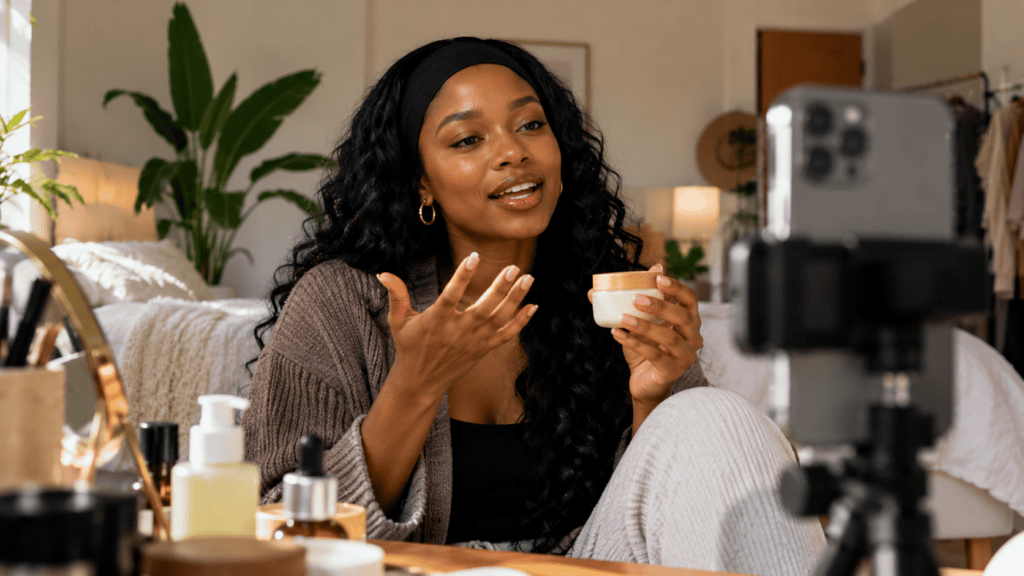
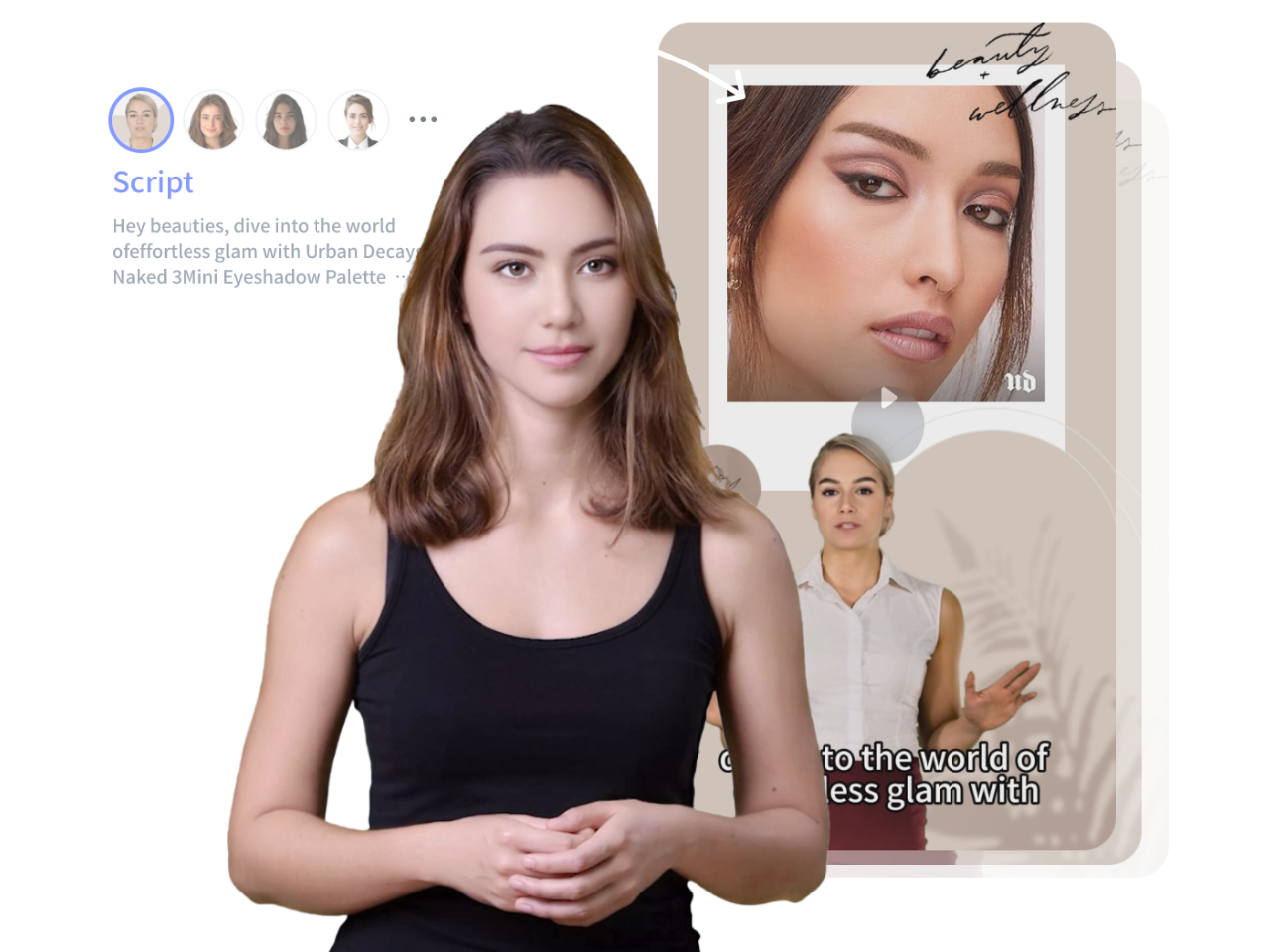
AI UGC style ads are short video ads built with AI tools to mimic real user-generated content. Instead of hiring a creator, you generate an AI actor, write a casual script, animate the delivery, add a natural voiceover, and edit it to look like a phone-filmed clip. The point is authenticity, not polish.
The term “UGC style” matters. You are not becoming a UGC creator or hiring one. You are producing ads that feel like a customer recorded them. That selfie energy, slightly off framing, and natural lighting are the whole appeal.
Key Takeaways
- UGC style ads imitate real customer content, not branded studio footage.
- AI ugc workflows replace creators with a stack of generation tools.
- Authenticity beats production value for this format.
Why UGC Style Ads Matter for E-commerce Marketers
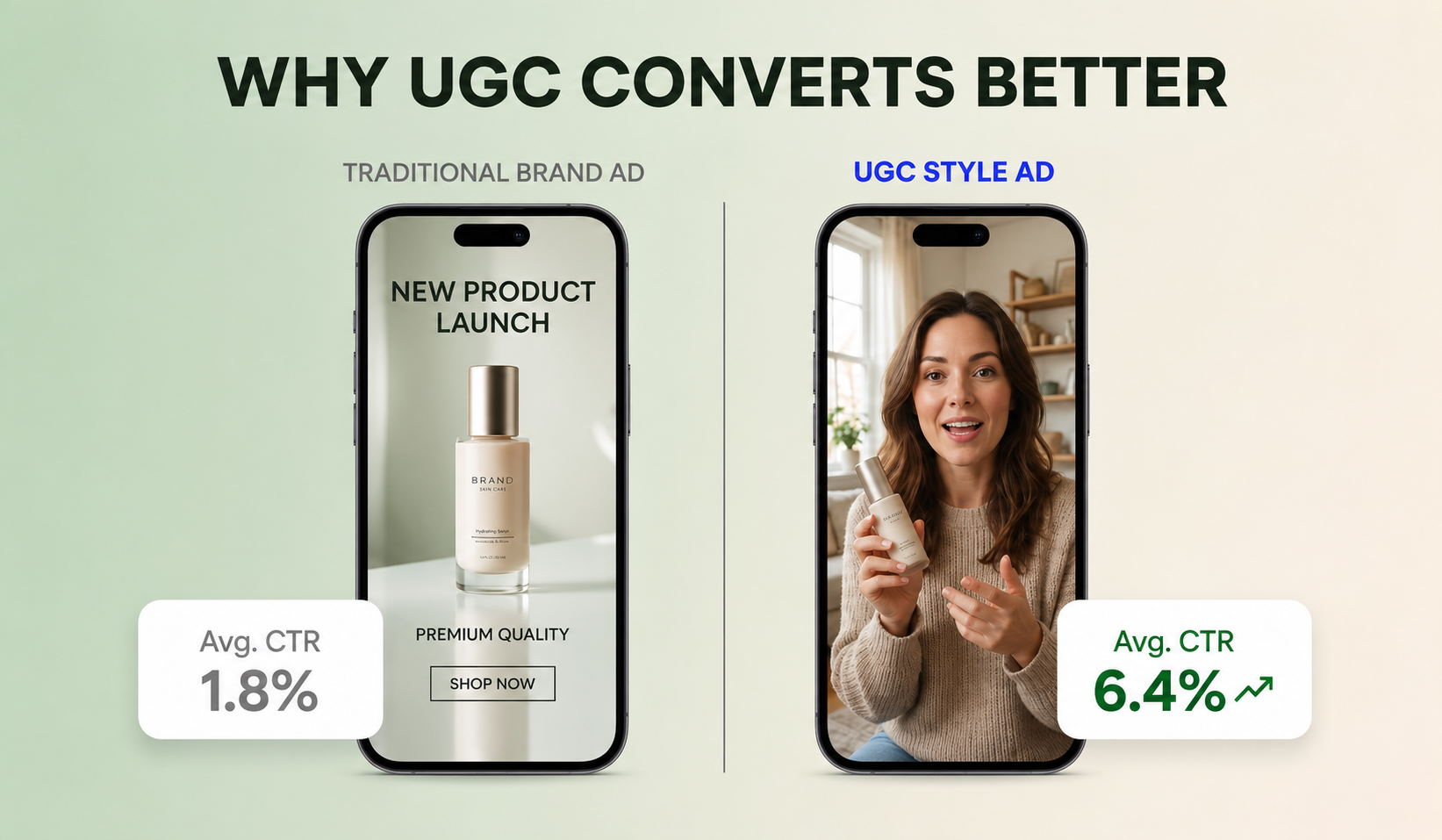
UGC style ads matter because they convert better than glossy brand spots on platforms like TikTok and Instagram, where viewers reward content that looks native to the feed. They also let you test more angles for less money.
If you run paid social, creative is usually the bottleneck. A real UGC shoot can take days and cost hundreds per video. AI ugc lets you produce ten variations of a hook before lunch. That speed is the real advantage, not the novelty.
There is a trade-off worth naming early. AI UGC still struggles with complex hand movements, fast product interactions, and long unbroken talking shots. For those, a real ugc creator may still win. Use AI for volume and testing, then double down on what works.
Important limitation
AI UGC is strongest for volume and testing, but real UGC creators may still win when products need complex hand demonstrations, fast product interactions, or long unbroken talking shots.
Step-by-Step AI UGC Workflow for 2026
Here is the complete workflow most 2026 tutorials converge on. You can run it across separate tools or inside a single platform.
Step 1: Write the script with an AI assistant
Start with the words, not the visuals. Use Claude AI or ChatGPT to write a 15 to 30 second script in a casual, spoken voice. Ask for a strong hook in the first three seconds, a problem, the product as the fix, and a soft call to action.
Give the model your product details and target customer. Then ask for several hook variations so you can test them. Tell it to avoid salesy language and write like a real person texting a friend.
Step 2: Generate a consistent AI actor
Next, create your AI actor with an image model like GPT Image 2 or Nano Banana Pro. Prompt for natural skin texture, realistic lighting, and a relatable everyday look rather than a model-perfect face. Generate a clear, front-facing reference image you can reuse.
Consistency is the hard part. Save your best character image and feed it back into later generations so the same person appears across scenes. If you prefer a managed option, UGC Avatars lets you skip prompt tuning and use ready avatars for spokesperson clips.
Step 3: Place the product in the scene
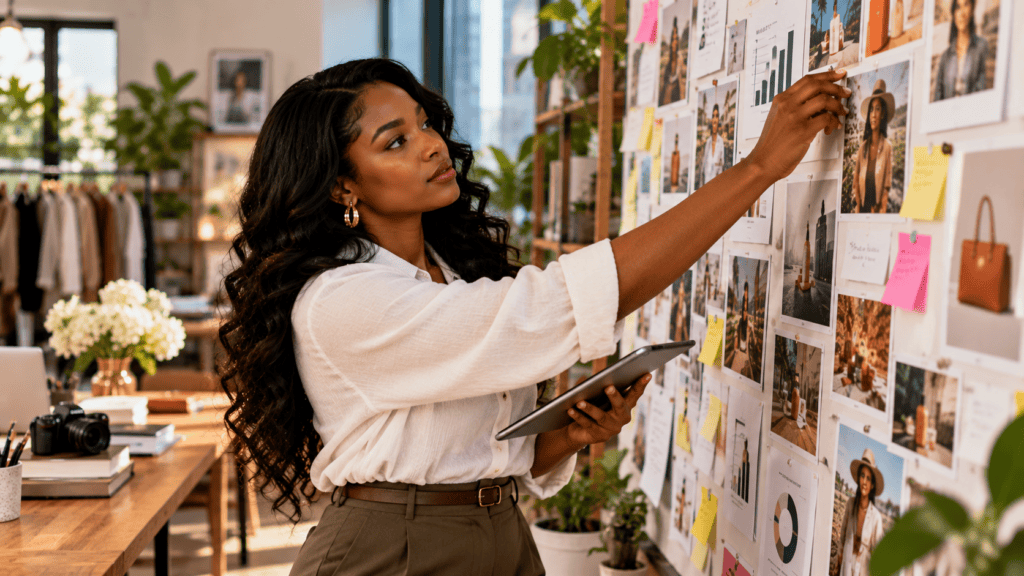
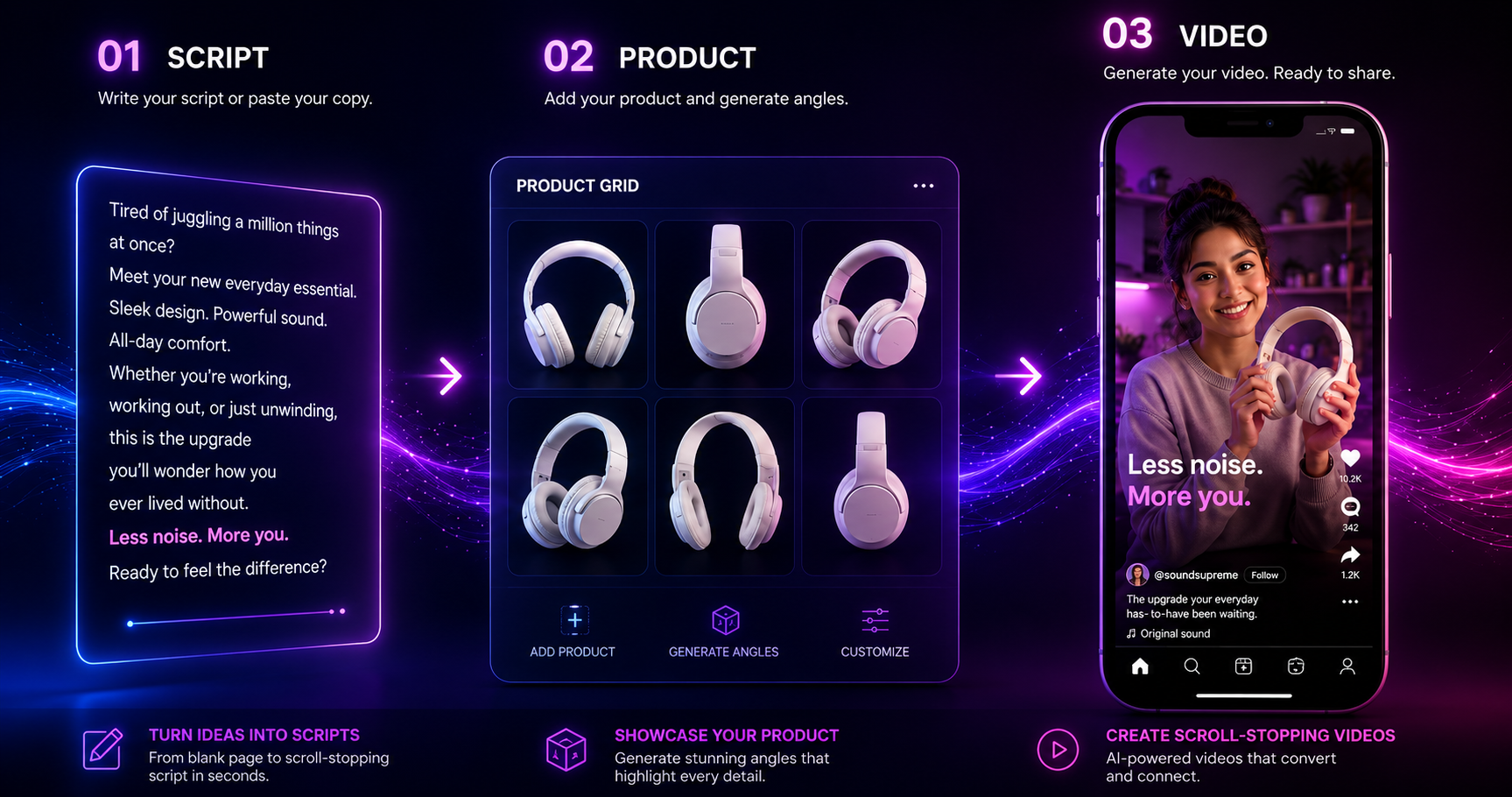
Now add your product. The popular 2026 trick is a “product grid”: arrange reference shots of your product from several angles in one image so the AI has more visual data for accurate hand placement and lighting. This fixes the warped-product problem most beginners hit.
Combine the actor reference and the product reference, then generate a shot of the actor holding or using the item. If you only have a single product photo, tools like Product Sample to Video can build clips straight from a sample shot.
Step 4: Animate the clip with a video model
Turn your still images into motion with a video model like Seedance 2.0, Veo 3.1, or Kling 2.6. Prompt for selfie-style camera behavior: handheld micro-shake, an imperfect grip, and a casual front-camera angle. Avoid cinematic moves like smooth dollies, which scream “ad.”
Keep each generated clip short and focused on one beat. Generating in 9:16 from the start saves you from cropping later. If you start from a written idea instead of an image, a text to video flow can generate the base clip directly.
Step 5: Add a natural voiceover
Generate the voice with ElevenLabs or a similar engine. Match the voice to your actor’s apparent age and energy, and add small imperfections like natural pacing and breaths. Read your Step 1 script through it and regenerate until the delivery feels conversational.
If you want voice and video tied together cleanly, a text to speech tool gives you control over tone and language before you sync it to the footage.
Step 6: Edit everything into one ad
Finally, assemble your clips in CapCut or any editor. Cut between angles, sync the voiceover, add light background music low in the mix, and finish with a simple end screen. Keep cuts loose and human. Over-polished editing undoes all your realism work.
If your source clips look soft or low-res, run them through a video enhancer before export so they hold up on a phone screen.
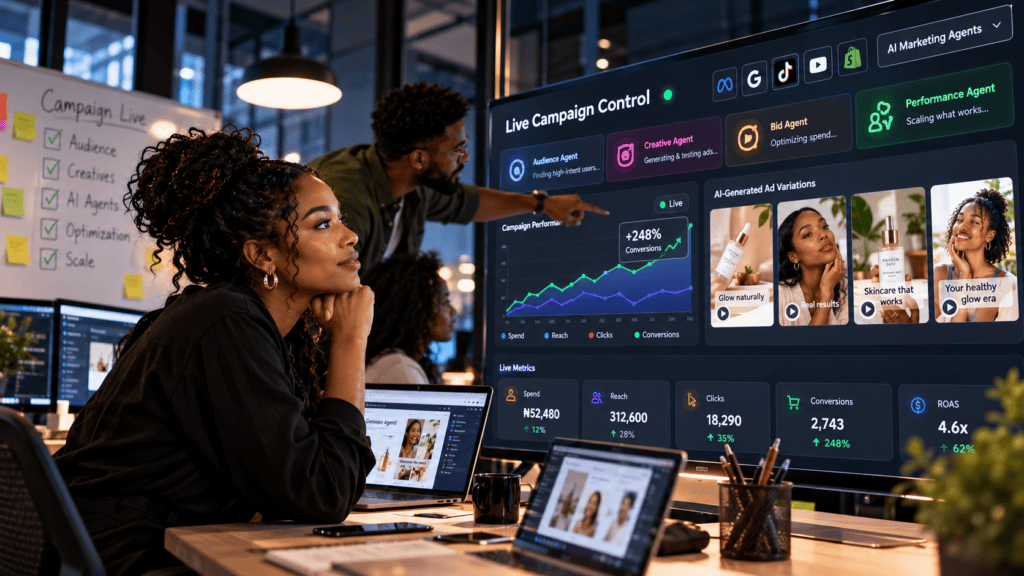
If you would rather not stitch five tools together, VidAU AI Video can generate ad-ready video from a product URL, image, or script. VidAU is an AI video ad platform that generates video ads from product URLs, images, or scripts in 49 languages, which is useful when you need the same UGC ad localized fast.
Suggested Visual: A labeled flowchart showing the six steps from script to final ad. Filename: ai-ugc-ads-workflow-2026.png. Alt text: Six-step AI UGC style ads workflow for 2026.
Tip
Start with the script and realism references before generating video. Short clips, selfie framing, a product grid, natural voiceover, and loose editing do most of the realism work.
How to Make AI Actors and Product Shots Look Real
Realism is what separates an AI ugc ad that converts from one that gets reported as fake. The research across top 2026 tutorials is consistent: imperfection sells.
Focus on these details:
- Natural skin texture with pores and slight asymmetry, not airbrushed faces.
- Selfie-style front-camera angles held slightly off-center.
- Everyday lighting like a bedroom lamp or overcast window, not studio light.
- A casual setting such as a car, kitchen, or messy desk.
- Loose framing where the head is not perfectly centered.
- No captions or music baked into the raw clip.
In our review of the most-watched workflows, the product grid technique came up repeatedly as the single biggest fix for the warped-hand problem. Spend the extra five minutes building that reference grid before you animate.
Realism note
The product grid technique gives the AI multiple visual references for the same product, improving hand placement, lighting accuracy, and product consistency before animation.
Best AI UGC Tools Compared by Use Case
No single tool wins every step. Most creators mix and match. Here is how the common options line up by job.
| Workflow Stage | Common Tools | Best For |
|---|---|---|
| Scripting and hooks | Claude AI, ChatGPT | Fast, natural ad copy |
| AI actors and images | GPT Image 2, Nano Banana Pro | Realistic, consistent faces |
| Video generation | Seedance 2.0, Veo 3.1, Kling 2.6 | Selfie-style motion |
| Voiceover | ElevenLabs | Conversational delivery |
| All-in-one ad creation | VidAU AI, MaxFusion, Higgsfield | One-platform speed |
The multi-tool path gives you the most control over realism. The all-in-one path is faster and better when you need volume or multilingual versions. If your priority is testing many hooks quickly, the bundled route usually wins. If you want a hero ad to look perfect, the separate-tool route gives finer control.
Tools in this space change monthly, so treat these as current 2026 options rather than permanent picks. Test two stacks against the same product and keep the one that produces fewer fake-looking artifacts.
Create Your First UGC Ads With VidAU
Use VidAU AI Video, UGC Avatars, Product Sample to Video, Text to Video, Text to Speech, Video Enhancer, and Vid Remix to create authentic-looking AI UGC style ads from product URLs, images, scripts, or existing clips.
VidAU workflow
Where VidAU fits into AI UGC style ad production
- Start with a product URL, image, or script: Use VidAU AI Video when you need ad-ready video from a product URL, image, or script instead of stitching five separate tools together.
- Create spokesperson clips quickly: Use UGC Avatars when you want ready avatar options for spokesperson-style UGC clips without prompt tuning.
- Generate product-based clips: Use Product Sample to Video when you have a single product photo or sample shot and want to build clips straight from it.
- Add voice control and localization: Use Text to Speech for tone, language, and multilingual delivery before syncing the voice to footage.
- Enhance, remix, and localize: Use Video Enhancer when clips look soft, Vid Remix to repurpose winning ads across formats, and VidAU AI Video when you need multilingual ad versions quickly.
Platform-Specific Optimization for TikTok and Meta
Optimize for the platform before you export, not after. Each placement rewards different framing and length.
For TikTok and TikTok Spark Ads, use 9:16 vertical, keep ads 15 to 30 seconds, and lead with a spoken hook in the first two seconds. Native, raw footage performs best here, so resist heavy editing.
For Meta ads on Reels and Stories, 9:16 also wins, but Feed placements can take 1:1 or 4:5. Keep the message clear early since many viewers watch on mute. Add captions in the editor as an optional version rather than burning them into your raw realism clip.
If you need to reuse one winning ad across formats, VidAU Vid Remix helps you repurpose a clip into multiple aspect ratios without rebuilding it from scratch.
| Platform or Placement | Optimization Approach |
|---|---|
| TikTok and TikTok Spark Ads | Use 9:16 vertical, keep ads 15 to 30 seconds, lead with a spoken hook in the first two seconds, and preserve native raw footage. |
| Meta Reels and Stories | Use 9:16 vertical, keep the message clear early, and assume many viewers watch on mute. |
| Meta Feed | Use 1:1 or 4:5 versions where appropriate, and create per-platform exports instead of relying on one generic file. |
| Reusable winning ads | Use remixing tools to repurpose one winning clip into multiple aspect ratios without rebuilding from scratch. |
Key Takeaways
- Default to 9:16 vertical for most paid social UGC.
- Front-load the hook and assume muted viewing.
- Export per-platform versions instead of one generic file.
Common Mistakes That Make AI UGC Look Fake
The fastest way to fail with UGC style ads is to make them look like ads. We see the same mistakes across beginner attempts.
Watch for these:
- Over-polished, cinematic camera moves instead of handheld shake.
- Model-perfect faces with no skin texture.
- Distorted hands or floating products from skipping the product grid step.
- Robotic, evenly paced voiceovers with no natural breaks.
- Heavy filters, captions, and music that kill the native feel.
- Long unbroken talking shots, where AI artifacts pile up.
Keep clips short and cut often. Shorter beats hide AI flaws and feel more like real phone footage. This is where most teams waste their first week, chasing one long perfect take instead of stacking short authentic ones.
Watch out
The fastest way to make AI UGC look fake is to over-polish the footage, use airbrushed faces, skip product grid references, use robotic voiceover, add heavy filters, or rely on long unbroken talking shots.
Advanced Strategies for Scaling AI UGC Ads
Once your base workflow works, scale by treating ads like experiments. Build a script bank in Claude with ten hook angles, then generate one clip per angle and launch them as variations.
Reuse your winning AI actor across products so you build a recognizable face customers trust. Spy on competitor ads to find proven angles, then rewrite them in your own voice rather than copying. For volume, batch your script generation and run several video generations in parallel.
For multilingual scaling, generate one strong ad, then localize it. An all-in-one platform that supports many languages, like VidAU AI Video , lets you push the same UGC concept into new markets without reshooting. If you also need clean audio extracted for repurposing, a video to audio tool helps you reuse voiceovers across formats.
Honest limitation: AI UGC is not the right fit for products that need close hand demonstrations, taste or smell reactions, or long unscripted testimonials. For those, a real ugc creator still outperforms synthetic ugc. Use AI to scale testing, then invest real budget where it clearly wins.
Suggested Visual: Flowchart showing a scaling workflow for AI UGC ads: script bank, reusable actor, competitor angle research, batch generation, localization, and repurposing.
Tip
Scale AI UGC by treating every ad as an experiment: build hook banks, reuse winning actors, rewrite proven competitor angles in your own voice, batch generations, and localize only the concepts that already work.
Key takeaway
Final Thoughts
The 2026 AI UGC style ads workflow is really one repeatable loop: script, actor, product, video, voice, edit. Keep it loose, keep it short, and protect the realism details that make the ad feel like a real customer filmed it. The product grid trick, selfie framing, and natural voice delivery do most of the heavy lifting.
Start by building one ad end to end, then turn it into a testing system. If you want to skip the multi-tool juggling, try generating your first UGC style ad from a product URL or script inside VidAU AI Video and compare it against your manual stack.
FAQ
Here are answers to common questions about AI UGC style ads, AI ugc workflows, UGC creators, product grid references, realistic AI actors, TikTok Spark Ads, Meta placements, multilingual localization, and VidAU AI Video workflows.
What are AI UGC style ads?
AI UGC style ads are short video ads created with AI tools to look like real user-generated content. You generate an AI actor, write a casual script, animate the delivery, add a natural voiceover, and edit it to feel phone-filmed. The goal is authenticity that performs well as organic content and paid social ads.
What tools do I need to create UGC style ads with AI?
A common 2026 stack uses Claude AI or ChatGPT for scripts, GPT Image 2 or Nano Banana Pro for AI actors, Seedance 2.0 or Veo 3.1 for video, and ElevenLabs for voice. CapCut handles editing. All-in-one platforms like VidAU AI or MaxFusion can replace several of these steps for faster output.
How long does it take to make one AI UGC ad?
With a practiced workflow, a single AI ugc ad takes roughly 15 to 30 minutes once your prompts and references are set up. Your first few will take longer while you learn each tool. All-in-one platforms shorten this further, which helps when you need many ad variations for testing.
Do AI UGC ads convert as well as real UGC?
They can convert well for many products, especially simple lifestyle and software items, since native-looking content performs strongly on TikTok and Meta. However, real ugc creators still win for products needing close demos, taste reactions, or long testimonials. Use AI to scale testing, then invest in human content where it clearly outperforms.
What aspect ratio should UGC style ads use?
Use 9:16 vertical for TikTok Spark Ads, Reels, and Meta Stories, since that fills the screen on mobile. For Meta Feed placements, 1:1 or 4:5 also work. Generate clips in 9:16 from the start to avoid awkward cropping, then export platform-specific versions for each placement you plan to run.
How do I make AI actors look realistic?
Prompt for natural skin texture, slight facial asymmetry, and everyday lighting instead of studio perfection. Use selfie-style front-camera angles with a handheld feel and casual settings. Keep clips short to limit AI artifacts. The product grid technique, where you supply multiple product angles in one reference, fixes most distorted hand and product issues.
Can I create AI UGC ads in multiple languages?
Yes. Generate one strong ad, then localize the voiceover and script for new markets. Platforms built for multilingual output, such as VidAU AI, can produce video ads in many languages, which lets you reuse the same UGC concept across regions without reshooting or rebuilding the entire workflow each time.
What is the product grid technique?
The product grid technique places several reference shots of your product from different angles into one image before generation. This gives the AI more visual data, which improves hand placement, lighting accuracy, and product realism. It is the most cited fix in 2026 tutorials for the warped or floating product problem beginners commonly face.
Why do my AI UGC ads look fake?
Most fake-looking ads use cinematic camera moves, airbrushed faces, robotic voiceovers, and heavy filters. AI UGC should look imperfect and native. Add handheld shake, natural skin texture, conversational delivery, and short cuts. Avoid long unbroken talking shots where AI artifacts accumulate, and skip burned-in captions on your raw realism clip.
Is AI UGC the same as becoming a UGC creator?
No. Becoming a ugc creator means filming real content and landing brand deals. AI UGC style ads are about producing synthetic ugc that imitates that look using AI tools. The methods, goals, and skills differ. This guide focuses on creating ads that resemble UGC, not on building a creator career.