AI Video Credits · Free Methods & Local Generation
How to Get Unlimited Credits for AI Video Generators (Free Methods That Actually Work)
Learn honest free methods to get unlimited credits for AI video generator tools, including local open-source setup, free cloud rotation, and when paid platforms make more sense.
By the Sarah Iruoje · AI video generator credits guide · Free and paid workflow comparison
There are two honest ways to get unlimited credits for AI video generator tools: run open-source models locally, or rotate free cloud platforms smartly. Local setups give true unlimited output; cloud rotation gives effectively unlimited output until policies change.
There are two honest ways to get unlimited credits for AI video generator tools. The first is running open-source models locally on your own PC, which gives you truly unlimited output. The second is rotating free cloud platforms, which gives you effectively unlimited output until a platform changes its rules. This guide covers both, plus the trade-offs nobody mentions.
This is for content creators, YouTube automation channels, students, and small business owners who generate AI video regularly but cannot stomach credit pricing. I reviewed and analysed current creator workflows and community threads to separate methods that hold up from one-time promo tricks. Expect specific tools, real setup steps, and clear limitations.
Featured image placeholder for unlimited AI video generator credits, local open-source generation, Pinokio, Wan2GP, LTX-2, free cloud platform rotation, BytePlus Seedance, FocalML, Qwen, Hugging Face, draft mode, watermark-free output, and VidAU AI Video workflows.
Quick Summary
- Running open-source models like LTX-2 through Pinokio and Wan2GP locally is the only truly unlimited credits for AI video generator method, with no cloud caps.
- Rotating free cloud platforms such as BytePlus Seedance, FocalML, and Qwen is the easiest no-install route to effectively unlimited generations.
- Local generation needs a capable GPU with enough VRAM and trades speed for full ownership and watermark-free output.
- Creators on zero budget benefit most, while teams needing fast, branded ad video at scale should consider a paid platform like VidAU.
What Are Unlimited Credits for AI Video Generators?
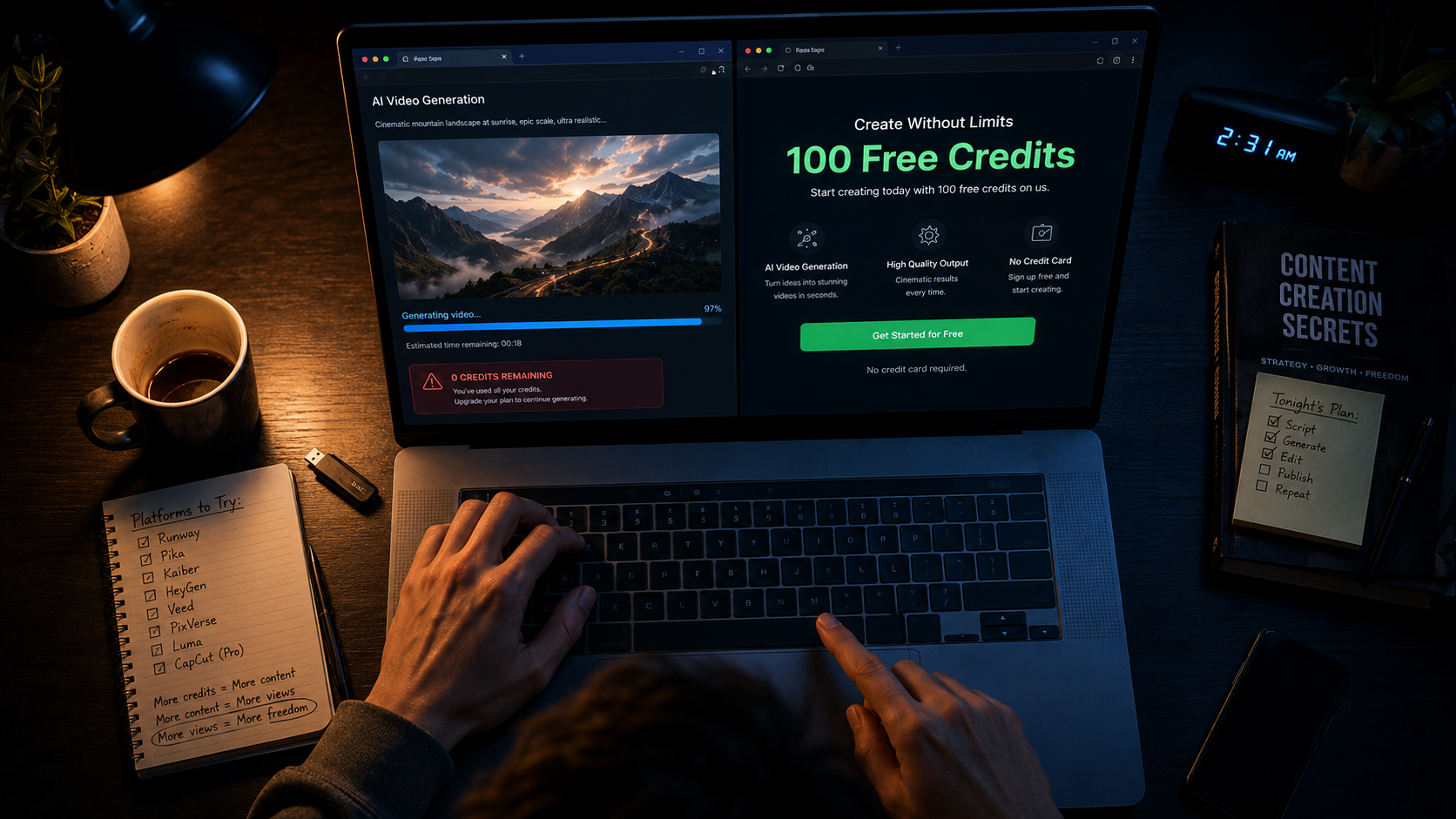
Unlimited credits for AI video generators means generating videos without hitting a usage cap or paying per render. In practice there are two versions: truly unlimited, where you run models on your own hardware with no per-clip cost, and effectively unlimited, where you spread generation across multiple free cloud accounts and platforms.
Most cloud tools meter usage with credits because rendering burns serious GPU power. As one community thread put it, most of these tools burn through massive GPU power so they all eventually switch to a credit system. That single fact explains why nearly every free tier eventually tightens.
Key distinction
True unlimited output comes from your own hardware. Effectively unlimited output comes from rotating free cloud platforms until rules, caps, or policies change.
Why Do AI Video Generators Use Credit Systems?
AI video generators use credits because each render consumes expensive GPU time on cloud servers. The longer or higher-resolution your clip, the more compute it costs the provider. Free tiers are usually trial surfaces, not sustainable production tools.
The shift is visible across the market. CapCut moved its free AI video creation behind a credit system, and users reacted by hunting for alternatives because the old free feature was enough for small brand work. The marketing team at VidAU AI tracked similar buyer sentiment around tools like Runway and Revid, where complaints centered less on price and more on wasted credits from failed or off-prompt generations. The lesson: free does not just mean cheap, it means failure does not cost you anything.
Credit reality
Free tiers are usually trial surfaces, not sustainable production tools. Credit systems expand because video rendering consumes expensive GPU time.
How to Get Truly Unlimited Credits With Local Installation
Running models locally is the only method with zero per-clip cost. You install open-source video models on your PC and generate as many clips as your hardware allows. This is the unlimited credits for AI video generator route that does not depend on any platform’s free tier.
Step 1: Check your hardware
Local video generation needs a capable GPU with enough VRAM. A modern NVIDIA card is strongly recommended. On weak hardware, generation may be slow or fail outright, so do not oversell feasibility to yourself before testing.
Step 2: Install Pinokio
Pinokio is a one-click installer that simplifies running AI tools. Download it, install it, and you get a clean launcher for open-source apps without manual command-line setup.
Step 3: Install Wan2GP and load a model
Inside Pinokio, install Wan2GP, then load a model like LTX-2 or Wan. These models can generate video plus audio and sound effects alongside your clips.
Step 4: Generate and locate your files
Launch the local web interface, optimize performance settings for your GPU, then generate from a text prompt or animate an image. All output saves locally on your drive, watermark-free, with full ownership.
Suggested Visual: Annotated screenshot of the Wan2GP interface showing text-to-video settings. Filename: wan2gp-local-ai-video-setup.png
Key Takeaways
- Local generation is truly unlimited but trades speed and convenience for control.
- Watermark-free output and full file ownership are built in.
- Weak hardware is the real ceiling, not credits.
How to Rotate Free Cloud Platforms for Unlimited Credits
Platform rotation gives you effectively unlimited credits without installing anything. The idea is simple: use one platform’s free credits, then switch to another when you run low or when a model gets saturated. Treat separate platforms as separate credit pools.
From my review of current creator workflows, this stack works well right now:
| Platform | Free Offer | Best Use |
|---|---|---|
| BytePlus Seedance | Free Seedance access | Cinematic text and image to video |
| FocalML | 100 credits on signup | Quick text-to-video and avatars |
| Qwen | Hidden creator modes | Prompt building and image-to-video |
| Hugging Face | Open model demos | Testing newer models free |
Use draft mode where available to save credits while testing prompts. Switch from text-to-video to image-to-video for more control over the final shot. And save every clip before generating the next one, since some tools overwrite or expire outputs.
If you also need clean voiceovers for these clips, a dedicated text to speech ) tool keeps audio quality consistent across platforms.
Cloud rotation tip
Use draft mode while testing prompts, switch to image-to-video for more control, and save every clip before generating the next one.
How to Use Temporary Email Tricks for Free Credits
Temporary email services like temp-mail.org let you create multiple signups to access fresh free credits across platforms. This stretches your effective credit pool when one account runs dry.
Be realistic about this. Platforms change policies, detect abuse, and may close accounts. I cannot promise temporary email signups will keep working, and using throwaway accounts can violate a platform’s terms of service. Use this carefully, avoid anything that clearly breaks the rules, and never rely on it for client work you need delivered on a deadline.
Terms warning
Platforms change policies, detect abuse, and may close accounts. Temporary email signups can violate terms of service, so never rely on them for client work or deadline-sensitive projects.
Best Free AI Video Methods Compared by Use Case
The right method depends on your volume, hardware, and tolerance for setup.
- Faceless YouTube and high volume: Local install with Pinokio and Wan2GP. No caps, but slower per clip.
- Quick social clips, no install: FocalML plus BytePlus Seedance rotation.
- Better prompts and image-to-video control: Qwen creator modes feeding a video model.
- Code-based motion graphics: Remotion with Node.js, where a coding AI writes the animation and you render it locally on repeat.
- Premium cinematic shots: Sponsored tools like Higgsfield are a paid alternative, not part of the free strategy.
For stitching short generations into longer pieces, plan scene by scene. Community advice is consistent here: you are better off storyboarding it and doing it scene by scene then putting it together in a video editor. No single model carries a clean multi-minute narrative yet.
| Use Case | Best Method | Trade-Off |
|---|---|---|
| Faceless YouTube and high volume | Local install with Pinokio and Wan2GP | No caps, but slower per clip |
| Quick social clips, no install | FocalML plus BytePlus Seedance rotation | Cloud rules can change |
| Better prompts and image-to-video control | Qwen creator modes feeding a video model | Requires workflow planning |
| Code-based motion graphics | Remotion with Node.js | Needs coding or AI-assisted coding |
| Premium cinematic shots | Sponsored tools like Higgsfield | Paid alternative, not part of the free strategy |
Long-form note
No single model carries a clean multi-minute narrative yet. Storyboard scene by scene, generate short clips, then assemble them in a video editor.
Common Mistakes Creators Make Chasing Free AI Video
The biggest mistake is treating free tiers as a stable production system. They are not. Plans tighten, credits get gated, and your workflow breaks mid-project.
Other frequent errors:
- Not saving clips before the next render overwrites them.
- Burning credits on full-quality renders instead of draft mode.
- Expecting one prompt to produce a finished long-form video.
- Assuming watermark-free output everywhere. It is available through local tools and some cloud platforms, but not universally.
- Ignoring terms of service when stacking throwaway accounts.
Watch out
Do not treat free tiers as stable production systems. Plans tighten, credits get gated, and workflows can break mid-project.
Create Reliable AI Videos With VidAU
Use VidAU AI Video, URL to Video, UGC Avatars, Text to Video, Video Enhancer, and Vid Remix when you need fast, branded, ad-ready output without babysitting unstable free credit pools.
VidAU workflow
Where VidAU fits after free AI video methods
- Use local tools for true unlimited experimentation: Run open-source models through Pinokio and Wan2GP when you have the hardware and want no per-render cost.
- Use cloud rotation for zero-install testing: Rotate BytePlus Seedance, FocalML, Qwen, and Hugging Face when you want quick free generations without setup.
- Also use VidAU AI Video for branded ad production: Move to VidAU when you need consistent, ad-ready video from product URLs, images, or scripts.
- Use URL to Video and UGC Avatars for ecommerce and spokesperson content: Build product-led ads and creator-style videos faster than manual prompt-by-prompt generation.
- Use Video Enhancer and Vid Remix to stretch existing assets: Improve older clips or repurpose existing footage before generating anything new.
When Should You Pay for AI Video Instead?
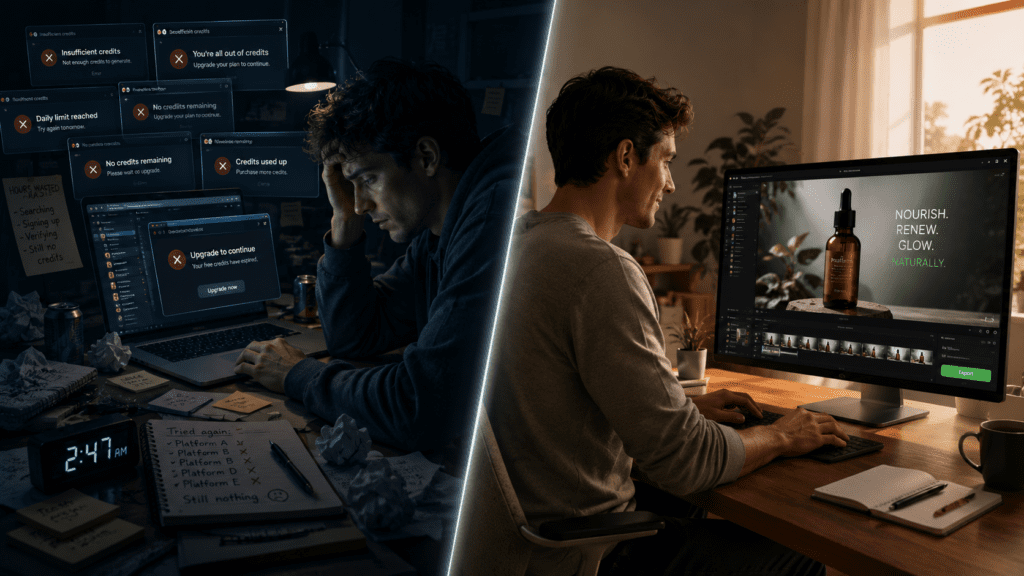
You should pay when reliability, speed, and branded output matter more than zero cost. If you produce client work or run ads, the free route’s instability and failed-credit frustration get expensive in time, even when the credits are free.
VidAU is an AI video ad platform that generates video ads from product URLs, images, or scripts in 49 languages. It fits e-commerce sellers and marketers who need consistent, ad-ready output fast rather than experimental clips. You can build ads directly from a product URL to video workflow, generate creatives with VidAU AI Video, or produce spokesperson content with UGC Avatars .
Honest limitation: if your goal is purely free, open-ended experimentation with no budget at all, a local open-source setup serves you better than any paid platform. VidAU is built for repeatable ad production, not unlimited free tinkering.
If you already have older clips, a video enhancer (https://www.vidau.ai/vidau-video-enhancer/) or a vid remix (https://www.vidau.ai/vid-remix/) workflow can stretch your existing footage further before you generate anything new.
Honest limitation
If your goal is purely free, open-ended experimentation with no budget at all, a local open-source setup serves you better than any paid platform. VidAU is built for repeatable ad production, not unlimited free tinkering.
Key takeaway
Final Thoughts
True unlimited credits for AI video generator output comes from running open-source models locally with Pinokio and Wan2GP. Effectively unlimited output comes from rotating free platforms like BytePlus Seedance, FocalML, and Qwen, managing draft mode, and saving clips as you go. Both work. Neither is permanent, since hardware limits you locally and policies shift in the cloud.
Pick local installs if you have the GPU and want full control. Use platform rotation if you want zero setup. And when you need fast, branded, ad-ready video without babysitting credit pools, test a text to video workflow on VidAU to see if reliable output beats free instability for your projects.
FAQ
Here are answers to common questions about unlimited credits for AI video generator tools, free local AI video generation, Pinokio, Wan2GP, platform rotation, temporary emails, no-sign-up tools, long videos, watermark-free output, and when paid AI video platforms are worth it.
Can you really get unlimited credits for AI video generators for free?
Yes, but only in two senses. Running open-source models locally on your own hardware is truly unlimited because there are no per-clip costs. Rotating free cloud platforms is effectively unlimited until policies change. Neither method is guaranteed permanent, since hardware and platform rules both impose real limits.
What is the best free local AI video tool with no limits?
The most accessible setup is Pinokio paired with Wan2GP running models like LTX-2. Pinokio handles installation in a few clicks, and Wan2GP generates video plus audio locally. Output is watermark-free and stored on your drive, though generation speed depends heavily on your GPU and available VRAM.
How do I get AI video credits for $4 or less?
Many platforms sell small credit packs around the $4 range as entry tiers, but the cheaper long-term route is combining free signups across platforms like FocalML, which offers 100 credits on signup, and BytePlus Seedance. Spreading work across separate free credit pools usually costs less than buying small paid packs.
Are there AI video generators free with no sign up and no limits?
Some open-source model demos on Hugging Face and certain Chinese AI tools offer generation without sign up. However, no-sign-up tools usually have queue limits or quality trade-offs. For genuinely no-limit generation, a local open-source install remains the most reliable option despite the setup effort.
Does platform rotation with temporary emails violate terms of service?
It can. Using temporary email services to create multiple accounts for fresh credits may breach a platform’s terms, and accounts can be closed. I cannot promise it will keep working, since platforms change detection and policies often. Use it cautiously and avoid relying on it for paid client work.
Why do AI video generators keep removing free unlimited access?
Because rendering video burns large amounts of GPU compute, which is expensive for providers. Free tiers are trial surfaces, not sustainable production tools. Platforms like CapCut moved AI video features behind credits once costs and demand rose, which is why local generation is the only method fully outside cloud economics.
Can free AI video tools produce long videos without credits?
Not in one shot. Most models reliably handle around 60 seconds to a few minutes, not a continuous long film. The practical approach is storyboarding scene by scene, generating short clips, then stitching them in a video editor. Workflow design matters more than any single model’s length claim.
Is paying for an AI video platform ever worth it over free methods?
Yes, when reliability, speed, and consistent branded output matter. Free tools cost time through failed generations and shifting policies. For ad creation and e-commerce video at scale, a platform like VidAU that builds video from URLs, images, or scripts in 49 languages can be more cost-effective than free instability.
How do I keep my AI videos watermark-free?
Local open-source tools like Wan2GP produce watermark-free output by default since you own the render. Some cloud platforms also offer watermark-free clips, but not all do, and policies vary. Always confirm a platform’s current watermark rules before publishing content commercially, since these terms change over time.