
Gimkit. Users and Use Cases

Benefits of Using AI to Host GimKit Tutorials

- Time-Saving – No need for manual video editing; AI automates the process to host gimkit.
- Engaging Content – High-quality visuals and AI voiceovers enhance tutorial effectiveness.
- Easy Customization – Personalize videos with text overlays, animations, and effects.
- SEO & Social Media Friendly – AI-generated videos are optimized for platforms like YouTube, TikTok, and educational websites.
How to Create AI-Powered GimKit Home Tutorials with VidAU AI

Step 1: Getting Started with GimKit Live
For Teachers:
- Creating an Account: Guide teachers on setting up their GimKit. accounts.
- Creating a Kit: Explain how to compile question sets (kits) tailored to their curriculum.
- Hosting a Live Game: Detail the steps to initiate a live game session, including game settings and modes.
For Students:
- Joining a Game: Explain the steps to access GimKit Home, enter a GimKit Live session, and participate in games.: Describe the process for students to join a live game using a game code.
- Gameplay Mechanics: Explain how students earn in-game currency and utilize power-ups during gameplay.
- Decide on the focus of your tutorial (e.g., how to join a GimKit. game, setting up a quiz, using power-ups).
Outline the key points to include in your instructional video.
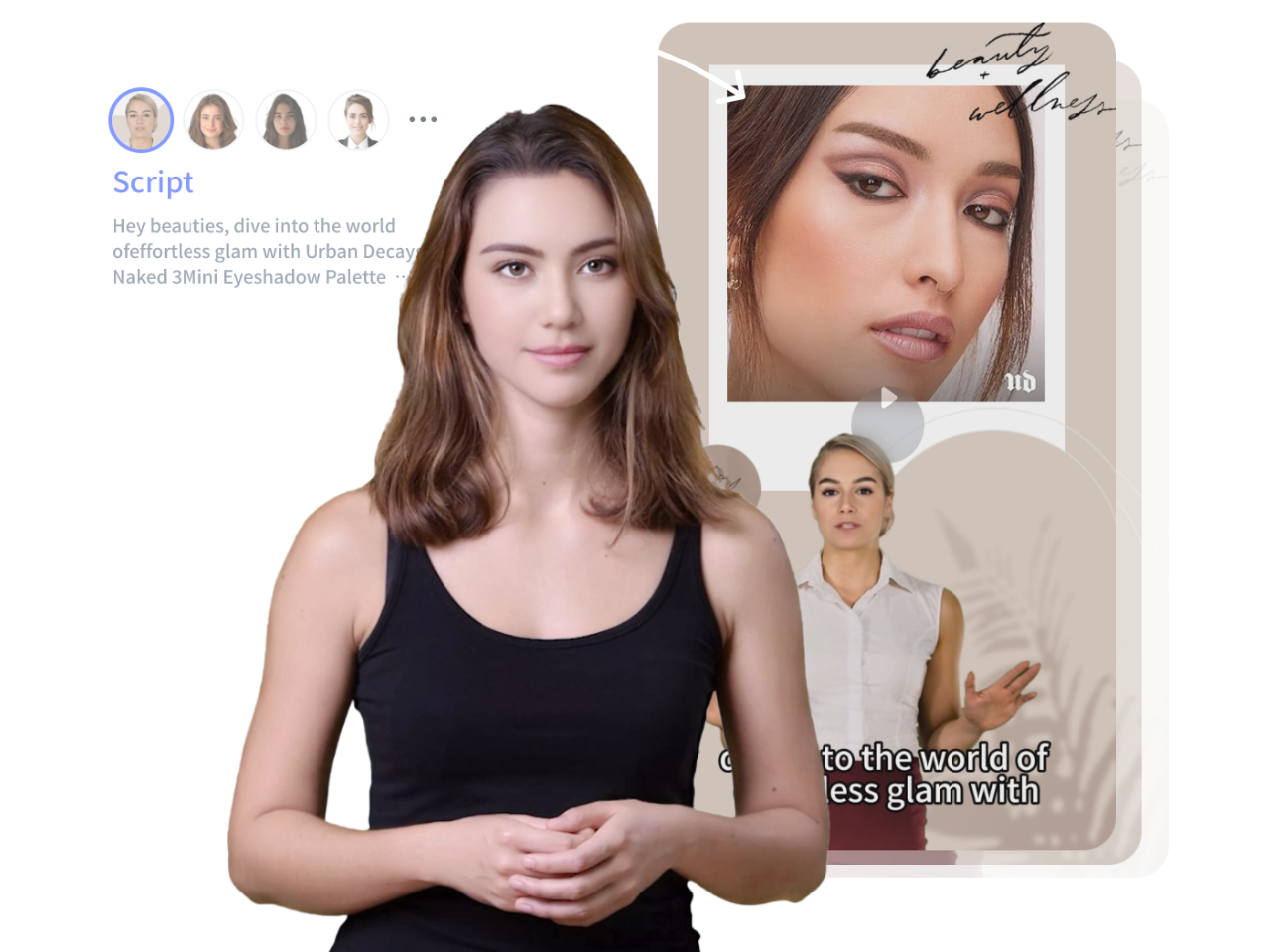
Step 2: Use VidAU AI’s Text-to-Video Feature for Creating GimKit Tutorials
Now that you understand how GimKit Home works, you can create AI-powered tutorials to help teachers and students navigate the platform. VidAU AI simplifies the video creation process, making it easy to explain game mechanics and strategies visually.
- Visit VidAU AI and select the Text-to-Video tool.
- Enter a detailed script or key bullet points for the tutorial.
- Select AI-generated visuals, animations, and voiceover options.
Step 3: Generate & Customize Your AI Video
- Let VidAU AI process the content and generate an engaging video.
- Add text overlays, transitions, and effects to improve clarity.
- Choose background music and AI-generated narration to enhance the tutorial.
Step 4: Publish & Share Your GimKit Tutorial
- Download your finalized AI-powered GimKit Home tutorial video.
- Upload it to YouTube, educational websites, or your school’s LMS.
- Share it on social media platforms like TikTok, Instagram, and Facebook for wider reach.
Best Practices for Creating Effective GimKit Live Video Tutorials

- Highlight Key Features – Focus on important GimKit Live tools like power-ups, live game strategies, and quiz customization.
- Use Engaging Visuals – Incorporate AI-generated animations and interactive elements to make tutorials more engaging.
- Include Call-to-Action (CTA) – Encourage viewers to explore GimKit., create their games, or subscribe for more tutorials.
- Leverage GimKit Creative – Showcase how teachers and students can design their unique challenges for better engagement.
- Keep It Concise – Shorter tutorials (under 5 minutes) keep viewers engaged.
- Use Clear Visuals – Highlight key features of GimKit. with animations.
- Include a Call-to-Action (CTA) – Encourage viewers to try GimKit. or subscribe for more tutorials.
- Optimize for Search Engines – Use relevant keywords like “GimKit. tutorial,” “how to use GimKit Live,” and “AI video for education.”

Conclusion
GimKit is revolutionizing the way students learn through interactive quizzes and real-time engagement. By combining VidAU AI’s video creation tools with GimKit. tutorials, educators can simplify classroom learning and boost student participation. Whether you’re hosting a live game or creating instructional videos, AI-generated tutorials make it easier than ever to enhance digital learning experiences.
Start creating an AI-powered GimKit. tutorials today with VidAU AI and make learning fun for students and teachers!