
Jira AI Agent Guide
Jira AI Agent: How to Build, Assign, and Automate Rovo Agents in Your Workflows
Build a production-ready Jira AI agent with Rovo by attaching Confluence knowledge, adding Slack and GitHub skills, and wiring event-based triggers tied to issue creation or transitions then assign work with permissions and autonomy controls so humans stay in the loop.
By the VidAU Editorial Team
Build a production ready Jira AI agent with Rovo by attaching Confluence knowledge, adding Slack and GitHub skills, and wiring event-based triggers tied to issue creation or transitions, then assign work with permissions and autonomy controls so humans stay in the loop.
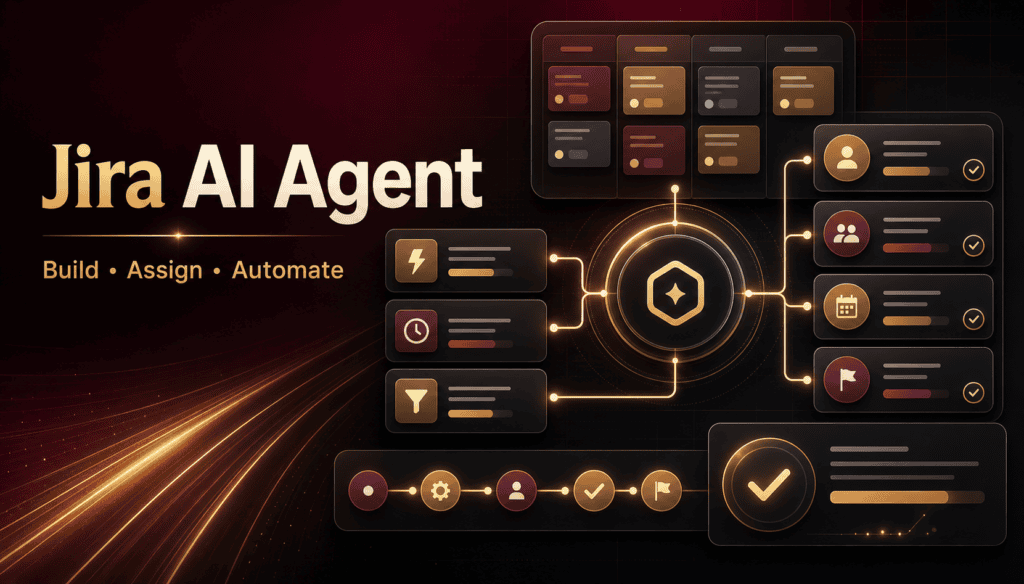
Jira can now act as an agent orchestration hub, and a Jira AI agent built with Rovo can move real work forward inside issues. In this guide, I’ll show you how to create an agent in Rovo, attach Confluence knowledge, connect Slack and GitHub skills, add event triggers, assign issues to the agent, and keep humans in the loop.
Our team reviewed Team ’26 sessions and Rovo demos and saw consistent patterns: start with scoped knowledge, add MCP skills, gate actions behind permissions, and test with dry-runs before turning on autonomy. I’ll use the Claude Agent for Jira example that turns issues into GitHub PRs to ground the steps.
Quick Summary
- Rovo agents are the fastest path to a production-ready Jira AI agent that reads issues, uses Confluence knowledge, triggers on events, and performs skills like Slack or GitHub.
- Claude Agent for Jira is a strong pattern for engineering teams by turning a Jira issue into a GitHub pull request from an assignment.
- Triggers usually fire on issues created, status changed, or comment added, with filters for labels, components, and projects to avoid noisy runs.
- Jira admins, PMs, support leads, and EMs benefit most when they cap autonomy, require approvals for risky actions, and audit agent activity.
What Is a Jira AI Agent?
Definition
A Jira AI agent is an automated teammate, orchestrated by Jira and Rovo, that reads issues, references organizational knowledge, and performs skills across connected tools. In practice, you give the agent scoped knowledge from Confluence, wire MCP skills such as Slack and GitHub, and define triggers so it acts on specific Jira events under permissions and autonomy rules.
Who Is This For?
This guide is for US-based Jira admins, project managers, support leaders, and engineering managers who want working automations, not demos. If you need agents to analyze issues, draft responses, notify teams, or open GitHub PRs from tickets with clear guardrails, use these steps.
How Do You Build a Jira AI Agent in Rovo?
Follow this no-nonsense workflow in Rovo Studio:
Step 1
Start from a template
- Open Rovo Studio and pick a template close to your use case (support triage, engineering, or project coordination).
- Name the agent and describe its mission in one sentence.
Step 2
Scope projects and issues
- Limit its scope to specific Jira projects and issue types.
- Add label/component filters to reduce noise.
Step 3
Attach Confluence knowledge
- Connect relevant Confluence spaces or pages.
- Add retrieval settings (e.g., prioritize how-to docs over blog posts) so answers cite the right content.
Step 4
Connect MCP skills
- Add Slack notifications (post to a channel or DM assignee) and GitHub (create branch, open PR).
- Keep actions granular; prefer smaller, auditable skills over one oversized action.
Step 5
Define prompts and system behavior
- Write concise system instructions: role, goals, tone, and escalation rules.
- Provide 3–5 example inputs/outputs to stabilize behavior.
Checklist
- Template selected and renamed
- Jira projects and issue types scoped
- Confluence spaces connected and ranked
- Slack and GitHub skills added
- System prompt and examples saved
Suggested Visual: Rovo Studio canvas showing Knowledge (Confluence), Skills (Slack, GitHub), and Scope (Jira projects) wired together.
How Do You Configure Triggers and Test a Jira AI Agent?
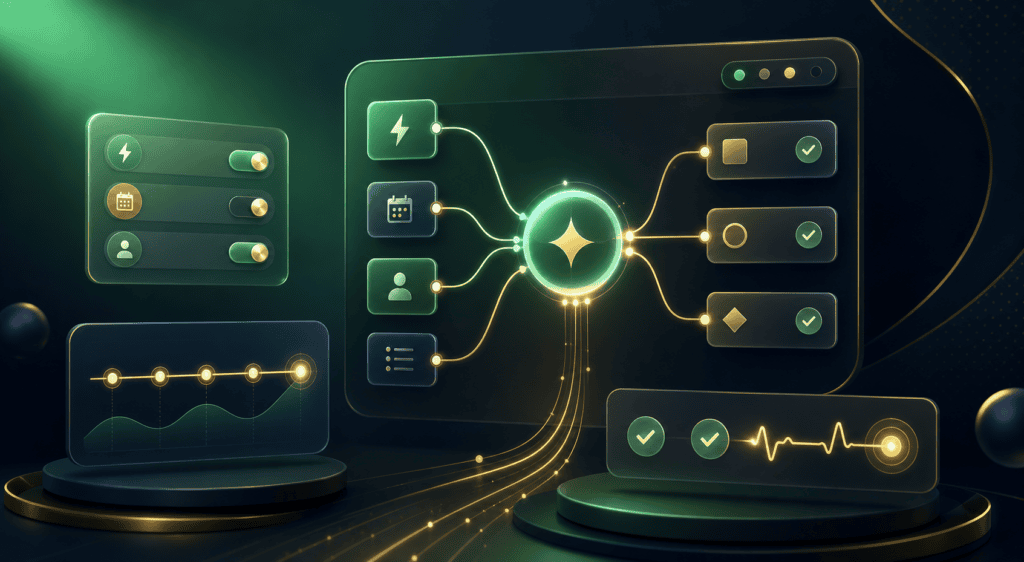
Triggers fire the agent when an event matches your filters. Set one trigger at a time, test, then add more.
- Event: on issue created, status changed, or comment added.
- Filters: limit by project, issue type, labels, components, or assignee.
- Action: choose the agent task (e.g., analyze request, draft comment, open PR, send Slack summary).
High-payoff tip
Dry-run first
- Enable a dry-run mode so the agent logs planned actions without executing write operations.
- Review logs with a teammate; adjust filters and prompts before enabling.
Turn on execution
- Start with read-only or low-impact actions (draft comments, internal notes, Slack posts).
- Promote to write actions (e.g., open PR) only after a week of clean dry-runs.
Your Attractive Heading
Checklist
- One trigger per use case
- Filters applied to reduce false positives
- Dry-run logs reviewed and approved
- Execution enabled in phases
Suggested Visual: Trigger rule screenshot with Event, Filters, and Action blocks highlighted.
How Do You Assign Work and Govern a Jira AI Agent Safely?
Treat the agent like a teammate with roles, permissions, and audits.
- Make it assignable: create a dedicated user for the agent and allow it as a Jira assignee.
- Permissions: grant the minimum needed for each project; separate read and write scopes.
- Autonomy: cap autonomy by requiring human approval for higher-risk actions (e.g., code PRs, status transitions to Done).
- Approvals: use issue transitions or comments as explicit approvals the agent must check.
- Audit: log all actions to a dedicated Slack channel and a Confluence page for weekly review.
Checklist
- Agent user created and added to correct roles
- Least-privilege permissions set
- Autonomy levels defined by action type
- Approval and audit patterns documented
Example: How Does Claude Agent for Jira Turn Issues into GitHub PRs?
In Atlassian’s demo, assigning an issue to Claude Agent for Jira prompts it to read the ticket, gather context, write code, and open a GitHub PR, all from inside Jira. In our review, this works best when the ticket has clear acceptance criteria and the GitHub skill is scoped to a single repo and branch naming rule.
| Component | Where it lives | Purpose |
|---|---|---|
| Knowledge | Confluence | Gives coding guidelines and examples |
| Skill | GitHub | Creates branch and opens PR |
| Trigger | Jira assignment | Starts the PR workflow |
| Approval | Jira comment | Human-in-the-loop checkpoint |
Key Takeaways
- Clear, scoped knowledge improves code suggestions and PR quality.
- Assignment is a clean trigger for engineering use cases.
- Human approvals keep risk-controlled while still saving time.
Suggested Visual: Simple swimlane of Issue assigned → Agent drafts changes → PR opened → Human review.
Mid-Workflow Tip: Add Video Outputs Where Useful
If your projects also need quick product or update videos attached to issues or shared in Slack, VidAU AI can help alongside Rovo. Try these:
- Create short product update clips with VidAU AI Video or Text to Video.
- Generate narrated how-tos with VidAU Text to Speech.
- Convert release demos to audio notes with Video to Audio.
- Share link-based snippets via URL to Video or polish assets with the Video Enhancer.
Important distinction
VidAU is for content creation; use Rovo for Jira-native agent automation.
Why This Setup Aligns with 2026 Agent Trends
I reviewed the recent Team ’26 material and Information Gain Center notes and saw a consistent shift: agents call skills via MCP and live inside existing tools. That’s why Rovo’s model Jira triggers, Confluence knowledge, Slack/GitHub skills maps cleanly to how teams already work, without adding a new app layer.
Common Mistakes and How to Avoid Them
Watch out
- Too-broad scope: Start with one project and one label; expand later.
- Missing knowledge: Attach the exact Confluence spaces the team actually uses.
- Overpowered skills: Break large actions into small, auditable steps.
- No dry-runs: Always run a week of dry-runs before enabling write actions.
- Unclear autonomy: Document which actions need approvals and where they happen.
- Silent failures: Route logs to a Slack channel the owners actually monitor.
Safe-ops checklist
- Scope small → test → expand
- Knowledge linked and prioritized
- Skills least-privilege and granular
- Dry-run then phased execution
- Approvals and audits in place
Create with VidAU Agent
Build quick product updates, narrated how-tos, release-demo audio notes, and link-based video snippets alongside your Jira and Rovo workflows.
Final Thoughts
Key takeaway
A production ready Jira AI agent pairs tight scoping with useful skills and disciplined governance. Build in Rovo Studio, attach just-enough Confluence knowledge, test triggers in dry-run, and only then allow higher-impact actions with approvals.
If your team also needs quick videos for status updates or product demos, add VidAU alongside Jira. Start with VidAU AI Video or Text to Video while keeping Rovo as your Jira automation hub.
FAQ
These answers cover building, scoping, triggering, assigning, governing, and auditing Jira AI agents.
How do I build a Jira AI agent with Rovo?
Create an agent in Rovo Studio, scope it to specific Jira projects and issue types, attach Confluence knowledge, connect MCP skills like Slack and GitHub, then add a trigger such as issue created or assignment. Test in dry-run to review logs, and enable execution gradually with least-privilege permissions.
What is the difference between Jira AI agents and Jira automation rules?
Jira automation rules run deterministic if-this-then-that actions. A Jira AI agent reasons over context, retrieves knowledge from Confluence, and executes multi-step skills like drafting responses or opening GitHub PRs. Use rules for simple state changes and agents when decisions, summaries, or cross-tool actions are required.
How do I assign work to a Jira AI agent?
Create a dedicated agent user and allow it to be an assignee. Use assignment or a specific status transition as the trigger. The agent reads the issue, applies knowledge, and performs skills under permissions. Keep approvals for higher-risk actions via comments or dedicated statuses.
Which triggers work best for Jira AI agents?
Start with one issue created for intake triage, status changed to In Progress for coordination, and comment added for clarification or follow-ups. Always add filters for project, issue type, labels, or components so the agent runs only where it adds value and avoids noisy backlogs.
How do I connect Confluence knowledge safely?
Attach only the spaces and pages the team relies on, and favor how-to guides and standards over general blogs. Rank sources if supported, and validate a few Q&A cases in dry-run to confirm the agent consistently cites the right pages before enabling write actions.
Can a Jira AI agent open GitHub PRs?
Yes, when you connect a GitHub skill and scope it to the correct repository permissions. The Claude Agent for Jira demo shows assignment prompting an issue-to-PR flow. Keep branch naming rules consistent, require human review of the PR, and log the action to Slack for audit.
How should I set autonomy and approvals?
Use least-privilege permissions and split actions by risk. Allow autonomous read/draft/notify actions, but require human approval for code changes, high-impact transitions, or external messaging. Implement approvals through specific statuses or comment keywords the agent must detect before acting.
What logging and auditing should I enable?
Send every planned and executed action to a Slack channel that owners monitor. Keep a weekly audit note in Confluence summarizing triggers fired, successes, failures, and changes requested. This closes the loop, supports training updates, and keeps governance visible.
Will this replace Jira admins or project managers?
No. Agents speed repetitive work, summaries, and first drafts, but humans still set scope, decide autonomy, review risky actions, and refine knowledge and prompts. The best outcomes pair targeted automation with clear human approvals and regular audits.






