Kling Audio vs Traditional AI Video Voiceovers
Your AI video audio workflow just became obsolete but not with Kling Audio.
AI video creation has advanced rapidly, but audio workflows have not kept pace. Many creators still rely on a patchwork of tools to generate voices, sync lips, and add sound effects. Kling Audio challenges this outdated process by offering native audio integration inside an AI video platform. This review compares Kling Audio with traditional AI video voiceover workflows and explains why an all-in-one approach matters for modern AI video creators.
The Core Problem With Traditional AI Video Voiceovers
Most AI video creators follow a familiar but inefficient process:
- Generate video visuals in one AI platform.
- Export the video file.
- Create voiceovers in a separate AI text-to-speech tool.
- Manually sync audio to visuals.
- Add sound effects using yet another tool.
- Re-import everything into a video editor.
This workflow creates three major problems.
First, it wastes time. Each export and import introduces delays, versioning issues, and rework. Small script changes often require repeating the entire process.
Second, audio quality suffers. Lip-sync errors, mismatched pacing, and unnatural transitions are common when audio and video are generated separately.
Third, creative momentum breaks. Jumping between tools interrupts the creative process and makes experimentation expensive.
Traditional AI video voiceovers were never designed for integrated production. They were built as standalone solutions, not as part of a unified AI video system.
What Kling Audio Is and How It Changes the Workflow
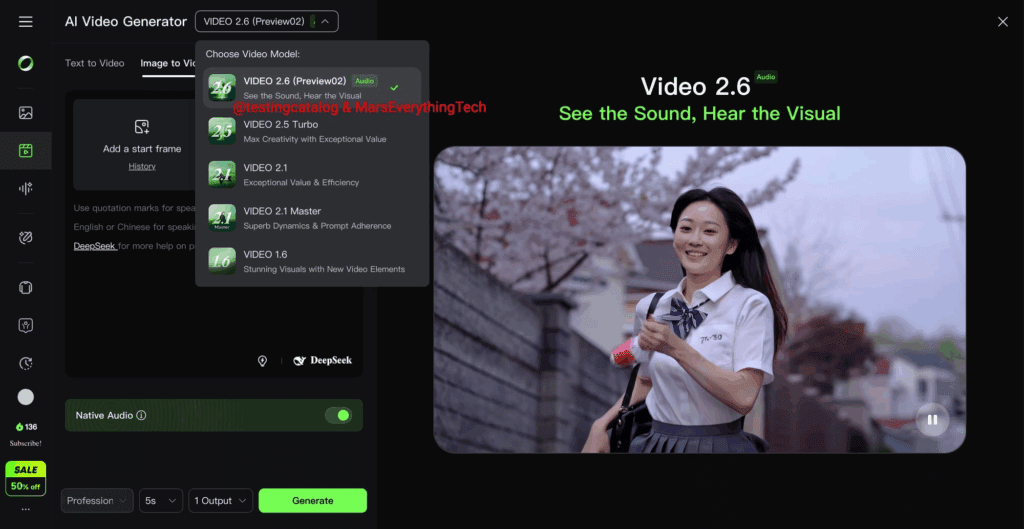
Kling Audio takes a fundamentally different approach. Instead of treating audio as an add-on, it embeds voices, lip-sync, and sound effects directly into the AI video creation process.
With Kling Audio, creators generate video and audio in the same environment. The system understands timing, facial movement, and scene context from the start. This native integration removes the need for external voiceover tools and manual syncing.
The result is a streamlined workflow where audio and visuals evolve together rather than being stitched together afterward.
Step-by-Step: Creating an AI Video With Kling Audio
Here is a clear comparison of how the Kling Audio process works compared to traditional methods.
Step 1: Create or Upload Your Source Video
Kling Audio starts with your AI-generated or uploaded source video. The platform analyzes visual elements such as faces, mouth movement, and scene pacing.
Traditional workflows stop here and require exporting the video file.
Step 2: Generate Voice Directly in the Platform
Instead of exporting, Kling Audio allows you to select a voice and generate speech inside the same interface. The voice is automatically timed to the visuals.
In traditional setups, this step happens in a separate text-to-speech tool with no awareness of the video.
Step 3: Automatic Lip-Sync
Kling Audio applies lip-sync automatically based on the generated voice and facial data. No manual adjustments are required.
Traditional workflows often require manual keyframing or third-party lip-sync software.
Step 4: Add Sound Effects in Context
Sound effects can be added directly within the video timeline. Because Kling Audio understands the scene, effects align naturally with actions and transitions.
Traditional workflows rely on external sound libraries and manual placement.
Step 5: Export the Final Video
Once complete, the video is exported with audio fully integrated. There is no need for additional editing passes.
Voices: Natural Speech Without External Tools
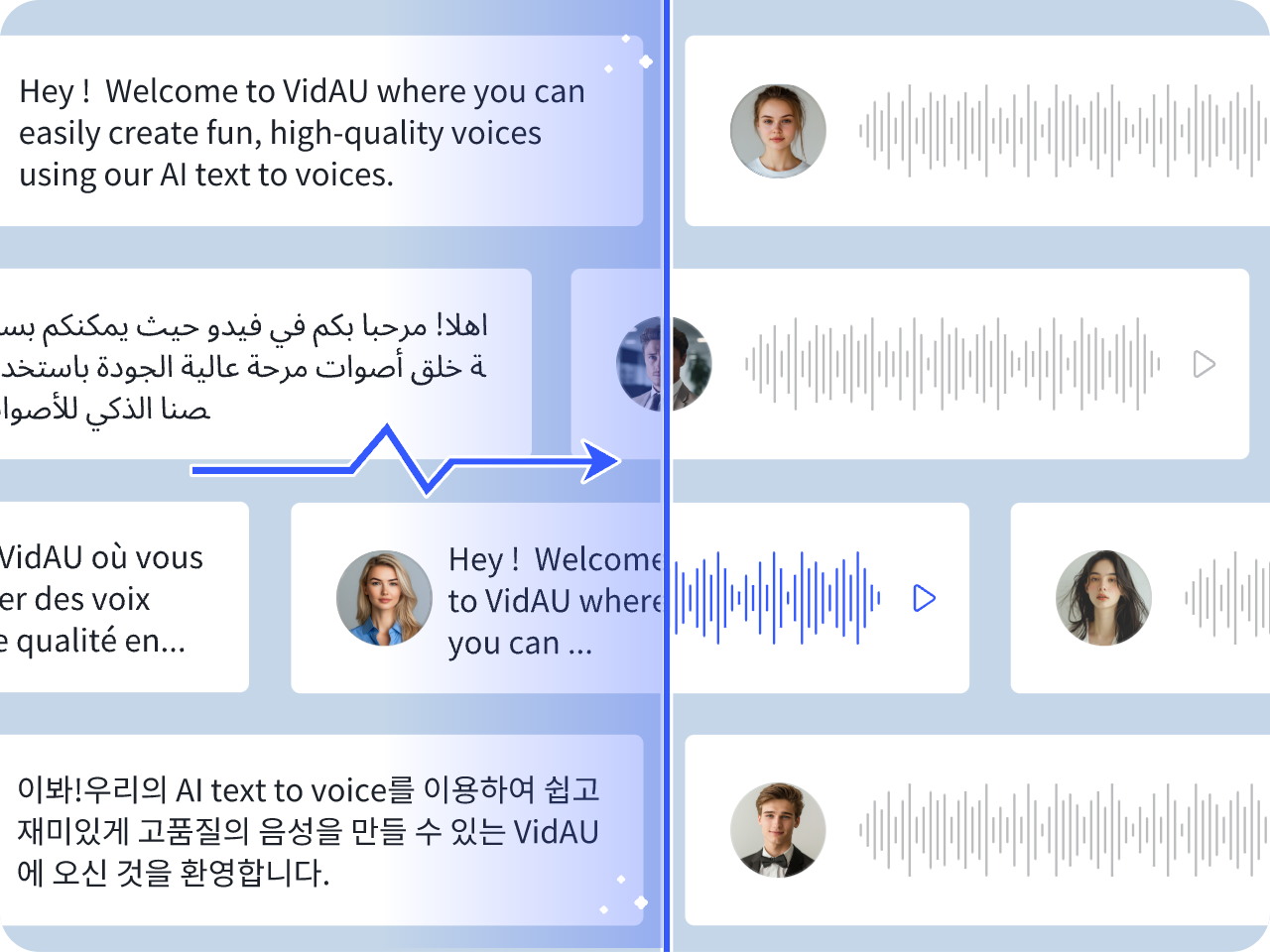
Traditional AI voiceover tools focus on voice quality alone. While many offer realistic speech, they lack context.
Kling Audio voices are generated with awareness of video pacing and facial movement. This reduces unnatural pauses, rushed sentences, and mismatched emphasis.
For AI video creators producing explainers, ads, or social content, this contextual awareness leads to more natural results with less tweaking.
Lip-Sync: Built-In Accuracy vs Manual Fixes
Lip-sync is one of the most common failure points in AI video production.
Traditional workflows often require:
- Exporting video to a lip-sync tool
- Adjusting timing manually
- Re-rendering multiple times
Kling Audio removes this entire category of work. Lip-sync is generated as part of the voice creation process, not added later.
This native approach dramatically reduces visual errors and saves hours per project.
Sound Effects: One Platform vs Fragmented Libraries
Sound effects are often treated as an afterthought in AI video creation.
Traditional creators search third-party libraries, download files, and manually align them with the video timeline. This process is slow and inconsistent.
Kling Audio integrates sound effects directly into the video workflow. Effects are placed in context, making timing and balance easier to control.
This is especially valuable for short-form AI videos where pacing is critical.
Practical Use Cases for AI Video Creators
Kling Audio is particularly useful for:
- Social media video creators producing high volumes of content
- Marketers creating AI video ads with tight deadlines
- Educators building explainer videos
- Solo creators without dedicated audio engineers
In each case, the ability to manage voices, lip-sync, and sound effects in one platform reduces friction and increases output.
Common Mistakes When Choosing AI Video Audio Tools
Many creators make avoidable mistakes when selecting audio solutions for AI video.
Mistake 1: Optimizing for voice quality alone
A great voice is useless if it does not sync properly with visuals.
Mistake 2: Underestimating workflow costs
Multiple tools may seem flexible, but they introduce hidden time and complexity costs.
Mistake 3: Ignoring iteration speed
AI video creation depends on rapid testing. Multi-tool workflows slow iteration dramatically.
Kling Audio addresses all three issues through native integration.
Final Checklist: Is Kling Audio Right for You?
Use this checklist to decide if Kling Audio fits your AI video workflow:
- You want voices, lip-sync, and sound effects in one platform
- You are tired of exporting and importing files
- Also, you need faster iteration on AI video projects
- You value workflow simplicity over tool stacking
- You want to test without upfront commitment using a free trial
If most of these points apply, Kling Audio offers a clear advantage over traditional AI video voiceover workflows.
By eliminating disconnected tools and embedding audio directly into AI video creation, Kling Audio represents a meaningful shift in how AI video audio is produced.
Frequently Asked Questions
Q: What makes Kling Audio different from traditional AI video voiceover tools?
A: Kling Audio integrates voices, lip-sync, and sound effects directly into the AI video creation process, eliminating the need for multiple external tools.
Q: Do I still need a separate audio editor with Kling Audio?
A: In most cases, no. Kling Audio handles voice generation, lip-sync, and sound effects within one platform.
Q: Is Kling Audio suitable for short-form AI videos?
A: Yes. The integrated workflow is especially effective for short-form content where timing and pacing matter.
Q: Can I try Kling Audio before committing?
A: Yes. A free trial is available for immediate testing.
Q: Who benefits most from Kling Audio?
A: AI video creators, marketers, educators, and solo creators who want faster production and fewer tools benefit the most.