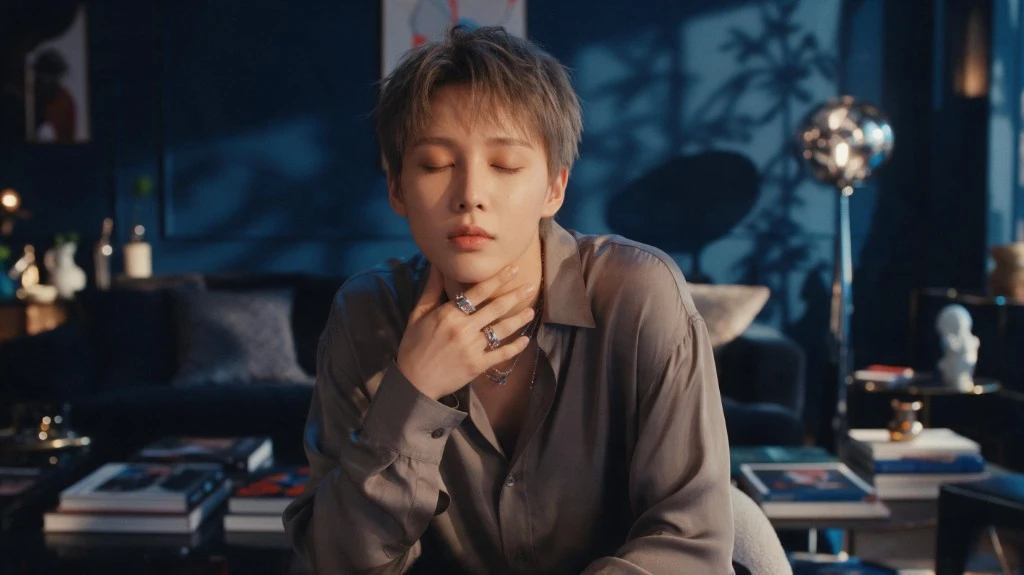


Online Creators
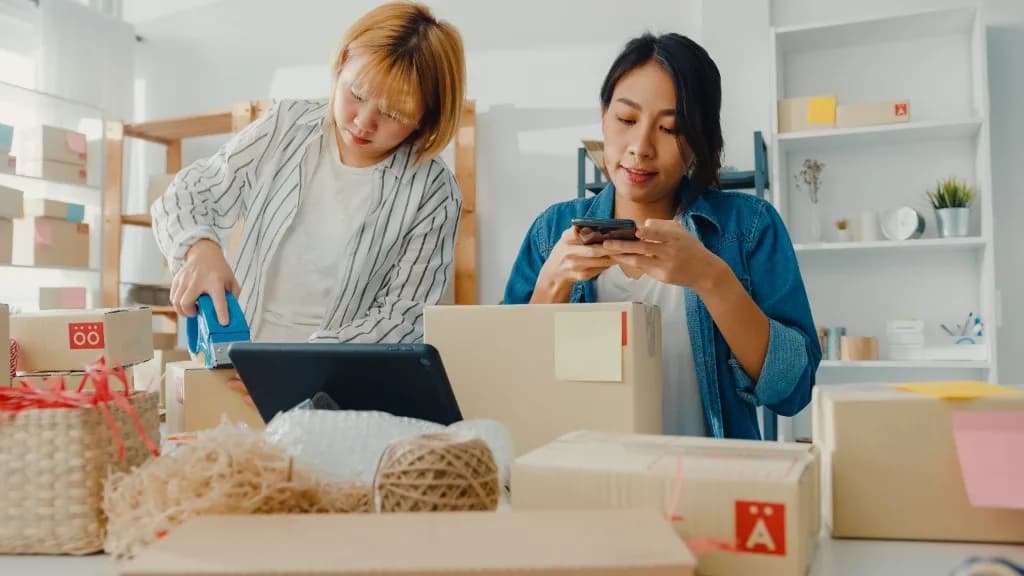
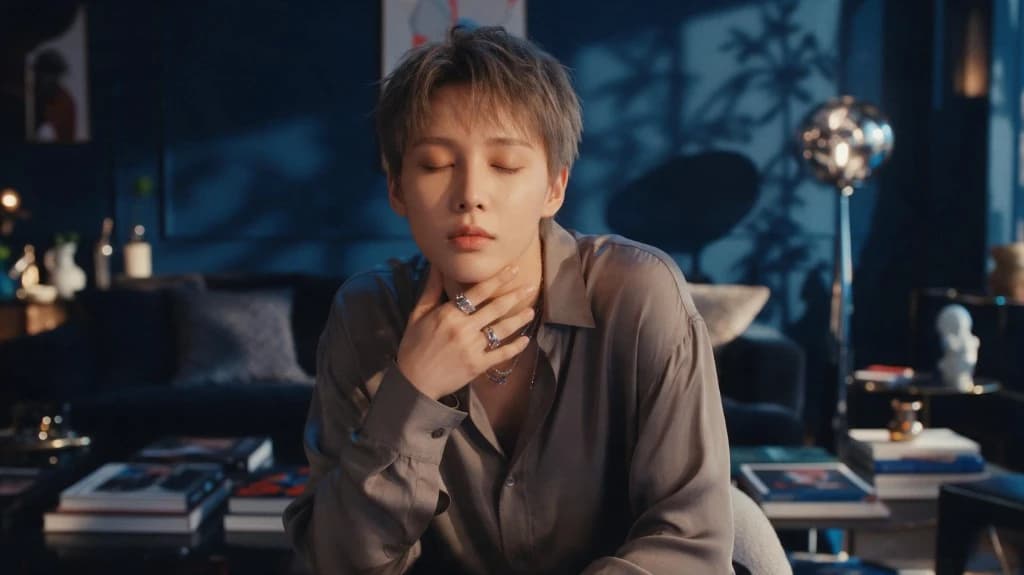
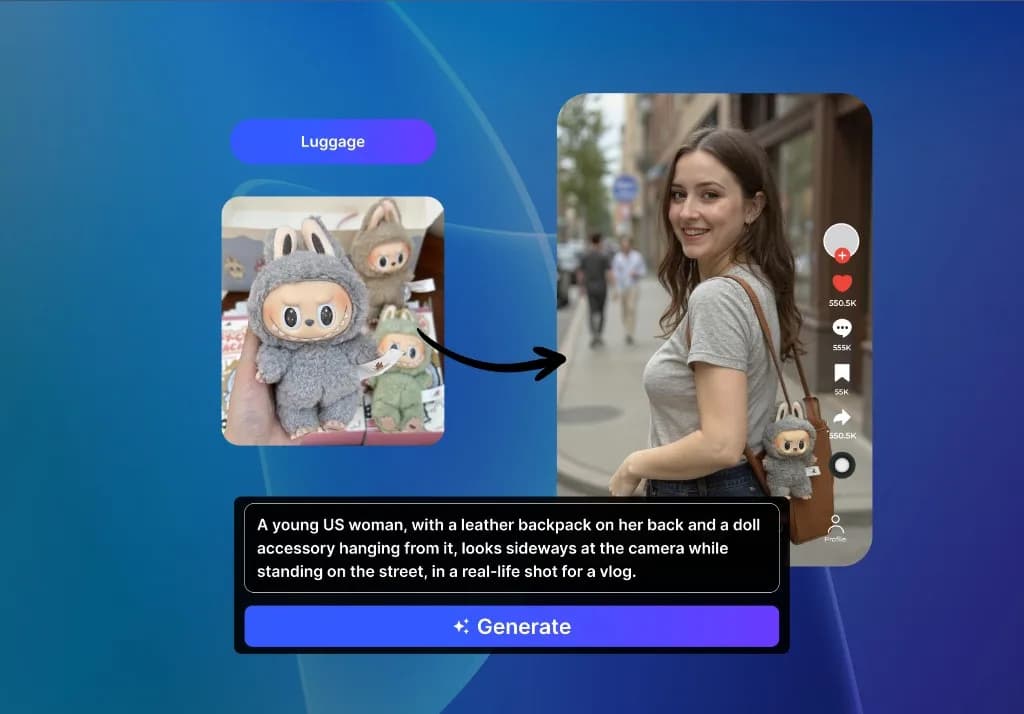
Keep social content fresh. Generate portraits, lifestyle scenes, thumbnails, campaign visuals, and social-ready concepts without arranging a new shoot for every post.
Describe the image you need and let VidAU Photo Generator AI turn the idea into polished product, lifestyle, portrait, editorial, and campaign visuals. Control the model, aspect ratio, resolution, style, and reference direction from one workflow.
Choose the model that fits the job without leaving VidAU. Generate with GPT Image 2, Nano Banana 2, Seedream 5.0, Nano Banana Pro, or VidAU Image V1.5, then adjust your prompt and settings from the same workflow.
Describe the subject, background, lighting, composition, and mood, then refine the result until it fits the brief. Use the same workflow for product scenes, social content, portraits, editorial concepts, fashion and lifestyle visuals, or early-stage concept art.
Online Creators
Keep social content fresh. Generate portraits, lifestyle scenes, thumbnails, campaign visuals, and social-ready concepts without arranging a new shoot for every post.
Advertisers and Marketers
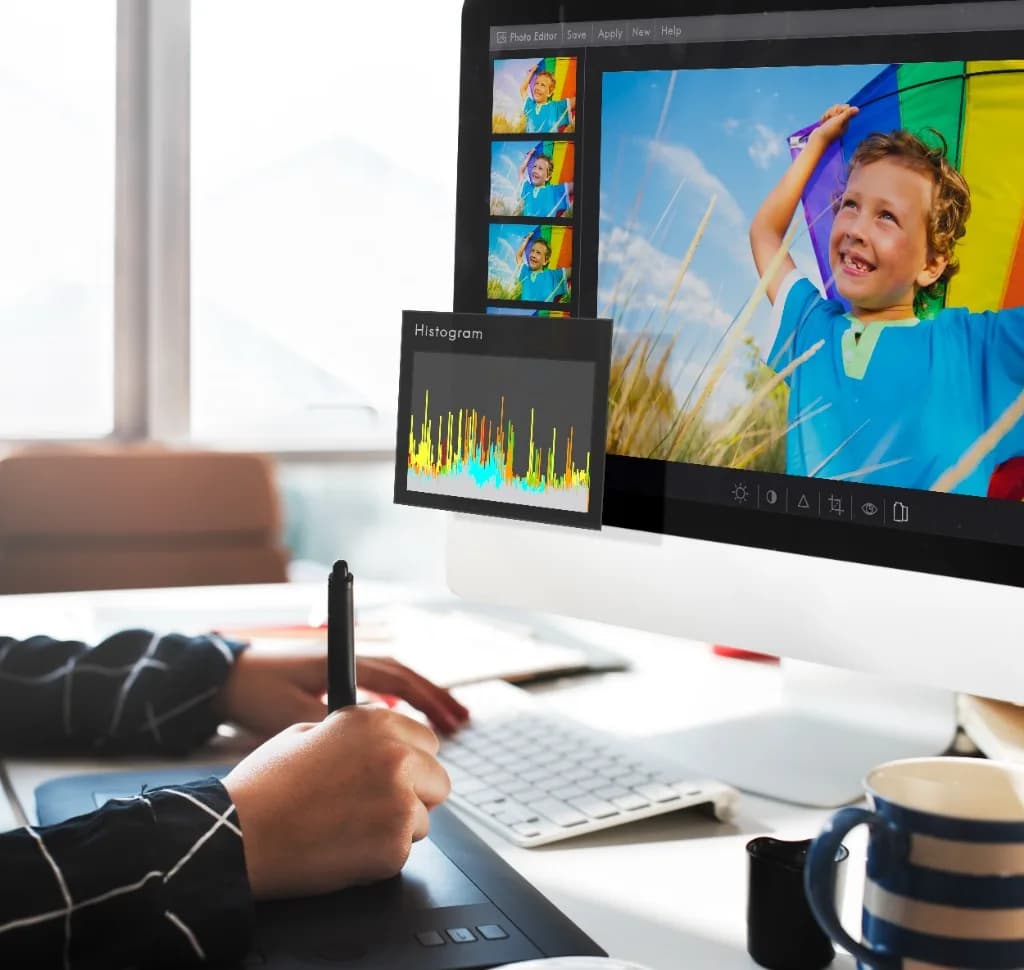
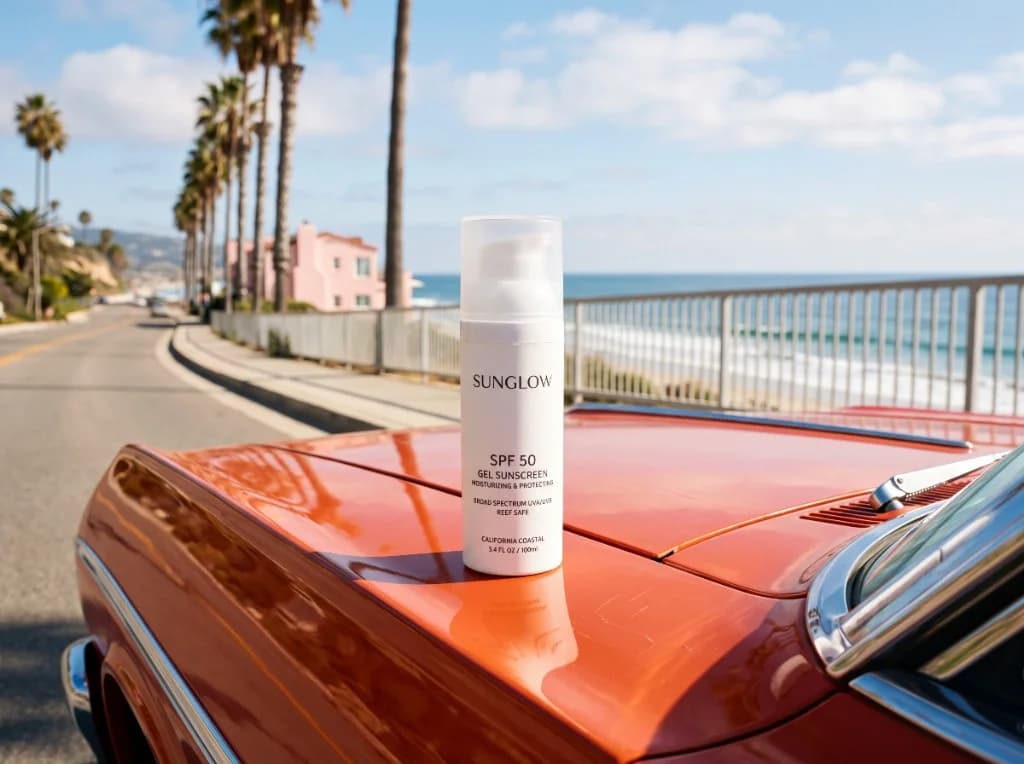
Test more campaign concepts. Turn one campaign brief into different image directions for ads, product launches, landing pages, and social promotions.
Animators and Game Creators
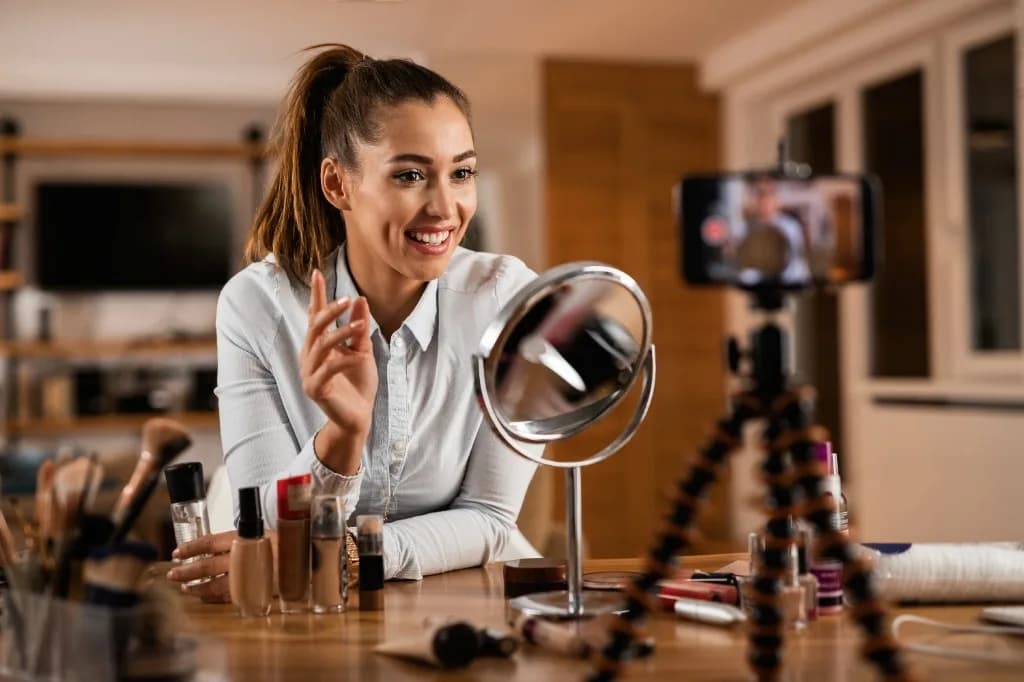
Develop characters and worlds faster. Explore character looks, environments, props, and early story concepts before committing to a full production workflow.
Creative Artists
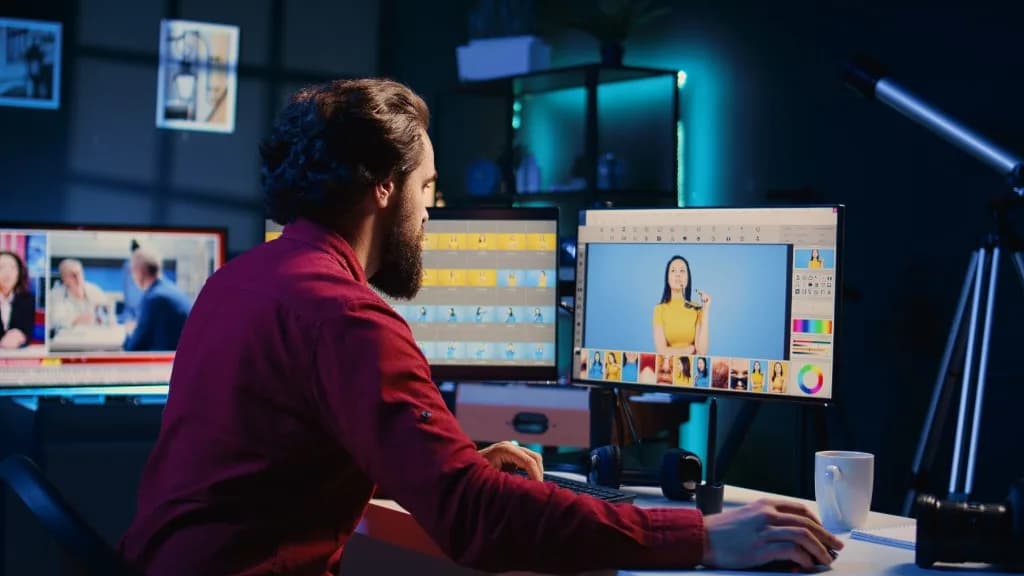
Turn ideas into visual directions. Move from a rough concept to different compositions, moods, lighting styles, and visual treatments.
Describe the visual, choose the model and settings, then generate and review the result.
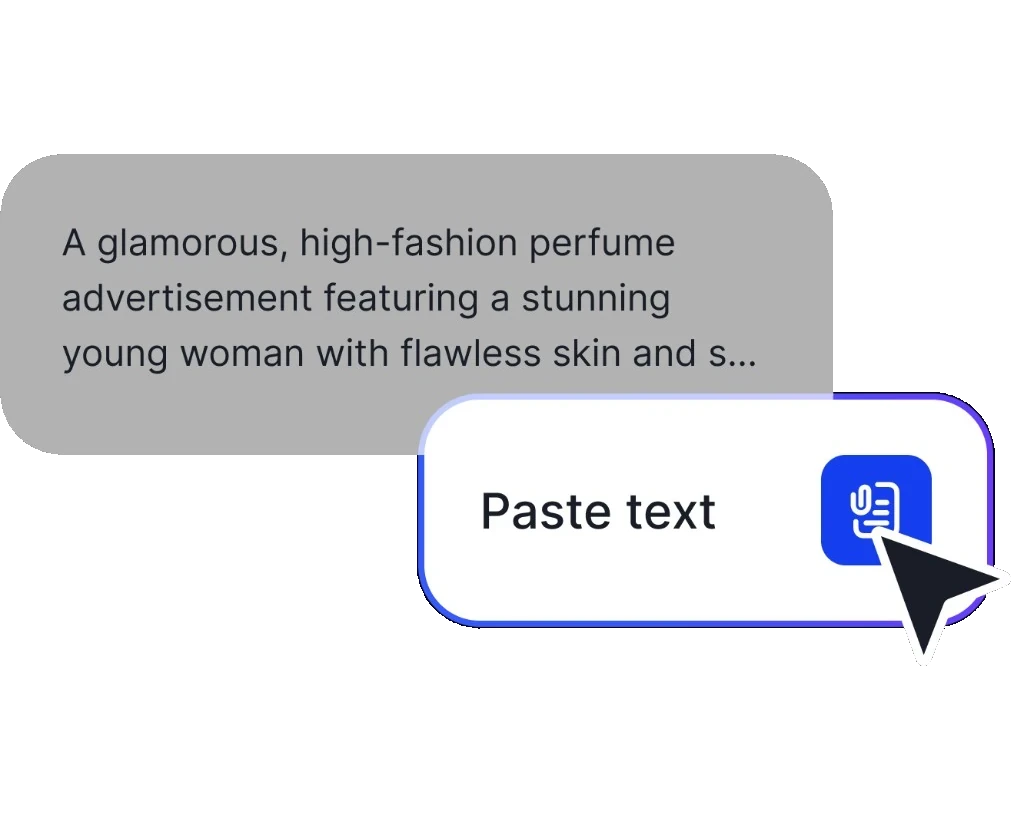
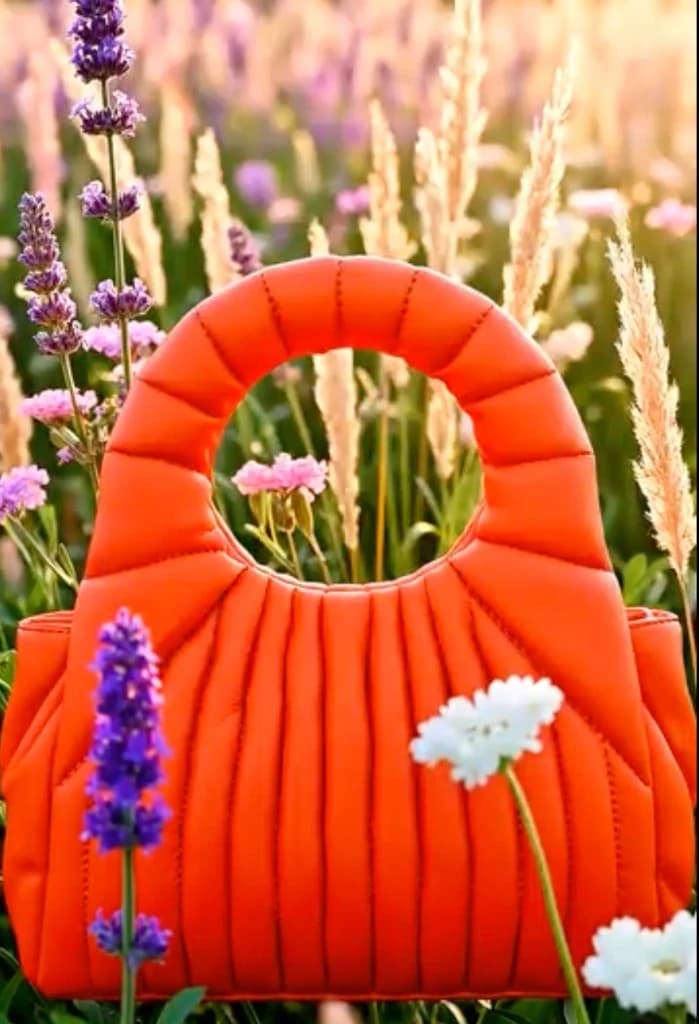
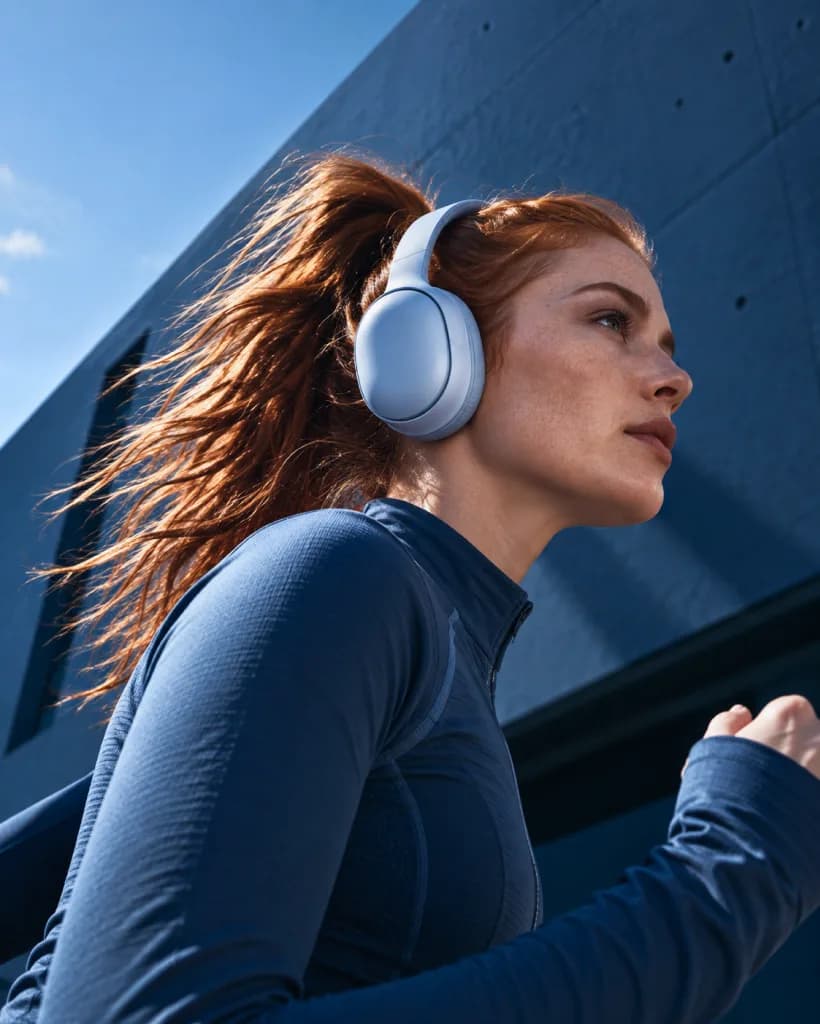
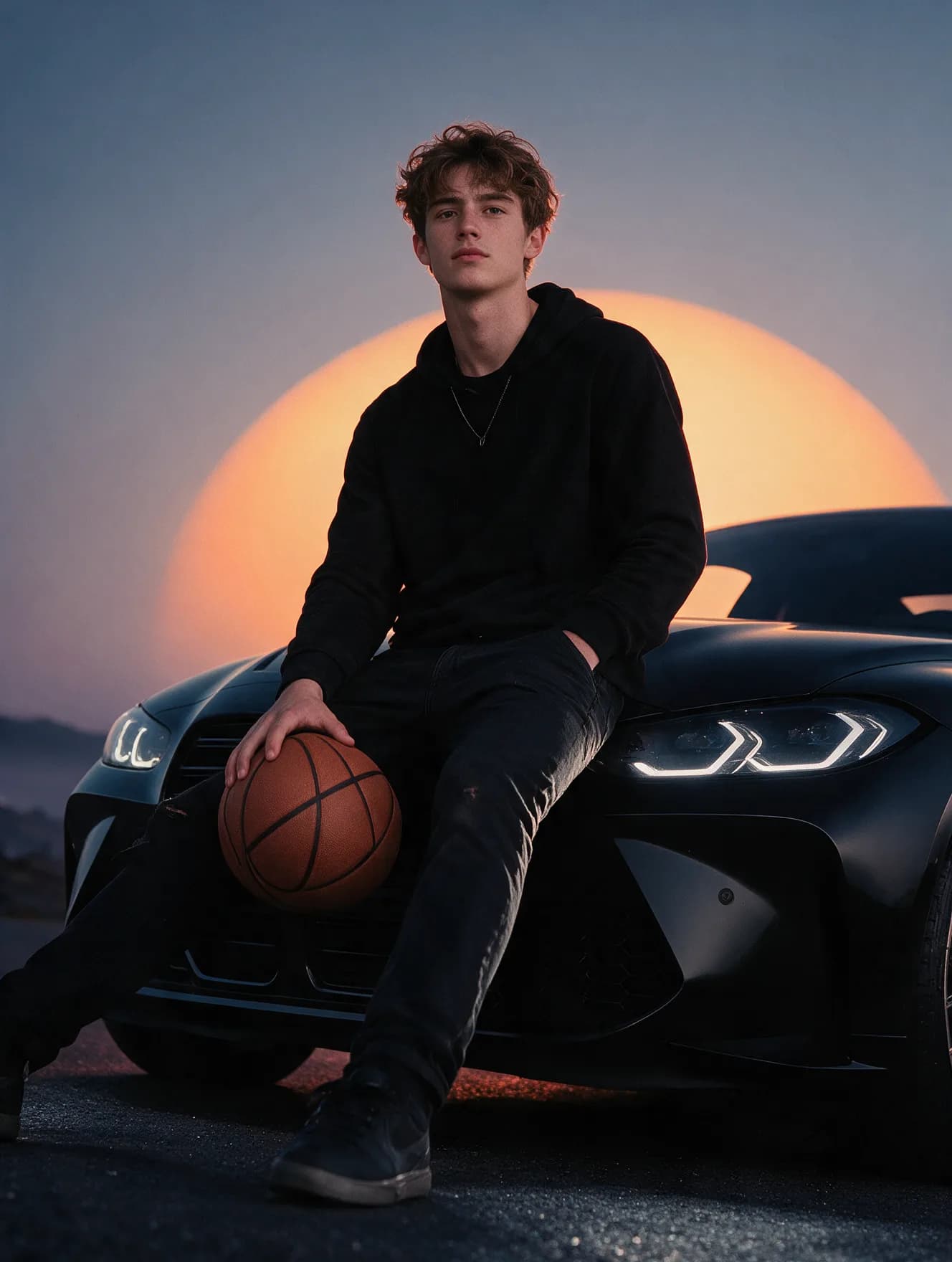
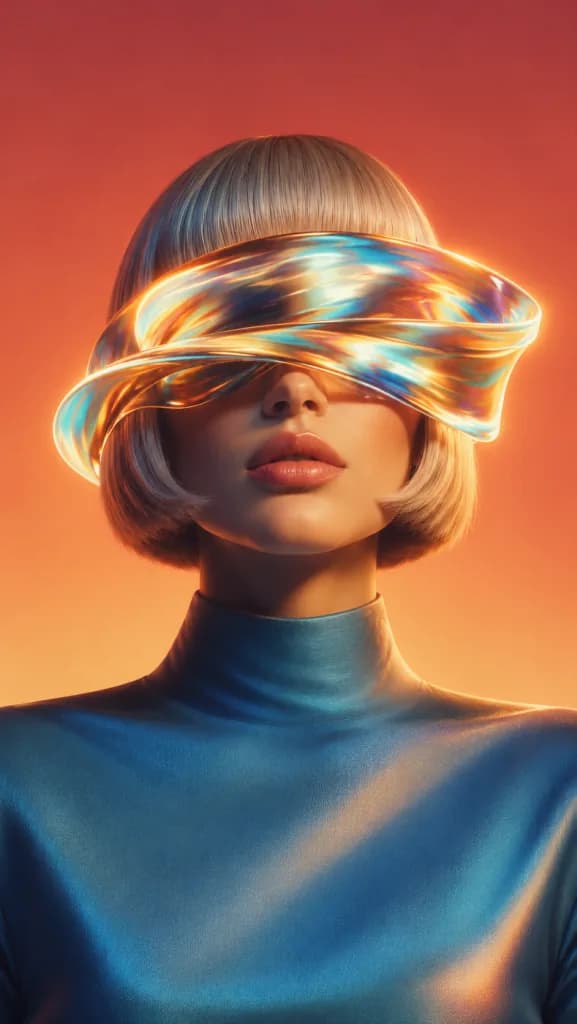
VidAU users describe using the platform to move from a brief to campaign-ready visuals faster, test more creative directions, and keep image production flexible across different marketing needs.
“I needed product launch visuals that felt polished enough for ads and landing pages, but getting every image right through a traditional design process was slowing the campaign down. I used VidAU Photo Generator AI to test different visual directions from the same brief, adjusting the lighting, background, and composition until the image matched the look I had in mind. Instead of going back and forth through several revision rounds, I could compare options quickly and move forward with a stronger final creative.”
“My biggest challenge was having enough fresh ad creatives to test without constantly asking the design team for new versions. With VidAU Photo Generator AI, I could start with one campaign idea and generate different image directions for various placements and aspect ratios. That made it easier to test more concepts, compare what worked visually, and keep campaigns moving without waiting for every variation to be designed from scratch.”
“Client briefs often come with a clear mood and brand direction, but turning that into multiple visual concepts usually takes time. I started using VidAU Photo Generator AI to explore compositions, backgrounds, lighting styles, and campaign looks before presenting the strongest options to the client. It gave my team a faster way to develop visual directions while still keeping the final work aligned with the brief.”
Start with the idea, choose the image model, and use VidAU Photo Generator AI to create polished visuals for the places your campaign needs them next.
Generate My Photo ↗