
Text Editor AI Agent · Diffs, Approvals, Summaries & System Prompts
Build a Text Editor AI Agent: Step-by-Step Workflow and System Prompt
Move past autocomplete with a text editor AI agent that plans before it writes, edits as reviewable diffs, summarizes outcomes, and asks follow-up questions inside a single-document scope.
By the VidAU Editorial Team · Text editor AI agent guide · ai agent step by step loop, ai agent system prompt, reviewable diffs, approvals, summaries, email triage, Tiptap Editor, and VidAU text-to-video workflows
Move past autocomplete with a text editor AI agent that operates inside the editor, plans before it writes, executes changes as diffs, reviews its own work, summarizes outcomes, and asks follow-up questions inside a single-document scope. In this guide, I outline the ai agent step by step loop, a reusable ai agent system prompt, and review controls you can ship today.
Teams want more than autocomplete. A text editor AI agent should plan, edit via diffs, review, summarize, and ask follow-ups without leaving the document. I reviewed Tiptap’s AI Agent experiment and used its single-document, programmable loop as the blueprint below.
Quick Summary
- Tiptap’s in-editor agent pattern is the top approach for a text editor AI agent that plans, edits as diffs, reviews, summarizes, and asks follow-ups within one document.
- A strong alternative is a background agent that proposes diff patches and human-approves them before merge when live editing isn’t desired.
- Single-document scope, explicit allowed actions, diff-only updates, and a mandatory follow-up rule keep edits safe and reviewable in 2025–2026 builds.
- Product managers and developers shipping AI-native editing—and content teams needing auditable changes benefit most from this workflow.
What Is a Text Editor AI Agent?
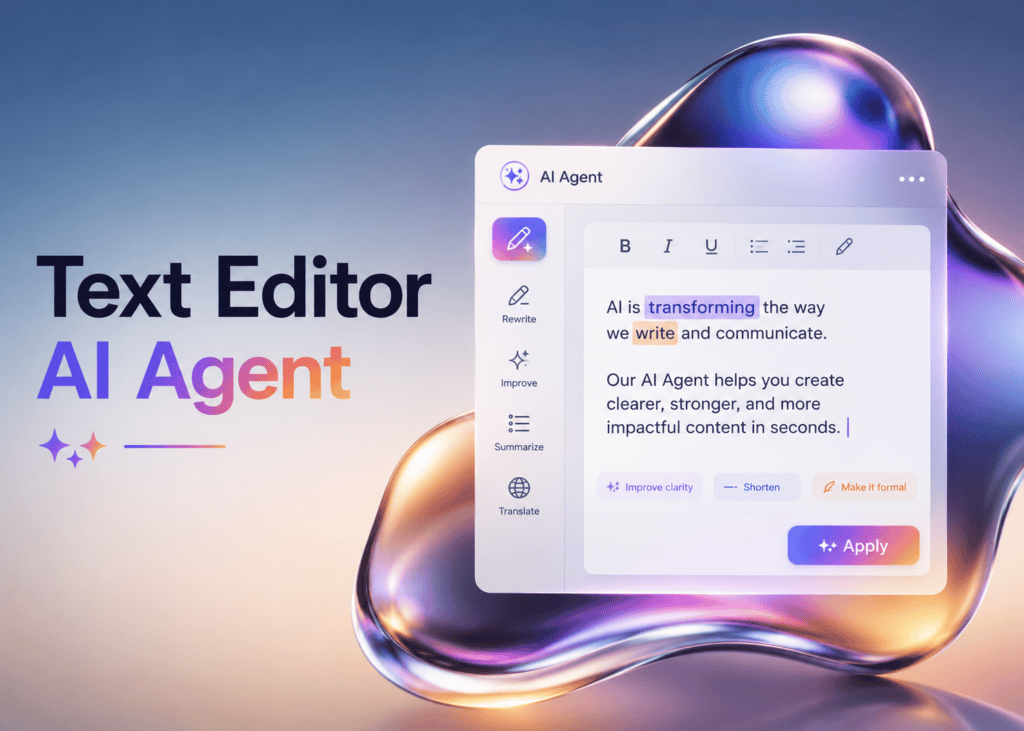
A text editor AI agent is an in-editor assistant that plans a task, executes edits as reviewable diffs, checks its work, summarizes outcomes, and asks clarifying questions, all within a single active document. Unlike autocomplete, it follows a programmable, step-by-step reasoning loop and respects constraints like scope, style, and refusal rules.
Definition
A text editor AI agent is an in-editor assistant that plans a task, executes edits as reviewable diffs, checks its work, summarizes outcomes, and asks clarifying questions, all within a single active document.
Who Is This For?
This guide is for product managers and developers building AI-native editing experiences, and content teams evaluating in-editor agents for editing, summarization, and drafting. If you need auditable edits, controlled scope, and a predictable loop that stays inside one document, this approach fits.
Best fit
This approach fits product managers, developers, and content teams that need AI-native editing with auditable edits, controlled scope, and a predictable single-document loop.
How does a text editor AI agent work step by step?
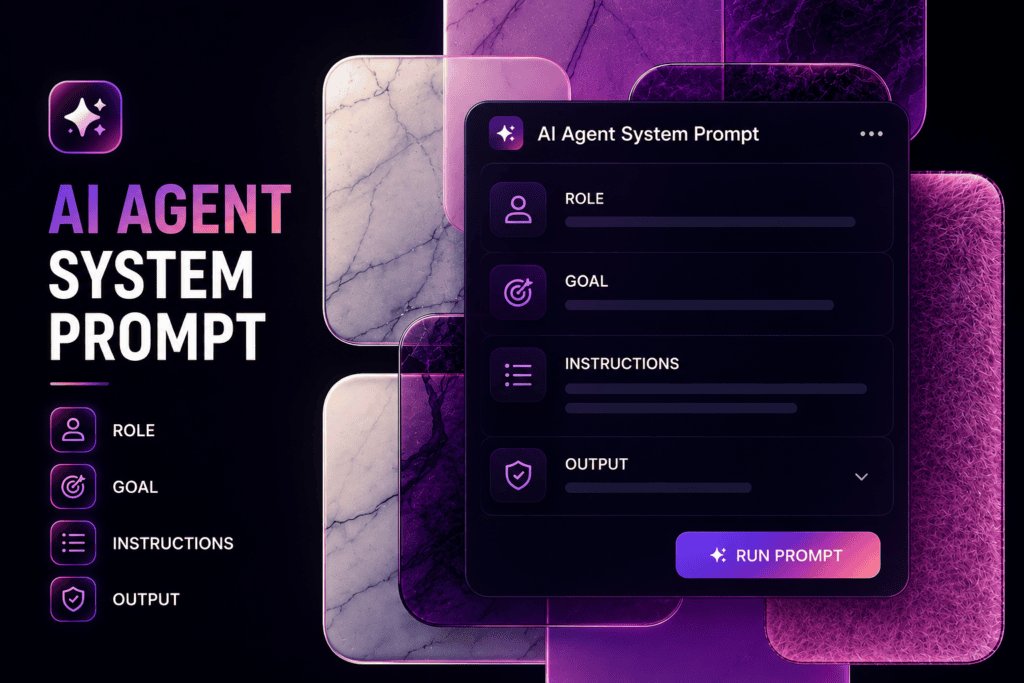
The agent loop mirrors Tiptap’s experiment and should be explicit:
1) Plan
- Parse the user’s instruction, list sub-tasks, and define success criteria.
- Ask a follow-up question if any requirement is ambiguous.
2) Execute
- Perform minimal-scope edits as diffs (insert, replace, move, delete) in the active document only.
- Tag each change with a rationale and a unique ID for review.
3) Review
- Re-read the changed sections, validate against the plan and constraints.
- If results fall short, fix with an additional, clearly-labeled diff.
4) Summarize
- Output a concise recap: what changed, where, and why, linking to change IDs.
5) Follow-up
- Ask 1–2 targeted questions to confirm tone, facts, or edge cases before finalizing.
Key Takeaways
- Keep scope single-document and minimal-change per step.
- Always produce diffs plus a rationale for each change.
- Require a follow-up question when uncertainty is detected.
What is a reliable AI agent system prompt for in-editor editing?
Use a short, strict system prompt that lists allowed actions, constraints, and refusal rules. Keep it close to the execution surface so it’s always applied.
System prompt template:
- You are an in-editor agent working only on the active document.
- Your loop: plan → execute (diffs) → review → summarize → follow-up.
- Allowed actions: insert text, replace selection, move paragraph, delete sentence, add heading, add comment. Only as diffs.
- Constraints: preserve structure and formatting; do not change meaning unless asked; never access external sources; comply with style guide if provided.
- Refuse and ask a question if the task is unclear, out of scope, or requires external data.
- After each execution, provide: change IDs, location, rationale. Then summarize and ask 1–2 clarifying questions.
Keep this template under 200–250 tokens so it’s cheap, fast, and consistently applied.
Prompt tip
Keep the ai agent system prompt short and strict: define the loop, allowed actions, constraints, refusal rules, and required outputs close to the execution surface.
How do you implement diffs, approvals, and summaries?
Edits must be reviewable and reversible. Instrument the editor to capture and show change metadata.
- Diff granularity: sentence or block-level for readability.
- Review UI: inline highlights with accept/reject per change ID.
- Rationale: short reason per change to aid approvals.
- Summary: a recap panel listing changes by section with links.
- Audit: log accepted/rejected diffs and final summary for export.
| Stage | Recommended Tools | Why |
|---|---|---|
| Diffing | Editor change-set API | Precise, minimal patches |
| Review UI | Inline marks + side panel | Fast accept/reject |
| Logging | Server event stream | Auditable history |
| Summaries | Model-generated recap | Clear stakeholder review |
| Safeguards | Refusal + follow-ups | Reduce bad edits |
Mid-article note: If your team wants to turn approved text edits into short product explainers, VidAU is an AI video ad platform that generates video ads from product URLs, images, or scripts in multiple languages. Explore Text to Video, VidAU AI Video, or add narration with Text to Speech.
Turn Approved Text Edits Into Product Videos With VidAU
After your text editor AI agent produces approved copy, use VidAU Text to Video, VidAU AI Video, and Text to Speech to create short product explainers and narrated clips.
VidAU workflow
Where VidAU Fits In A Text Editor AI Agent Workflow
- Use the editor agent for controlled text changes: Plan, edit via diffs, review, summarize, and ask follow-ups inside one active document.
- Use approvals before downstream creation: Accept or reject each change ID so only approved copy moves into video or narration workflows.
- Use Text to Video for approved scripts: Turn final edited copy into short product explainers after stakeholder review.
- Use VidAU AI Video for product clips: Convert approved product messaging into ad-ready or explanatory video assets.
- Use Text to Speech for narration: Add voiceover to approved text so product explainers are easier to understand and share.
Optional: can an AI agent to read emails work safely inside the editor?
Yes, treat it as an explicit, single-document triage task with user-selected messages and strong guardrails.
Safe email-triage pattern:
- Input: user pastes or imports selected emails into the editor as blocks (sender, subject, snippet, full body if permitted).
- Scope: the agent only sees what’s in the document; no mailbox access.
- Task: cluster by topic/urgency, extract action items, propose replies as diffs in a reply-draft section.
- Review: show per-email summaries, links to drafted replies, and ask follow-ups for ambiguous items.
- Privacy: scrub PII via a pre-processing step if required by policy.
Privacy note
For an ai agent to read emails safely, keep scope limited to user-selected messages pasted or imported into the document. Do not give mailbox access, and scrub PII if policy requires it.
What should you know about Tiptap Editor in practice?
Tiptap’s AI Agent experiment demonstrates a programmable, single-document workflow that breaks tasks into steps, applies diffs, reviews results, and asks follow-ups. In practice, wire these editor events:
Related YouTube Video: https://youtu.be/w3ocdyi5qps
- Selection-changed: set the agent’s current scope.
- Transaction-applied: capture diff metadata and IDs.
- Comment/mark toggled: bind accept/reject actions.
- Document-summarized: update the recap panel.
- Agent-question: surface a lightweight Q&A UI above the caret.
Common mistakes to avoid
- Letting the agent roam beyond the active document or fetch external data without consent.
- Merging unreviewed bulk edits instead of small, labeled diffs.
- Skipping follow-up questions, which increases hallucinated or off-tone edits.
- Bloated system prompts that exceed token budgets and drift over time.
- Hiding rationale; reviewers need short, per-change reasons to approve quickly.
Mistake to avoid
Do not merge unreviewed bulk edits. Keep the agent inside the active document, require small labeled diffs, show rationale, and ask follow-up questions when uncertainty appears.
Key takeaway
Final Thoughts
An effective text editor AI agent is a loop, not a one-off autocomplete. Plan, edit via diffs, review, summarize, and ask follow-ups all inside a single document with clear constraints and refusal rules. Start with the system prompt template above and wire a lightweight review UI before adding advanced features.
If your team also needs to turn approved text into quick product videos, consider VidAU’s Text to Video and narration via Text to Speech.
FAQ
Here are answers to common questions about a text editor AI agent, the ai agent step by step loop, ai agent system prompt design, reviewable diffs, email triage, single-document scope, risky edits, and Tiptap Editor implementation.
What is a text editor AI agent?
A text editor AI agent is an in-editor assistant that plans tasks, performs minimal diffs, reviews results, summarizes changes, and asks follow-up questions inside a single active document. It’s programmable, auditable, and designed to stay within explicit constraints, unlike generic autocomplete or free-roaming chat agents.
How do I design the ai agent step by step loop?
Use a five-stage loop: plan the task and success criteria, execute edits as labeled diffs, review against the plan, summarize what changed with rationales, and ask follow-up questions for ambiguities. Keep scope single-document and require a refusal when the request is unclear or out of bounds.
What belongs in an ai agent system prompt for editing?
Include the loop (plan → execute → review → summarize → follow-up), allowed actions (insert, replace, move, delete, comment), strict single-document scope, formatting and tone constraints, refusal rules, and required outputs (diff IDs, locations, rationales, recap, and a follow-up question). Keep it concise to preserve tokens and consistency.
How do I implement reviewable diffs in an editor?
Use the editor’s transaction or change-set API to generate minimal patches and assign change IDs. Render inline highlights and offer accept/reject controls. Log outcomes to a server stream and produce a brief summary listing each change with its rationale for quick approvals and audit.
Can I build an ai agent to read emails without privacy risk?
Yes, if you keep scope to content explicitly pasted or imported into the document. The agent should not access mailboxes. Treat each email as a block with sender, subject, and content, then triage, summarize, and propose reply drafts as diffs. Add PII scrubbing if policy requires it.
Why enforce a single-document scope?
A single-document scope keeps the agent predictable, debuggable, and auditable. It limits collateral damage, simplifies diff review, and aligns with editor events. You can later expand to multi-document context, but most teams ship faster and safer by mastering single-document behavior first.
How do I prevent the agent from making risky edits?
Constrain allowed actions, require per-change rationales, and gate merges behind accept/reject controls. Add a hard refusal rule for unclear or external-data tasks and enforce a follow-up question when confidence is low. Summaries and logs provide accountability and rollback options.
Does this approach work with Tiptap Editor?
Yes. Tiptap’s AI Agent experiment shows a programmable, single-document approach that breaks tasks into steps, applies diffs, reviews, summarizes, and asks follow-ups. In production, wire selection, transaction, and comment events to bind scope, capture change IDs, and manage approval UX.






