How to Pick the Best UGC Video Makers for Creating YouTube Shorts
Short videos now dominate most platforms, but none more than YouTube Shorts. This format is growing fast because it matches short attention spans and mobile habits. That’s why brands and creators now want the best UGC video makers for creating YouTube Shorts.
This guide breaks down what to look for in a strong UGC video maker, how to edit quickly, and how platforms like VidAU help users hit “publish” without delay. We also explain the different needs of casual users, influencers, and marketers when making Shorts.
The Best UGC Video Makers for Creating YouTube Shorts
Creating YouTube Shorts isn’t just about trimming a clip. It’s about speed, vertical formatting, auto-captions, and clean exports that match platform trends. That’s why using a regular video editor often falls short. You need a tool built for short-form UGC, something that lets you create, brand, and publish fast without sacrificing quality.
The best UGC video makers for creating YouTube Shorts offer ready-made templates, mobile-friendly exports, and easy controls for non-editors. They work directly in your browser, save presets, and let you stay consistent with minimal effort.
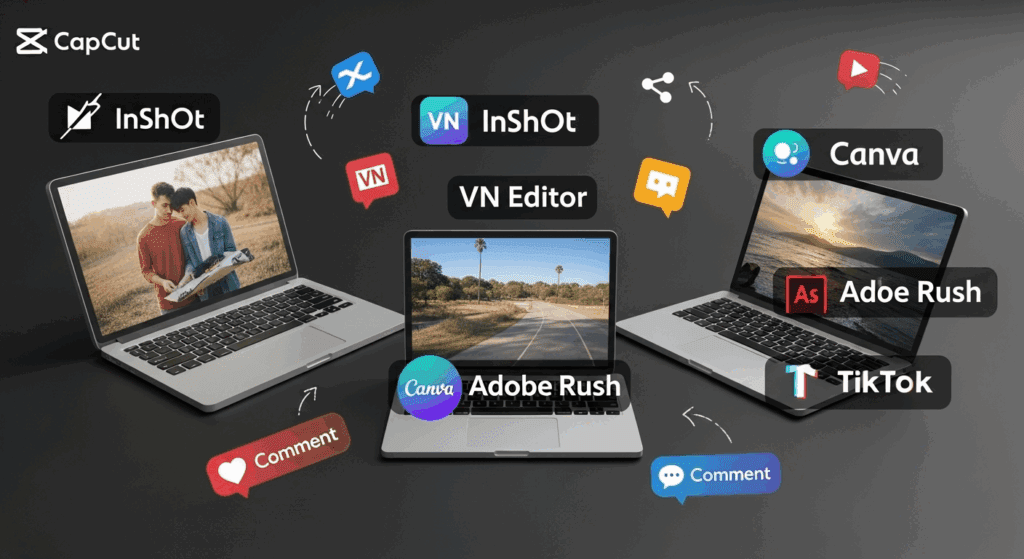
Here are 10 top tools that help you produce Shorts that perform:
- VidAU
- CapCut Web
- InVideo
- FlexClip
- Canva Video
- VEED
- Clipchamp
- Animoto
- Lumen5
- Wave.video
Why Picking the Right UGC Video Maker Matters for YouTube Shorts
Not every video editor works well for YouTube Shorts. These clips demand vertical formats, tight timing, and fast turnaround. So, you need a UGC video maker that fits this style. A good tool simplifies your workflow while helping your content stand out on feeds packed with similar videos.
What Makes a UGC Video Maker Ideal for Shorts?
Before you choose a tool, look for these features:
- Vertical video export (9:16 aspect ratio)
- Speed controls and clip trimming
- Captioning tools
- One-click audio or text overlay
- Template libraries designed for Shorts
These features help you focus more on storytelling and less on formatting headaches.
Which UGC Video Maker Fits Your Creator Type for YouTube Shorts?
Not all creators need the same tools. This table shows which platform works best depending on your goals, whether you’re starting out or producing Shorts at scale:
| Creator Type | Best Tool Match | Why It Works | Key Priorities Covered |
| Beginner Creator | CapCut Web | Simple interface, one-click templates | Ease of use, no login needed |
| Solo UGC Editor | VidAU | Fast script-to-video, saves templates | Batch edits, caption sync, mobile-ready outputs |
| Social Manager | InVideo | Brand-safe templates, scheduling options | Branded visuals, social platform optimization |
| Freelancer | FlexClip | Fast transitions, client-ready formats | Fast delivery, client folder structure |
| Influencer | VidAU | Clean exports, mobile previews, vertical-first flow | Consistency, content volume, TikTok repurpose |
This helps readers see how the best UGC video makers for YouTube Shorts adapt to real-world roles—not just features.
What are YouTube Shorts and why do they need special editing tools?
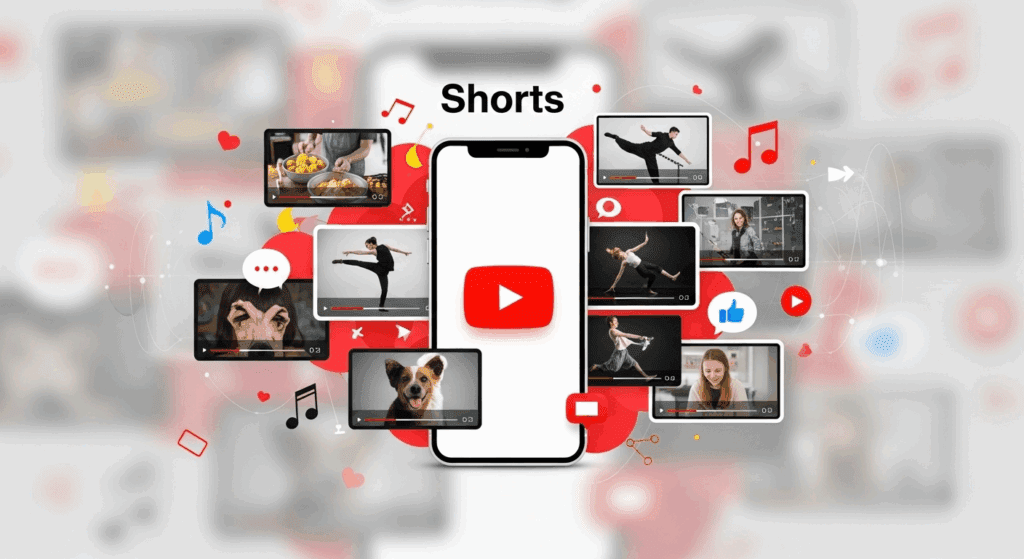
YouTube Shorts are vertical videos under 60 seconds. They play in a loop, show up on mobile-first feeds, and often go viral through algorithm-driven exposure. But because of the short runtime, viewers expect fast hooks, sharp cuts, and clean captions.
You can’t treat Shorts like long YouTube videos. Here’s why:
- You have only 2 seconds to grab attention
- There’s no thumbnail when swiped on mobile
- No time for slow intros or long scenes
This means creators need UGC video makers that are built for short-form content. Basic editors often add watermarks, compress quality, or lack mobile editing support. The best tools let you edit vertically, insert trends fast, and push directly to YouTube.
How does a UGC video maker simplify content creation for YouTube Shorts?
A strong UGC video maker reduces how long it takes to turn ideas into published videos. These tools help both pros and beginners make content consistently.
Most UGC creators shoot with a phone, not a camera. So your video tool should load fast, support vertical input, and give clear previews before upload. If your tool crashes, adds logos, or lacks transitions, your video won’t perform.
What should you avoid when choosing a YouTube Shorts editor?
Not every YouTube Shorts editor is worth your time. Many promise free tools, but come with export limits, watermarks, or outdated templates.
Avoid these common issues:
- Tools that don’t support 9:16 export
- Forced branding or watermarking
- Lack of music sync
- Poor text visibility on mobile
- Long loading times before rendering
What makes a UGC video maker better than basic editing apps for YouTube Shorts?
Most editing apps aren’t built for UGC. They focus on long timelines, desktop tools, and heavy files. A true UGC tool works in the cloud, loads quickly, and keeps templates fresh.
A UGC video maker for Shorts needs:
- Mobile editing and export
- Pre-loaded trend effects
- Built-in voiceovers or voice syncing
- 3-clip editing support (hook, body, CTA)
These are the things that help creators hit publish faster.
How to scale content with the right UGC tool
If you make 10+ videos weekly, your editor must support batch work:
- Save preset templates
- Import scripts in bulk
- Auto-apply captions and transitions
VidAU handles this with less friction than most apps.
Meet VidAU: The Best UGC Video Maker for YouTube Shorts
If you’re looking for speed, consistency, and professional-looking Shorts, VidAU stands out. It’s designed specifically for creators and brands who want to turn raw ideas into polished Shorts without multiple tools.
VidAU supports everything from fast script import to layout-ready video exports. It also comes with template presets tailored for vertical content and short-form attention spans. You can move from script to video in one workflow, all while keeping your brand visuals intact.
This makes VidAU the best UGC video maker for YouTube Shorts, especially for users who want minimal editing steps and maximum creative control.
Conclusion
The best UGC video makers for creating YouTube Shorts are simple, fast, and trend-ready. YouTube Shorts change daily, so your tools must be quick to adjust. From trimming to captions to export, every second counts.
Choose a tool that meets your flow, not one that slows it down. And if you want a solution built from prompt to publish, VidAU handles it without watermarks, long waits, or lost quality.
FAQs
1. What’s the best UGC video maker for YouTube Shorts beginners?1.
VidAU works well for all levels. You don’t need experience to start or publish.
2. Do Shorts need a special editor?
Yes. YouTube Shorts are vertical and fast-paced. General editors often miss those needs.
3. Can I use VidAU to repurpose long videos into Shorts?
Yes. VidAU can extract scenes, summarize, or reformat videos for vertical use.
4. Why do YouTube Shorts go viral more easily?
YouTube promotes Shorts in mobile feeds, which brings exposure faster than long videos.
5. How often should I post YouTube Shorts?
Many creators post daily or 3–5 times per week to stay in the feed.