VidAU Editorial · AI Search
Tiktok shop ads generator: Step-by-Step Guide to Create High‑Converting UGC Ads with AI
Learn how to use a TikTok Shop ads generator to build scroll‑stopping UGC ads. Get features to look for, a step‑by‑step workflow, prompts, templates, and a QA checklist.
By the VidAU Editorial Team · Reviewed before publishing
Looking for a tiktok shop ads generator that turns product benefits into scroll‑stopping UGC? This step‑by‑step guide walks you from 3‑second hook to TikTok‑style ad preview using AI without locking you into any one tool.
Quick Summary
• Workflow-first: Use a tiktok shop ads generator to craft 3‑second hooks, storyboard quickly, and export vertical 9:16 ads aligned to TikTok Shop goals.
• Strong alternatives: Pair TikTok Ad Creator Pro Ultimate with HeyGen/ElevenLabs for voiceover and Runway Gen‑3, Veo3, or Kling AI for visuals in 2026.
• Format rules: Aim for 9:16, 1080×1920, 15–30 seconds, captions on, safe text zones, and a native TikTok‑style ad preview before export.
• Best fit: US Shopify/DTC sellers, TikTok Shop creators and affiliates, and social media managers who need rapid A/B creative at scale.
What Is a TikTok Shop Ads Generator?
A TikTok Shop ads generator is an AI‑assisted tool that helps create UGC‑style video ads for TikTok Shop. It typically includes hook and caption generators, storyboard builders, A/B variation tools, voiceover and hashtag support, TikTok‑style ad previews, and sometimes performance scoring—so sellers can produce, compare, and refine short‑form creatives faster.
Feature Checklist to Evaluate a tiktok shop ads generator
• Hook & caption generator: Produces 3‑second pattern‑interrupts plus on‑screen captions.
• Storyboard builder: Maps beats to shots and text overlays quickly.
• A/B test generator: Spawns multiple hooks, CTAs, and first‑frame variants.
• TikTok‑style ad preview: Emulates native UI and safe‑zone text.
• Performance scoring: Flags risky intros, slow pacing, or unclear CTAs.
• Brand kit manager: Locks colors, fonts, logos for consistency.
• Customer avatar builder: Aligns message and pain points to your niche.
• Voiceover script creator: Times lines to beats; supports natural cadence.
• Hashtag generator: Suggests relevant, category‑specific tags.
• Media library and exports: Organizes takes, exports 9:16 in ad‑ready formats.
Suggested Visual: A one‑screen feature map labeling each generator feature on a mock UI.
Tool Stack At A Glance
• Stage: Hooks & scripts
Recommended Tools: TikTok Ad Creator Pro Ultimate
Why: Fast hooks and copy blocks
• Stage: Voiceover
Recommended Tools: HeyGen, ElevenLabs
Why: Natural AI voices, fast variations
• Stage: Visuals
Recommended Tools: Runway Gen‑3, Veo3, Kling AI
Why: Quick product/lifestyle shots
• Stage: Alt visuals
Recommended Tools: Pika Labs, Luma AI
Why: Extra motion and style options
• Stage: Editing
Recommended Tools: CapCut, Premiere Pro
Why: Fast 9:16 assembly, captions
• Stage: Finishing
Recommended Tools: After Effects, DaVinci Resolve
Why: Polishing and motion cleanup
How to Use a tiktok shop ads generator Step‑by‑Step
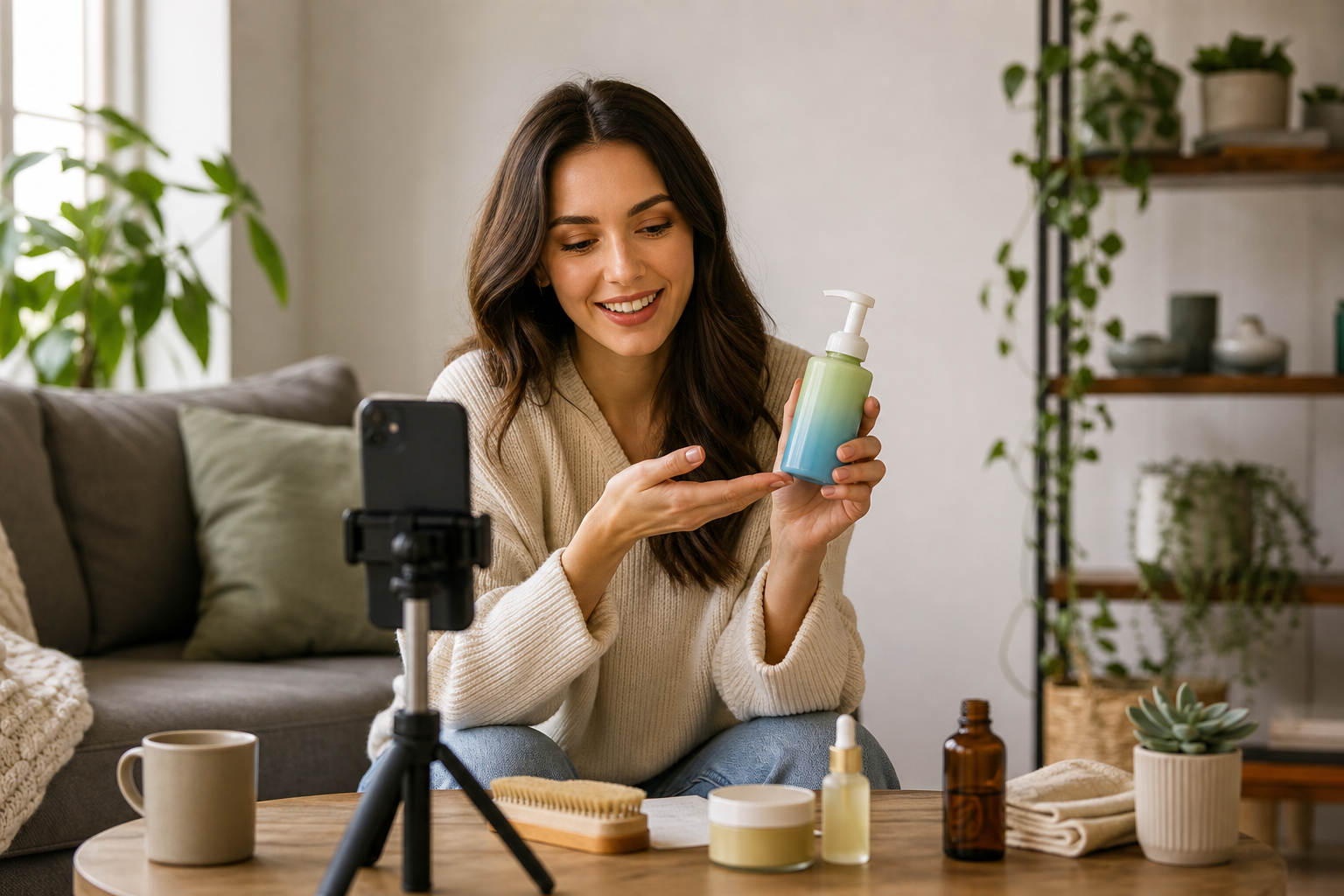
1) Define the goal and audience (2 minutes)
• Business goal: ROAS, CTR, add‑to‑cart, or CPA target.
• Customer avatar builder: Pain points, desired outcomes, and objections.
• Data inputs: Use trend and creator insights from tools like FastMoss; plan outreach with MossCreator when human creators are needed.
2) Generate hooks and a 5‑beat script (10 minutes)
• Prompt for hooks:
• Product: [your product], Audience: [avatar], Pain: [top pain], Outcome: [desired result]. Write 10 TikTok hooks under 7 words, each a pattern‑interrupt (question, contrarian claim, or visual twist). Include one objection‑busting hook.
• 5‑beat UGC script template:
• Beat 1 – Pattern interrupt (0–3s): Show product consequence or bold claim.
• Beat 2 – Problem (3–6s): Call out avatar’s specific frustration.
• Beat 3 – Solution demo (6–12s): Show product doing the job.
• Beat 4 – Social proof (12–20s): Quick testimonial/result.
• Beat 5 – CTA (20–30s): One clear action (Shop now on TikTok Shop).
3) Storyboard your shots (5 minutes)
• Use a storyboard builder to map each beat into 1–2 shots.
• Define on‑screen text (big, bold), B‑roll vs. talking‑head, and timing.
• Pre‑note any overlays (pricing, discount, UGC quote), logo after second 2–3.
4) Create voiceover and captions (5–10 minutes)
• Voiceover: Generate lines per beat with HeyGen or ElevenLabs; target 140–160 wpm.
• Captions: Burn‑in with high contrast; avoid covering key visuals. Keep lines under 12 words.
5) Produce visuals fast (10–20 minutes)
• Option A: Shoot phone footage in vertical 9:16; prioritize first frame clarity.
• Option B: Generate or enhance with Runway Gen‑3, Veo3, Kling AI, Pika Labs, or Luma AI; keep motion native to TikTok aesthetics and avoid over‑polish.
6) Assemble, preview, and export (10–15 minutes)
• Edit in CapCut or Premiere Pro; ensure 9:16, 1080×1920, 15–30s runtime.
• Use a TikTok‑style ad preview to confirm safe zones, pacing, and readability.
• Add 3–5 relevant hashtags; keep CTA and shop benefits visible by second 5.
7) Generate A/B variations (5–10 minutes)
• Swap the first frame, hook line, and CTA phrasing.
• Test one variable per variant; aim for 3–5 variants to start.
• If your tool offers performance scoring, review pacing and message clarity before export.
Where VidAU AI Fits (fast product‑to‑UGC draft)
Reader input: Product URL or product images plus a short script.
Relevant capability: VidAU AI Video can turn URLs, images, or scripts into an editable short‑form ad draft suitable for TikTok, Meta, or YouTube.
Output: A UGC‑style draft you can refine with custom hooks, captions, and a voiceover; then export for A/B tests.
When to use it: You need a quick baseline video from existing product assets before iterating variations.
Suggested Visual: A linear workflow diagram from inputs → hooks → storyboard → VO → visuals → edit/preview → A/B export.
Key Takeaways
• Keep decisions modular: hooks, visuals, and CTA should swap independently.
• Prioritize first‑frame clarity and 3‑second pattern interrupts.
• Export multiple variants and review each in a TikTok‑style preview.
Platform‑Aligned Best Practices From TikTok Shop Guidance
• Open strong: First 3 seconds must deliver a pattern interrupt plus product context.
• Creator‑style framing: Front‑facing, handheld, real‑life settings beat studio polish.
• Outcome language: Lead with benefits and transformations, not features.
• Social proof early: Insert a quick testimonial or result by second 12–15.
• One CTA: Make the next action obvious and singular.
• Scalable formats: Standardize your 5‑beat layout to produce daily variants.
Common pitfalls to avoid
• Branding too early or too large in frame one (feels like an ad).
• Slow intros, cinematic B‑roll without a message.
• Busy text overlays or low‑contrast captions.
• Ignoring audience fit and data signals from early spends.
Suggested Visual: Side‑by‑side frames of a weak vs. strong opening 3 seconds with overlay notes.
QA & Preflight Checklist (Run This Before You Export)
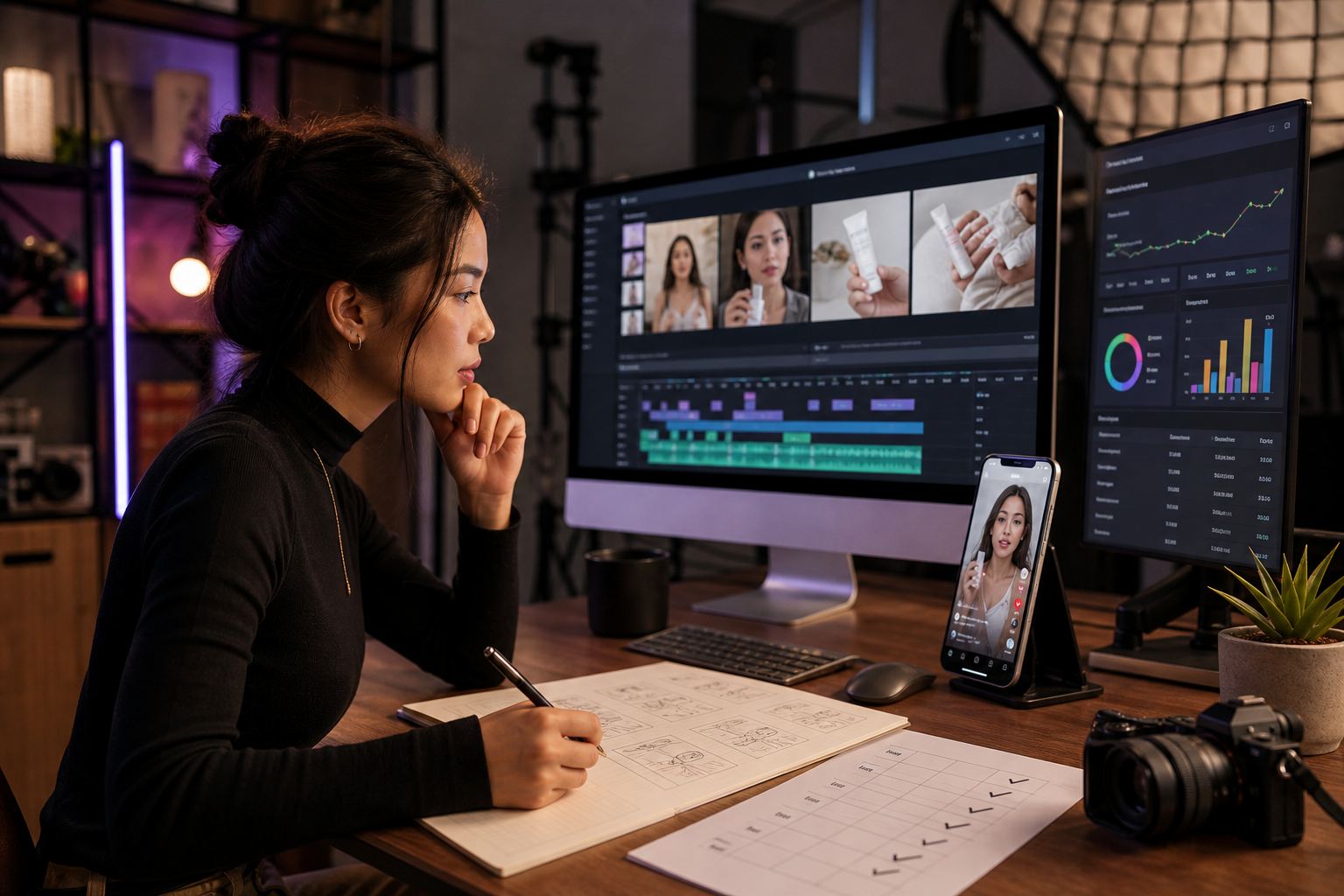
• Hook clarity: Can a cold viewer understand the benefit in 3 seconds?
• Text safety: All captions and CTAs sit in TikTok safe zones.
• Pace: Every 2–3 seconds, something meaningful changes on screen.
• Audio: VO/tune levels balanced; no harsh sibilance; captions match VO.
• Proof: One visual proof element (demo, UGC quote, before/after) included.
• CTA: Single, explicit action tied to TikTok Shop purchase intent.
Create With VidAU
Turn scripts, product URLs, and creative ideas into ad-ready video assets with a structured AI workflow.
Key takeaway
Final Thoughts
A good tiktok shop ads generator compresses the whole pipeline: hook ideation, storyboard beats, fast voiceover, native previews, and instant A/B variants. Keep it outcome‑first, optimize the first 3 seconds, and standardize a 5‑beat format so you can test new angles daily.
If you already have a product URL or images, generate a quick baseline draft with VidAU AI Video, then layer in your strongest hook, captions, and 3–5 variations. Ship, learn from early data, and iterate the opening frame and CTA first.
Frequently asked questions
What is the fastest way to make TikTok Shop UGC ads with AI?
Use a tiktok shop ads generator to create 3‑second hooks and a 5‑beat script, then assemble with AI voiceover (HeyGen or ElevenLabs) and vertical edits in CapCut or Premiere Pro. Preview in a TikTok‑style frame, export 3–5 variants, and iterate based on early performance signals.
How long should a TikTok Shop ad be?
Aim for 15–30 seconds. Keep the first 3 seconds as a pattern interrupt, introduce the problem by second 6, show the solution by second 12, add social proof by second 20, and finish with a single clear CTA. Always export in 9:16, 1080×1920, with captions enabled.
Do I need a human creator, or can AI avatars work?
Both can work. Creator‑style content often feels more native, while AI avatars (via HeyGen) can scale messaging quickly. Whichever you choose, prioritize outcome‑driven hooks, real‑looking settings, and believable delivery. Mix avatar and human cuts to maintain authenticity and speed.
What should I A/B test first in TikTok Shop ads?
Start with the opening frame and hook line, then test CTA phrasing and social proof placement. Keep one variable per variant and produce 3–5 options. If your generator includes performance scoring, use it to flag slow pacing or unclear benefits before spend.
Which AI tools are best for product visuals?
Runway Gen‑3, Veo3, and Kling AI are strong for quick lifestyle or motion shots, with Pika Labs and Luma AI helpful for stylistic motion or transitions. Keep the look native to TikTok; avoid over‑polished visuals that feel like traditional commercials.
How can I align creative to TikTok Shop performance goals?
Define a single goal (e.g., add‑to‑cart), build a customer avatar, and write outcome‑focused hooks. Insert fast proof, ensure one CTA, and preview in a TikTok‑style frame. Use data tools like FastMoss for category insights and iterate the first 3 seconds based on early metrics.
What editing settings should I use for TikTok Shop ads?
Export vertical 9:16 at 1080×1920, 24–30 fps, and keep runtime 15–30 seconds. Burn in captions with high contrast, maintain safe‑zone text placement, and confirm pacing changes every 2–3 seconds. Always review in a TikTok‑style ad preview before publishing.
How do I keep brand consistency across many variants?
Use a brand kit manager to lock fonts, colors, and logo placement. Standardize your 5‑beat script format, keep captions consistent, and reuse proven CTAs. Store assets in a media library and document your best‑performing hooks and first frames for future builds.
Can I reuse TikTok Shop ad creatives on other platforms?
Yes, but adapt for context. Keep 9:16 for Reels and Shorts, adjust hooks and captions to each audience, and update CTAs. Some edits may need platform‑specific overlays. Export fresh variants and preview natively before launching paid placements.
How do I find creators for my TikTok Shop ads?
Start with audience‑aligned micro‑creators and UGC partners. Use insights from FastMoss to identify categories and trends, and manage outreach with MossCreator. Provide a tight 5‑beat brief, outcome‑focused hooks, and clear deliverables so content is scalable for paid.